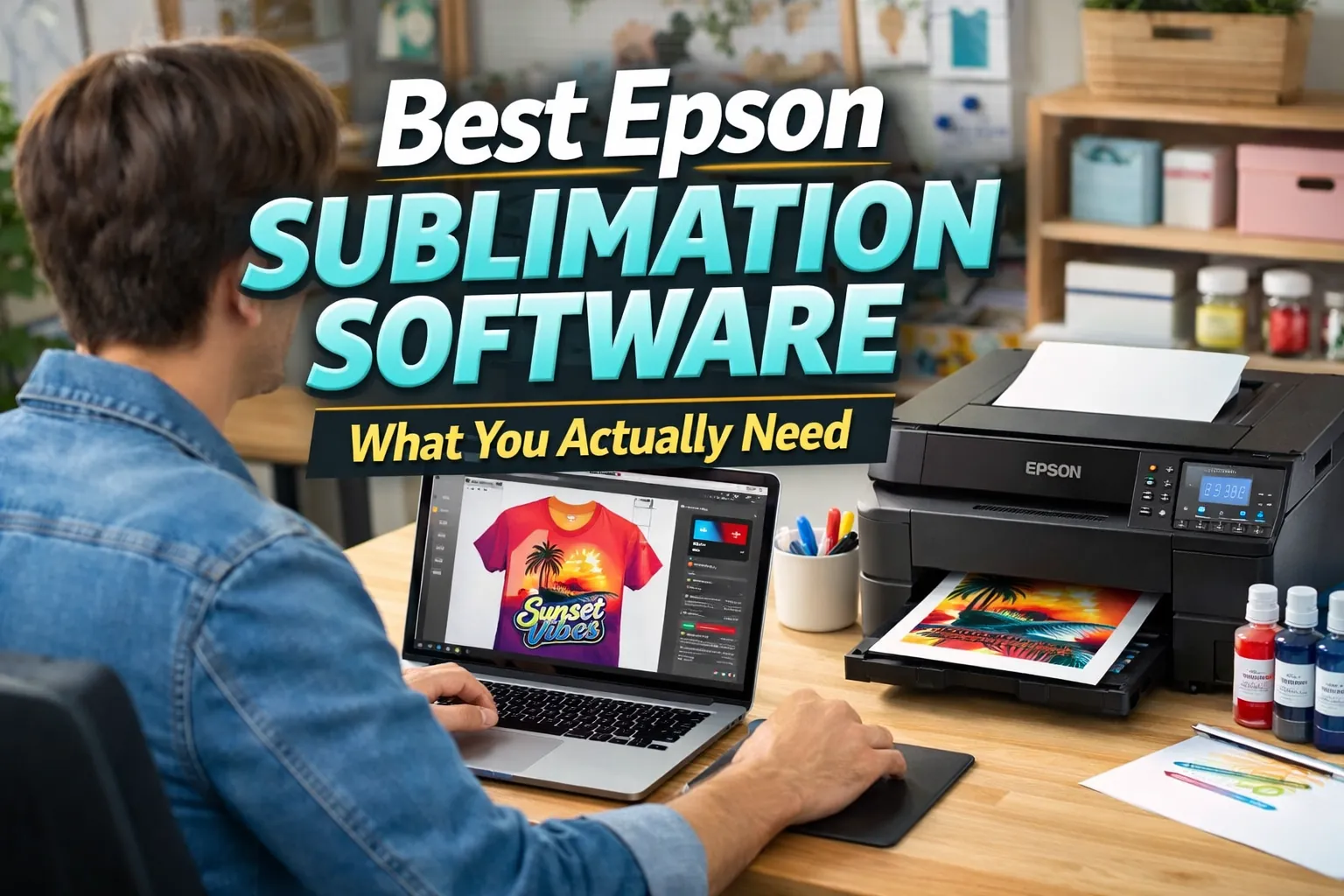
Best Sublimation Software for Epson Printers

If you’re using an Epson sublimation printer, choosing the right software can feel confusing especially when you’re trying to get accurate colors and clean prints.
Here’s the simple answer.
Best Sublimation Software for Epson Printers
If you’re using an Epson sublimation printer, these are the best software options:
- Best overall: Epson Print Layout
- Best free option: GIMP
- Best for beginners: Canva
- Best for professional design: Adobe Photoshop
- Best for vector graphics: CorelDRAW
If you want a deeper breakdown of how these tools fit into your workflow, this guide will walk you through exactly what you need (and what you don’t).
What Software Works with Epson Sublimation Printers?
Epson sublimation printers work with two types of software:
- Design software → used to create your artwork (Photoshop, Canva, GIMP)
- Print/layout software → used for color accuracy and printing (Epson Print Layout)
That’s it. No special “sublimation-only” software is required.
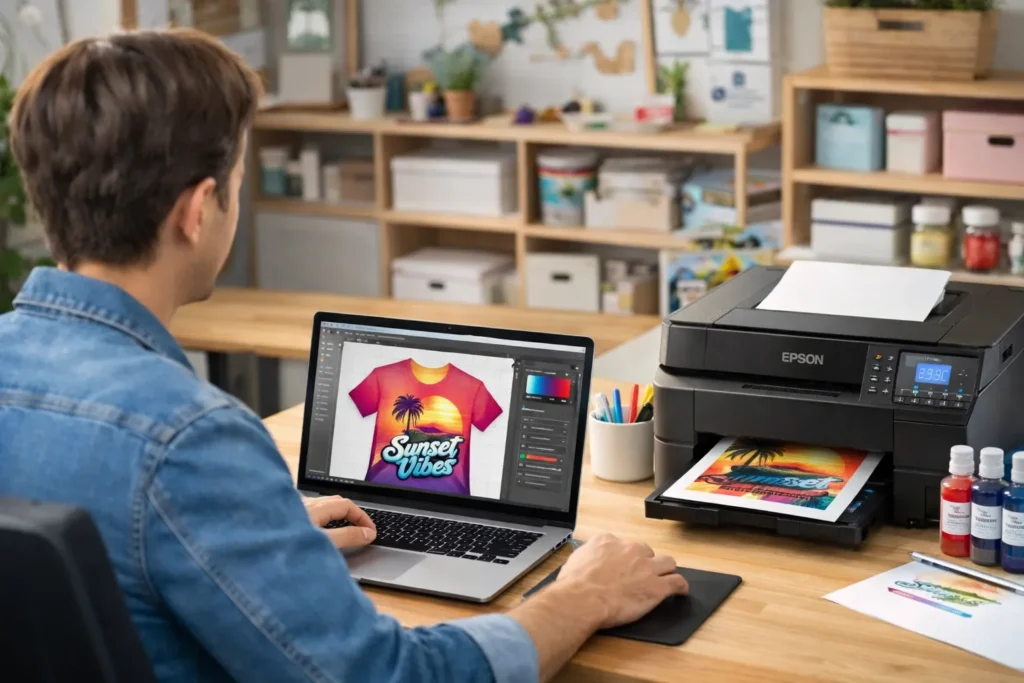
Best Software for Epson Sublimation (Core Options)
1. Epson Print Layout (Top Choice)
- Built specifically for Epson printers
- Best color accuracy with ICC profiles
- Ideal for consistent print results
2. Adobe Photoshop
- Advanced color control and editing
- Works well with Epson ICC profiles
- Industry standard for professional workflows
3. CorelDRAW
- Excellent for vector designs (logos, text-based prints)
- Strong print layout control
- Popular in print shops
4. Affinity Designer
- Budget-friendly alternative to Adobe tools
- Good compatibility with sublimation workflows
- Solid for both vector and raster work
5. GIMP (Free Option)
- Free and powerful editing tool
- Supports ICC color profiles
- Great starting point for beginners
6. Canva (Beginner Option)
- Very easy to use
- Perfect for simple designs
- Limited color control for sublimation printing
If you’re unsure how these tools fit into a full workflow, this guide on what program you should use for sublimation breaks it down clearly.
Best Free Sublimation Software for Epson
If you’re using an Epson printer and want free software:
- GIMP → Best for color control with ICC profiles
- Inkscape → Best for vector designs
- Canva → Best for simple beginner designs
Free tools can absolutely work you just need to manage color settings properly.
Do You Need Epson Print Layout?
You should use Epson Print Layout if:
- You want accurate colors
- You are using ICC profiles
- You need consistent print results
You can skip it if:
- You are doing basic designs
- You print directly from design software
For most users struggling with color accuracy, the issue is not the design it’s the lack of proper ICC profiles for sublimation printing.
How to Choose the Right Software for Epson
Choose based on your situation:
- Beginner → Canva
- Free option → GIMP / Inkscape
- Professional work → Photoshop / CorelDRAW
- Best print accuracy → Epson Print Layout
Keep your setup simple. You don’t need multiple tools to get started.
Common Mistake (Most Users Get This Wrong)
Many users think Epson printers need special “sublimation software.”
They don’t.
You only need:
- Design software
- (Optional) Epson Print Layout for better color control
Most printing issues actually come from setup problems. If your prints look dull or incorrect, follow this sublimation troubleshooting guide instead of switching software.
Frequently Asked Questions
Do Epson printers need special sublimation software?
No, Epson printers do not require special software. You only need design software and optionally Epson Print Layout for color accuracy.
What is the best free software for Epson sublimation?
GIMP is the best free option for color control, while Inkscape is ideal for vector designs.
Can I use Canva with Epson sublimation printers?
Yes, Canva works well for simple designs, but it has limited color control compared to professional tools.
Do I need ICC profiles for Epson sublimation?
Yes, ICC profiles help ensure accurate colors and are essential for consistent sublimation results.