
Are you struggling to choose the right materials for sublimation printing? This app simplifies the process, helping you pick the perfect blank for flawless results every time. Learn how a sublimation material and product selector app can boost your efficiency and success.
Sublimation Apps for Material and Product Selector is a valuable tool for anyone involved in sublimation printing. It’s designed to simplify the selection process and help users achieve top-notch results easily. Feel free to use our calculation app below for your project.
Sublimation Material and Product Selection Calculator App
Only Epson (EcoTank models, converted with third-party sublimation ink), Sawgrass, and Ricoh support sublimation. Thermal-printhead brands like Canon and Brother are not compatible.
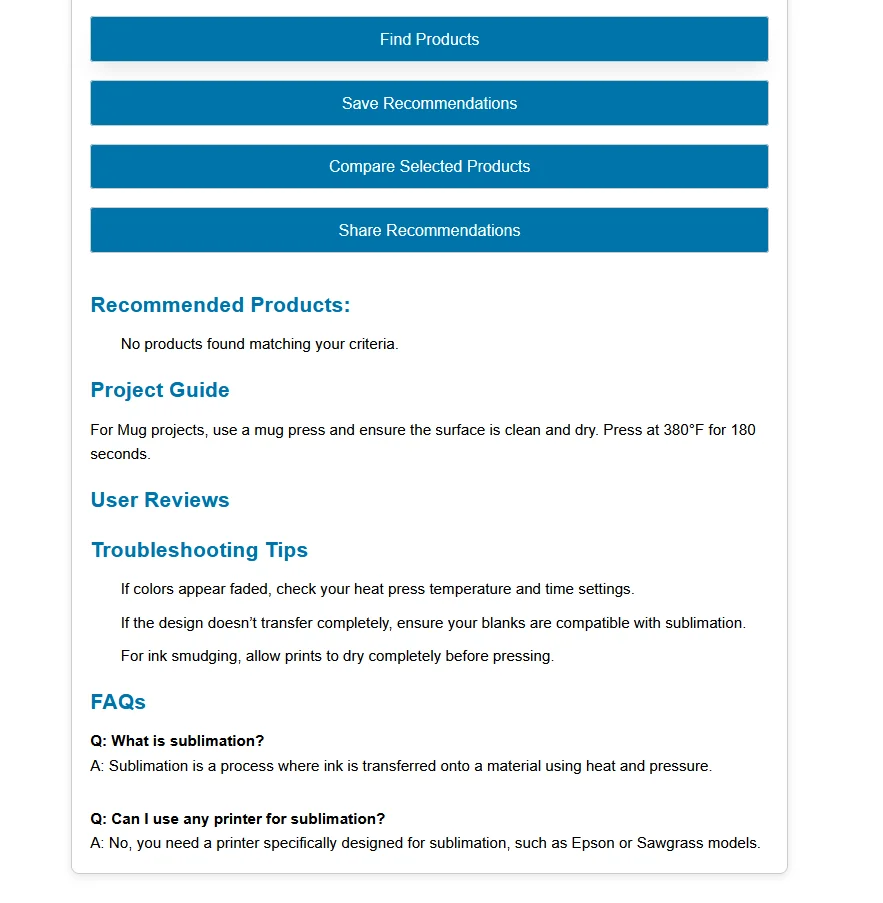
Recommended Products:
Project Guide
Notes
Troubleshooting Tips
- If colors appear faded, check your heat press temperature and time settings.
- If the design doesn’t transfer completely, ensure your blanks are compatible with sublimation.
- For ink smudging, allow prints to dry completely before pressing.
FAQs
Q: What is sublimation?
A: Sublimation is a process where ink is transferred onto a material using heat and pressure.
Q: Can I use any printer for sublimation?
A: No, you need a printer specifically designed or converted for sublimation, such as an Epson EcoTank loaded with third-party sublimation ink, or a dedicated Sawgrass or Ricoh model. Printers with thermal printheads, including Canon and Brother, are not compatible.
What is a Sublimation Material and Product Selection Calculator?
A Sublimation Material and Product Selection Calculator is an interactive tool designed to help you choose the best materials and products for your sublimation projects. Sublimation is a process in which special sublimation dyes are used to transfer images onto various substrates, such as fabric, ceramic, metal, and more.

This calculator considers multiple factors, such as project type, quality level, and brand preferences, to recommend the most suitable products.
How to Use the Sublimation Material & Product Selection Calculator
Using the calculator is simple and only takes a few minutes. Here’s how it works:
- Select Your Project Type
Choose whether you’re working on T-shirts, mugs, fabrics, or custom projects. This tells the calculator which materials to pull from the database. - Pick Your Quality Level
Decide if you want high-end, standard, or budget options. The calculator adjusts recommendations to match your budget and quality needs. - Choose the Product Type
Select the kind of product you’ll be sublimating on, like blanks, printers, inks, or heat presses. - Add Brand Preferences (Optional)
If you trust certain brands (Geo Knight, Epson, Gildan, etc.), you can filter results for better compatibility. - Review Your Recommendations
The calculator will display the best-matched blanks, presses, and settings tailored to your choices.
How to Choose the Best Sublimation Materials for My Project?
Choosing the best sublimation materials involves considering several factors:
- Project Type: The type of project (e.g., T-shirt, mug, fabric, custom) determines the suitable materials and products. Different substrates require specific types of blanks and heat presses.
- Quality Level: Depending on your budget and the desired quality, you can opt for high, medium, or budget-grade materials and products.
- Product Type: Identifying the right type of product (e.g., printer, ink, heat press, blanks) is crucial. Each component plays a vital role in achieving the desired sublimation quality.
- Brand Preference: Certain brands specialize in sublimation products and may offer better compatibility and quality for specific needs.
By considering these factors, you can select the best materials and products to yield high-quality sublimation results for your projects.
Sublimation Product Selection Guide
The models below are commonly used examples in each price tier, not independently tested rankings. Confirm current specs, sublimation compatibility, and reviews before buying, models and availability change often.
To assist you in making the best choices, here’s a quick guide based on common project types:
T-Shirts
- High Quality: Premium 100% Polyester Blanks, Dedicated Sawgrass or Ricoh Printer, Professional Heat Press (e.g., Geo Knight DK20S)
- Medium Quality: Standard Polyester Blanks (65%+), Converted Epson EcoTank Printer, Standard Heat Press (e.g., PowerPress HPM-1515-BK)
- Budget: Budget Polyester Blanks (65%+), Converted Epson EcoTank Printer, Budget Heat Press (e.g., Fancierstudio Digital Heat Press)
Mugs
- High Quality: Premium Poly-Coated Ceramic Mugs, Sawgrass Printer, Professional Mug Press (e.g., Geo Knight DK3)
- Medium Quality: Standard Poly-Coated Ceramic Mugs, Converted Epson EcoTank or Ricoh Printer, Standard Mug Press (e.g., VEVOR Mug Heat Press)
- Budget: Budget Poly-Coated Ceramic Mugs (confirm coating), Converted Epson EcoTank Printer, Budget Mug Press (e.g., Fancierstudio Mug Press)
Fabric
- High Quality: Premium 100% Polyester Fabric Rolls, Sawgrass Wide-Format Printer, Professional Heat Press (e.g., Stahls Hotronix Air Fusion)
- Medium Quality: Standard Polyester Fabric Rolls, Converted Epson EcoTank or Ricoh Printer, Standard Heat Press (e.g., PowerPress Industrial-Quality Heat Press)
- Budget: Budget Polyester Fabric Rolls (verify poly content), Converted Epson EcoTank Printer, Budget Heat Press (e.g., Fancierstudio Heat Press)
Custom Projects
- High Quality: Custom High-Quality Poly-Coated Blanks, Sawgrass Printer, Professional Heat Press (e.g., Geo Knight DK20SP)
- Medium Quality: Custom Standard Poly-Coated Blanks, Converted Epson EcoTank or Ricoh Printer, Standard Heat Press (e.g., PowerPress HPM-1620)
- Budget: Custom Budget Blanks (always confirm sublimation compatibility first), Converted Epson EcoTank Printer, Budget Heat Press (e.g., Fancierstudio Heat Press)
Features
Materials Database: A well-organized database is the heart of a selector app. It provides vital information like compatible sublimation temperature ranges, suggested settings, and examples of everyday products made from each material (e.g., polyester for t-shirts and ceramic for mugs).
Product Selector: A user-friendly product selector enables searching or filtering products. Options to search by product type (mugs, phone cases), size variations, and even available colors streamline the browsing process.
Settings Calculator: Some apps may offer a settings calculator, which takes customization a step further by considering the material type, product size, and specific printer model to provide tailored heat, time, and pressure recommendations.
Community/Support: Apps that connect users to a community forum or offer links to tutorials and resources create an ongoing support system that is precious for beginners.
Unlock the full potential of your sublimation projects with our easy-to-use calculator apps. Click now and elevate your printing game!
Specific Material Selection
Best Sublimation Materials for T-Shirts
When it comes to sublimation printing on t-shirts, the material of the shirt plays a crucial role in the quality of the final print. Here are the best options for sublimation t-shirts:
- Polyester T-Shirts:
- High-Quality Polyester T-Shirts: These provide the best results for sublimation printing. The colors are vibrant, and the prints are long-lasting.
- Blends: T-shirts with a high polyester content (at least 65%) can also work well for sublimation, though pure polyester is ideal.
- Brands: Consider brands like Gildan, Jerzees, and Hanes for high-quality polyester t-shirts.
- Cotton-Polyester Blends:
- High Polyester Percentage: Blends with at least 50% polyester content can produce decent results, although the colors may not be as vibrant as 100% polyester.
- Soft Touch: These blends offer a softer feel than 100% polyester t-shirts, making them more comfortable to wear.
Suitable Sublimation Substrates for Mugs
For sublimation printing on mugs, the substrate must be specifically coated to accept sublimation ink. Here are the best options:
- Ceramic Mugs:
- Premium Ceramic Mugs: These are specifically coated for sublimation and provide excellent color reproduction and durability.
- Glossy Finish: Look for mugs with a shiny finish, as they typically yield better print quality.
- Porcelain Mugs:
- High-Quality Porcelain Mugs: These are also suitable for sublimation when properly coated, offering a slightly different aesthetic compared to ceramic.
- Durability: Porcelain mugs are known for their durability and high-quality prints.
- Travel Mugs and Tumblers:
- Stainless Steel Tumblers: When coated for sublimation, stainless steel is perfect for travel mugs and tumblers, offering vibrant prints and long-lasting durability.
Recommended Sublimation Paper for High-Quality Prints
The quality of the sublimation paper directly affects the sharpness and vibrancy of the printed image. Here are the top recommendations:
- High-Quality Sublimation Paper:
- A-Sub Sublimation Paper: Known for its high transfer rate and excellent color reproduction, making it a top choice for professional-grade prints.
- TexPrint R: A popular choice for its reliability and high-quality output, suitable for many substrates.
- Medium-Quality Sublimation Paper:
- Printers Jack Sublimation Paper: Offers a good balance between quality and cost, suitable for medium-quality prints.
- Koala Sublimation Paper: Another good option for medium-quality prints, providing decent color reproduction and transfer rates.
- Budget Sublimation Paper:
- Hiipoo Sublimation Paper: Affordable and provides acceptable quality for budget-conscious projects, though the results may not be as vibrant as higher-end papers.
- HTVRONT Sublimation Paper: Cost-effective and decent for every day sublimation printing needs, suitable for personal projects and small businesses.
Ready to elevate your sublimation projects? Explore Subli Genius Print’s selection of materials, tools, and resources.