POS Systems for Print Shops: Top 5 Compared by Price and Features (2026)

Choosing the right POS system is about more than processing payments. A good POS (Point Of Sale) helps your print shop manage inventory, improve customer service, track sales, and support long-term business growth.
For most startups, Square POS offers the best value, while Shopify POS is ideal for businesses selling online and in-store. Growing print shops may prefer Lightspeed Retail, Clover POS, or Epos Now for their advanced inventory management, reporting, and scalability.
Quick Recommendation:
| If you are… | Choose |
|---|---|
| Starting a print shop | Square POS |
| Selling online with Shopify | Shopify POS |
| Managing a retail store | Clover POS |
| Running multiple locations | Epos Now |
| Need advanced inventory | Lightspeed Retail |
In this guide, you’ll compare each POS system by pricing, features, pros and cons, and discover which solution is the best fit for your print shop.
If you’re looking to improve fulfillment after the sale, our guide on automating order tracking for your sublimation print business is a natural next step.
Top 5 POS (Point Of Sale) Systems for Print Shops
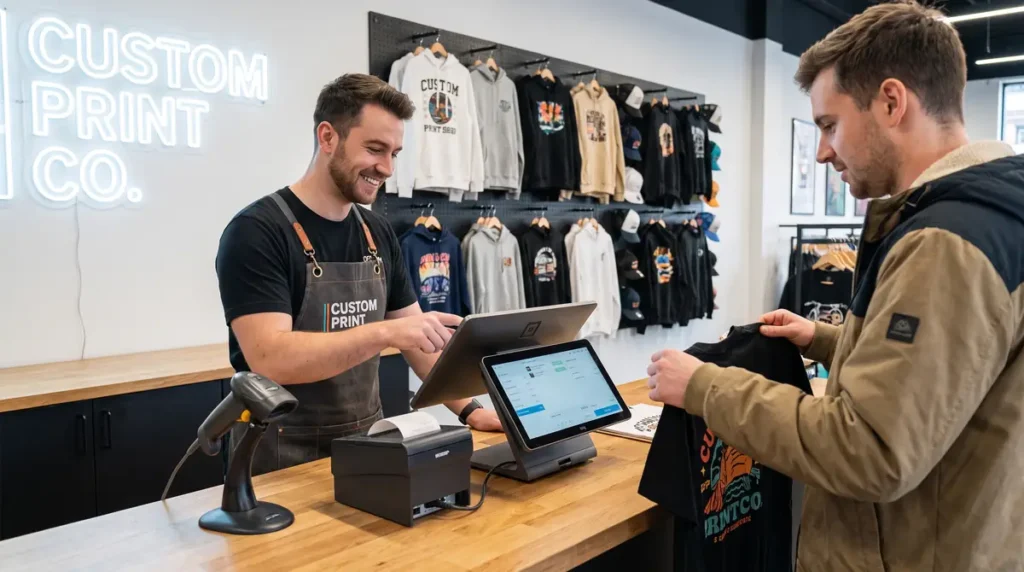
Choosing the right POS system depends on how your print shop operates. Some businesses primarily serve walk-in customers, while others focus on eCommerce, wholesale orders, or custom production. The following platforms offer a balance of pricing, features, and scalability for different types of print businesses.
1. Square POS
Starting Price: Free/Paid
Square POS is the best overall choice for startups and small print shops because it offers free POS software, easy setup, inventory management, and reliable payment processing without a monthly subscription.
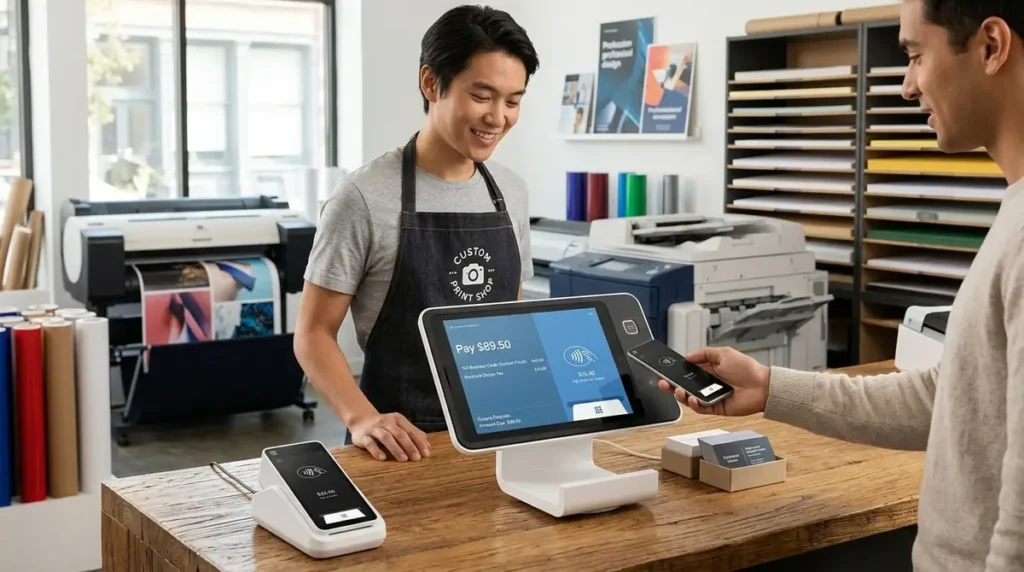
Best For: Home-based print shops, startups, and small sublimation businesses
Square POS remains one of the easiest systems to set up. It offers a free plan that includes payment processing, inventory management, customer profiles, and basic reporting, making it an excellent choice for businesses that are just getting started.
Key Features
- Free POS software
- Inventory management
- Customer directory
- Digital receipts
- Mobile POS app
- Online payment support
- Employee management
- Sales reporting
Pros
- No monthly fee for the basic plan
- Easy to learn
- Excellent mobile app
- Affordable hardware
- Supports online and in-store sales
Cons
- Advanced reporting requires paid plans
- Limited customization compared to enterprise systems
Ideal for: Sublimation startups, craft businesses, and shops processing fewer than 500 orders per month.
2. Shopify POS
Starting Price: From $39/month (Shopify subscription required)
Shopify POS is the best option for businesses that sell both online and in-store. Its seamless Shopify integration keeps products, inventory, customers, and orders synchronized across every sales channel.
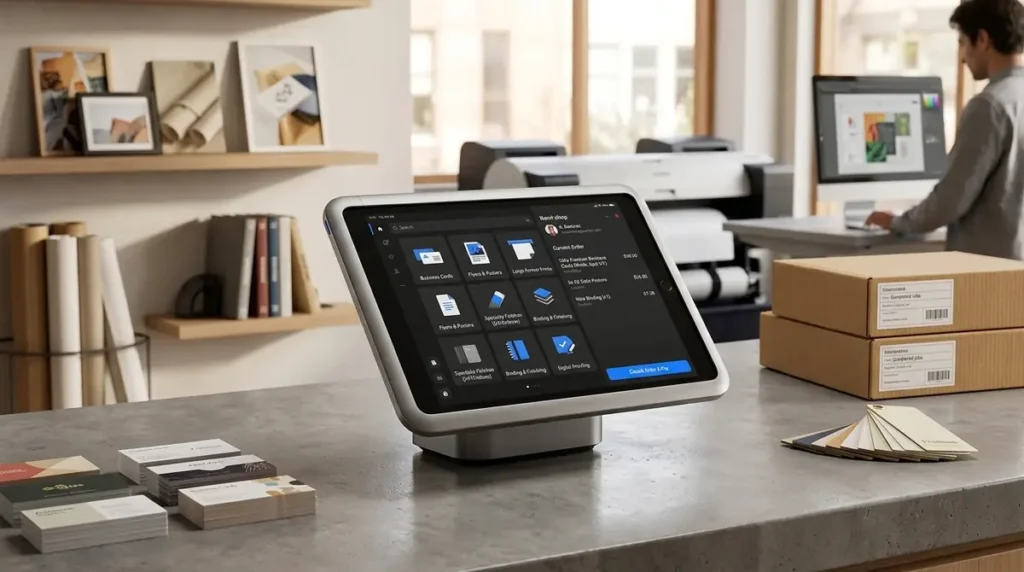
Best For: Businesses selling both online and in-store
If your website already runs on Shopify, Shopify POS creates a seamless experience by syncing products, inventory, customers, and orders automatically.
For businesses still deciding on an eCommerce platform, our comparison of Shopify vs WooCommerce for sublimation products explains which ecosystem is better suited for custom printing businesses.
Key Features
- Native Shopify integration
- Unified inventory
- Customer profiles
- Gift cards
- Discount management
- Mobile checkout
- Order history
- Multi-location inventory
Pros
- Excellent online and retail synchronization
- Easy inventory management
- Strong app ecosystem
- Reliable cloud platform
Cons
- Requires a Shopify subscription
- Some POS features require Shopify POS Pro
Ideal for: Print shops that sell online and operate a physical storefront.
3. Lightspeed Retail
Starting Price: From $109/month
Lightspeed Retail is ideal for growing print shops that need advanced inventory management, detailed reporting, and multi-location support. Its higher price is justified for businesses managing larger product catalogs.
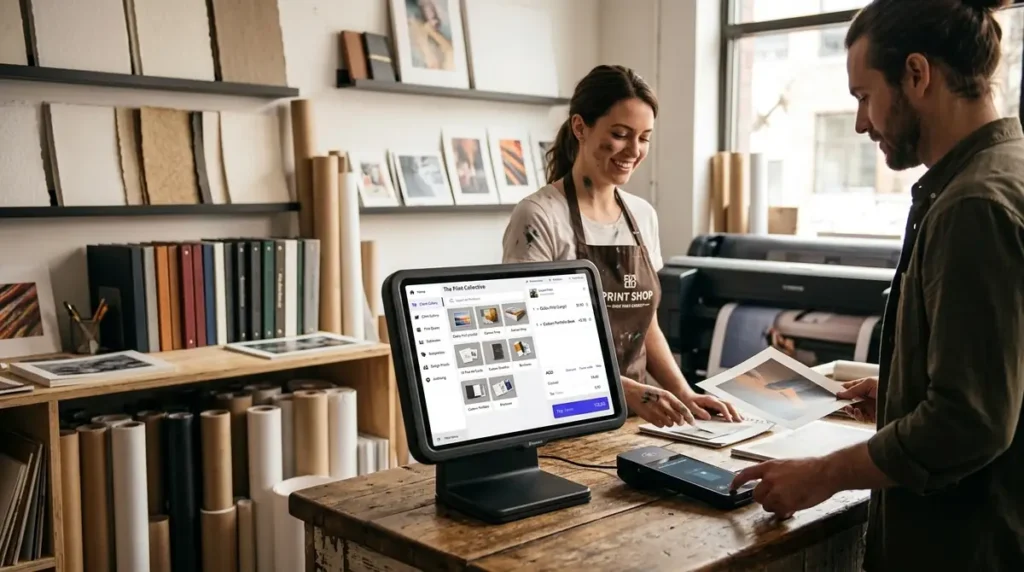
Best For: Growing retail print shops
Lightspeed Retail is designed for businesses with larger inventories and more advanced operational needs. Its reporting and inventory tools are particularly valuable for shops managing hundreds or thousands of SKUs.
Key Features
- Advanced inventory tracking
- Purchase order management
- Customer loyalty tools
- Vendor management
- Multi-store support
- Detailed reporting
- Barcode scanning
- Cloud access
Pros
- Powerful inventory controls
- Excellent analytics
- Scales with business growth
- Strong multi-location support
Cons
- Higher monthly cost
- More features than very small shops may need
Ideal for: Established print businesses with multiple employees or retail locations.
4. Clover POS
Starting Price: Pricing varies by reseller
Clover POS is a great fit for retail print shops that want flexible hardware, simple payment processing, and access to a large marketplace of business apps without a steep learning curve.
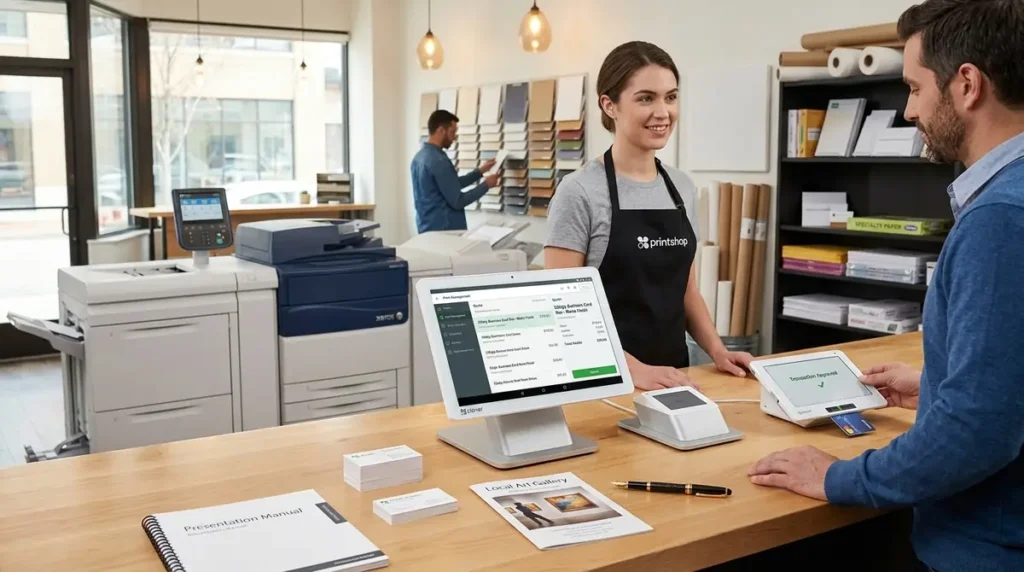
Best For: Retail print shops with physical locations
Clover combines modern POS hardware with an extensive marketplace of business apps. Print shops can expand functionality as their needs evolve without replacing the entire system.
Key Features
- Custom hardware options
- Mobile payment processing
- Inventory management
- Employee permissions
- Customer database
- App marketplace
- Sales reporting
Pros
- Flexible hardware
- User-friendly interface
- Large selection of third-party apps
- Reliable payment processing
Cons
- Pricing depends on provider
- Monthly costs vary by hardware package
Ideal for: Brick-and-mortar print shops looking for flexible hardware options.
5. Epos Now
Starting Price: Approximately $39/month
Epos Now is best for expanding print businesses that need cloud-based management, scalable inventory tools, and centralized reporting across multiple stores or growing teams.
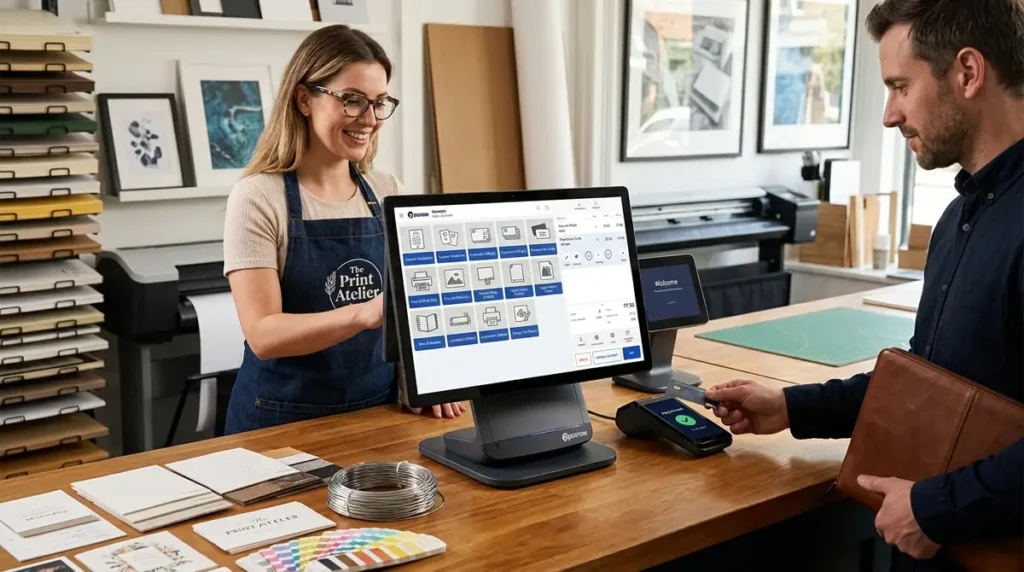
Best For: Growing print businesses and multi-location operations
Epos Now offers a combination of affordability and scalability. It includes inventory management, customer relationship tools, reporting, and cloud access, making it suitable for businesses planning long-term growth.
Key Features
- Cloud-based dashboard
- Inventory management
- Customer profiles
- Employee management
- Sales analytics
- Multi-store support
- Hardware bundles
- Integration marketplace
Pros
- Easy to scale
- Good reporting tools
- Competitive pricing
- Supports multiple locations
Cons
- Some integrations require additional subscriptions
- Advanced features may increase monthly costs
Ideal for: Print shops preparing to expand beyond a single location.
Before You Buy a POS System
Ask yourself:
- Do I sell online?
- Do I need inventory tracking?
- Will I hire employees soon?
- Do I attend craft fairs?
- Do I need barcode scanning?
- Will I have multiple locations?
- Do I need customer loyalty features?
Which POS System Offers the Best Value?
| Business Type | Recommended POS |
|---|---|
| New sublimation business | Square POS |
| Shopify-based print shop | Shopify POS |
| Growing retail print shop | Lightspeed Retail |
| Walk-in print store | Clover POS |
| Multi-location print business | Epos Now |
A POS system should fit into your overall workflow instead of operating independently. For example, after a customer completes a purchase, your production process should begin automatically. If you haven’t yet optimized that workflow, read our guide on automating order tracking for your sublimation print business to reduce manual work between checkout and fulfillment.
Similarly, businesses that regularly handle schools, sports teams, or corporate clients can improve efficiency by combining their POS with the best quoting software for wholesale apparel orders, allowing quotes to flow smoothly into production after approval.
Which POS System Is Best for Different Print Shops?
Not every print business has the same needs. A home-based sublimation shop processing a few orders each day has very different requirements from a commercial print shop managing multiple employees and thousands of products.
Here’s a quick guide to help you choose the right solution.
Home-Based Sublimation Business
If you’re just starting out, your priorities should be affordability, ease of use, and simple inventory management.
Recommended POS: Square POS
Why it works:
- No monthly software cost
- Easy setup
- Mobile payment support
- Basic inventory tracking
- Customer database included
As your order volume increases, you’ll also benefit from improving your production workflow. Our guide on automating order tracking for your sublimation print business explains how to connect sales with production more efficiently.
Small Retail Print Shop
Retail print shops often serve walk-in customers while producing custom orders throughout the day.
Recommended POS: Shopify POS or Clover POS
These systems offer:
- Fast checkout
- Customer purchase history
- Inventory synchronization
- Staff permissions
- Integrated payment processing
If your business already sells online or plans to, choosing the right eCommerce platform becomes equally important. Our comparison of Shopify vs WooCommerce for sublimation products can help you decide which ecosystem fits your long-term goals.
Apparel Decoration Shop
Businesses specializing in uniforms, team apparel, promotional products, or corporate merchandise typically manage larger custom orders.
Recommended POS: Lightspeed Retail
Its advanced inventory controls and reporting tools make it easier to manage:
- Multiple garment sizes
- Color variations
- Supplier purchasing
- High-value inventory
These businesses often benefit from dedicated quoting software before production begins. If wholesale work is a significant part of your business, review our guide to the best quoting software for wholesale apparel orders to streamline approvals and pricing.
Multi-Location Print Business
Managing inventory across multiple stores requires accurate synchronization and centralized reporting.
Recommended POS: Epos Now
Key advantages include:
- Multi-store inventory
- Cloud reporting
- Employee management
- Centralized customer records
- Business analytics
Cloud-based systems also make it easier for owners to monitor performance remotely.
What Is a POS System for a Print Shop?
A Point-of-Sale (POS) system combines hardware and software to help businesses process sales, manage inventory, track customers, and generate reports.
For print shops, however, a POS system needs to do much more than complete transactions.
A good print shop POS should help you:
- Process in-store payments
- Track custom orders
- Monitor inventory for blank products
- Manage customer information
- Generate invoices and receipts
- Produce sales reports
- Support online and in-store sales
- Integrate with accounting and eCommerce platforms
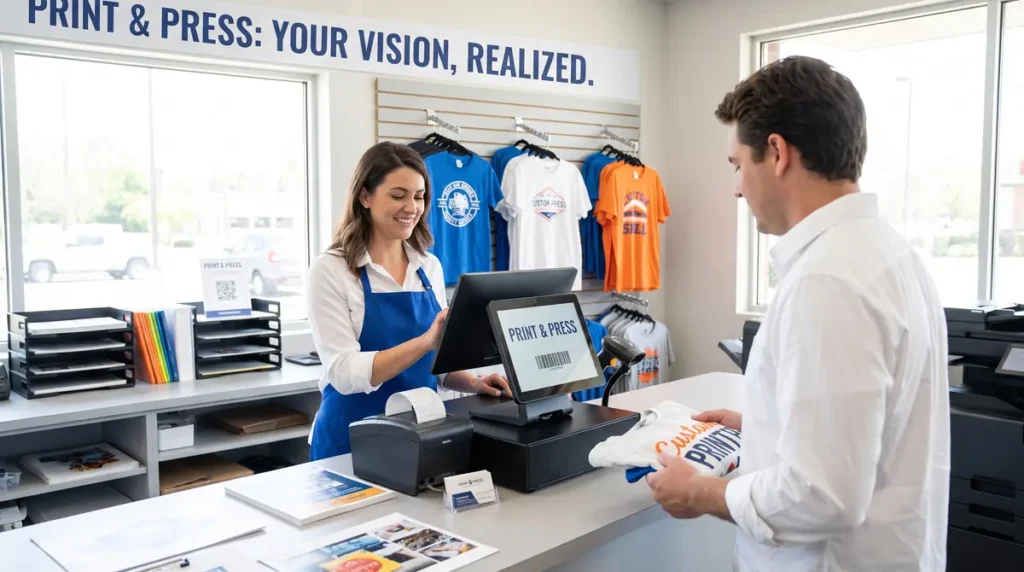
Unlike traditional retail stores, print businesses often manage custom production workflows. That makes features like order tracking, customer history, and quoting just as important as payment processing.
If your business handles wholesale customers, schools, sports teams, or corporate clients, integrating your POS with dedicated estimating software can further simplify operations. Our guide to the best quoting software for wholesale apparel orders explores solutions designed specifically for custom print businesses.
Do Print Shops Really Need a POS System?
Yes if you’re processing more than a handful of orders each week, a POS system can save time, reduce errors, and provide better visibility into your business.
Many new print shops rely on:
- Cash apps
- Card readers
- Manual receipts
- Excel spreadsheets
- Paper order forms
These methods work initially but become increasingly difficult to manage as your customer base grows.
A dedicated POS system helps centralize your operations by keeping sales, inventory, customer information, and reporting in one place.
Benefits of Using a POS System
- Faster checkout process
- Better customer records
- Automatic sales reporting
- Inventory tracking
- Employee management
- Multi-location support
- Integrated payment processing
- Easier bookkeeping
For businesses that offer both in-store and online ordering, a cloud-based POS also keeps inventory synchronized across every sales channel.
How We Compared the Top POS Systems
Every print business has different requirements, so we evaluated each POS system using the criteria that matter most to custom print shops.
Pricing
We considered:
- Monthly subscription costs
- Transaction fees
- Hardware pricing
- Free plan availability
Inventory Management
Print shops often stock hundreds of blank products.
We evaluated:
- Barcode support
- Stock alerts
- Product variants
- Inventory synchronization
- Multi-location inventory
Customer Management
Customer information is valuable for repeat business.
We compared:
- Customer profiles
- Purchase history
- Loyalty programs
- Gift cards
- Marketing tools
Integrations
Many print businesses already use software such as:
- Shopify
- WooCommerce
- QuickBooks
- Xero
- Shipping platforms
The more integrations available, the easier it becomes to automate your workflow.
If you’re deciding which online storefront works best with POS software, our comparison of Shopify vs WooCommerce for sublimation products explains the strengths of each platform for print businesses.
Reporting
A quality POS system should provide insights into:
- Daily sales
- Best-selling products
- Employee performance
- Inventory value
- Customer spending
- Profit margins
These reports help you make better business decisions rather than relying on guesswork.
POS Systems Comparison Chart
| POS System | Starting Price | Best For | Free Plan | Inventory | Online Store Integration |
|---|---|---|---|---|---|
| Square POS | Free | Startups & small print shops | ✅ | Excellent | Shopify, WooCommerce & more |
| Shopify POS | From $39/month | Businesses selling online and in-store | ❌ | Excellent | Native Shopify |
| Lightspeed Retail | From $109/month | Growing retail print shops | ❌ | Advanced | Multiple integrations |
| Clover POS | Varies by provider | Retail storefronts | ❌ | Good | App marketplace |
| Epos Now | From approximately $39/month | Multi-location businesses | ❌ | Excellent | Multiple integrations |
Quick Recommendation: If you’re just starting a print or sublimation business, Square POS offers one of the lowest barriers to entry. Larger businesses that manage significant inventory or multiple locations may benefit from Lightspeed or Epos Now, while Shopify POS is an excellent choice for stores already built around the Shopify ecosystem.
Before You Invest in a POS System
A POS system is only one part of running an efficient print shop. Before upgrading your checkout process, make sure your production workflow is equally organized.
For example, many businesses discover that improving order management, quoting, and production tracking delivers just as much value as upgrading payment software.
If you’re considering a complete operational upgrade, compare dedicated shop management platforms in our Printavo vs Shopvox comparison. While these aren’t traditional POS systems, they provide advanced production management features that many growing print shops eventually adopt.
Features Print Shop Owners Should Prioritize
Many business owners compare POS systems based only on monthly pricing. In reality, the right features often save far more money than choosing the lowest subscription cost.
Inventory Management
Inventory mistakes can delay customer orders and increase costs.
Look for features such as:
- Barcode scanning
- Low-stock alerts
- Product variants
- Supplier management
- Purchase order tracking
Accurate inventory management reduces wasted materials and prevents overselling.
Customer Profiles
Returning customers are one of the most valuable assets for any print shop.
A quality POS should store:
- Contact information
- Previous orders
- Artwork preferences
- Purchase history
- Loyalty rewards
This information helps deliver faster service and improves repeat business.
Quote and Invoice Management
Many print shops spend unnecessary time preparing custom estimates.
If your business regularly serves schools, businesses, sports teams, or promotional product clients, integrating dedicated quoting software can significantly reduce administrative work.
Sales Reporting
Good reporting helps answer questions like:
- Which products sell best?
- Which employees generate the most sales?
- What are your busiest days?
- Which customers purchase most frequently?
Instead of relying on assumptions, you can make decisions using real business data.
Payment Flexibility
Customers increasingly expect multiple payment options.
Choose a POS that supports:
- Credit cards
- Debit cards
- Mobile wallets
- Contactless payments
- Gift cards
- Digital invoices
Offering convenient payment methods improves the customer experience and reduces abandoned purchases.
Integrations
One of the biggest advantages of modern POS software is its ability to connect with other business tools.
Useful integrations include:
- Accounting software
- Shipping platforms
- Email marketing
- eCommerce stores
- Inventory systems
- Production management software
The fewer times you manually enter the same information, the more efficient your workflow becomes.
For larger production environments, many businesses eventually combine their POS with dedicated shop management software. Our Printavo vs Shopvox comparison explains when making that transition makes sense.
Common Mistakes When Choosing a POS System
Avoiding these common mistakes can save your business both time and money.
Choosing Based Only on Price
Free software isn’t always the least expensive option if it lacks features your business needs.
Evaluate the overall value rather than focusing only on monthly fees.
Ignoring Transaction Fees
Payment processing fees vary between providers.
Compare:
- Card-present rates
- Online transaction fees
- Manual entry fees
- Hardware costs
Small percentage differences become significant as sales increase.
Buying Too Much Hardware
Many startups purchase equipment they rarely use.
Begin with the essentials and expand only when necessary.
Overlooking Future Growth
A POS system should support your business for years, not just today.
Consider:
- Additional employees
- Multiple locations
- Online expansion
- Higher inventory volumes
- Wholesale customers
Choosing a scalable platform reduces the need for expensive migrations later.
Tailored Action Plan
If You’re Starting a Print Shop
Start with a simple, affordable POS that offers inventory tracking and customer management.
Focus on:
- Reliable payment processing
- Basic reporting
- Inventory accuracy
- Customer records
Avoid paying for advanced enterprise features before your business requires them.
If Your Business Is Growing
As order volume increases, improve the connection between sales and production.
Recommended upgrades include:
- Automated order tracking
- Inventory synchronization
- Customer notifications
- Integrated shipping
- Workflow automation
These improvements often save more time than adding additional staff.
If You Operate an Established Print Shop
Your priorities should shift toward efficiency and profitability.
Review your systems annually and evaluate whether your POS still meets your operational needs.
Look for opportunities to improve:
- Reporting accuracy
- Employee productivity
- Customer retention
- Inventory turnover
- Production efficiency
A modern POS should become the central hub of your business, connecting sales, production, inventory, and customer communication into one streamlined workflow.
Frequently Asked Questions
What is the best way to choose a POS system for a print shop?
Choose a POS system based on your sales channels, inventory needs, and future growth rather than price alone. The best POS should support payment processing, inventory management, customer tracking, reporting, and integrations with your online store.
Can I use Square POS for a sublimation business?
Yes. Square POS is a great option for small sublimation businesses because it offers free POS software, inventory tracking, customer management, and secure payment processing. It’s best suited for startups, home-based shops, and small retail stores.
Do I need a POS system if I already sell through Shopify or WooCommerce?
Not always. Your eCommerce platform can manage online orders, but a POS system becomes valuable when you also accept in-person payments, attend craft fairs, or operate a retail storefront because it keeps inventory and sales synchronized.
What happens if my POS system doesn’t track inventory?
Without inventory tracking, you may oversell products, run out of blank apparel, or delay customer orders. A POS with real-time inventory management helps maintain accurate stock levels and reduces production mistakes.
What is the best way to compare POS system pricing?
Compare the total cost of ownership instead of the monthly subscription alone. Include payment processing fees, hardware costs, software upgrades, and optional add-ons to determine the true long-term cost.
Can I switch to a different POS system as my print shop grows?
Yes. Most businesses can migrate to a new POS system as they expand, although the process is easier when the new platform supports importing products, inventory, customers, and sales history.
Why does a print shop need more than a basic card reader?
A card reader only processes payments, while a POS system helps manage inventory, customer information, sales reports, employee permissions, and business performance. These features become increasingly important as your print shop grows.