Introduction to Sublimation Printing: Beginner Setup Guide

Starting sublimation printing can feel overwhelming at first. Between printers, heat presses, sublimation ink, transfer paper, and blank products, beginners often struggle to understand where to start.
The good news is that sublimation printing becomes much easier once you understand the basic workflow and equipment.
This beginner guide explains the essential tools, how sublimation works in real projects, how to make your first print, and the most common beginner mistakes to avoid.
If you want a broader overview of the process itself, start with this beginner sublimation printing guide.
What Beginners Should Know Before Starting Sublimation
Sublimation printing is a heat transfer process that permanently bonds sublimation dye into polyester fabrics or polymer-coated blanks.
Unlike vinyl or screen printing, sublimation ink becomes part of the material itself. This creates:
- vibrant colors
- soft-feel prints
- long-lasting durability
- smooth full-color designs
Before you start, there are a few important beginner rules to understand:
- Sublimation works best on polyester
- White or light-colored blanks give the best results
- You need sublimation ink and sublimation paper
- A heat press is required
- Heat settings affect print quality heavily
Many beginner frustrations come from using the wrong materials or incorrect heat press settings.
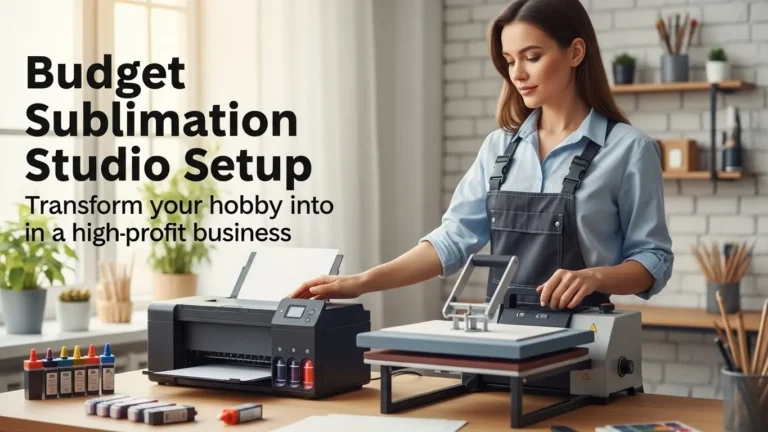
Basic Equipment Needed for Sublimation
You do not need a huge commercial setup to start sublimation printing at home.
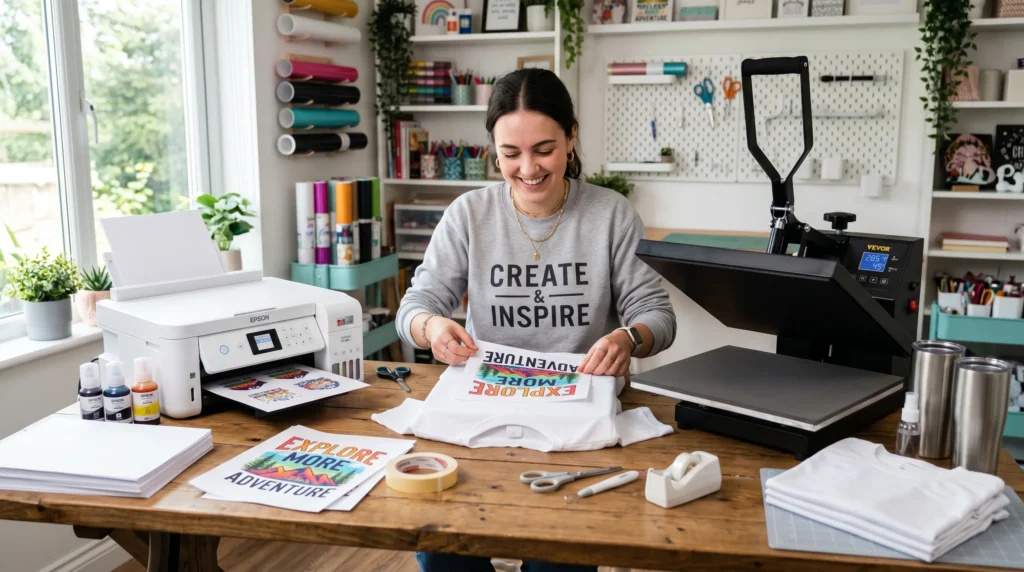
Most beginners start with these essentials:
Sublimation Printer
A sublimation printer uses dye sublimation ink instead of regular ink.
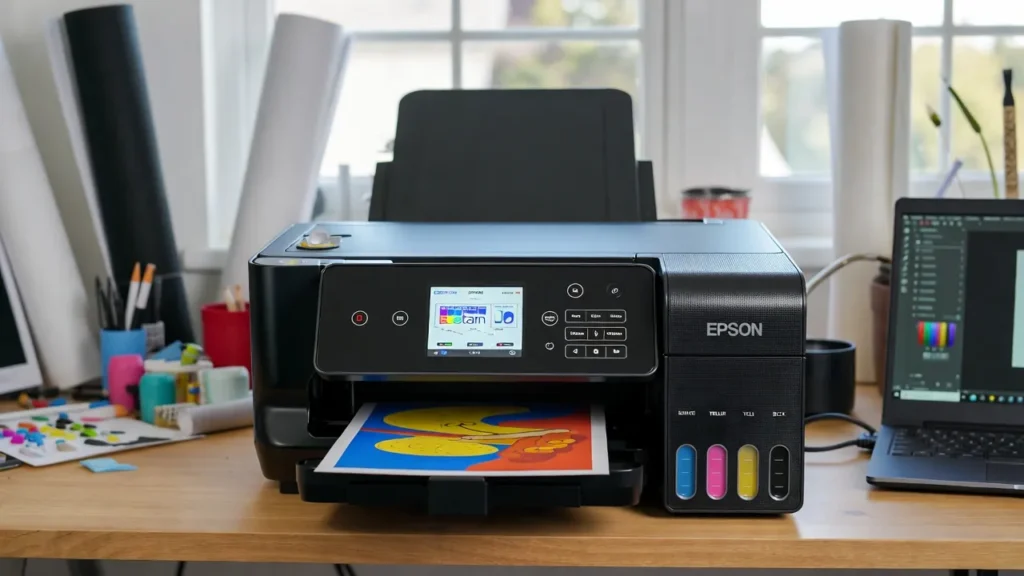
Popular beginner options include:
- Epson EcoTank conversions
- Sawgrass printers
- dedicated sublimation printers
If you are still comparing options, these best sublimation printers for beginners can help simplify your decision.
Sublimation Ink
Sublimation ink transforms into gas under heat and bonds with polyester or coated substrates.
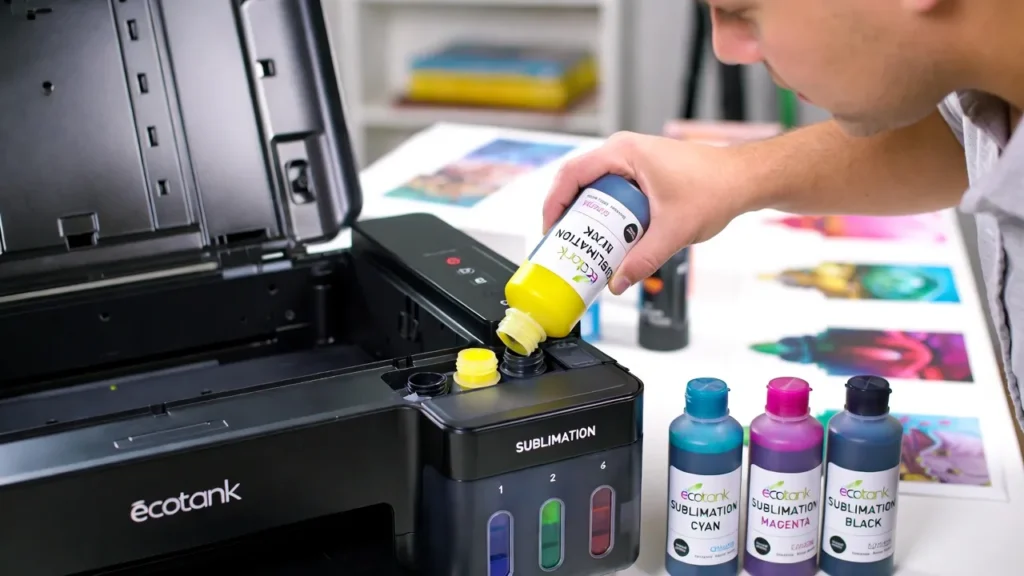
Regular printer ink will not work for sublimation transfers.
Sublimation Paper
Sublimation transfer paper holds the printed image before heat pressing.
Using regular copy paper can cause:
- faded transfers
- blurry edges
- poor ink release
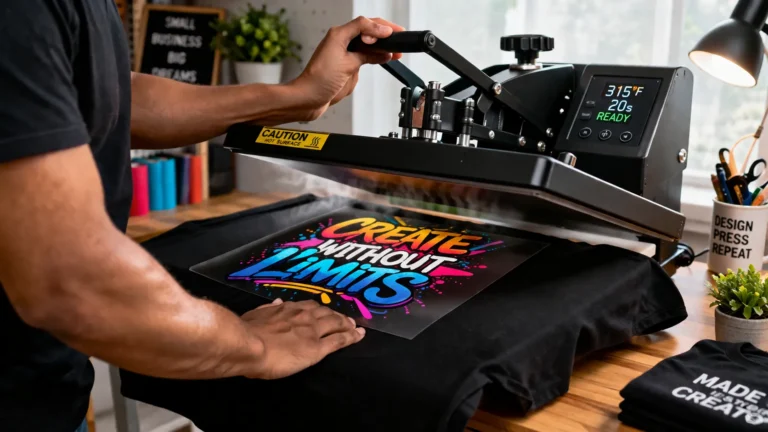
Heat Press
A heat press applies:
- heat
- pressure
- pressing time
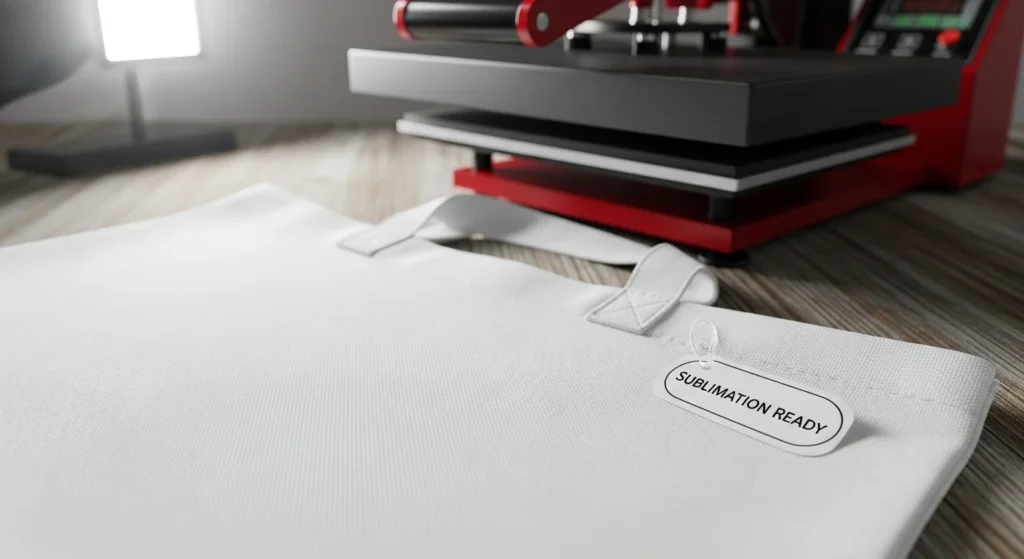
This activates the sublimation transfer process.
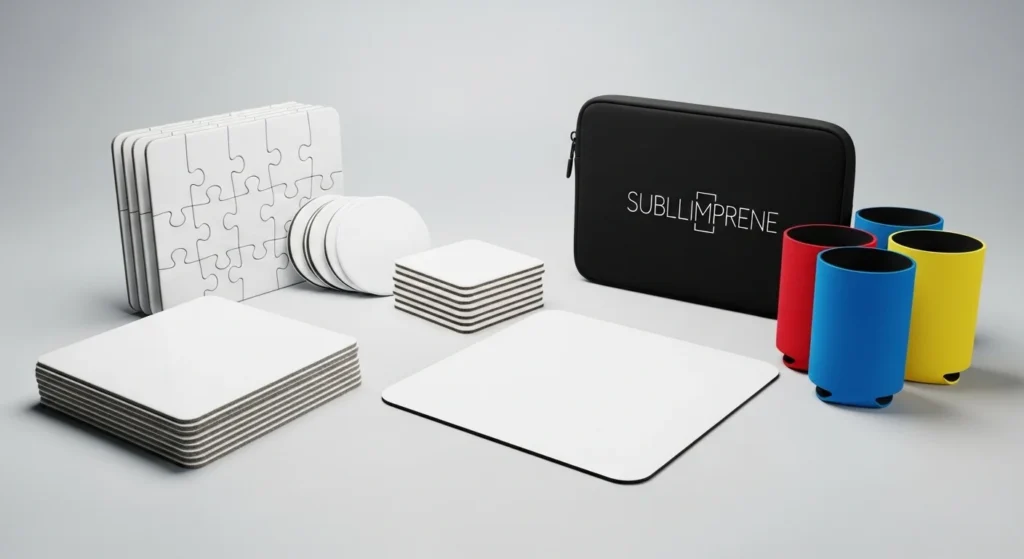
Sublimation Blanks
Blanks are the products you print on.
Popular beginner blanks include:
- polyester shirts
- mugs
- tumblers
- tote bags
- mousepads
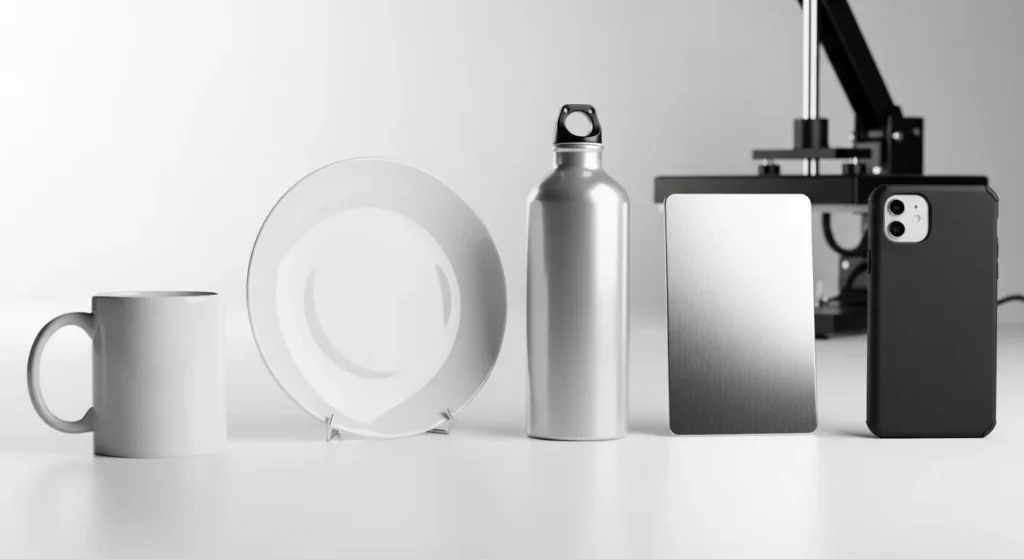
You can explore compatible products in this best materials for sublimation guide.
Choosing Your First Sublimation Printer
Beginners often overcomplicate printer selection.
You do not need an expensive commercial printer to learn sublimation successfully.
Epson EcoTank Conversions
These are popular because they:
- cost less upfront
- use refillable ink tanks
- support affordable sublimation workflows
However:
- conversion voids warranties
- setup requires care
- color management can take testing
Sawgrass Sublimation Printers
Sawgrass printers are dedicated sublimation machines designed specifically for sublimation printing.
Benefits include:
- easier setup
- built-in color management
- beginner-friendly software
The downside is the higher upfront cost.
Dedicated vs Converted Printers
For most beginners:
- converted EcoTank printers are budget-friendly
- dedicated sublimation printers are easier but more expensive
The right option depends on your budget and learning preferences.
Understanding Sublimation Ink and Paper
Many first-time sublimation problems come from misunderstanding how sublimation supplies work together.
Why Sublimation Ink Matters
Sublimation ink is designed for:
- heat activation
- dye diffusion
- polyester bonding
Regular ink cannot create permanent sublimation transfers.
Why Sublimation Paper Matters
Sublimation paper controls:
- ink release
- transfer sharpness
- color vibrancy
Low-quality paper may lead to:
- dull colors
- uneven transfers
- ghosting
Beginners should test settings slowly instead of changing multiple variables at once.

How to Make Your First Sublimation Print
This is where beginners usually gain confidence.
The first project does not need to be perfect. Focus on learning the process step by step.
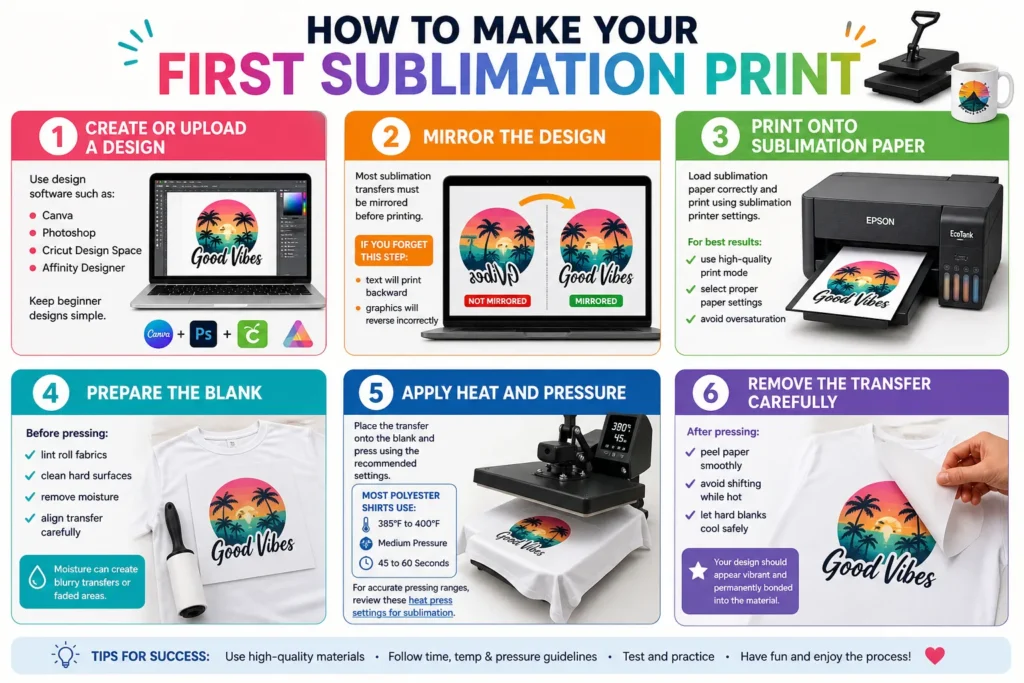
Step 1: Create or Upload a Design
Use design software such as:
- Canva
- Photoshop
- Cricut Design Space
- Affinity Designer
Keep beginner designs simple.
Step 2: Mirror the Design
Most sublimation transfers must be mirrored before printing.
If you forget this step:
- text will print backward
- graphics will reverse incorrectly
Step 3: Print Onto Sublimation Paper
Load sublimation paper correctly and print using sublimation printer settings.
For best results:
- use high-quality print mode
- select proper paper settings
- avoid oversaturation
Step 4: Prepare the Blank
Before pressing:
- lint roll fabrics
- clean hard surfaces
- remove moisture
- align transfer carefully
Moisture can create blurry transfers or faded areas.
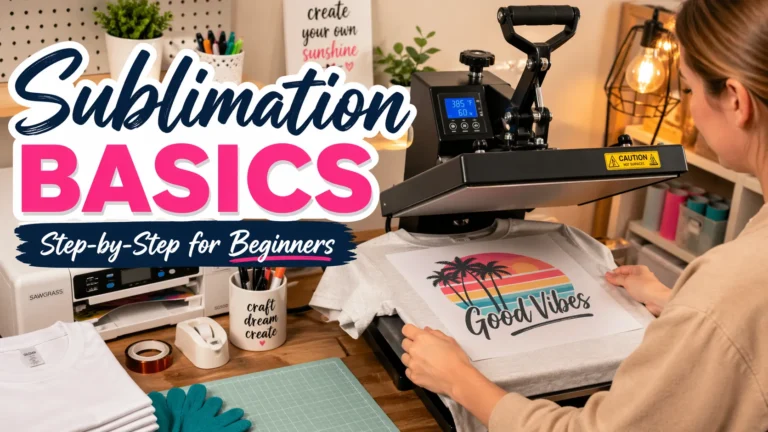
Step 5: Apply Heat and Pressure
Place the transfer onto the blank and press using the recommended settings.
Most polyester shirts use:
- around 385°F to 400°F
- medium pressure
- 45 to 60 seconds
For accurate pressing ranges, review these heat press settings for sublimation.
Step 6: Remove the Transfer Carefully
After pressing:
- peel paper smoothly
- avoid shifting while hot
- let hard blanks cool safely
Your design should appear vibrant and permanently bonded into the material.
Beginner Heat Press Settings
Heat settings vary depending on the substrate.
Here are safe beginner starting ranges:
| Product | Temperature | Time | Pressure |
|---|---|---|---|
| Polyester shirts | 385°F | 45–60 sec | Medium |
| Mugs | 400°F | 180 sec | Firm |
| Tumblers | 400°F | 60–180 sec | Firm |
| Mousepads | 400°F | 40 sec | Medium |
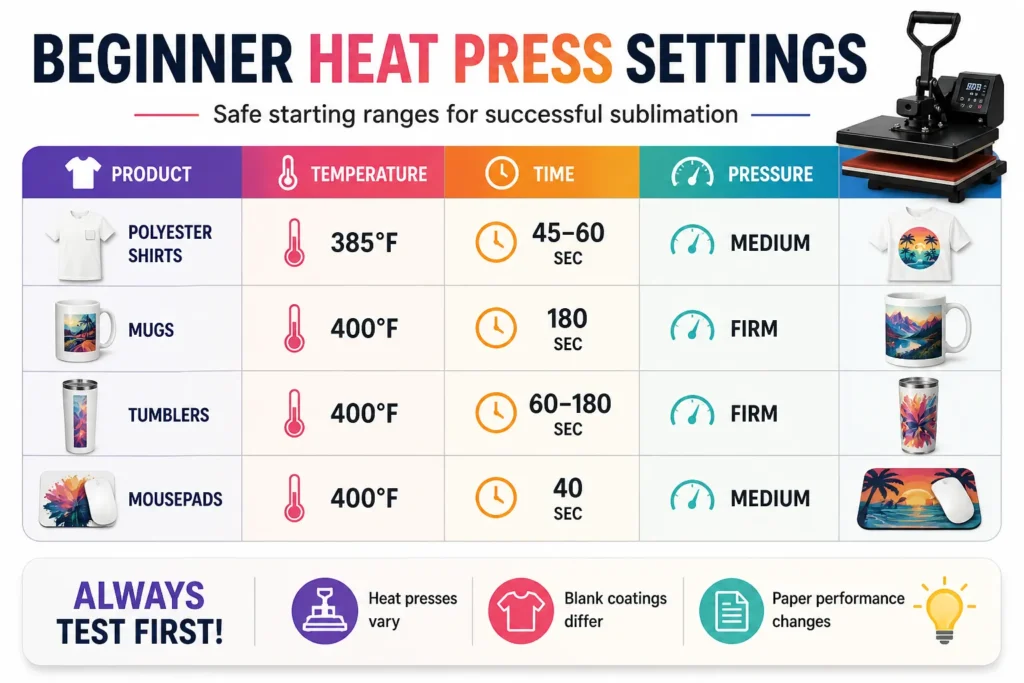
Always test small batches first because:
- heat presses vary
- blank coatings differ
- paper performance changes
Common Beginner Sublimation Mistakes
Every beginner makes mistakes early on.
The key is understanding why they happen.
Using Cotton Instead of Polyester
Cotton does not bond naturally with sublimation dye.
This leads to:
- faded transfers
- weak colors
- poor durability
Incorrect Heat Settings
Too much heat can scorch blanks.
Too little heat causes:
- dull colors
- incomplete transfers
- weak bonding
Ghosting
Ghosting happens when the transfer paper shifts during pressing.
Use heat-resistant tape to secure transfers firmly.
Moisture Problems
Moisture trapped in blanks can create:
- blurry edges
- faded spots
- uneven color
Pre-pressing garments helps remove moisture.
Poor Color Accuracy
Incorrect ICC profiles can cause:
- strange skin tones
- color shifting
- dull saturation
If your prints look inaccurate, follow this common sublimation printing problems guide.
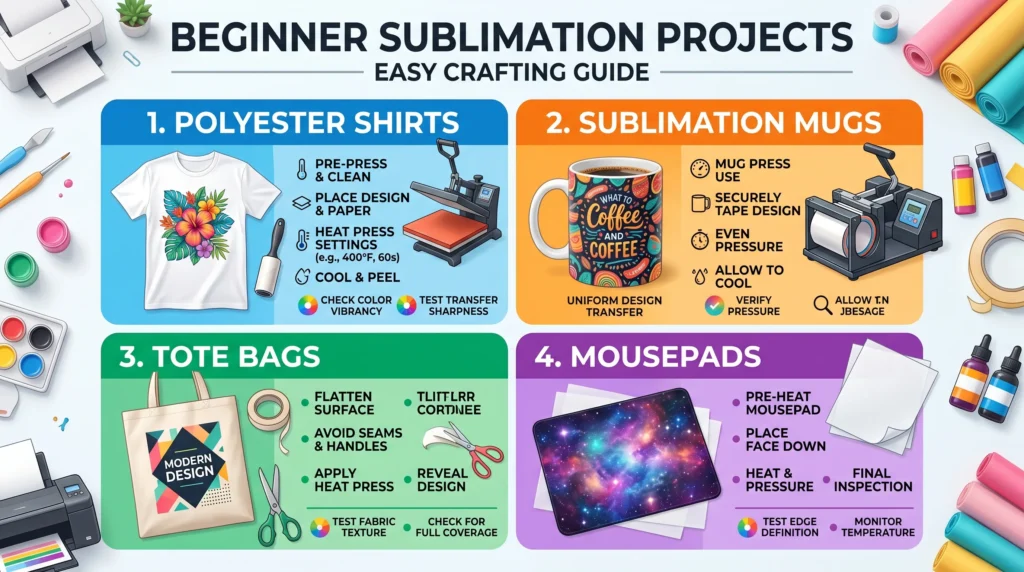
Best Beginner Sublimation Projects
Simple projects help beginners learn faster.
Good first projects include:
Polyester Shirts
Easy to press and widely available.
Mugs
Great for learning consistent heat application.
Tote Bags
Affordable beginner-friendly blanks.
Mousepads
Excellent for testing:
- pressure
- color vibrancy
- transfer sharpness
Avoid difficult curved or oversized items until you feel comfortable with the workflow.
Troubleshooting Your First Sublimation Prints
Beginner sublimation issues are normal.
Most problems come from:
- heat settings
- incorrect materials
- moisture
- paper movement
- printer settings
Here are quick fixes for common issues:
| Problem | Likely Cause |
|---|---|
| Dull colors | Low heat or poor ICC profile |
| Blurry image | Ghosting or movement |
| Faded transfer | Wrong material |
| Yellow marks | Excess heat |
| Uneven color | Pressure inconsistency |
Learning sublimation is mostly about adjusting one variable at a time instead of changing everything at once.
Frequently Asked Questions
How do you print sublimation for beginners?
Beginners print a mirrored design onto sublimation paper using sublimation ink, then transfer it onto polyester or coated blanks using a heat press.
What is the easiest thing to sublimate first?
Polyester shirts and mousepads are some of the easiest beginner sublimation projects.
Do beginners need a Cricut for sublimation?
No. A Cricut is optional and mainly helps with crafting workflows and cutting projects.
Can you use regular paper for sublimation?
No. Sublimation requires special transfer paper designed for sublimation ink release.
What temperature is best for sublimation?
Most sublimation projects work between 380°F and 400°F depending on the blank material.
Quick Recap
Sublimation printing is one of the most beginner-friendly ways to create colorful custom products at home.
Once you understand:
- polyester compatibility
- heat press basics
- sublimation ink
- transfer workflow
the process becomes much easier and more predictable.
Start simple, test your settings slowly, and focus on mastering the basics before moving into advanced projects.