
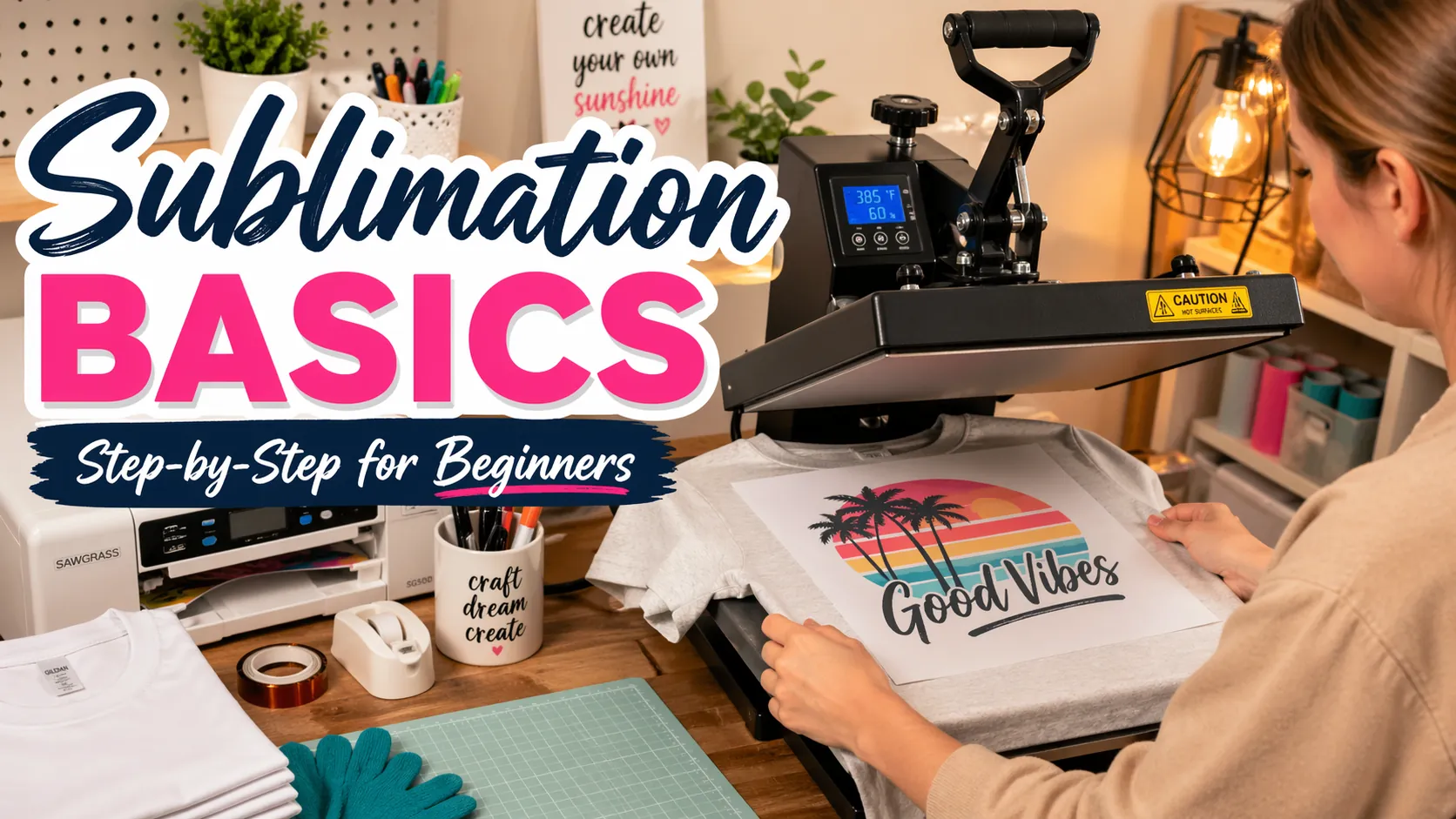
Sublimation Printing Basics for Beginners (Step-by-Step Guide)

Sublimation printing becomes simple once you follow the right process.
Focus on using the correct equipment, choosing compatible materials, and applying proper heat press settings.
Avoid common beginner mistakes, and you’ll be able to create vibrant, long-lasting prints with confidence.
Subli Genius Print is here to help you simplify the process and get better results faster.
What Is Sublimation Printing?
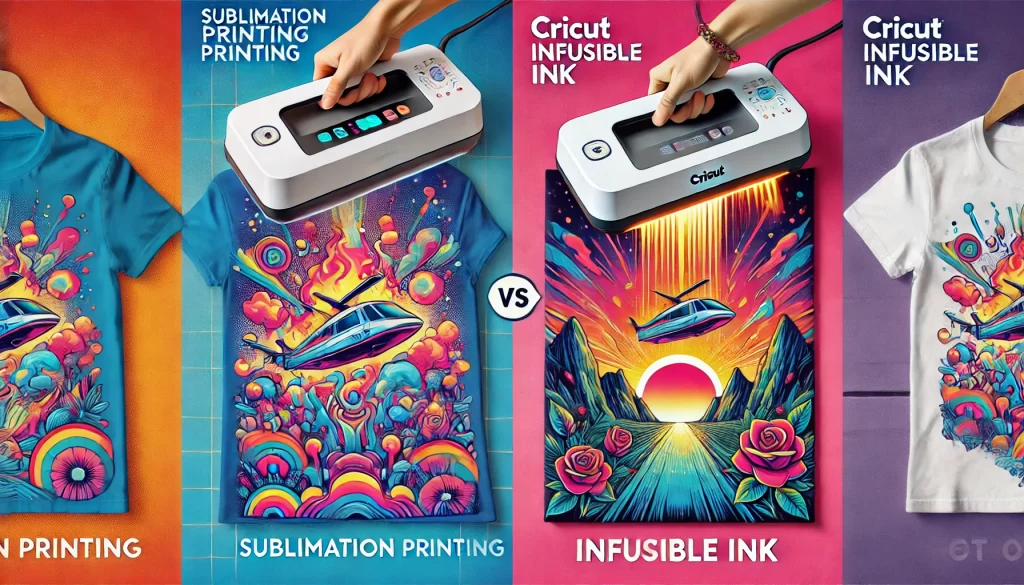
Sublimation printing is a digital printing process where heat turns special ink into gas, allowing it to bond directly with polyester fabrics or coated materials.
This process creates permanent, high-quality designs that don’t crack, peel, or fade because the ink becomes part of the material instead of sitting on top.
If you want a deeper explanation, you can explore this complete sublimation printing guide.
How Sublimation Printing Actually Works (Simple Explanation)
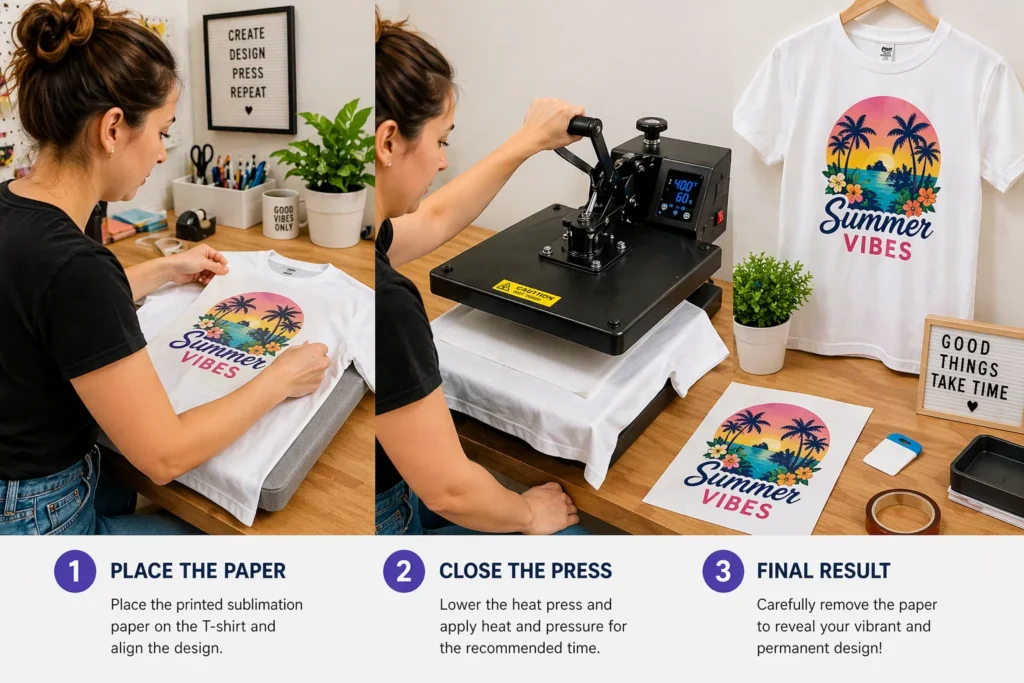
Sublimation may sound technical, but the process is simple when broken down:
- Heat activates the sublimation ink
- The ink turns from solid into gas
- The material’s surface opens up under heat
- The ink bonds inside the material
- The design becomes permanent after cooling
This is why sublimation prints feel smooth and last much longer than other printing methods.
What Do You Need to Start Sublimation Printing?
Before you begin, having the right setup is essential. Using incorrect tools is one of the biggest reasons beginners struggle.
Here’s what you need:
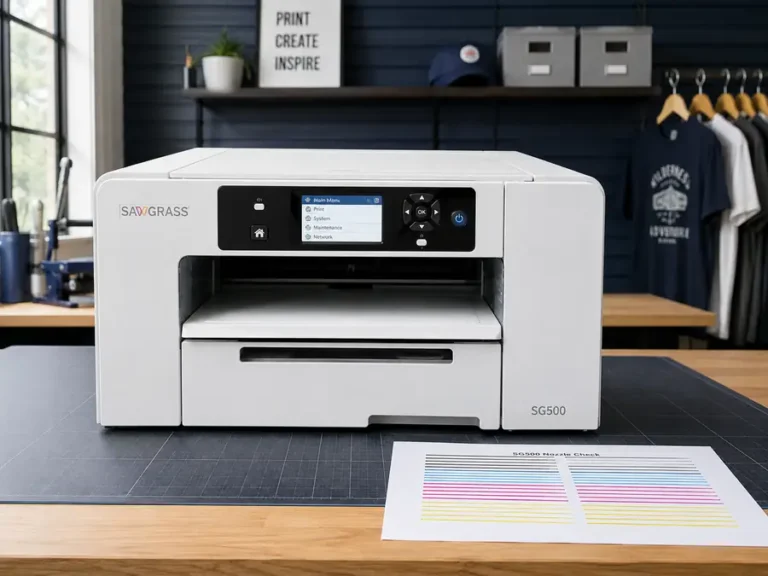
- Sublimation printer (or converted inkjet printer)
- Sublimation ink
- Sublimation transfer paper
- Heat press machine
- Sublimation blanks (polyester or coated items)
If you’re unsure which equipment to choose, this getting started with sublimation guide will walk you through everything.
Simplest Way to Start (Beginner Setup)
If you feel overwhelmed, simplify it like this:
You only need 3 things to begin:
- A printer with sublimation ink
- A heat source (heat press or EasyPress)
- A compatible blank (like a polyester shirt)
Everything else improves quality, but these three get you started fast.
How Sublimation Printing Works (Step-by-Step)
Once you understand this process, sublimation becomes much easier.
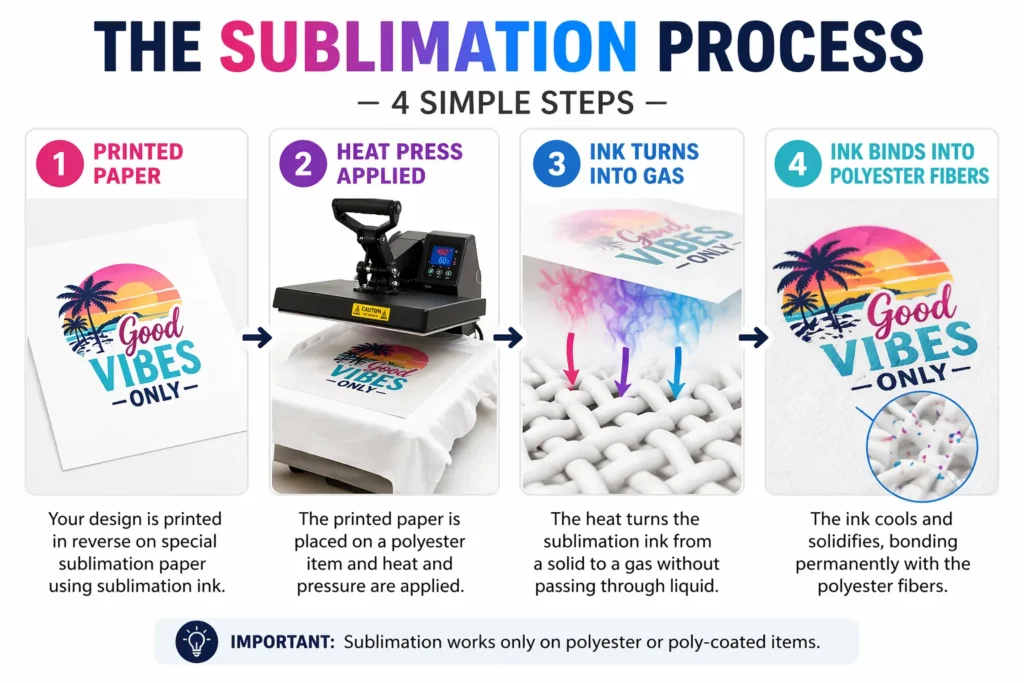
Step 1: Design Your Artwork
Create or choose a high-resolution design using software like Canva, Photoshop, or Illustrator.
Make sure your image is at least 300 DPI for sharp results.
Step 2: Print the Design
- Print using sublimation ink
- Use sublimation paper
- Mirror your design before printing
Your print will look faded or dull at this stage. This is completely normal.
Step 3: Prepare Your Blank
- Use polyester or coated materials
- Remove dust, lint, or moisture
- Pre-press the item for a few seconds
Choosing the right surface is critical. You can learn more in this sublimation materials guide.
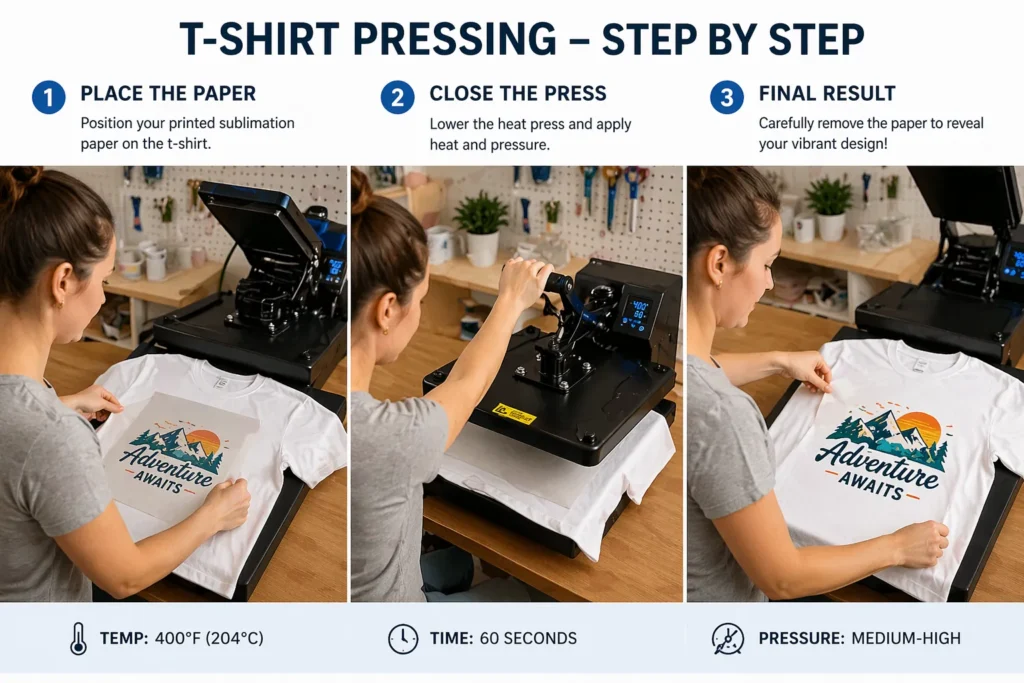
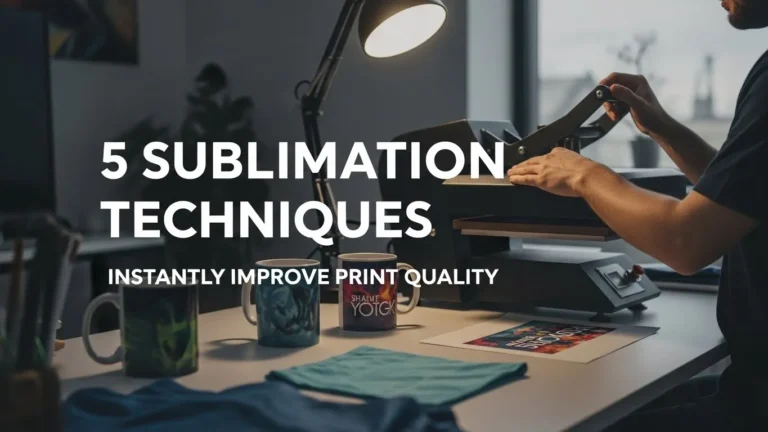
Step 4: Apply Heat and Pressure
- Place the design face down on the blank
- Use a heat press
- Apply correct temperature, pressure, and time
The heat turns the ink into gas, allowing it to bond with the material at a molecular level.
Step 5: Reveal the Final Result
After pressing, remove the paper carefully.
You’ll see a bright, permanent design embedded into the material.
Sublimation Printing Workflow (Quick Summary)
- Design your artwork
- Print on sublimation paper
- Prepare your blank
- Press with heat
- Reveal final design
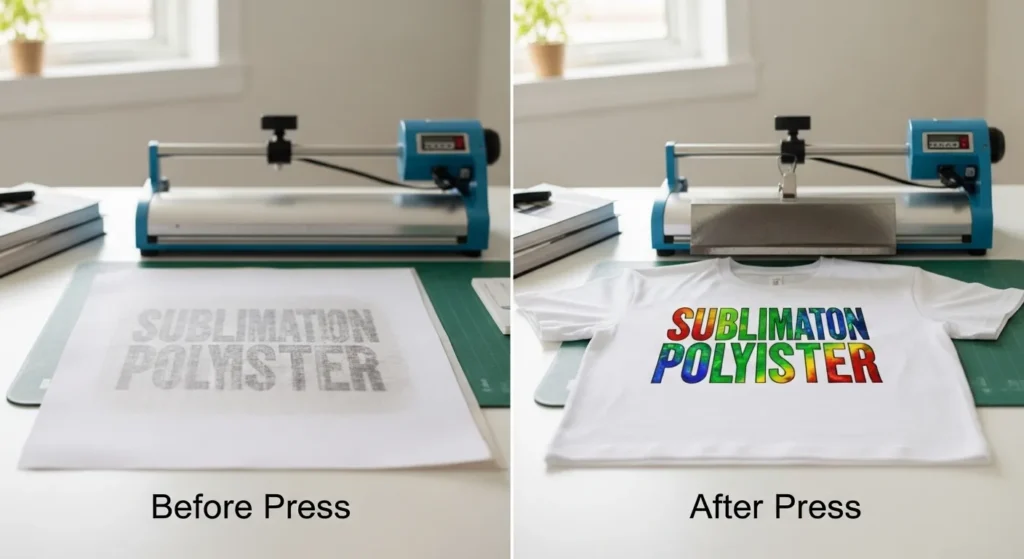
Why Sublimation Prints Look Dull Before Pressing
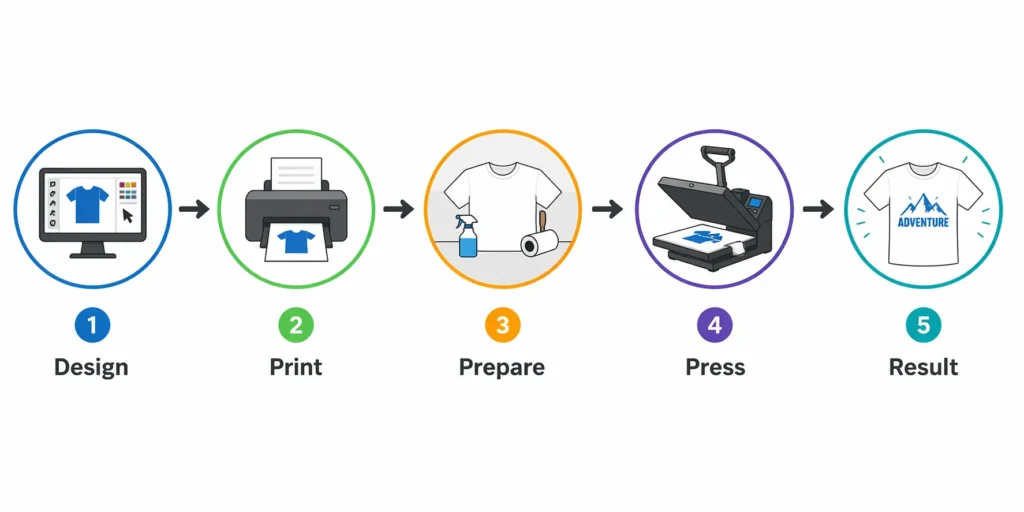
Sublimation prints often confuse beginners because they look faded before pressing.
This happens because the ink is not activated yet.
Once heat is applied, the ink transforms into gas and reveals its full color, resulting in a vibrant final print.
What Materials Can You Use for Sublimation?
Not all materials work with sublimation, and using the wrong ones leads to poor results.
Best Materials for Sublimation:
- Polyester fabrics
- Polymer-coated mugs
- Metal panels
- Coated phone cases
- Sublimation blanks
Materials That Don’t Work:
- Cotton (without coating)
- Dark fabrics
- Uncoated surfaces
For a full breakdown, check this sublimation blanks and substrates guide.
Basic Heat Press Settings for Beginners
Correct heat press settings are essential for vibrant and consistent results.
Typical starting ranges:
- Temperature: 350°F – 400°F
- Time: 30 – 60 seconds
- Pressure: Medium
These settings vary depending on the material, so always adjust based on your project.
For more precise guidance, see this heat press temperature for sublimation resource.
Your First Sublimation Project (Simple Example)
Start with something simple like a T-shirt.
Basic workflow:
- Print your design
- Place it on a polyester shirt
- Press at 385°F for 40 seconds
- Remove paper and reveal result
This helps you learn faster without wasting materials.
When Sublimation Is NOT the Right Choice
Sublimation is powerful, but not always the best option.
Avoid sublimation if:
- You want to print on cotton
- You need dark fabric printing
- You want thick textured prints
Understanding limitations helps you choose the right method.
How Much Does It Cost to Start?
A basic setup typically includes:
- Printer: $250 – $600
- Heat press: $200 – $500
- Supplies: $50 – $150
You can start small and upgrade later as you gain experience.
Common Beginner Mistakes to Avoid
Most sublimation problems come from simple mistakes that are easy to fix once you know them.
1. Using the Wrong Materials
Sublimation only works on polyester or coated surfaces.
2. Incorrect Heat Settings
Too much or too little heat leads to faded or incomplete designs.
3. Not Mirroring the Design
This results in reversed or unusable prints.
4. Skipping Pre-Pressing
Moisture can cause ghosting or uneven transfers.
5. Using Regular Ink or Paper
Only sublimation-specific materials will work correctly.
If you run into issues, follow this sublimation troubleshooting guide for step-by-step fixes.
Quick Troubleshooting Tips
Here are quick fixes for common problems:
- Faded prints → Increase temperature or pressing time
- Dull colors → Check ink quality or color profile
- Ghosting → Secure design with heat-resistant tape
- Small dots → Remove moisture before pressing
Small adjustments can dramatically improve your results.
Check out Benefits of Sublimation Printing: The Magic of Colors.
Frequently Asked Questions
Can I use a regular printer for sublimation?
No. You need a sublimation printer or a converted inkjet printer with sublimation ink.
Can you sublimate on cotton?
Not directly. Sublimation works best on polyester or specially coated materials.
Why does sublimation look dull before pressing?
The colors activate during heat pressing, which is why they appear vibrant afterward.
What temperature is best for sublimation?
Most projects work between 350°F and 400°F, depending on the material.




4 Comments