How to Use DTF Film with Sublimation Ink Step by Step

If you have seen people using DTF film with sublimation ink, you might be confused. Some say it works perfectly, while others say it fails completely.
The truth is in between.
This method can work, but only when you understand the process, limitations, and correct setup. If you skip steps or expect full DTF results, you will be disappointed.
In this guide, you will learn exactly how to use DTF film with sublimation ink, when it works best, and how to avoid the common mistakes that ruin your results.
Can You Use DTF Film with Sublimation Ink
Yes, you can use DTF film with sublimation ink, but it is not true DTF printing. For related planning, see Sublimation and DTF Ready (PNG).
This method works by creating a transfer layer using adhesive powder instead of bonding ink directly into fabric.
When This Method Works Best
- light colored fabrics
- cotton and polyester blends
- small scale projects
When It Does Not Work Well
- dark shirts without a white base
- high durability requirements
- commercial production
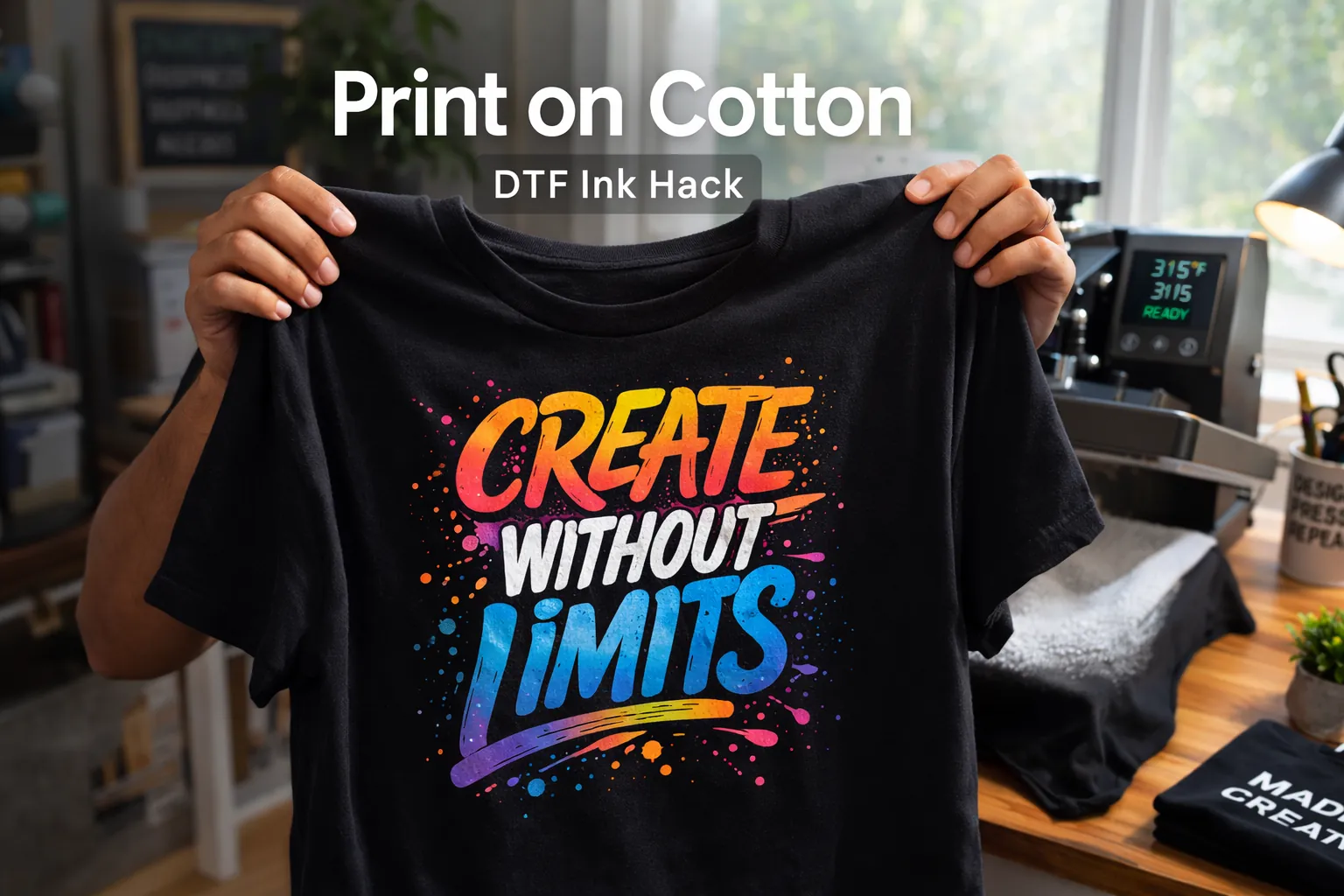
This method does not perform well on dark fabrics unless you use a workaround like the DTF sublimation hack for dark shirts,
What You Need to Use DTF Film with Sublimation Ink
Using the correct materials is critical for success.
Essential Materials
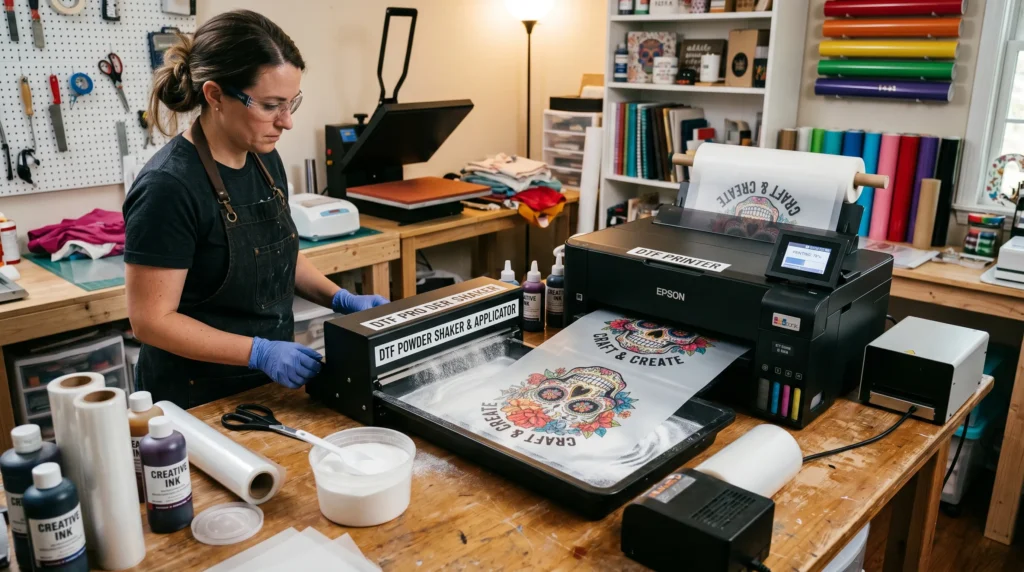
- sublimation printer
- sublimation ink
- DTF transfer film
- adhesive powder
- heat press
Make sure your press is properly set up using this sublimation heat press settings guide.
Important Notes About Materials
- not all DTF films work with sublimation ink
- ink stays wet longer on film than paper
- cheap powder leads to weak adhesion
How This Process Works
This method changes how sublimation behaves.
Instead of bonding into fabric, the ink is printed onto film and held by adhesive powder. The design is then transferred onto the surface of the fabric.
Key Difference from Standard Sublimation
- sublimation bonds into polyester
- this method creates a layer on top
This is why it works on cotton, which normally does not support sublimation.
If you are new to how sublimation works, this sublimation printing guide will help you understand the basics.
Step by Step How to Use DTF Film with Sublimation Ink
Follow these steps carefully. Each step affects durability and color quality.
Step 1 Prepare and Mirror Your Design
- mirror your design before printing
- use high resolution artwork
Mirroring is required because the design is transferred face down.
Step 2 Print on DTF Film
- place film with the matte side up
- use high quality print settings
Avoid touching the print because the ink stays wet longer than normal.
Step 3 Apply Adhesive Powder
- apply powder immediately while ink is wet
- cover all printed areas
If the ink dries before powdering, the design will fail.
Step 4 Remove Excess Powder
- gently shake the film
- remove all loose powder
Too much powder creates rough texture and weak bonding.
Step 5 Cure the Powder
- hover heat press or use an oven
- do not press directly
The powder should melt and form a smooth layer.
Step 6 Heat Press onto Fabric
- place transfer on garment
- apply medium pressure
- press evenly
Consistent pressure ensures proper adhesion.
Step 7 Peel and Final Press
- allow to cool before peeling
- press again for a few seconds
This final press improves durability and finish.
Best Settings for Sublimation Printer with DTF Film
Start with these settings
- temperature 300 to 320 Fahrenheit
- time 10 to 20 seconds
- pressure medium
These settings are lower than standard sublimation to protect the adhesive layer.
If you struggle with results, check this heat press temperature for sublimation guide.
Common Mistakes That Ruin Results
Ink Not Sticking to Film
Cause
using the wrong type of DTF film
Fix
use film designed for sublimation compatibility
Powder Not Bonding Properly
Cause
uneven powder application
Fix
apply powder evenly and cure correctly
Design Peeling After Press
Cause
insufficient curing or pressure
Fix
increase curing time and apply consistent pressure
Washed Out Colors
Cause
limitations of sublimation ink
Fix
improve color output using ICC profiles for sublimation
If issues continue, follow this sublimation troubleshooting guide.
Results and Limitations You Should Know
This method works, but it has clear limits.
What You Can Expect
- good results on cotton
- visible designs on light fabrics
- useful for small projects
Limitations
- not as durable as real DTF
- slightly raised texture
- not ideal for dark shirts without additional methods
Understanding these limits will help you avoid frustration.
DTF Film with Sublimation Ink vs Real DTF Printing
Here is a simple comparison
- sublimation hack is lower cost
- real DTF is more durable
- sublimation method is easier to start
- real DTF supports large production
Choose based on your goals, not just cost.
When You Should Use This Method
This method is best when
- you are a beginner
- you want to test designs
- you do not own a DTF printer
When You Should Avoid It
Avoid this method if
- you need bulk production
- you want long term durability
- you are printing for commercial scale
Alternative Methods You Can Try
If this method does not fit your workflow, consider
- sublimation on polyester
- real DTF printing
- HTV methods
Each option solves a different problem depending on your setup.
Frequently Asked Questions
Can you use DTF film with sublimation ink
Yes, but it works best on light fabrics and is not true DTF printing.
What are the best settings for this method
Use 300 to 320 Fahrenheit with medium pressure for 10 to 20 seconds.
Does this method last after washing
Yes, but durability depends on proper curing and pressing.
Can this work on dark shirts
Not effectively without adding a white base layer or additional methods.