Beginner Mistakes When Choosing a Sublimation Printer (And How to Avoid Them)

Choosing your first sublimation printer can feel overwhelming. With so many options available, it’s easy to make a decision that leads to poor print quality, wasted materials, or unnecessary expenses.
Many beginners jump in without fully understanding how sublimation printing works or what features actually matter. The result? Frustration, dull colors, and costly trial and error.
In this guide, you’ll learn the most common beginner mistakes when choosing a sublimation printer and how to avoid them so you can get consistent, high-quality results from the start.
Why Choosing the Right Sublimation Printer Matters
A sublimation printer isn’t just another piece of equipment it directly affects:
- Color accuracy and vibrancy
- Print consistency
- Ink efficiency
- Overall workflow speed
If you choose the wrong setup, you may spend more time fixing issues than actually creating products.
Before diving into specific mistakes, it helps to understand how the sublimation printing process works so your decisions are based on real workflow needs not guesswork.
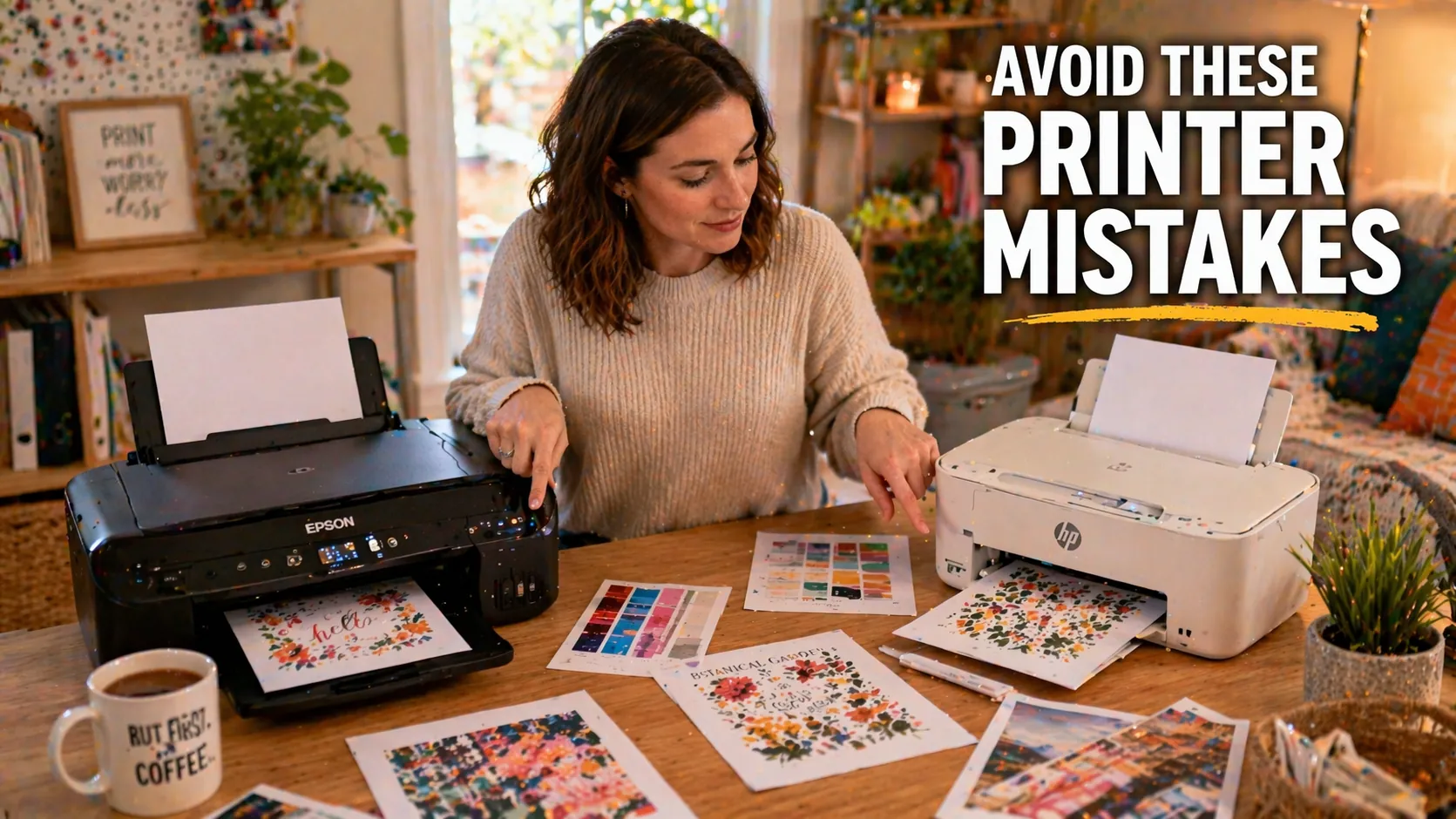
Mistake #1: Choosing the Cheapest Printer Without Understanding Limitations
One of the most common beginner mistakes is buying the cheapest printer available.
While budget matters, cheaper printers often come with:
- Limited color accuracy
- Lower print resolution
- Higher maintenance issues
Many entry-level users choose a low-cost option expecting professional results, only to deal with faded prints and inconsistent output.
What to do instead
Focus on value, not just price. Consider:
- Print quality (DPI and color output)
- Ink system (tank vs cartridge)
- Long-term reliability
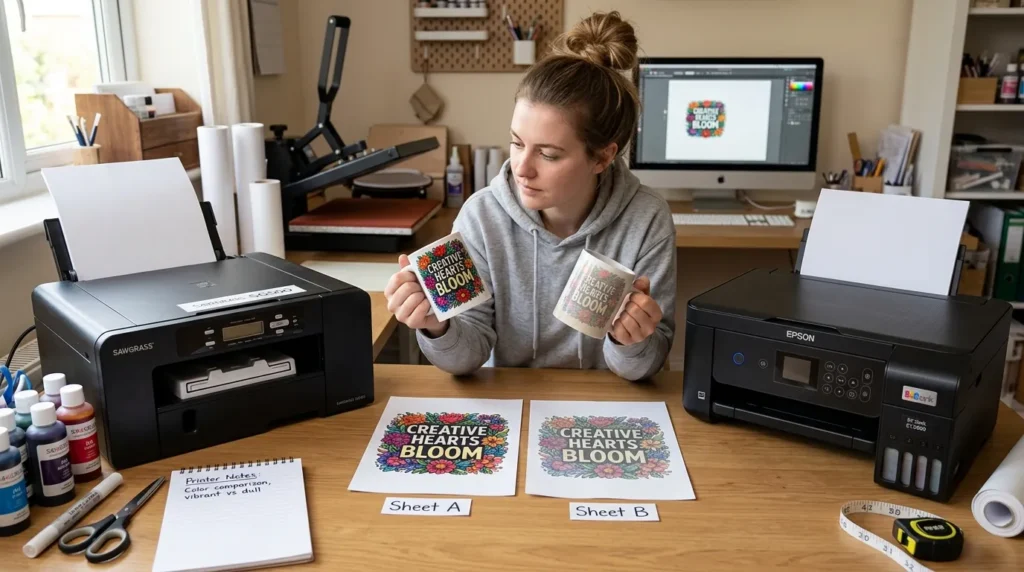
Mistake #2: Not Understanding Epson Conversion vs Dedicated Sublimation Printers
Beginners often don’t realize there are two main types of sublimation setups:
1. Converted inkjet printers (like Epson EcoTank)
- Lower upfront cost
- Requires manual setup
- No manufacturer support for sublimation
2. Dedicated sublimation printers (like Sawgrass)
- Higher upfront cost
- Ready to use out of the box
- Built-in color management
Choosing between these without understanding the trade-offs can lead to confusion later.
What to do instead
Ask yourself:
- Do you want a lower cost or easier setup?
- Are you comfortable handling ICC profiles and manual adjustments?
Mistake #3: Ignoring Color Management and ICC Profiles
Many beginners assume the printer alone determines color quality.
In reality, color accuracy depends heavily on:
- ICC profiles
- Software settings
- Ink compatibility
Without proper color management, you may notice:
- Dull colors
- Color shifts
- Washed-out prints
What to do instead
Make sure your setup includes:
- Correct ICC profile for your ink and printer
- Proper color settings in your design software
- Consistent print workflow
Understanding color management early saves a lot of frustration later.
Mistake #4: Choosing the Wrong Printer for Your Product Type
Not all sublimation printers are ideal for every project.
For example:
- Small printers work well for mugs and small items
- Larger formats are better for shirts and bulk production
Beginners often choose a printer without considering:
- Print size requirements
- Production volume
- Business goals
What to do instead
Think about what you plan to create most often:
- Custom T-shirts
- Tumblers
- Home décor items
Your printer should match your most frequent use not just your budget.
Mistake #5: Overlooking Maintenance and Print Head Care
Many new users focus only on printing not maintenance.
Sublimation printers require regular care to avoid:
- Clogged print heads
- Banding issues
- Ink flow problems
Skipping maintenance can quickly reduce print quality.
What to do instead
Build a simple routine:
- Print something at least once a week
- Run cleaning cycles when needed
- Keep your printer in a stable environment
If issues appear, following a structured sublimation troubleshooting guide can help identify the exact cause quickly.
Mistake #6: Expecting Perfect Results Without Testing
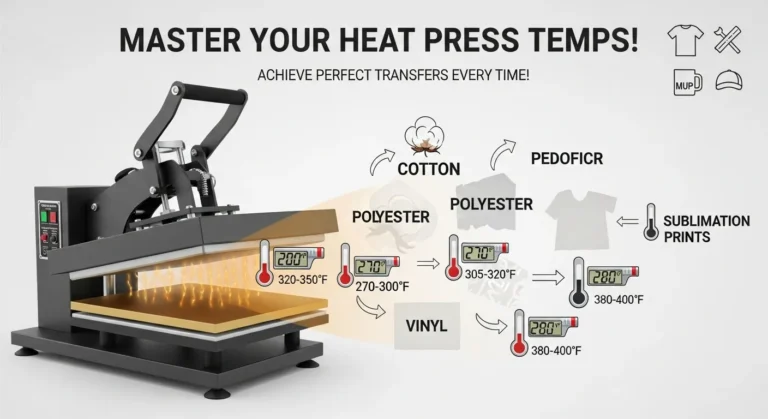
Sublimation printing involves multiple variables:
- Temperature
- Pressure
- Time
- Material quality
Even with the best printer, results can vary without proper testing.
What to do instead
Always:
- Test prints before final production
- Adjust settings based on results
- Keep notes of what works
This helps you create a repeatable and reliable workflow.
Mistake #7: Not Thinking Long-Term
Some beginners buy a printer based only on current needs without considering future growth.
As your projects expand, you may need:
- Faster printing speeds
- Larger formats
- Better color consistency
What to do instead
Choose a printer that can grow with you, especially if you plan to:
- Start a small business
- Increase production volume
- Offer more product types
Practical Tips for Choosing the Right Sublimation Printer
To simplify your decision, keep these guidelines in mind:
- Focus on print quality over price
- Understand your workflow before buying
- Choose between converted vs dedicated systems carefully
- Plan for maintenance and long-term use
- Match the printer to your product goals
These small decisions can make a big difference in your results.
If you’re unsure which model fits your needs, exploring expert insights on Best Sublim Printer can help you make a more confident and informed decision.
Frequently Asked Questions
Can I use any printer for sublimation?
No, you need either a converted inkjet printer or a dedicated sublimation printer designed for sublimation ink.
Do I need an expensive printer to start sublimation?
Not necessarily. Many beginners start with affordable options, but understanding limitations is key.
Is Epson or Sawgrass better for beginners?
It depends. Epson is more budget-friendly, while Sawgrass is easier to use with built-in support.
What’s the most common beginner mistake?
Choosing a printer without understanding color management and workflow requirements.