How to Calculate Sublimation Ink Usage (Print Capacity Formula Explained)

If you’re tired of guessing how long your sublimation ink will last, you’re not alone. Many beginners run out of ink mid-project simply because they don’t know how to estimate usage properly.
The good news is that sublimation ink usage is predictable once you understand the formula. In this guide, you’ll learn exactly how to calculate print capacity, estimate ink usage per design, and avoid costly surprises.
If you’re new to sublimation, it helps to first understand the sublimation printing process so the calculations make more sense.
The Simple Formula to Calculate Sublimation Ink Usage
The formula is straightforward:
Number of Prints = Total Ink Volume ÷ Ink Used Per Print
This works because every print consumes a measurable amount of ink. Once you estimate how much ink one design uses, you can predict how many prints your ink supply will produce.
What Each Part of the Formula Means
Understanding the variables is key to accurate calculations.
Ink Volume (ml)
This is the total amount of ink you have available.
Common examples:
- 100 ml bottles
- 140 ml cartridges
- 500 ml bulk ink
You can find this on your ink packaging or printer specifications.
Ink Usage Per Print
This is how much ink a single design consumes.
It varies based on:
- design size
- color coverage
- printer settings
This is the most important variable because it changes from project to project.
How to Estimate Ink Usage Per Print (Beginner Method)
You don’t need complex tools to get a good estimate. Start with simple categories.
- Small designs (logos, mugs)
Very low ink usage - Medium designs (chest prints)
Moderate ink usage - Full designs (large shirts, full coverage)
High ink usage
A common mistake is assuming all prints use the same amount of ink. In reality, design coverage matters more than size alone.
Real Examples (Step-by-Step Calculations)
These examples will help you understand how the formula works in real situations.
Example 1: Small Mug Design
- Ink volume: 100 ml
- Ink per print: 0.3 ml
Calculation:
100 ÷ 0.3 = ~333 prints
This is why small designs are very cost-efficient.
Example 2: T-Shirt Chest Print
- Ink volume: 100 ml
- Ink per print: 0.5 ml
Calculation:
100 ÷ 0.5 = 200 prints
This is a common range for everyday sublimation jobs.
Example 3: Full Front Shirt Design
- Ink volume: 100 ml
- Ink per print: 0.8 ml
Calculation:
100 ÷ 0.8 = ~125 prints
Full designs consume significantly more ink due to coverage.
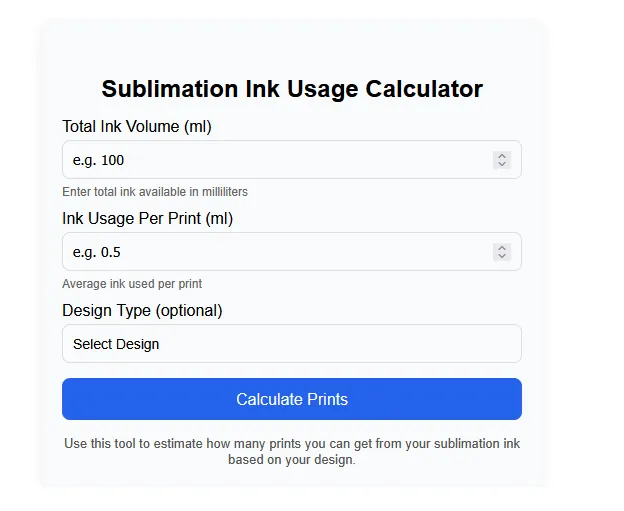
Sublimation Ink Usage Calculator
Use the calculator below to quickly estimate how many prints you can get based on your ink volume and design type.
Sublimation Ink Usage Calculator
Enter total ink available in milliliters Average ink used per printActual results may vary based on design coverage and printer settings.
Quick Reference Chart (Fast Estimation)
Use this table when you don’t want to calculate manually:
| Design Type | Avg Ink Per Print | 100ml Output |
|---|---|---|
| Small logo | ~0.3 ml | ~300+ prints |
| Medium print | ~0.5 ml | ~200 prints |
| Full design | ~0.8 ml | ~120 prints |
This gives you a quick starting point before doing precise calculations.
Why Your Calculations Might Be Off
Even with the right formula, results can vary.
Common reasons include:
- Heavy color coverage
- Incorrect printer settings
- Ink wasted during cleaning cycles
- Differences between ink brands
If your results are inconsistent, it’s often a workflow issue rather than a calculation error.
When You Should Use an Ink Calculator Instead
Manual calculations work well for estimates. But for better accuracy, tools can help.
For example, you can use an ink coverage calculator to refine your numbers based on design size and resolution.
If you’re planning pricing, combining this with a sublimation pricing calculator gives even better control over costs.
Tips to Improve Calculation Accuracy
To get more reliable estimates over time:
- Track how much ink your projects actually use
- Use consistent print settings
- Test new designs before large batches
- Keep notes for repeat jobs
Most experienced sublimation users rely on real data, not just estimates.
Frequently Asked Questions
How do I calculate sublimation ink usage per print?
Divide your total ink volume by the estimated ink used per print.
How much ink does a t-shirt sublimation print use?
Most t-shirt prints use between 0.5 ml and 0.8 ml depending on size and coverage.
Is there a formula for sublimation ink consumption?
Yes. Ink usage is calculated using total ink volume divided by ink per print.
Can I calculate ink cost per print?
Yes. Once you know ink usage per print, multiply it by your ink cost per ml.
Why do my estimates not match actual usage?
Differences in design coverage, printer settings, and maintenance cycles can affect real usage.