
Sublimation Printing: How It Works, Materials, Costs & Uses

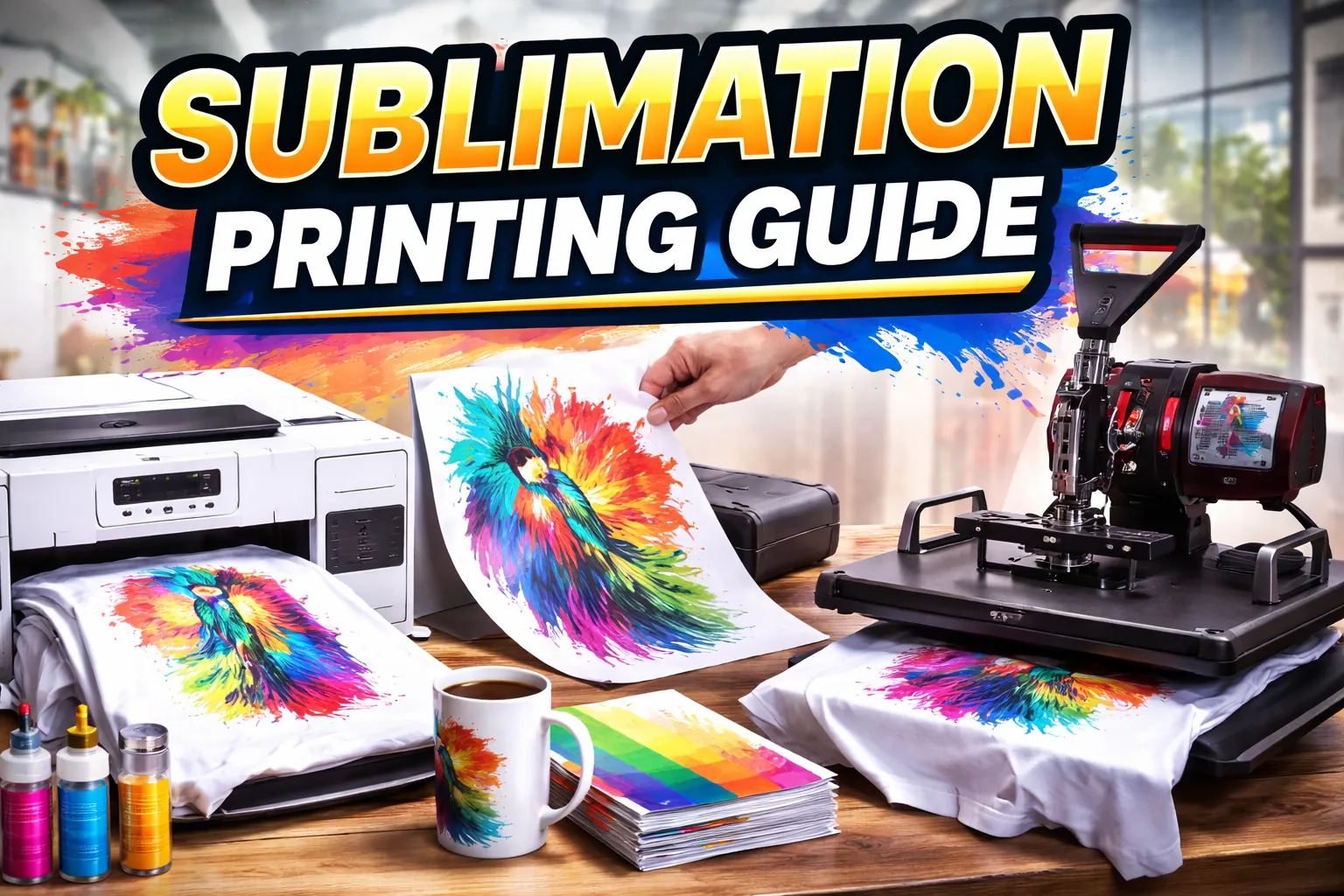
Sublimation printing uses heat to move dye from a printed transfer into compatible polyester or a polymer coating. It works especially well for white or light polyester apparel and sublimation-ready hard goods such as coated mugs, tumblers, coasters, and photo panels. The image becomes part of the receiving surface rather than a separate vinyl or film layer.
The limitations matter just as much as the results: standard sublimation dye is translucent, cannot print white, and does not transfer reliably into ordinary uncoated cotton. Before buying equipment or blanks, match the material, printer, ink, paper, and heat source to the product you intend to make.
Sublimation Printing at a Glance
| Question | Practical answer |
|---|---|
| What transfers the design? | Dye-sublimation ink printed on suitable transfer paper, activated by controlled heat. |
| What works best? | Light-colored polyester fabrics and products with coatings formulated for sublimation. |
| What does not work directly? | Ordinary uncoated cotton, dark fabric without a light receiving layer, and uncoated hard goods. |
| What equipment is essential? | Compatible printer and ink, transfer paper, an appropriate heat press or heating system, and suitable blanks. |
| What is the finish? | No additional transfer-film layer on properly sublimated polyester or compatible coatings. |
| What determines the press setting? | The specific blank, coating, transfer process, and equipment instructions, not a universal chart. |
How Does Sublimation Printing Work?
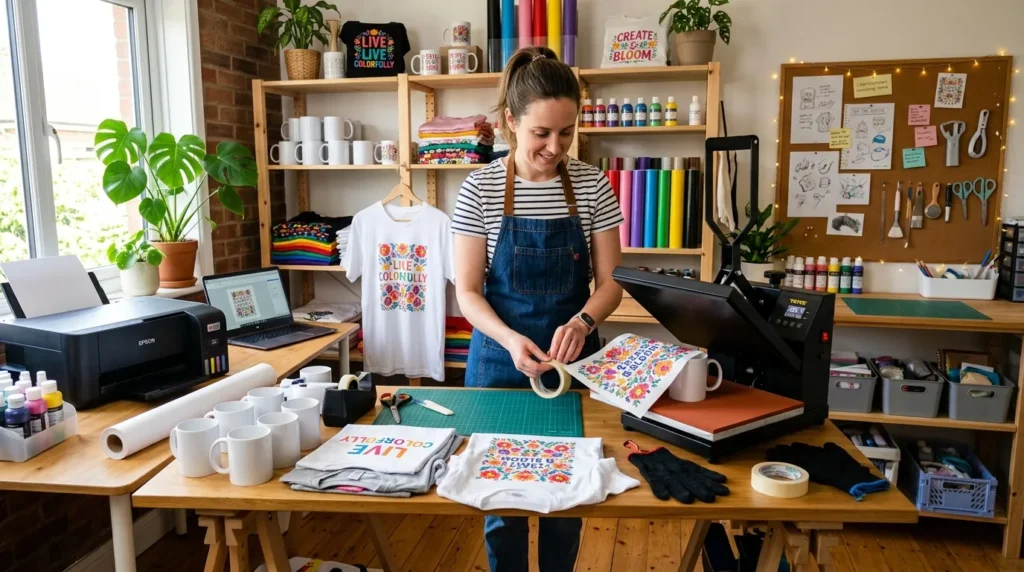
The process starts with artwork printed using dye-sublimation ink. Under the appropriate heat conditions, the dye transfers into a compatible polyester or polymer surface. Once cooled, the image is in the receiving material rather than a separate adhesive sheet on top.
- Prepare the design. Size the artwork for the blank and mirror it once if your printing workflow requires it.
- Print on transfer paper. Use a supported sublimation ink system, the paper’s printable side, and appropriate printer settings.
- Check the blank. Confirm compatible fiber content or coating, clean the print area, and address moisture or lint according to supplier guidance.
- Position the transfer. Align and secure the printed paper so it cannot shift while pressing or being removed.
- Apply heat. Use the blank or supplier’s specified time, temperature, and pressure with equipment suited to the product.
- Remove and inspect. Follow the transfer’s removal and cooling directions, then look for ghosting, pale areas, banding, or heat marks.
These are overview steps, not a substitute for instructions for a particular blank. Use the complete sublimation printing process for setup details, press handling, and a deeper failure-check workflow.
Which Materials Can You Sublimate?
A material’s color and receiving surface determine whether standard dye sublimation will work. Bright artwork on a black cotton shirt is not the same process as transferring onto white polyester or a coated mug.
| Material or product | Direct sublimation fit | What to check |
|---|---|---|
| White or light polyester shirt | Generally suitable | Polyester content, fabric construction, garment heat tolerance, and supplier care instructions |
| Polyester blend apparel | Depends on the blend | Lower polyester content can change the color result; make a sample first |
| Ordinary cotton shirt | Not a direct match | Cotton needs a different supported transfer system or a compatible intermediate layer |
| Black or dark apparel | Poor direct match | Translucent sublimation dye does not print a white background |
| Sublimation-ready mug or tumbler | Suitable with correct coating and equipment | Coating, item dimensions, wrap or press method, and supplier settings |
| Metal panel, coaster, or phone case | Only if sublimation-ready | Confirm a receiving coating and a compatible heat method |
| Uncoated wood, ceramic, glass, or metal | Not directly suitable | A suitable commercial receiving surface or coating is required |
When a listing simply says “printable,” that is not enough to establish sublimation compatibility. Check the sublimation material guide and blank and substrate selection guide before committing to a batch of new products.
What Equipment Do You Need for Sublimation Printing?
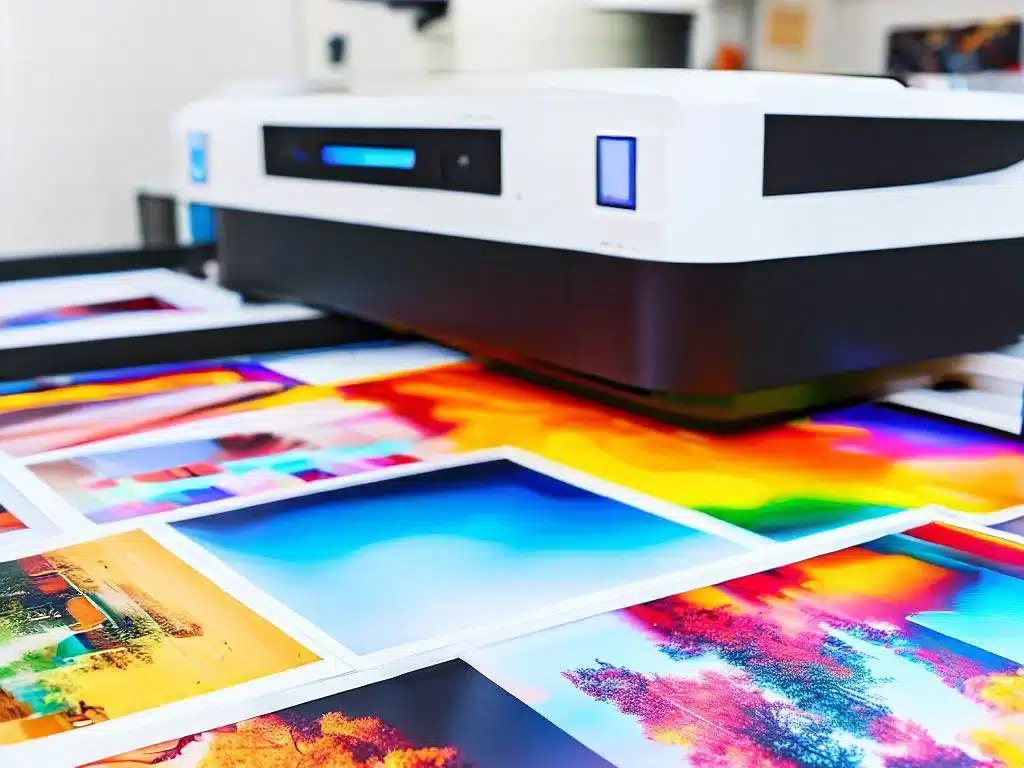
Choose equipment based on your first product rather than buying a general starter bundle. A flat polyester shirt and a ceramic mug need different ways to deliver stable heat and pressure.
| Equipment | Role | Buying or setup check |
|---|---|---|
| Sublimation printer | Prints the design with dye-sublimation ink | Use a supported dye-sublimation system; confirm media size and maintenance needs |
| Sublimation ink | Provides the transferable dye | Follow the printer or ink supplier’s compatibility guidance; do not mix it casually with office ink |
| Transfer paper | Carries printed dye to the blank | Confirm printable side, media size, and recommended print workflow |
| Heat press or product-specific heater | Transfers dye using controlled heat and pressure | Match the platen or heating geometry to the blank and supplier’s settings |
| Compatible blanks | Receive the dye | Confirm polyester content or a purpose-made polymer coating |
| Positioning and protection supplies | Help prevent movement and contamination | Use suitable heat-resistant tape, protective paper, lint tools, and safe handling equipment |
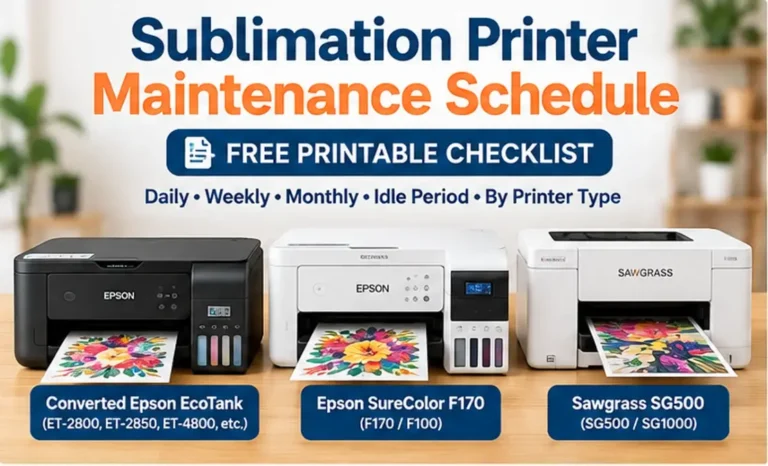
Compare printer types in the sublimation printer buying guide. A converted inkjet is not automatically equivalent to a purpose-built sublimation printer: manufacturer support, ink compatibility, warranty, and maintenance requirements differ. The printer compatibility guide explains those differences.
How Much Does Sublimation Printing Cost?
There is no one reliable startup price for every sublimation setup. A maker printing shirts on a small flat press needs a different equipment mix from a shop producing mugs, tumblers, or wide-format apparel. Supplier pricing, shipping, warranty, production volume, and blank quality also change the total.
| Cost group | What to include | Where beginners underestimate cost |
|---|---|---|
| One-time equipment | Printer, heat press or heater, work surface, setup accessories | Purchasing a press that does not fit the intended product |
| Print consumables | Sublimation ink, transfer paper, protective paper, tape | Spoiled prints during setup and color correction |
| Product blanks | Polyester shirts, coated mugs, panels, or other approved items | Inconsistent coatings, breakage, and minimum-order or shipping costs |
| Software and workflow | Design software, color management, image assets when licensed | Time spent preparing artwork and fixing profiles |
| Ongoing operations | Maintenance, electricity, packaging, labor, reprints | Downtime, handling time, and rejected finished products |
Build the budget using quotes for the exact printer, press, and blanks you plan to use. Compare your projected margin after material waste and labor, not only the ink used on a successful print. The sublimation equipment ROI calculator can help estimate when an equipment purchase could pay back, using your own figures.
What Can You Make With Sublimation Printing?
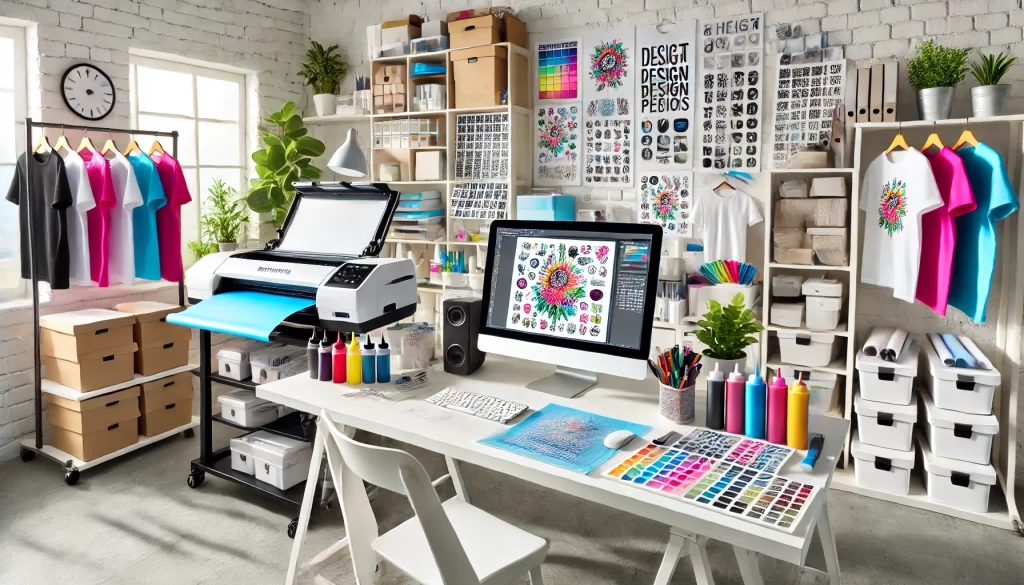
Sublimation works across several product categories, but each requires a compatible blank. Choose one format for early experiments so a change in shape or coating does not complicate troubleshooting.
| Product category | Common uses | Main compatibility check |
|---|---|---|
| Polyester apparel | Teamwear, performance shirts, fabric accessories | Light color, polyester content, and fabric heat tolerance |
| Drinkware | Mugs, tumblers, and bottles made for sublimation | Purpose-made coating and the correct heating or wrapping method |
| Coated hard goods | Photo panels, coasters, ornaments, and signs | Blank coating and shape-specific press instructions |
| Small accessories | Selected keychains, tags, and compatible cases | Coating, surface flatness, and fit in the press |
For apparel, avoid assuming every white shirt gives the same result. For hard goods, ordinary retail mugs and metal sheets do not automatically accept sublimation. Suppliers should identify the surface as sublimation-ready.
Sublimation vs Other Printing Methods
Sublimation is particularly useful when you need detailed color on light polyester or suitable coated hard goods. Other printing processes solve problems that sublimation cannot, especially decorating cotton and dark garments.
| Method | Main strength | Main limitation |
|---|---|---|
| Dye sublimation | Very low hand feel on compatible polyester; works on suitable coated hard goods | Needs polyester or a receiving coating and typically a light background |
| DTF garment transfer | Suitable for many cotton, dark, and mixed-fabric apparel jobs | Transfer layer remains on the garment; ink, film, adhesive, and curing add workflow steps |
| Screen printing | Can be efficient for repeated designs at suitable production volumes | Screens and setup work can make one-off multicolor projects less attractive |
| Heat transfer vinyl (HTV) | Cut lettering and shapes on compatible garments | Layer feel and material-specific application limits |
| Direct-to-garment (DTG) | Detailed garment prints using a compatible DTG workflow | Requires appropriate printer, pretreatment or preparation, and garment compatibility |
The practical question is what product you are selling. For a black cotton shirt, compare garment-focused methods rather than forcing normal sublimation to work on an unsuitable blank. If you want an apparel-specific comparison, use the DTF vs sublimation printing guide.
Common Sublimation Printing Problems
A poor result is easier to fix when you separate printer faults from heat-transfer faults. Inspect the paper before pressing: defects already visible there often point to printing or artwork setup rather than the blank.
| Symptom | Likely checks | Avoid |
|---|---|---|
| Faded or patchy image | Blank compatibility, coating, heat contact, moisture, transfer side | Immediately raising heat without checking materials |
| Double image or ghosting | Transfer movement during press opening or paper removal | Lifting the paper across the hot surface |
| Wrong colors | Nozzle check, driver settings, ICC workflow, substrate, press conditions | Stacking multiple color corrections at once |
| Bands or missing lines | Printhead/nozzle condition and print settings | Using more blanks before confirming printer output |
| Heat marks or scorching | Fabric heat tolerance, press temperature, pressure, protective layer | Treating one garment’s setting as universal |
| Paper sticks or coating is damaged | Blank/paper system and supplier’s removal instructions | Forcing removal while ignoring the supplier’s timing |
Record the exact blank, paper, ink, press time, temperature, and pressure for each test. Change one variable at a time. The sublimation printing troubleshooting guide provides more detailed checks.

Is Sublimation Printing Suitable for a Small Business?
It can be a fit when you have repeat demand for compatible blanks, predictable quality, and enough margin to cover more than paper and ink. Product type matters more than a generic claim that sublimation is inexpensive or profitable.
- Start with one or two products you can reproduce consistently before adding more blanks and heat equipment.
- Confirm blank quality and shipping costs across the suppliers you are considering.
- Time artwork preparation, printing, pressing, cooling, finishing, and packaging.
- Allow for defective blanks, reprints, customer changes, and equipment downtime.
- Choose your sales channel and product niche based on real orders, not unsupported industry-growth projections.
If you want the operational steps, see the sublimation business guide. This overview should help you decide whether the printing method fits your products before you plan a full business.
Professional Sublimation Printing & Wholesale Custom Products
Looking for high-quality sublimation printing for apparel, drinkware, and promotional items? Subli Genius Print delivers vibrant color, sharp detail, and long-lasting results for businesses, brands, and resellers across the U.S.
Frequently Asked Questions
Can you sublimate directly on cotton?
Not with ordinary dye sublimation alone. Cotton does not provide the polyester receiving structure that normal dye sublimation depends on. Some alternative transfer systems add a compatible receiving layer, but they are not the same as direct sublimation into an uncoated cotton shirt.
Does sublimation work on black shirts?
Standard sublimation dye is translucent and does not print white, so black or dark fabric will mute the image. A different apparel process or a manufacturer-supported receiving layer may be more appropriate for dark garments.
Do you need a dedicated sublimation printer?
You need a dye-sublimation-compatible printing system, not ordinary inkjet ink. Purpose-built systems and some supplier-supported conversions exist, but hardware compatibility, maintenance, and warranty coverage need to be checked before purchase.
Why does a transfer look dull before pressing?
The printed transfer may look less vibrant than the finished image. Judge the final result on a correctly prepared compatible blank. If colors are wrong after pressing, check the printer, ink, color-management workflow, material, and press conditions before making changes.
What is the easiest first sublimation project?
A flat, light-colored polyester sample or another simple blank made for sublimation is usually easier to control than a curved mug or tumbler. The best first project is one your heat equipment can handle safely and whose supplier provides clear instructions.
Where to Start
Choose a compatible blank, prepare a simple test design, follow its supplied pressing instructions, and write down the outcome. For guided practice, use the seven-stage sublimation learning path. For a complete hands-on press workflow, use the step-by-step process tutorial.



5 Comments