How to Pick the Right Printer for Stickers Without Wasting Money

I remember thinking all printers were basically the same until I ruined a whole stack of sticker paper with smudged ink and faded colors. That’s when it clicked, sticker printing has its own rules, and the printer choice matters way more than most people realize.
If you’re making stickers at home or planning to sell them, this guide walks you through what actually matters before you buy. We’ll focus on print quality, durability, cost over time, and how to avoid buying a printer that fights you every step of the way.
How to Pick the Right Printer for Stickers
Before you buy anything, it helps to slow down and look at what actually affects sticker results. The right printer isn’t just about sharp colors, it’s about how well those stickers last, how smooth production feels, and how much you’ll spend long term. Once you know what to look for, the choice gets way easier.
Ink Type (Pigment vs Dye)
Ink type is one of the biggest quality and durability factors, and it’s usually where people mess up first.
Pigment ink
➡️ Holds up better against water and sunlight
➡️ Colors stay stable longer, especially on vinyl
➡️ Great if you’re selling stickers or using them outdoors
Dye ink
➡️ Brighter, punchier colors right out of the printer
➡️ Lower upfront cost
➡️ More likely to fade over time, especially in sunlight
If you’ve ever wondered why some stickers look amazing at first but dull out fast, ink choice is often the reason. This matters even more if you’re comparing general-purpose printers, which we break down deeper in this guide on the best printer options for making stickers.
Media Handling and Paper Compatibility
Sticker paper isn’t all the same, and printers definitely notice.
Thicker vinyl sheets can jam printers that aren’t built to handle them. That’s why media handling matters more than most people expect.
➡️ Look for printers with a rear or manual feed option for vinyl
➡️ Check supported paper weight before buying
➡️ Matte and glossy sticker paper usually run fine on standard inkjets
➡️ Waterproof vinyl needs careful settings and steady feeding
If you plan on experimenting with different finishes or materials, a printer with flexible paper handling will save you a ton of frustration.
Supported Print Size
Print size controls how efficient your sticker layouts can be.
Standard printers (8.5 × 11 inches)
➡️ Perfect for beginners and hobby projects
➡️ Easy to cut on home cutters like Cricut or Silhouette
➡️ Lower printer cost
Wide-format printers
➡️ Fit more designs on one sheet
➡️ Better for bulk production
➡️ Ideal if you sell sticker packs or sheets
If you’re planning to scale or already doing regular runs, size flexibility can directly impact your workflow. Pairing the right printer size with solid layout planning, like what we cover in this Cricut-friendly sublimation and print sizing guide, helps you waste less material.
Long-Term Cost and Budget
The price tag on the box is only part of the story.
Low-cost printers often:
➡️ Use small cartridges
➡️ Need frequent refills
➡️ End up costing more over time
Ink-tank printers:
➡️ Cost more upfront
➡️ Offer much lower cost per print
➡️ Are easier to manage for steady production
If you’re running numbers for a shop or side hustle, this long-term view matters. We usually recommend estimating ink usage early using tools like a sublimation and print cost estimator so you don’t get surprised later.
Print Speed and Production Volume
Speed doesn’t matter much until it suddenly really does.
➡️ Slow printers are totally fine for occasional sticker sheets
➡️ High-volume printers are built to run longer without overheating
➡️ Business-focused models keep quality consistent at higher speeds
If you’re fulfilling orders or restocking often, faster output with stable color can save hours each week and reduce reprints.
Sticker Durability Expectations
Not all stickers need to survive the same conditions, and that’s okay.
Indoor stickers
➡️ Prioritize color accuracy and detail
➡️ Dye ink can be acceptable
➡️ Paper compatibility matters more than weather resistance
Outdoor or high-contact stickers
➡️ Benefit from pigment ink
➡️ Need better vinyl handling
➡️ Often require sealing or lamination
If durability is your priority, it’s also worth understanding how different print methods compare. This breakdown of sublimation vs other printing methods helps set realistic expectations so you don’t buy the wrong tool for the job.
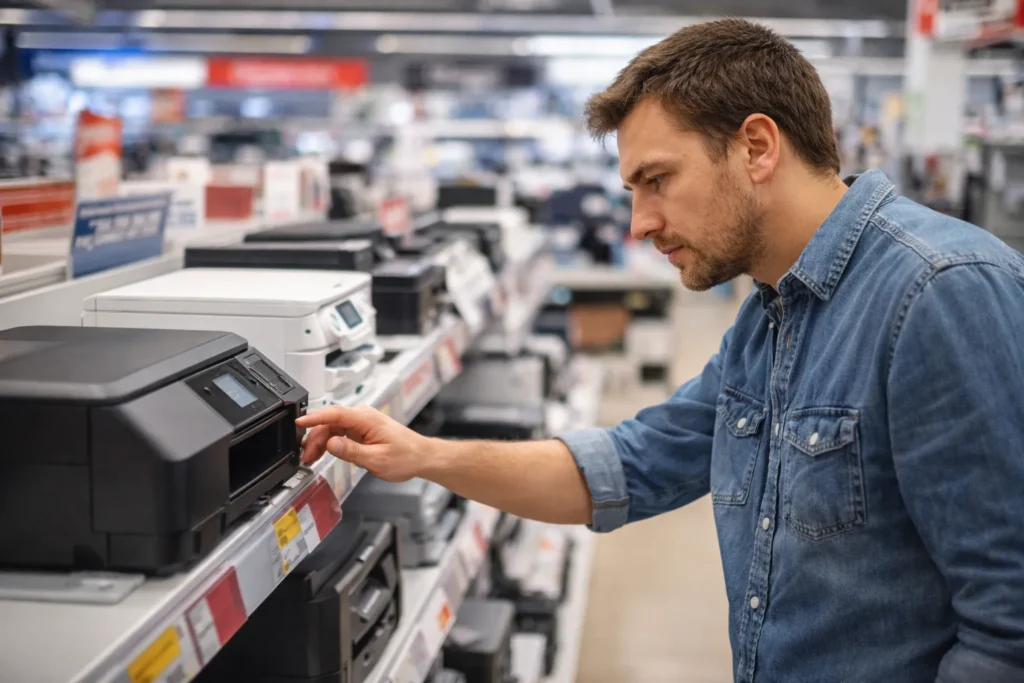
Once you line these factors up with how you actually plan to use your stickers, the “right” printer usually becomes obvious. It’s less about the brand name and more about matching the printer to your workflow.
If you’re still deciding what type of printer fits your overall sticker workflow, this beginner-friendly guide on how to pick the right printer for stickers explains the key differences clearly.
FAQs
Can I use a regular inkjet printer to make stickers at home?
Yes, you can, especially for indoor stickers, just make sure it supports sticker paper and the right ink settings.
Do I need pigment ink for waterproof stickers?
Pigment ink helps a lot with water and UV resistance, but true waterproof stickers usually also need vinyl paper and lamination.
Is an ink-tank printer better for sticker printing?
If you print often, ink-tank printers are usually cheaper long term and easier to manage than cartridge-based models.
What’s the best paper type for high-quality stickers?
Vinyl sticker paper gives the best durability, while matte or glossy paper works fine for decorative or indoor use.
Can I sell stickers made with a home printer?
Yes, many small businesses do, as long as print quality is consistent and materials match how the stickers will be used.