
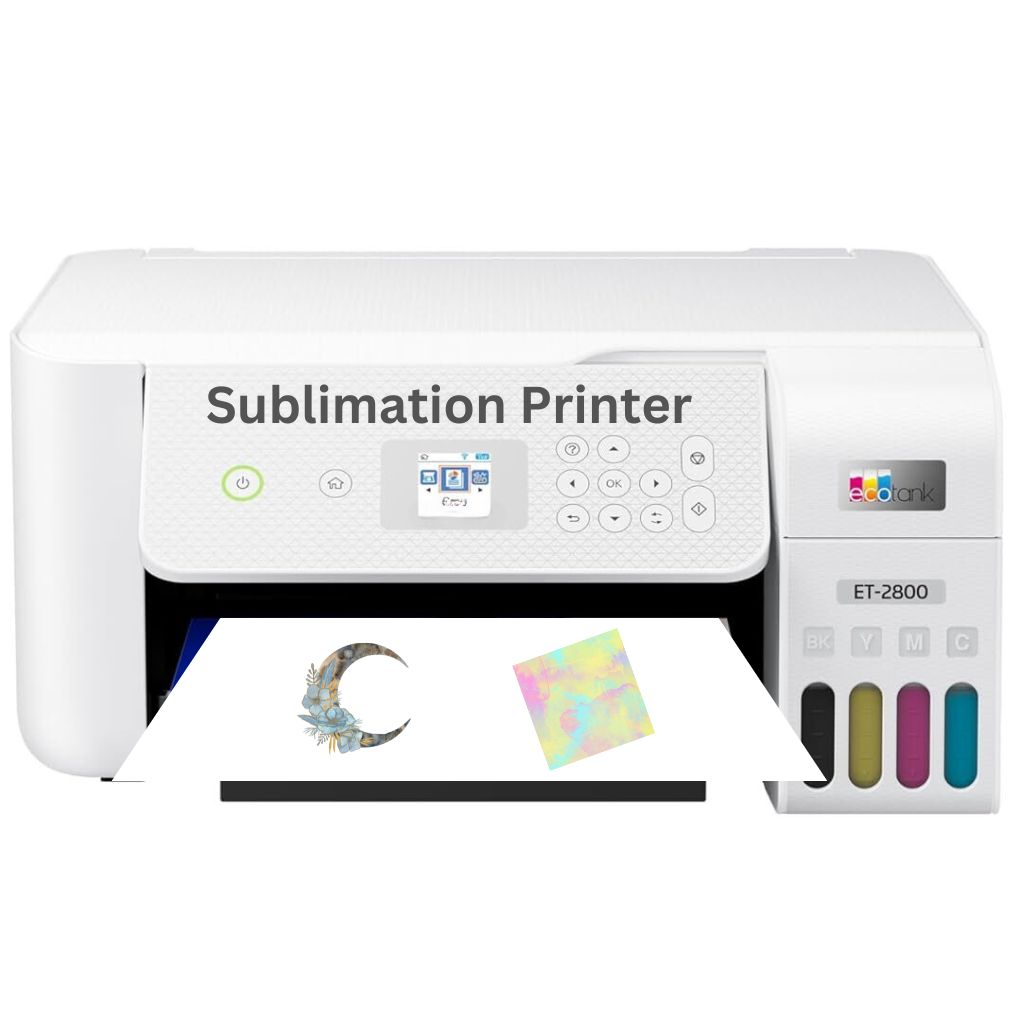
Epson EcoTank ET-2800: Printer Overview
$199.00
Description
The Epson EcoTank ET-2800 is a wireless, four-color inkjet printer with refillable ink tanks, a flatbed scanner and a copier. It is designed for everyday document and photo printing using Epson 522 ink bottles. Check the seller’s product details for the exact model, condition, included supplies and current purchase terms.
Important for sublimation buyers: The ET-2800 is a standard Epson inkjet model, not a factory-ready dye-sublimation printer. A listing for an ordinary ET-2800 should not be treated as a listing for a converted sublimation unit.
ET-2800 Specifications
| Feature | Epson specification |
|---|---|
| Printer type | Four-color (CMYK) MicroPiezo inkjet, refillable EcoTank system |
| Functions | Print, copy and scan |
| Replacement ink | Epson 522 bottles: black, cyan, magenta and yellow |
| Connectivity | Wi-Fi, Wi-Fi Direct and Hi-Speed USB |
| Print speed | Up to 10 ISO ppm black and 5 ISO ppm color in Epson’s specified test conditions |
| Paper handling | Up to 100 sheets of plain paper in the rear feed |
| Scanner | Color flatbed scanner |
| Display | 1.44-inch color LCD |
These are manufacturer specifications for the standard ET-2800. They are not results of our own product testing. Performance and ink use vary with the job, settings and paper.
Can You Use the Epson ET-2800 for Sublimation?
Epson sells the ET-2800 as a standard inkjet printer using Epson 522 ink, not as a dedicated sublimation printer. Some third parties discuss converting unused EcoTank printers for other ink systems, but such conversion is separate from Epson’s intended product configuration. Do not assume this listing includes sublimation ink, conversion services or color-management support.
Epson warns that damage caused by ink not designed for the printer may fall outside its limited warranty. Check the exact warranty and seller conditions before considering any third-party conversion. For a purpose-built option, compare dedicated sublimation printers by use case.
What to Confirm Before Ordering
- Model and condition: Confirm ET-2800, its color and whether the unit is new, used or refurbished.
- Ink and accessories: Verify the included bottles, cables, documentation and any optional extras with the actual seller. Epson’s standard retail box details may differ from a resale or refurbished offer.
- Current price and stock: Use the live product listing and checkout, not an advertised historical discount.
- Warranty and returns: Check which warranty applies to the exact unit, whether registration is required and which seller handles returns.
- Intended printing: If the goal is sublimation, confirm that the listing explicitly offers a suitable printer and ink setup. A standard ET-2800 listing should not be assumed to provide it.
Related Printer Guidance
Comparing two similar EcoTank models? Read the ET-2800 versus ET-2803 comparison before choosing. For sublimation projects, use the dedicated sublimation printer buying guide to assess your options.
You may also like…
-

-
Sale!
Sublimation Printer Wireless
Original price was: $199.00.$159.00Current price is: $159.00.


Reviews
There are no reviews yet.