
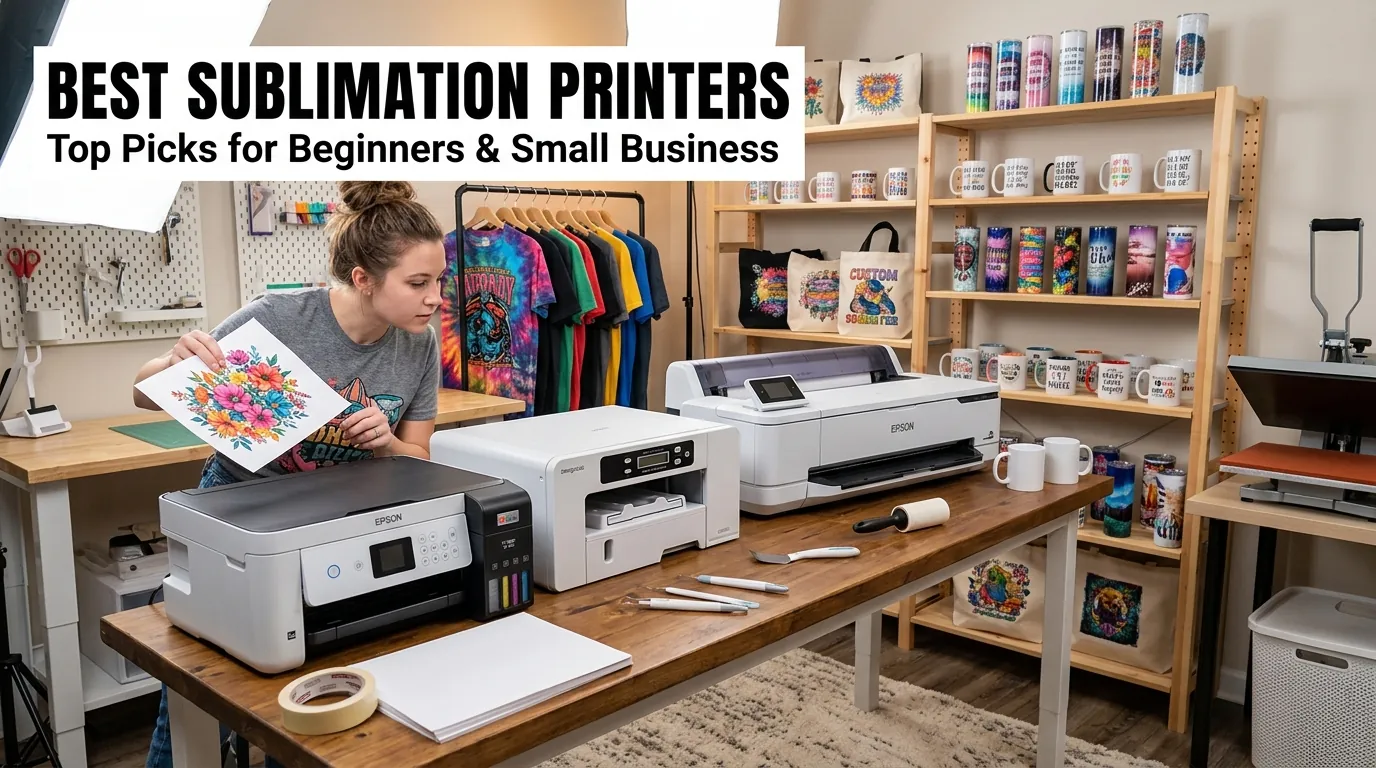
Best Sublimation Printers 2026: Ranked by Use Case

The best sublimation printer depends on the width you need, whether you want a purpose-built or converted setup, and how much support you want after purchase. For 2026, the strongest options span compact dedicated printers such as the Epson SureColor F170 and Sawgrass SG500, larger desktop systems such as the SG1000, the 13-inch Epson ET-15000 conversion route, and the 24-inch Epson SureColor F570.
If you are still deciding what printer technology can actually be used for sublimation, start with our printer compatibility guide. This page focuses on choosing between current printer options once you understand the basic workflow.
Best Sublimation Printers 2026: Quick Decision Matrix
Use print width and workflow first. A compact dedicated printer can be a better buy than a larger conversion if your products fit its media size and you value manufacturer-supported sublimation.
| Printer | Best for | Maximum useful width | Setup type | Manufacturer sublimation support | Ink approach | Main advantage | Main limitation | Upgrade path |
|---|---|---|---|---|---|---|---|---|
| Epson SureColor F170 | Compact dedicated starter setup | 8.5 in | Purpose-built | Yes | Genuine Epson dye-sub ink | Simple supported workflow | Limited width | Move to 13 in or 24 in when designs outgrow the page |
| Sawgrass SG500 | Supported desktop workflow | 8.5 in | Purpose-built | Yes | Sawgrass ink system | Integrated desktop ecosystem | 8.5-inch width | SG1000 for larger desktop media |
| Sawgrass SG1000 | Larger supported desktop work | 11 in main tray, 13 in with optional bypass | Purpose-built | Yes | Sawgrass ink system | Larger media without leaving the desktop class | 13-inch capability needs the optional bypass tray | 24-inch production printer when volume or width grows |
| Epson EcoTank ET-15000 | 13-inch conversion route | 13 in | Converted inkjet | No | Third-party sublimation ink | Large sheet size in a tank-printer format | Not sold or supported by Epson as a dye-sub printer | Purpose-built 24-inch system for production growth |
| Epson SureColor F570 | 24-inch production upgrade | 24 in | Purpose-built | Yes | Genuine Epson dye-sub ink | Roll and sheet workflow with built-in cutter | Larger equipment footprint and investment | Commercial wide-format systems when 24 inches becomes restrictive |
Bottom line: Buy for your largest realistic transfer size and the level of workflow support you need. Do not pay for width you will not use, but do not choose an 8.5-inch printer if your product line already depends on larger shirt fronts or panels.
Some printer resources on Subli Genius Print may include affiliate links. If you purchase through an affiliate link, we may earn a commission at no extra cost to you.
Dedicated vs Converted Sublimation Printers
Purpose-built printers and converted inkjets solve the same transfer-printing problem in different ways. The choice affects setup, ink sourcing, color management, troubleshooting, and support.
| Decision factor | Purpose-built dye-sub | Converted inkjet |
|---|---|---|
| Initial setup | Designed for sublimation from the start | You choose third-party sublimation ink and configure the workflow |
| Manufacturer support | Dye-sub use is part of the supported product purpose | The base printer is not sold as a sublimation printer |
| Color workflow | Manufacturer ecosystem can simplify profiles and settings | Depends on the ink, paper, profile, and software combination you choose |
| Ink sourcing | Uses the manufacturer’s supported sublimation ink system | Uses compatible third-party sublimation ink |
| Best fit | Buyers who value a controlled, supported workflow | Buyers comfortable managing compatibility and troubleshooting |
For a deeper explanation of printer compatibility, see what kind of printer is needed for sublimation. If your decision is specifically Epson EcoTank versus Sawgrass, our EcoTank vs Sawgrass comparison focuses on that tradeoff.
Bottom line: Purpose-built does not automatically mean better for every budget, and converted does not automatically mean cheaper after mistakes, wasted media, profile work, and support limitations are considered.
How Much Print Width Do You Actually Need?
Print width is the fastest way to eliminate the wrong printer. Base the decision on your largest regular transfer, not the smallest product you make today.
| Width class | Typical fit | Main compromise | Printers in this guide |
|---|---|---|---|
| 8.5-inch class | Mugs, coasters, small signs, smaller apparel graphics | Large shirt fronts may need a different workflow | F170, SG500 |
| 11 to 13-inch class | Larger apparel graphics, signs, wider transfers | More paper and workspace, but still desktop-oriented | SG1000, ET-15000 |
| 24-inch class | Wide panels, roll workflows, growing production | Higher equipment and workspace requirements | F570 |
Bottom line: Width is an upgrade decision. If an 8.5-inch printer already forces you to tile the designs that make money, move up rather than buying another compact printer.
Epson SureColor F170: Best Dedicated Compact Option
The F170 is the strongest fit when you want a compact Epson printer designed specifically for dye sublimation. Epson lists an 8.5-inch maximum paper width and supports sheets longer than legal size, so the real limitation is width rather than transfer length.
| Best for | Mugs, drinkware wraps, coasters, awards, small panels, compact apparel graphics |
|---|---|
| Setup type | Purpose-built dye sublimation |
| Maximum paper width | 8.5 inches |
| Main advantage | Genuine Epson dye-sub ink and a supported compact workflow |
| Main limitation | 8.5-inch width can become restrictive for larger apparel work |
Choose the F170 when simplicity and manufacturer-supported sublimation matter more than 13-inch media. For a dedicated comparison against Sawgrass, see Epson F170 vs Sawgrass SG500. Our F170 settings and cost guide covers the printer in more detail.
Bottom line: Pick the F170 if most profitable products fit an 8.5-inch print width and you want to avoid converting a standard inkjet.
Sawgrass SG500: Best for a Managed Desktop Workflow
The SG500 targets the same compact desktop class as the F170 but uses the Sawgrass ink and software ecosystem. Sawgrass lists media up to 8.5 x 14 inches from the standard tray, with longer 8.5-inch media available through an optional bypass tray.
| Best for | Home studios and small businesses that want a supported Sawgrass workflow |
|---|---|
| Setup type | Purpose-built sublimation |
| Standard media | Up to 8.5 x 14 inches |
| Main advantage | Printer, ink, and Sawgrass software are built around the same desktop workflow |
| Main limitation | Width remains 8.5 inches |
Choose the SG500 when workflow support matters more than maximizing width. The Sawgrass SG500 specs and setup guide is useful if this is already your leading option.
Bottom line: The SG500 is a compact supported system, not the choice for buyers who already know they need wider transfers.
Sawgrass SG1000: Best Desktop Upgrade for Larger Designs
The SG1000 keeps the Sawgrass desktop workflow but supports larger media. Its main tray handles up to 11 x 17 inches, while the optional bypass tray expands the practical width to 13 inches and supports 13 x 19 sheets.
| Best for | Growing shops that want larger transfers without leaving the Sawgrass desktop system |
|---|---|
| Setup type | Purpose-built sublimation |
| Main tray | Up to 11 x 17 inches |
| Optional bypass | Up to 13-inch width, including 13 x 19 media |
| Main limitation | The 13-inch workflow requires the additional bypass tray |
Bottom line: Pick the SG1000 when the SG500 workflow appeals to you but 8.5-inch width is already too restrictive.
Epson ET-15000: Best 13-Inch Conversion Route
The ET-15000 is not a purpose-built sublimation printer. Epson sells it as a standard EcoTank office printer that can print up to 13 x 19 inches through the rear feed. Sublimation users who choose it are creating a third-party conversion workflow.
| Best for | Buyers who want 13-inch sheets and accept a third-party conversion |
|---|---|
| Setup type | Converted standard inkjet |
| Maximum sheet size | Up to 13 x 19 inches through the rear feed |
| Main advantage | Wide sheet size in a refillable-tank printer format |
| Main limitation | Epson does not sell or support the ET-15000 as a dye-sublimation printer |
Do not compare ET-15000 office-ink economics with purpose-built dye-sub ink costs as if they were the same workflow. A conversion changes the ink, color-management responsibility, troubleshooting path, and support expectations. Read our ET-15000 sublimation conversion guide before committing the printer to third-party sublimation ink.
Bottom line: The ET-15000 earns a place here because of its 13-inch format and conversion popularity, not because Epson designed it for sublimation.
Epson SureColor F570: Best 24-Inch Production Upgrade
The F570 is the logical step up when desktop sheet size is slowing production or limiting product size. Epson designed it as a 24-inch dye-sublimation printer with roll and sheet handling plus a built-in cutter.
| Best for | Growing production shops, wider panels, apparel decoration, and roll-media workflows |
|---|---|
| Setup type | Purpose-built dye sublimation |
| Maximum media width | 24 inches |
| Media handling | Rolls and sheets with built-in cutting |
| Main limitation | Requires more capital and workspace than desktop printers |
Bottom line: Move to the F570 when wider media or roll handling solves a real production bottleneck. Do not buy a 24-inch printer just to avoid an occasional tiled design.
What a Sublimation Printer Really Costs to Run
Printer price is only one part of the buying decision. Running cost depends on the complete workflow, and exact cost-per-print figures are only meaningful when they use your own ink, paper, waste, maintenance, and order data.
| Cost factor | Why it changes the decision |
|---|---|
| Ink system | Purpose-built and third-party conversion inks have different sourcing and support tradeoffs |
| Transfer paper | Sheet size, roll use, failed prints, and trimming all affect usable cost |
| Maintenance | Cleaning cycles, downtime, and replacement parts matter more as production grows |
| Waste rate | Bad profiles, wrong settings, and handling errors can erase apparent ink savings |
| Print width | A narrow printer can increase tiling, assembly time, or force a second equipment purchase |
| Support | A supported workflow can reduce troubleshooting time when the printer is business-critical |
Use the sublimation equipment ROI calculator to compare printer investment against your own sales and profit assumptions instead of relying on a generic cost claim.
Bottom line: The cheapest printer to buy is not automatically the cheapest printer to own. Use real production assumptions, especially if the purchase is for a business.
Which Sublimation Printer Should You Buy?
Match the printer to the constraint that matters most in your shop.
- Choose the Epson F170 if you want a compact, purpose-built Epson dye-sub workflow and 8.5-inch width is enough.
- Choose the Sawgrass SG500 if you want a compact Sawgrass desktop ecosystem and do not need wider than 8.5-inch media.
- Choose the Sawgrass SG1000 if you want larger desktop media while staying in the Sawgrass system.
- Choose the Epson ET-15000 if 13-inch sheets matter and you knowingly accept a third-party conversion workflow.
- Choose the Epson F570 if 24-inch media and roll handling solve a genuine production or product-size problem.
If your main constraint is budget rather than width or workflow, use the separate sublimation printers for beginners under $500 comparison. That page is intentionally narrower than this buying guide.
Common Buying Mistakes
- Buying for today’s smallest product: Check the largest transfer you expect to sell regularly.
- Treating every Epson as a sublimation printer: Purpose-built SureColor dye-sub models and converted EcoTank models are different workflows.
- Comparing ink price without waste: Include failed prints, cleaning, paper, profiles, and operator time.
- Ignoring the upgrade path: A compact printer can become expensive if you replace it soon after adding larger products.
- Buying production width too early: Wider equipment makes sense when orders, product size, or labor savings justify it.
Frequently Asked Questions
What is the best sublimation printer for beginners?
For buyers who want a purpose-built compact workflow, the Epson F170 and Sawgrass SG500 are the clearest starting points in this comparison. A converted EcoTank can fit a lower-cost strategy, but it adds third-party ink, profile, and support decisions.
Is the Epson ET-15000 a sublimation printer?
No. Epson sells the ET-15000 as a standard EcoTank all-in-one printer. Sublimation users who choose it replace the normal office-printing workflow with compatible third-party sublimation ink and color-management choices.
What size printer is best for sublimation shirts?
Start with the width of the shirt designs you expect to sell. An 8.5-inch printer works for smaller graphics, while 11 to 13-inch media gives more room for larger fronts. A 24-inch printer becomes useful when wider transfers or roll production justify the larger system.
Should I buy a Sawgrass SG500 or SG1000?
Choose the SG500 if 8.5-inch width fits your products. Choose the SG1000 if you need 11 x 17 media from the main tray or want the option to reach 13-inch width with the bypass tray.
When should I upgrade to a 24-inch sublimation printer?
Upgrade when desktop sheet size creates a recurring production problem: frequent tiling, product sizes you cannot serve efficiently, or enough volume that roll handling and wider media reduce labor. Occasional large jobs alone may not justify the move.

15 Comments