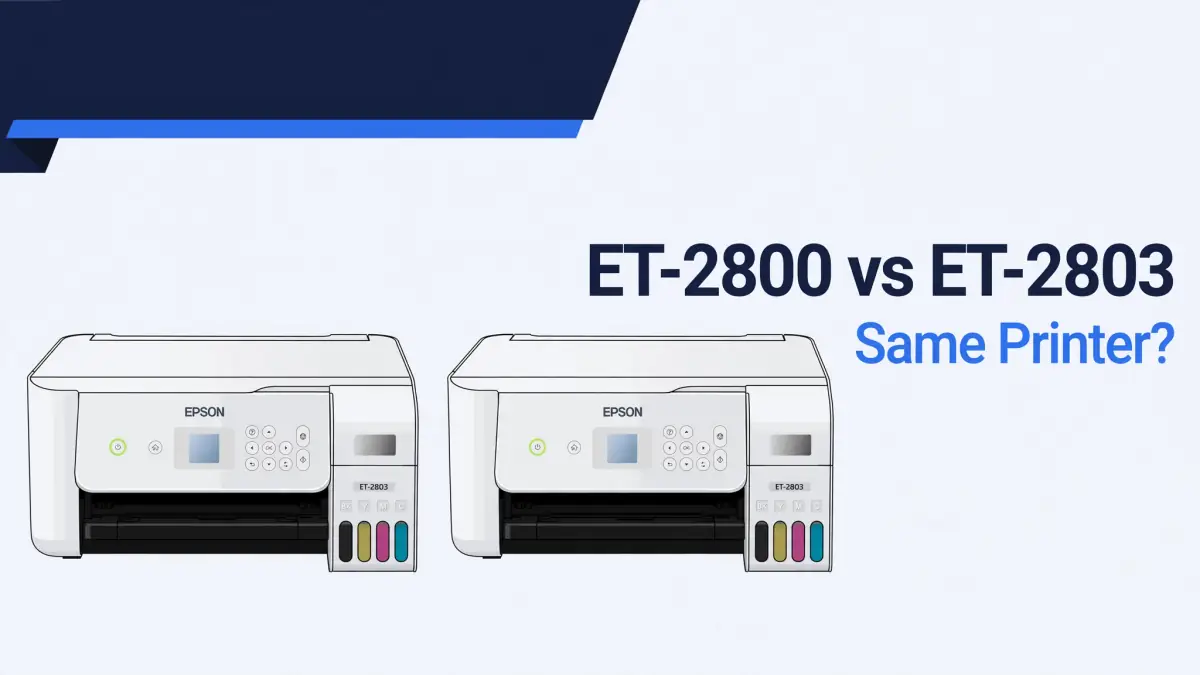
Epson EcoTank ET-2800 vs ET-2803: They’re the Same Printer, Here’s What Actually Differs

If you have searched for a comparison between these two printers, you have probably found pages claiming the ET-2803 has Wi-Fi and the ET-2800 doesn’t, or that one of them has automatic double-sided printing.
We checked Epson’s own spec sheets for both models directly, and that is not correct. Both print at the same speed, both connect over the same Wi-Fi, and neither has automatic duplex.
The real differences are smaller than most comparisons claim, and they show up in the box and the warranty, not in what the printer can do.
The short version
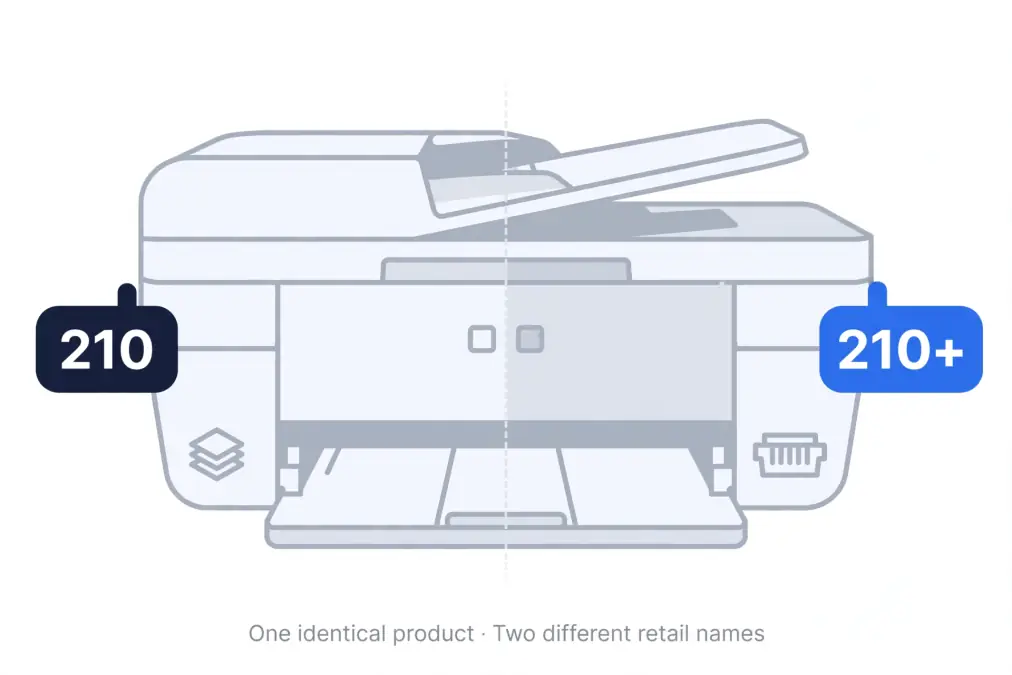
These are the same printer hardware sold as two different retail bundles. The ET-2800 typically ships with a longer warranty and a bonus ink bottle, and it usually costs more. The ET-2803 is the standard bundle with a shorter warranty, and it usually costs less. That is the opposite of what most people assume when comparing a higher model number to a lower one.
What’s actually the same
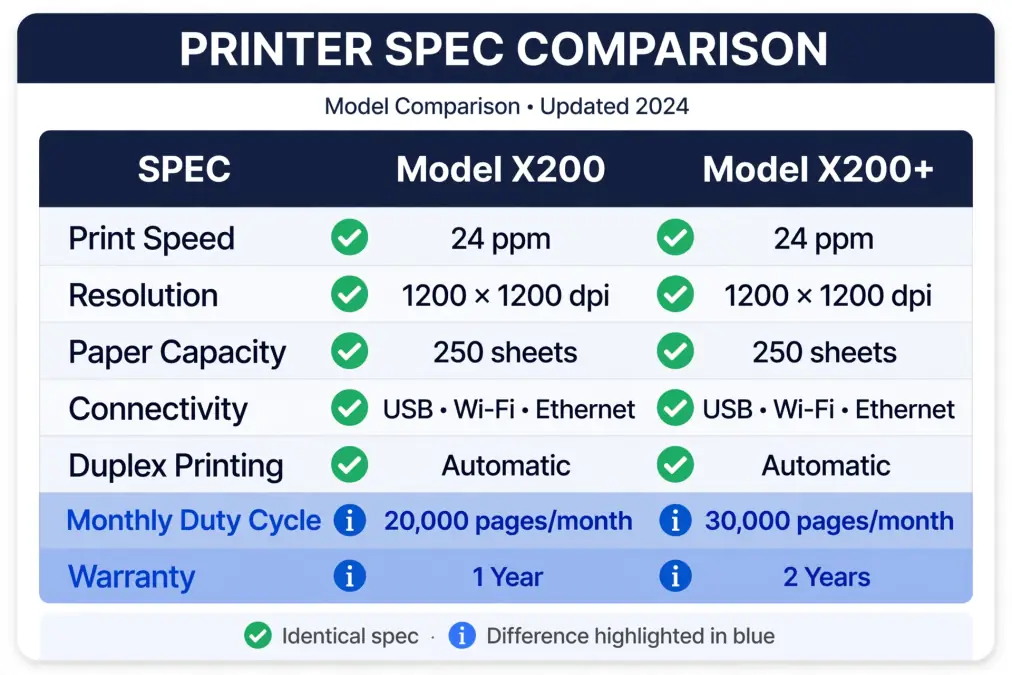
Checked against Epson’s official specification sheets for both models, side by side:
| Spec | ET-2800 | ET-2803 |
|---|---|---|
| Print speed | 10.0 ISO ppm black, 5.0 ISO ppm color | 10.0 ISO ppm black, 5.0 ISO ppm color |
| Maximum resolution | 5760 x 1440 dpi | 5760 x 1440 dpi |
| Connectivity | USB, Wi-Fi 4 (802.11 b/g/n), Wi-Fi Direct | USB, Wi-Fi 4 (802.11 b/g/n), Wi-Fi Direct |
| Automatic duplex printing | Not listed | Not listed |
| Ink system | T522 bottles, 65 mL each | T522 bottles, 65 mL each |
| Ink yield | 4,500 pages black / 7,500 pages color | 4,500 pages black / 7,500 pages color |
| Scanner | Color flatbed, 1200 dpi optical | Color flatbed, 1200 dpi optical |
| Dimensions and weight | 14.8″ x 22.8″ x 10.0″, 8.8 lb | 14.8″ x 22.8″ x 10.0″, 8.8 lb |
| Country of origin | Philippines | Philippines |
Neither model has Bluetooth or Ethernet, despite some comparison sites claiming otherwise. Neither model has automatic duplex printing either.
If a page tells you one of these two has a feature the other lacks, that page likely confused the ET-2800/ET-2803 with the ET-2850, a different Epson model that does have automatic duplex and is sometimes bundled with a bonus ink bottle at warehouse retailers, which is probably where a lot of the confusion started.
The real differences
Warranty
This is the part where Epson’s own materials are genuinely inconsistent, so we are not going to pretend there is one clean answer.
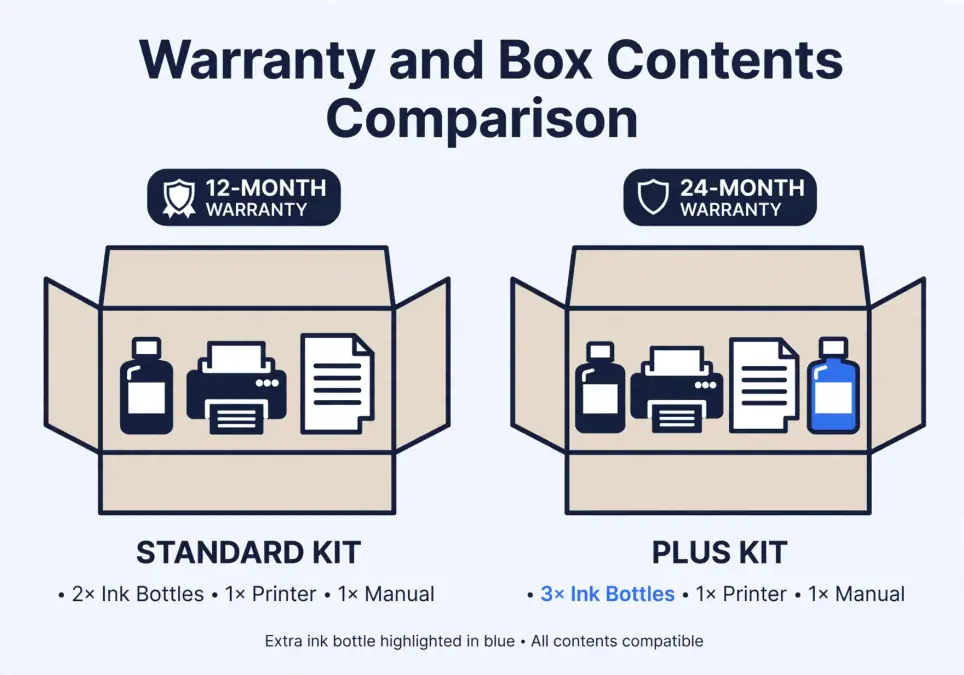
The ET-2803’s specification sheet states a flat 1-year limited warranty. Some ET-2800 listings, including a “Special Edition” bundle sold through Epson directly and some club-style retailers, state a 2-year limited warranty (12 months standard, extended to 24 months or 30,000 printed sheets, whichever comes first, with product registration and use of genuine ink).
But other ET-2800 documentation we found, including a spec sheet for the standard ET-2800, lists a 1-year warranty identical to the ET-2803.
What this means for you
Don’t assume the warranty length based on the model number alone. Check the specific listing you are buying from, and check the box or included documentation once it arrives.
If the warranty term matters to your purchase decision, register the product either way, since registration is required to get the extended term when it applies and costs you nothing when it doesn’t.
What’s in the box
The ET-2800 Special Edition bundle ships with two black ink bottles plus one each of cyan, magenta, and yellow, a bonus black bottle over the standard set. The ET-2803 ships with the standard set: one bottle of each of the four colors.
At roughly $12 to $15 per replacement black bottle depending on where you buy it, that bonus bottle is worth a real but modest amount, not a decisive factor on its own.
Price, and why it runs backwards from what you’d expect
Checked directly against Epson’s own store and cross-referenced against Best Buy, Amazon, Dell, Office Depot, and Target listings:
| Retailer | ET-2800 typical price | ET-2803 typical price |
|---|---|---|
| MSRP (multiple retailers) | $239.99 | $199.99 |
| Sale pricing (varies by retailer and season) | Often discounted to $179 to $200 | Often discounted to $179 to $200 |
The ET-2800, the bundle with the longer potential warranty and the bonus ink bottle, carries a $40 higher MSRP than the ET-2803 across every retailer we checked.
During sales, the two often land at similar street prices, which narrows the practical gap, but the list price direction is consistent: more warranty and more ink costs more money.
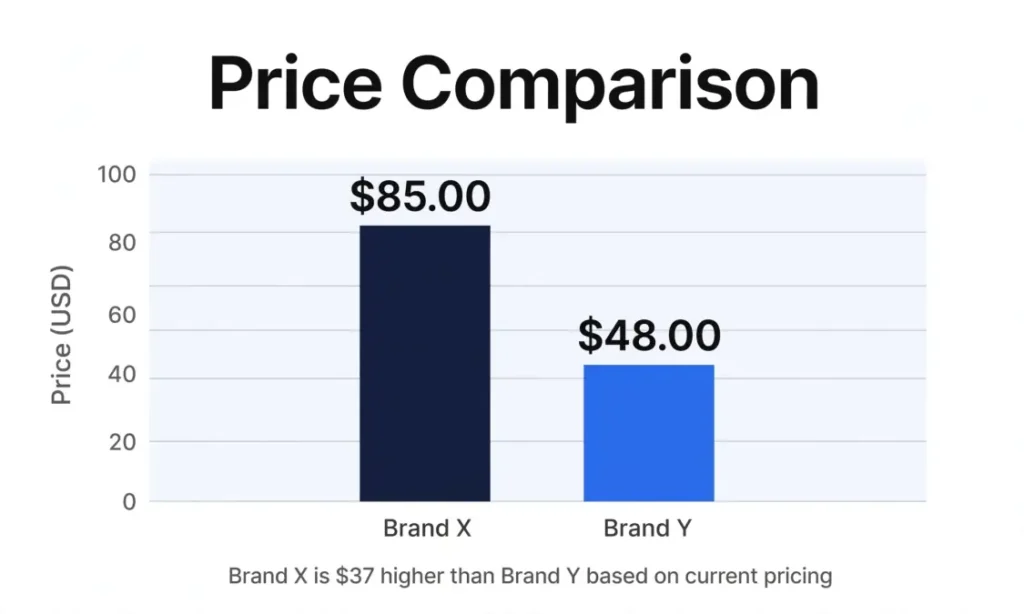
That is not unusual for how manufacturers price bundles, but it does run against the common assumption that a “higher number” model is a stripped-down budget version of a “lower number” one. Here it’s the reverse.
A word of caution about the name “ET-2800”
“ET-2800” is not always the same retail package. Depending on where you buy it, you may get the standard bundle, the “Special Edition” bundle with bonus ink and a longer warranty, or a club-store variant with its own terms.
The printer hardware inside is the same either way, based on the specifications we could verify, but the box contents and warranty paperwork are not guaranteed to match what we’ve described here. Read the specific listing before you buy, not just the model number.
Does any of this matter for sublimation?
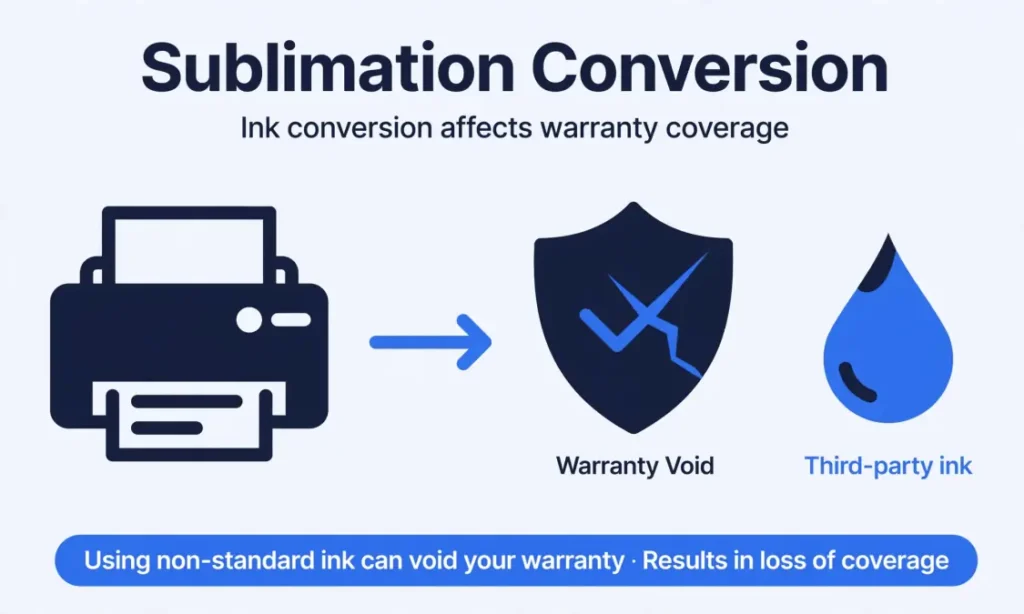
Honestly, no. If you are buying either of these to convert for sublimation ink, the warranty question above becomes irrelevant the moment you fill the tanks with anything other than genuine Epson ink.
Epson’s documentation states plainly that non-genuine ink can cause damage not covered under the printer’s limited warranty, regardless of whether that warranty runs one year or two. You are trading the standard warranty away either way.
The bonus black ink bottle in the ET-2800 Special Edition bundle is also worth less to a sublimation user, since that bottle contains standard document ink you will likely never use once the printer is converted. For related planning, see Sublimation Material List.
What that leaves you with, for a sublimation buyer specifically, is price and availability. Buy whichever one is cheaper and in stock at the time you’re ready to convert it.
For a full breakdown of what converting an EcoTank for sublimation actually involves and costs, see our EcoTank sublimation setup guide, and for how a converted EcoTank compares to a dedicated sublimation printer’s running costs, see our EcoTank vs Sawgrass cost breakdown.
If you’d rather skip the conversion question entirely, the Epson SureColor F170 ships ready for sublimation with its own dedicated ink system, no conversion, no warranty tradeoff, and no ambiguity about what ink voids what coverage.
Which should you buy?
- Buying for standard document and photo printing, want the longest warranty available: look specifically for an ET-2800 listing that states the 2-year term, and register the product after purchase.
- Buying to convert for sublimation: the warranty and bonus ink don’t carry through the conversion. Buy whichever model is cheaper and in stock right now.
- Buying from a club or warehouse retailer: check the specific bundle’s warranty terms on the box itself. Don’t assume based on the ET-2800 name alone.
Frequently asked questions
Do the ET-2800 and ET-2803 have different print quality?
No. Both use the same printhead technology, the same maximum resolution, and the same ink system. Print output should be identical between them.
Does either model have automatic double-sided printing?
No. Neither the ET-2800 nor the ET-2803 has automatic duplex printing according to Epson’s specification sheets. If you need that feature, look at the ET-2850, a different model in the same general price range that does support it.
Does either model have Wi-Fi?
Yes, both. Wi-Fi 4 (802.11 b/g/n) plus Wi-Fi Direct is standard on both the ET-2800 and the ET-2803. Neither has Ethernet or Bluetooth.
Why does the ET-2800 cost more than the ET-2803?
Across every retailer we checked, the ET-2800 carries roughly a $40 higher MSRP, which appears tied to the longer potential warranty and the bonus ink bottle some ET-2800 bundles include. During sales, the street prices often converge.
Can I convert either one for sublimation ink?
Yes, both use the same EcoTank refillable system, which makes them common conversion candidates. Neither is designed for sublimation ink out of the box.
Does converting for sublimation void the warranty?
Epson’s documentation states that non-genuine ink can cause damage not covered under the printer’s limited warranty. Using third-party sublimation ink in either model puts you in that position, regardless of whether the specific unit you bought carries a 1-year or 2-year term.
The bottom line
The ET-2800 and ET-2803 are the same printer wearing two different retail labels. If you’ve read elsewhere that one has features the other lacks, that information does not match Epson’s own specification sheets.
The decision between them comes down to warranty length, a bonus ink bottle, and price, not printing capability.
For sublimation buyers, none of that ends up mattering much, since converting either one for sublimation ink trades away the standard warranty regardless of which model you started with.
Looking at other printer options for sublimation beyond these two?
Our best sublimation printers roundup covers dedicated and converted models side by side, and our guide to what kind of printer is needed for sublimation breaks down the compatibility basics if you’re still deciding whether conversion is the right route for you.