
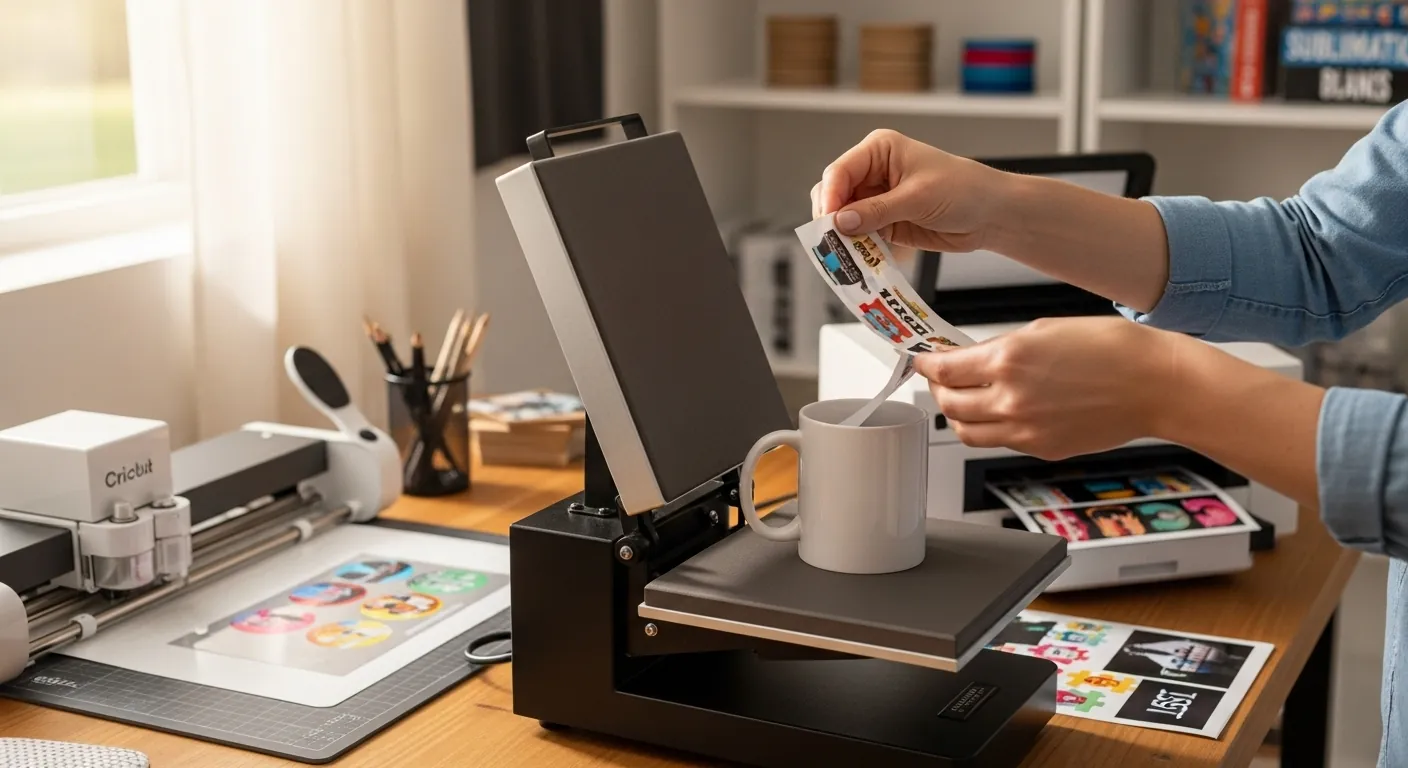
Cricut Sublimation Explained: How It Works, What You Need, What Cricut Can

Most people searching for Cricut sublimation are confused, and honestly, that’s fair. Cricut doesn’t print sublimation ink, yet it’s constantly mentioned in sublimation tutorials.
This guide clears that up.
You’ll learn how sublimation actually works with Cricut, what equipment you truly need, and when Cricut helps versus when it’s unnecessary.
What Is Cricut Sublimation?
Cricut sublimation is not a machine, it’s a workflow.
Sublimation is a printing process where heat turns dye into gas and permanently bonds it with polyester fibers or coated surfaces. A Cricut machine does not print sublimation ink, but it supports the process by helping with:
- Design sizing and layout in Design Space
- Cutting templates, masks, or alignment guides
- Preparing materials for accurate placement
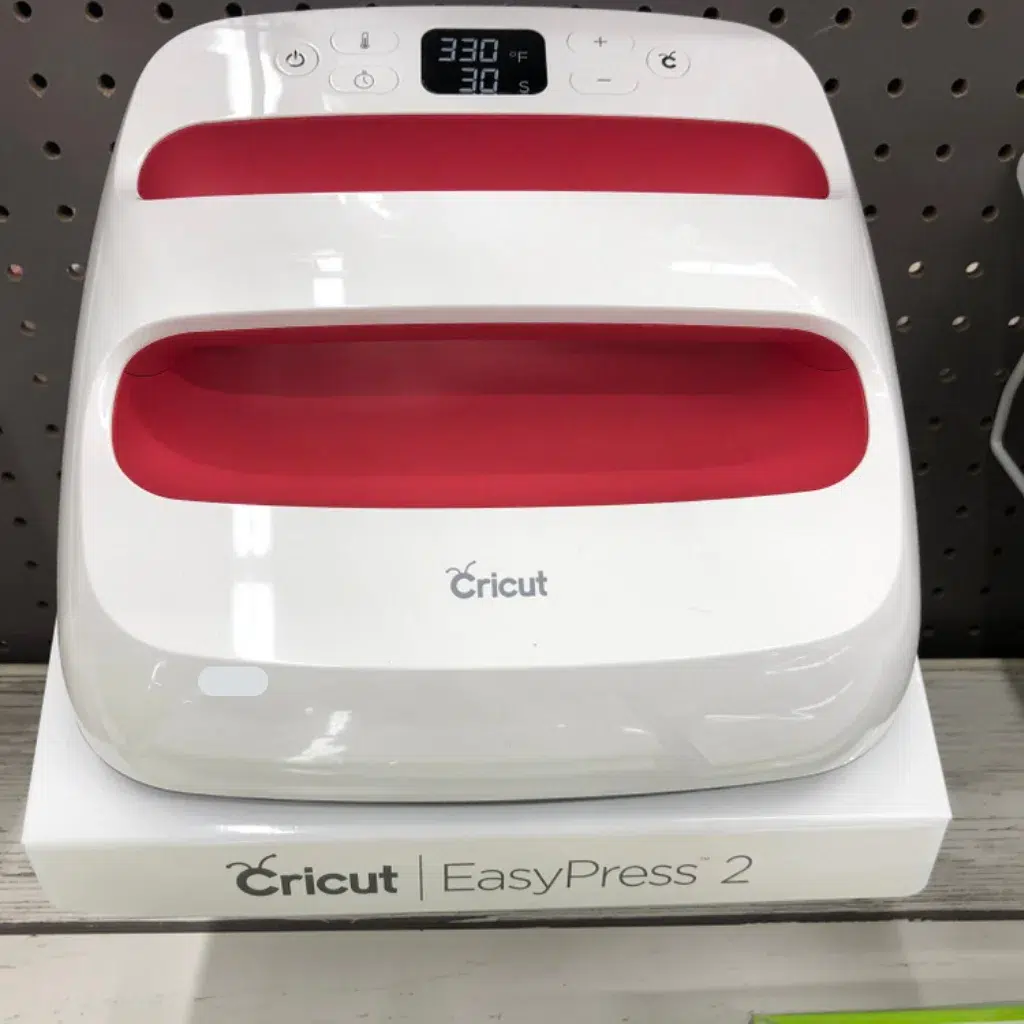
The Cricut Cutting Machine
The Cricut cutting machine is a crafting companion that can precisely cut intricate designs, shapes, and text from various materials. From vinyl decals to greeting cards, it’s a go-to tool for crafters.
Cricut vs Sublimation Printing: What’s the Difference?
This is where most misinformation starts, so let’s be direct.
Sublimation Ink vs Cricut Infusible Ink
- Sublimation ink is liquid ink printed using a sublimation printer
- Infusible Ink is a solid ink system designed for Cricut blanks
- They use heat similarly but are not interchangeable
Design Freedom and Photo Printing
- Sublimation excels at full-color photos and gradients
- Infusible Ink works best for flat graphics and limited colors
Cutting, Weeding, and Layering
- Cricut is great at cutting vinyl, HTV, and guides
- Sublimation designs are printed, not cut
Startup Cost Comparison
| Setup | What You Need | Cost Flexibility |
|---|---|---|
| Sublimation | Printer, ink, paper, heat press | Higher upfront, low per print |
| Cricut only | Machine + Infusible Ink | Lower entry, limited output |
| Cricut + Sublimation | Both systems | Most flexible |
For a deeper breakdown of printing methods, this comparison helps clarify the differences: 👉 Why I Prefer Sublimation Over Screen Printing.
Can You Do Sublimation With a Cricut?
Yes, but Cricut is a support tool, not the printer.
Cricut cannot:
- Print sublimation ink
- Replace a sublimation printer
- Apply heat or pressure
Cricut can:
- Help size and align designs
- Trim printed transfers
- Prepare masks or placement guides
Understanding this boundary is key to avoiding frustration.
How to Do Sublimation With Cricut (Step-by-Step)
This is the workflow people are actually looking for.
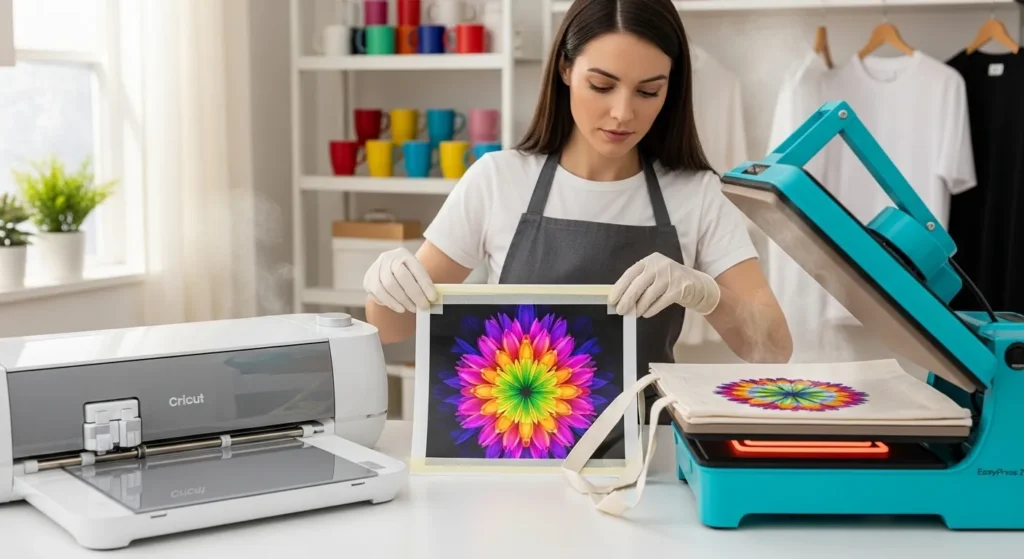
What You Need (Quick Checklist)
- Cricut cutting machine
- Sublimation printer with sublimation ink
- Sublimation transfer paper
- Heat press or EasyPress
- Polyester or coated sublimation blanks
The Substrate Compatibility Checker Calculator If you’re unsure whether your materials are compatible, this tool helps.
Step 1: Design Your Artwork
- Create your design in Design Space or design software
- Use 300 DPI or higher
- Size the design to the blank before printing
- Avoid large solid color blocks
If colors look dull on screen, fix that first: 👉 Why Sublimation Colors Look Dull and How to Fix It
Step 2: Print the Sublimation Design
- Print using your sublimation printer
- Mirror the image
- Use the correct ICC profile
- Let prints dry completely
Cricut is not used in this step.
Step 3: Use Cricut for Print Then Cut (When Needed)
Cricut helps with:
- Trimming printed sheets
- Creating placement guides
- Preparing layered projects
You do not cut the printed image itself.
Step 4: Prepare the Blank
- Clean the surface
- Pre-press to remove moisture
- Secure transfer with heat-resistant tape
Choosing the right tape matters more than most people think: 👉 Compare Top Heat Tapes for Sublimation
Step 5: Apply Heat and Transfer
- Follow substrate-specific temperature
- Apply medium, even pressure
- Peel according to blank instructions
If you need a quick temperature reference: 👉 Sublimation heat guide.
Sublimation Printable Iron-On (Important Alternative)
This is where many Cricut users should actually start.
Sublimation printable iron-on allows you to:
- Use sublimation ink
- Apply designs to cotton or dark fabrics
- Cut designs with Cricut after printing
When Sublimation Printable Iron-On Makes Sense
- You want cotton shirts
- You need darker fabric colors
- You already rely heavily on Cricut
What You’ll Need
| Item | Purpose |
|---|---|
| Sublimation printer | Prints the design |
| Sublimation printable HTV | Holds the ink |
| Cricut machine | Cuts the printed design |
| Heat press | Applies the transfer |
This method isn’t true sublimation, but it’s a practical workaround for Cricut users.
Projects You Can Make With Cricut + Sublimation
Apparel, Tote Bags, Pillow Covers
- Polyester or poly-blend fabrics
- Breathable, permanent prints
- Cricut helps with layout accuracy
Hats
- Sublimation-ready hats only
- Careful alignment matters
- Press slowly to avoid distortion
Mugs
- Cricut helps with wrap sizing
- Mug press or convection oven recommended
Ceramic and Square Coasters
- Beginner-friendly
- Great for color testing
- Easy alignment using Cricut templates
Using a Cricut EasyPress for Sublimation
EasyPress can work, with limits.
Good for
- Small designs
- Flat blanks
Not ideal for
- Large prints
- Thick substrates
- Production work
A traditional heat press offers better pressure consistency.
Common Cricut Sublimation Mistakes
- Expecting Cricut to print ink
- Cutting printed sublimation transfers
- Using cotton without printable HTV
- Uneven pressure during pressing
Most failures come from misunderstanding roles, not equipment quality.
FAQs:
Can you do sublimation with Cricut?
Yes, Cricut can be used as part of the sublimation workflow, but it does not print sublimation ink. It helps with design sizing, layout, and cutting templates, while a sublimation printer and heat press handle the actual transfer.
What is the best program to print sublimation images?
Programs like Cricut Design Space, Adobe Photoshop, Adobe Illustrator, and Affinity Designer work well. The most important factor is using software that supports high-resolution images, correct sizing, and proper color management.
Should I get a Cricut or a sublimation printer?
If your goal is permanent, full-color prints on fabrics or hard goods, a sublimation printer is essential. Cricut is best as a supporting tool for cutting, layout, and mixed crafting, not as a replacement for a sublimation printer.
Is Infusible Ink and sublimation the same thing?
They are similar but not the same. Both use heat to bond color into materials, but Infusible Ink is a solid ink system made for Cricut blanks, while sublimation uses liquid ink printed with a sublimation printer.
Can Cricut print sublimation ink directly?
No, Cricut machines do not print any ink. Sublimation images must be printed with a sublimation printer before being transferred with heat.
What fabrics work best for Cricut sublimation projects?
White or light-colored polyester fabrics work best. Cotton or dark fabrics require sublimation printable iron-on rather than true sublimation.


2 Comments