The Ultimate Budget Sublimation Studio Setup: Slash Costs

Start with the smallest setup that lets you actually sell something: a printer, a press, paper and ink, and two or three blanks you understand well. Validate demand before you expand.
Every dollar you save on equipment early is a dollar you can put toward blanks, testing designs, or simply learning your settings, and that’s what actually gets a budget studio to profitability.
Quick Summary
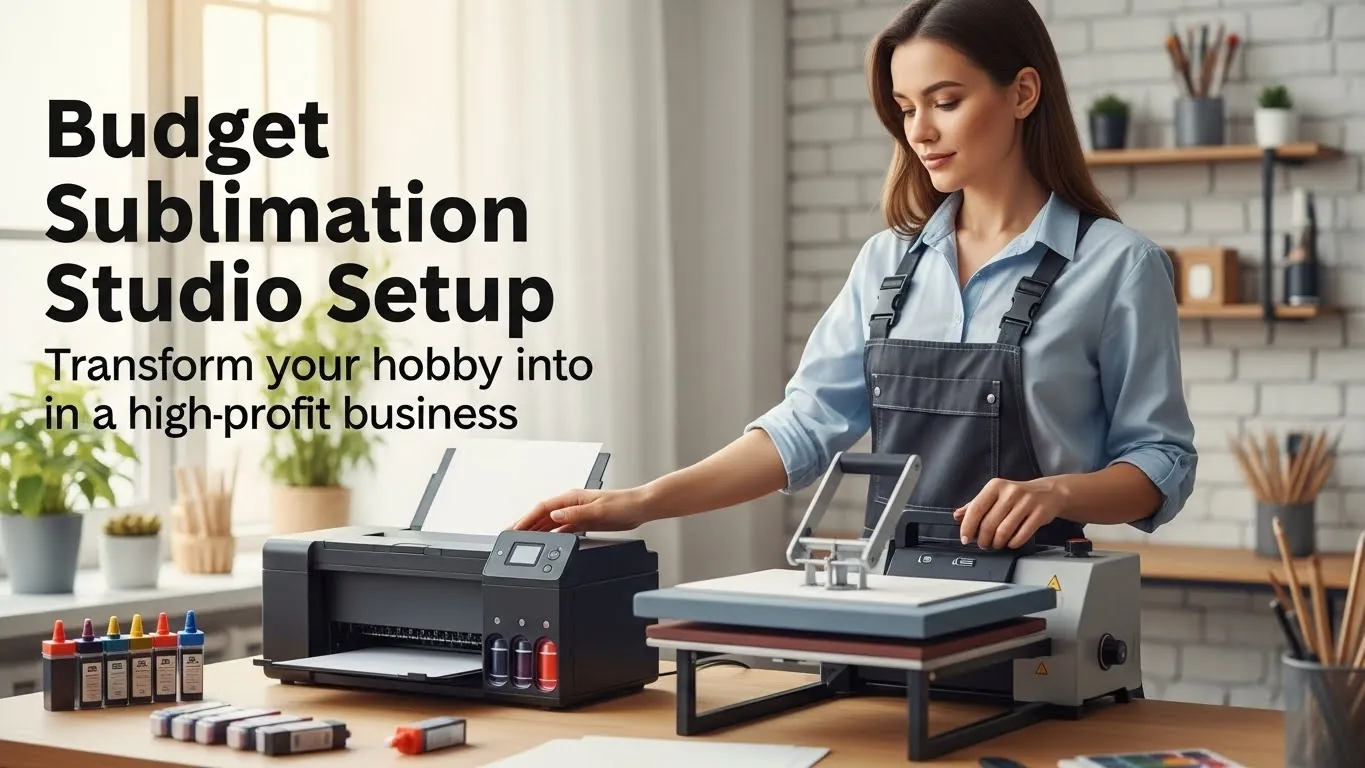
A working budget studio needs four things: a sublimation printer, a heat press, sublimation paper and ink, and a small batch of blanks to start selling.
For most beginners, this lands somewhere between $600 and $900 depending on printer choice and press size. You do not need a commercial press, a dedicated workshop, or premium design software to start.
Why a Lean Setup Matters
Every dollar spent on equipment before your first sale is a dollar you can’t spend on blanks, marketing, or simply testing what customers want.
A converted inkjet printer and a basic press can produce the same print quality as pricier setups when they’re set up correctly. The difference in equipment cost rarely shows up in the final product.
The bigger risk with overbuying isn’t wasted money. It’s wasted time. Beginners who buy five blank categories at once spend weeks learning settings for each one instead of getting good at one or two. A narrower starting lineup gets you to consistent, sellable prints faster.
Planning Your Budget Studio
You don’t need a dedicated room. A corner of a spare bedroom, a garage workbench, or even a closet with a table works, as long as it meets three basic conditions.
Space.
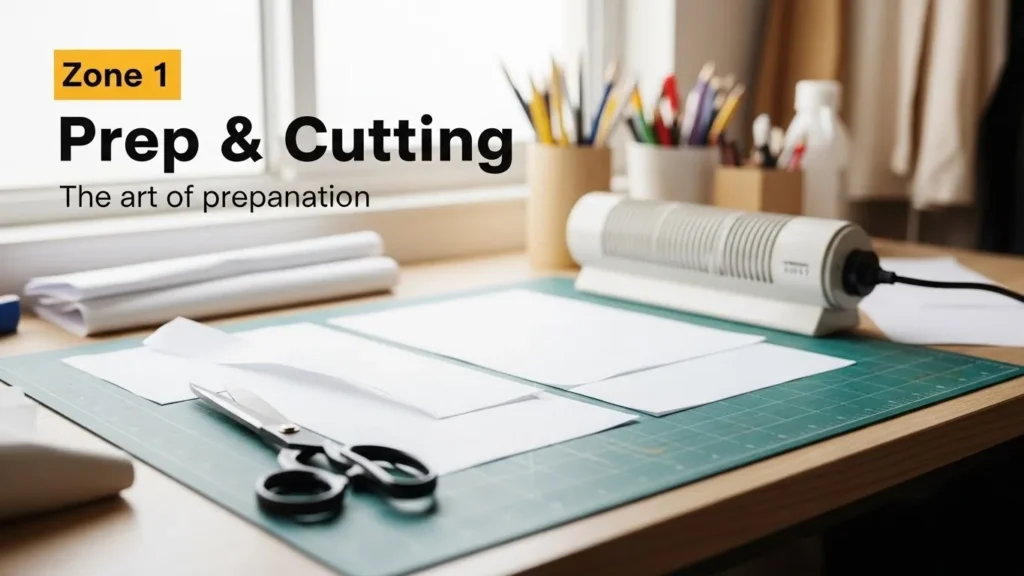
A 4-foot table gives enough room for a small heat press, a cutting mat, and space to lay out blanks. You can add a second table later if volume increases.
Ventilation.
Sublimation printing releases mild odor during pressing. A window fan or small exhaust fan pointed away from the workspace is enough for a home setup. Avoid working in a fully sealed room for extended sessions.
Product focus before equipment.
Decide what you’re selling before you buy blanks. If you’re targeting tumblers and mugs, buy heat press attachments and blanks for those two categories only. Resist the urge to stock apparel, ornaments, and coasters all at once. For more on getting a first setup working end to end, see this introduction to sublimation printing.
Equipment Checklist: What You Actually Need
Printer.
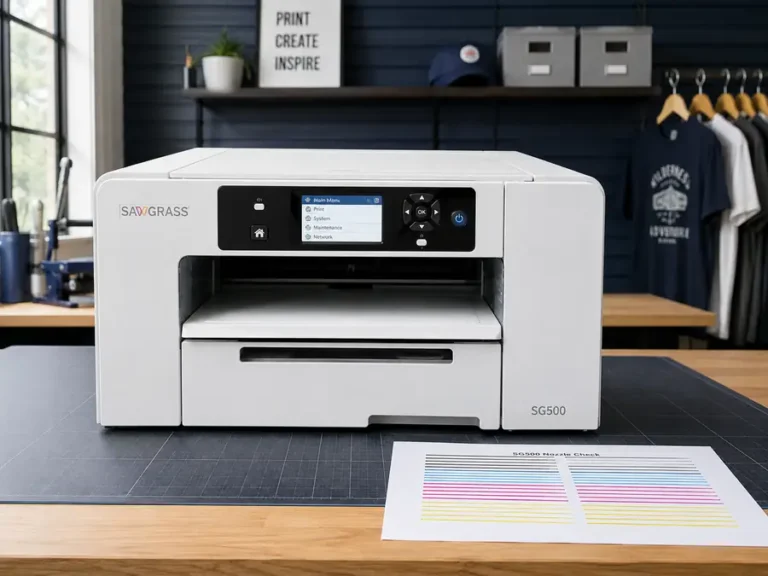
A converted inkjet printer (Epson models are the most common choice for sublimation ink kits) costs less upfront than a purpose-built sublimation printer, but requires more setup work and voids the original manufacturer warranty.
A purpose-built sublimation printer costs more initially but skips the conversion process entirely.
If you’re unsure which fits your budget and skill level, this guide to best sublimation printers breaks down both paths by price point.
Heat press.
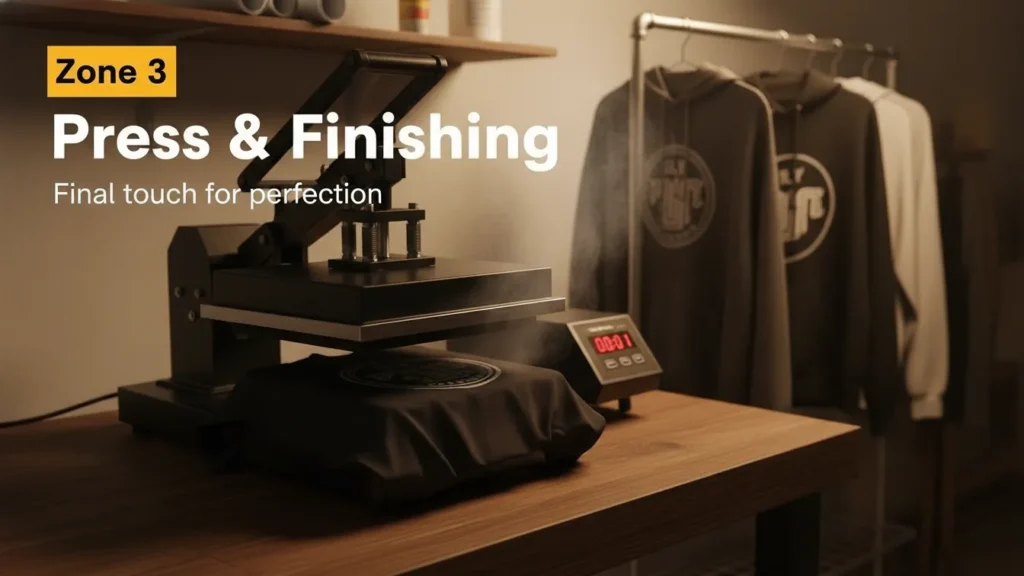
A basic flat press in the 9×12 or 10×12 inch range covers most beginner apparel and flat-good projects. If you’re starting with mugs or tumblers specifically, a mug press or tumbler heat press attachment is a smaller, cheaper alternative to a full flat press.
Sublimation paper and ink.
Buy a small roll or pack of paper rather than a bulk case until you know your print volume. The same applies to ink.
For paper comparisons across price and quality, see best sublimation paper.
Blanks.
Start with two or three low-risk options rather than one of everything. Mugs, t-shirts, and tumblers are common starting points because they’re inexpensive per unit and forgiving of small errors while you’re learning.
For guidance on selecting your first blanks, see how to choose the right sublimation blank.
What to skip at the beginning.
Skip specialty presses (rotary, cap presses, calendar presses), premium design software, and bulk blank purchases until you’ve sold through at least one small batch. These are the easiest places beginners overspend.
Downloadable Studio Tracker & Checklist
Download here: Sublimation Studio Planner (PDF)
Choosing Design Software Without Overspending
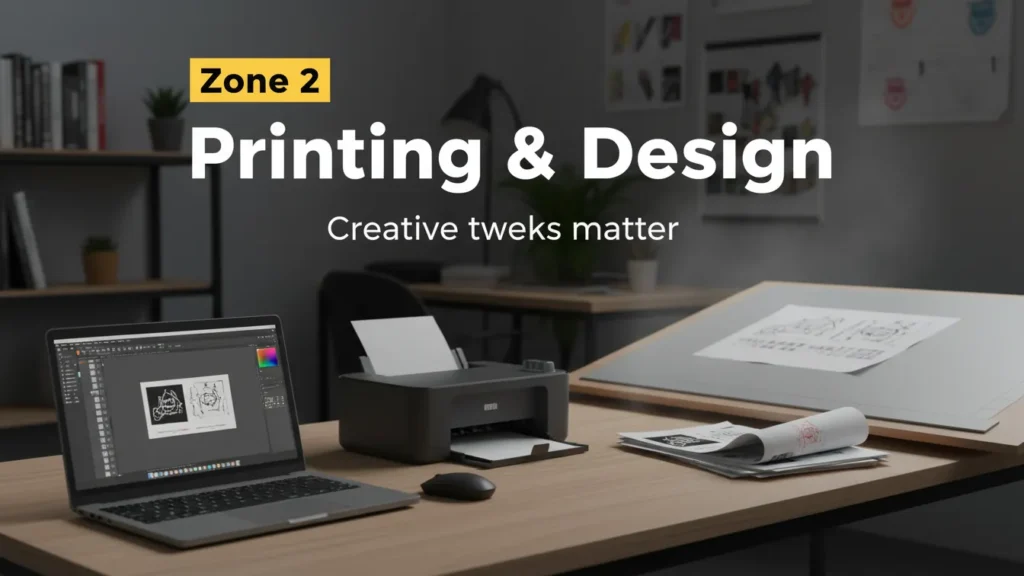
One of the most common questions beginners ask is which program is best for creating sublimation designs. There isn’t a single correct answer, because the right choice depends on your workflow, not on which software is objectively superior.
If you’re only resizing and mirroring existing designs, a free tool like GIMP or Inkscape handles the job without any subscription cost.
If you plan to create original designs regularly, from illustrations to lettering, paid software like Canva Pro or Adobe Illustrator earns its cost through faster workflows and more built-in templates.
Start free, and upgrade only once you’re creating enough volume that the paid tools would save real time.
It’s worth clearing up a common point of confusion here. Silhouette Studio is a design and cutting program originally built for Silhouette’s cutting machines, not software built specifically for sublimation.
You do not need a Silhouette cutting machine to use Silhouette Studio for layout and design work, and many sublimation sellers use it purely for arranging designs before printing.
It’s a capable tool for that purpose, but it’s not the only option, and it isn’t sublimation-specific software in the way some searches assume.
If you’re printing from an Epson setup and want software guidance built around that hardware, see best sublimation software for Epson printers.
Setting Up Your Workflow Step by Step
A consistent first-time workflow looks like this:
- Create or resize your design at the correct resolution, then mirror it for printing.
- Print the design onto sublimation paper using your printer’s sublimation settings.
- Prepare your blank: clean the surface and pre-press if the material calls for it.
- Position the paper on the blank and secure it with heat-resistant tape.
- Press at the correct time and temperature for that specific blank material.
- Remove the paper while it’s still warm, then let the product cool completely before handling.
Every blank type has its own time and temperature combination, so keep a written reference near your press until the settings become second nature.
Cost-Cutting Strategies
Buy blanks in small batches. Ordering 10 to 20 units of a blank instead of 100 keeps cash free while you test what sells. You can always reorder once you know a design performs.
Be cautious with compatible ink. Third-party sublimation ink is often cheaper than brand-name options, but color consistency varies more between brands. If color accuracy matters for your products, test a small batch before committing to a full set.
Consider secondhand equipment carefully. A used heat press can save money, but check the platen for warping and confirm the digital display and timer both work before buying. A used printer that previously ran sublimation ink is generally safer to buy secondhand than one that ran standard ink, since leftover ink residue in the lines can cause clogging.
Time purchases around sales. Printer and press prices fluctuate around major shopping periods. If your timeline allows it, waiting a few weeks for a seasonal sale can meaningfully lower your total starting cost.
Common Mistakes That Waste Money
Beginners tend to make the same handful of costly errors. Buying a second press before the first one is fully used is one of the most common.
Skipping ICC color profile setup is another, since incorrect color profiles lead to wasted paper and ink on prints that don’t match the screen.
Ignoring ventilation is a mistake that shows up later as discomfort during long pressing sessions rather than an immediate cost, but it still affects how long you can comfortably work.
Chasing every blank type at once, rather than mastering two or three, slows down the learning curve and ties up money in inventory that may not sell.
Is This a Realistic Side Hustle Budget?
Sublimation production is genuinely fast once you know the settings. A single item can go from design to finished product in a few minutes, which makes it practical to run alongside a full-time job. That speed is a real advantage for a side hustle.
Speed alone doesn’t guarantee profit, though. Profitability comes down to pricing your products correctly and selling consistent volume, not just keeping your starting costs low.
A cheap setup that produces items you can’t price or sell profitably isn’t actually a good side hustle investment. Before committing to inventory, run your numbers through a sublimation profit margin calculator to see what pricing actually supports your costs.
Break-Even Calculator
Best Practices for Scaling Later
Once you've sold through a few batches and know which products perform, it's a reasonable time to reinvest. A second press reduces bottlenecks if you're pressing more than a handful of orders per day.
Upgrading to a larger-format printer makes sense once you're regularly producing designs that outgrow your current print area.
For a broader view of what scaling looks like beyond equipment, the sublimation business guide covers pricing, production systems, and growth planning in more depth. For a full breakdown of typical costs at every stage, see sublimation startup costs.
Frequently Asked Questions
What is the best program to create sublimation designs?
There isn't one universal answer. Free tools like GIMP or Inkscape work well for resizing and basic layout. Paid tools like Canva Pro or Adobe Illustrator are worth the cost once you're creating original designs regularly enough that speed and templates save real time.
What equipment do I need to start a sublimation business?
At minimum: a sublimation printer, a heat press sized for your product category, sublimation paper, sublimation ink, and a small starting batch of blanks. Specialty presses and bulk supplies can wait until you've validated demand.
Can I use Silhouette Studio for sublimation?
Yes. Silhouette Studio is a design and layout program, not sublimation-specific software, and you don't need a Silhouette cutting machine to use it. Many sellers use it purely to arrange and prepare designs before printing.
Is sublimation a good side hustle?
It can be. Production is fast enough to fit around a full-time schedule, but profitability depends on correct pricing and consistent sales, not just a low equipment cost.