Epson EcoTank vs Sawgrass: The Real Cost Breakdown (Before You Buy)

Choosing between Epson EcoTank and Sawgrass isn’t just about price.
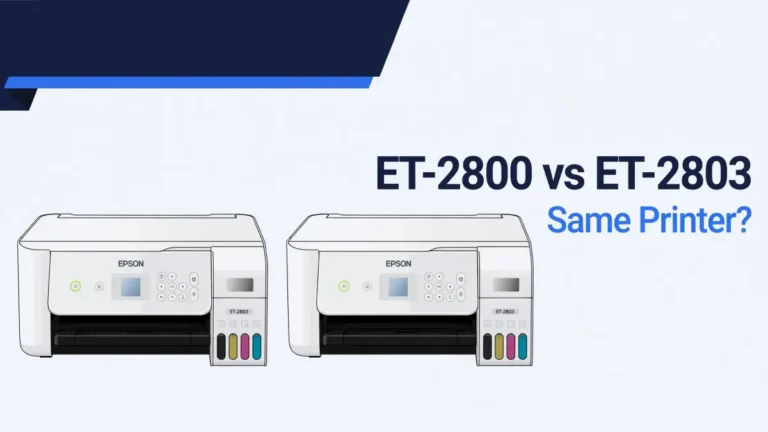
If you are comparing budget EcoTank models before choosing a setup, read our Epson ET-2800 vs ET-2803 guide.
It’s about how you want to run your sublimation business.
One gives you lower startup cost and higher margins.
The other gives you structure, support, and predictability.
Let’s break this down in a way that actually helps you decide.
The Two Business Paths
Option 1: Converted Epson EcoTank (DIY Route)
This is the popular beginner move.
What it is:
- A regular inkjet printer converted to sublimation ink
- Uses third-party bulk ink
- No manufacturer sublimation support
Common models:
- Epson EcoTank ET-2800
- Epson EcoTank ET-15000
If you’re still unsure what printers truly work for sublimation before converting anything, this guide on what kind of printer is needed for sublimation clears that up fast.
Why people choose it:
- Low upfront investment
- Cheap ink cost per print
- Strong profit margins
- Huge online community support
The tradeoff:
- Warranty becomes void
- Requires regular maintenance
- Color management is manual
Option 2: Sawgrass (Purpose-Built Sublimation)
This is designed specifically for sublimation.
What it includes:
- Built-for-sublimation hardware
- Proprietary ink system
- CreativeStudio software
- Manufacturer-backed support
Popular models:
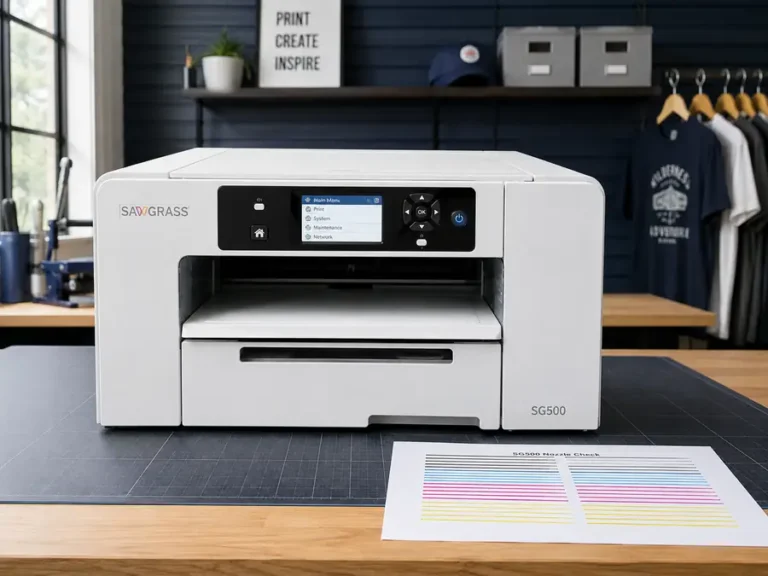
- Sawgrass SG500
- Sawgrass SG1000
If you want to compare other production-ready systems beyond these two brands, this overview of the best dye sublimation printers gives broader perspective.
Why businesses choose it:
- Stable color output
- Structured workflow
- Warranty coverage
- Fewer troubleshooting surprises
The tradeoff:
- Higher ink cost
- Higher startup cost
- Locked cartridge ecosystem
Year 1 Cost Breakdown
Here’s where the real comparison starts.
| Cost Category | EcoTank (Converted) | Sawgrass |
|---|---|---|
| Printer Cost | $200–$700 | $600–$1,500 |
| Ink Setup | $50–$100 | $300–$400 |
| Ink Cost per ml | ~$0.15–$0.25 | ~$1.00+ |
| Warranty | Void after conversion | Included |
| Software | External design tools + ICC | CreativeStudio included |
| Maintenance | Manual cleaning required | Structured support |
| Long-Term Stability | Depends on usage habits | High |
At first glance, EcoTank looks like the obvious winner.
But let’s dig deeper.
Hidden Costs Most People Ignore
1️⃣ Warranty Risk
With EcoTank:
- The moment you add sublimation ink, warranty is gone
- Print head fails, you pay
- Board fails, you pay
Before converting, it’s smart to review official documentation like these sublimation printer manufacturer manuals so you know exactly what you’re giving up.
With Sawgrass:
- Full manufacturer support
- Business-oriented service model
- Downtime risk is lower
If you’re fulfilling client orders, that matters.
2️⃣ Ink Cost Per Print
This is where margins shift.
EcoTank:
- Third-party bulk ink
- Around $0.15 to $0.25 per ml
- Refillable tanks
Sawgrass:
- Cartridge-based system
- Around $1.00+ per ml
- Locked ecosystem
That’s a massive difference over time.
If you print high volume daily, EcoTank margins are hard to ignore.
But inconsistent printing schedules increase clog risk.
If maintenance becomes frequent, knowing how to properly clean a sublimation printer head can directly save you money and frustration.
3️⃣ Maintenance & Downtime
EcoTank Reality:
- Must print regularly to prevent clogs
- Head cleanings waste ink
- Color calibration takes effort
- Higher learning curve
Sawgrass Reality:
- More consistent color out of the box
- Less manual troubleshooting
- More predictable workflow
If your time is valuable, chaos costs money.
4️⃣ Software & Workflow
Sawgrass includes:
- CreativeStudio
- Built-in color management
- Business templates
EcoTank requires:
- Photoshop, Canva, or similar
- Custom ICC profiles
- Manual adjustments
If you’re comfortable with design tools and ICC profiles, EcoTank is manageable.
If you want plug-and-play simplicity, Sawgrass wins here.
Cost Per Print Example (11oz Mug)
Let’s run simple math.
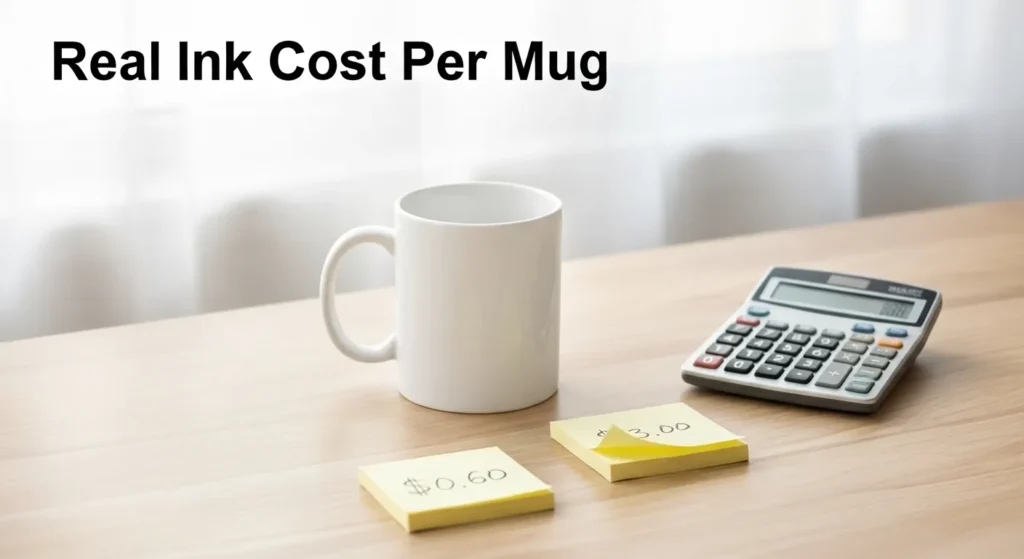
Assume 3ml of ink per mug design.
| Printer | Ink Cost per ml | Ink per Mug | Total Ink Cost |
|---|---|---|---|
| EcoTank | $0.20 | 3ml | $0.60 |
| Sawgrass | $1.00 | 3ml | $3.00 |
If you sell mugs for $20:
- EcoTank = much higher margin
- Sawgrass = tighter margin
But if one EcoTank clog ruins a $15 blank batch, savings shrink fast.
Who Should Choose EcoTank?
Choose EcoTank if:
- You’re testing sublimation
- Budget is limited
- You print consistently
- You’re comfortable troubleshooting
- Margins matter most
If you’re just starting out, reviewing options like the best sublimation printers for beginners under $500 can help you compare entry-level setups more clearly.
Avoid EcoTank if:
- You dislike maintenance
- You print inconsistently
- You run client contracts
- Downtime would hurt financially
Who Should Choose Sawgrass?
Choose Sawgrass if:
- You’re building a serious brand
- You need structured support
- You want stable color output
- Downtime would cost you money
- You plan to scale production
Avoid Sawgrass if:
- You prioritize maximum margins
- You print very high daily volume
- You’re comfortable managing technical issues
Quick Decision Framework
Ask yourself honestly:
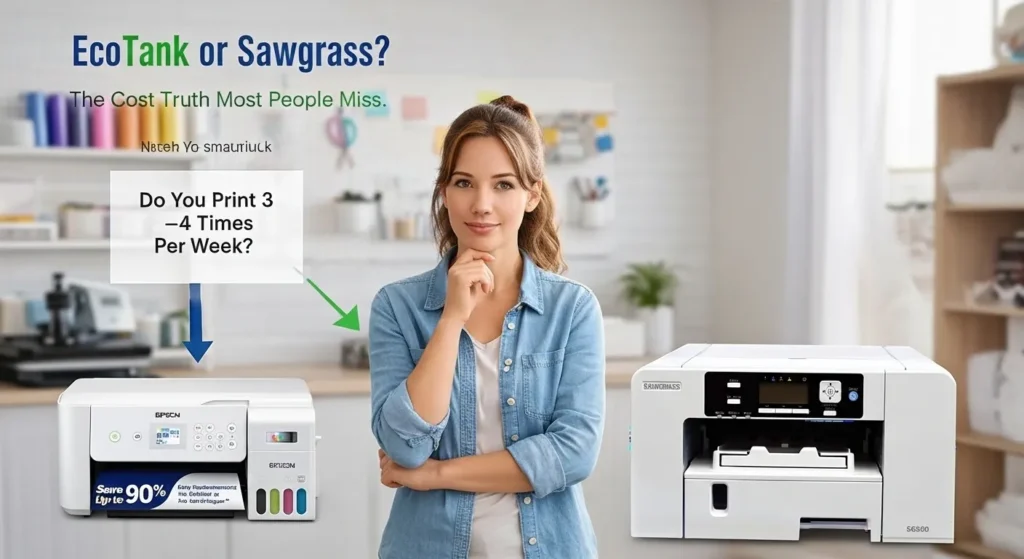
- Do I print 3–4 times per week?
- Yes → EcoTank works
- No → Sawgrass is safer
- Would a 1-week printer failure hurt financially?
- Yes → Sawgrass
- No → EcoTank
- Am I comfortable managing ICC profiles?
- Yes → EcoTank
- No → Sawgrass
- Is this a side test or production business?
- Test → EcoTank
- Production → Sawgrass
Final Verdict
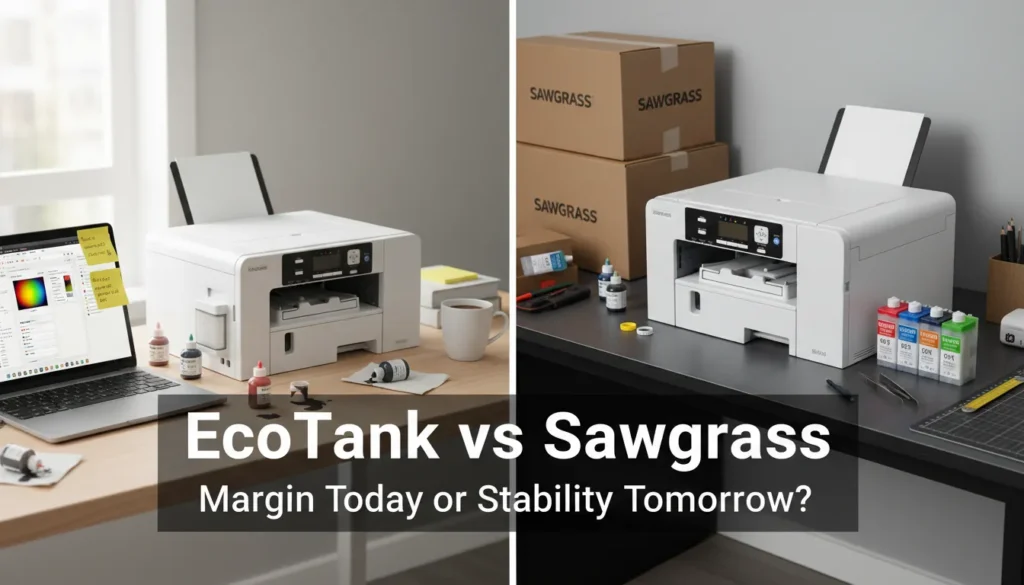
EcoTank is cheaper.
Sawgrass is safer.
If you’re optimizing for:
- Margin → EcoTank
- Stability → Sawgrass
- Lower learning curve → Sawgrass
- DIY flexibility → EcoTank
- Long-term production scaling → Sawgrass
Most beginners start with EcoTank.
Most established shops eventually move toward purpose-built systems.
So the real question isn’t which printer is better.
It’s what kind of business you’re building.
Frequently Asked Questions
Is Epson EcoTank cheaper than Sawgrass for sublimation?
Yes. EcoTank printers have lower upfront and ink costs, but they require manual maintenance and void the warranty when converted.
Which printer is better for a sublimation business?
Sawgrass is better for long-term stability and warranty protection. EcoTank is better for higher profit margins if you are comfortable troubleshooting.
Does converting an EcoTank void the warranty?
Yes. Using third-party sublimation ink voids the manufacturer warranty.