
What Kind of Printer Is Needed for Sublimation?

For sublimation transfers, you need either a purpose-built dye-sublimation printer or a compatible inkjet that is dedicated to sublimation ink. A purpose-built model is the simpler route because the printer, ink, driver, and support are designed for dye sublimation. A converted inkjet can work for some setups, but it uses a third-party workflow and should not be treated as manufacturer-supported sublimation equipment.
| Printer type | Suitable for sublimation? | What to know |
|---|---|---|
| Purpose-built dye-sublimation printer | Yes | Designed for sublimation ink and transfer printing |
| Compatible inkjet dedicated to sublimation ink | Possible | Requires a third-party ink and color workflow |
| Inkjet already used with regular ink | Poor conversion candidate | Residual ink can complicate color and ink-system changes |
| Laser printer | No for standard dye sublimation | Uses toner rather than the liquid dye-sublimation workflow |
| Thermal dye-sub photo printer | Different process | Usually makes finished photos, not transfer sheets for a heat press |
Purpose-Built vs Converted Sublimation Printers
The first decision is not brand. It is whether you want a printer built for dye sublimation or a standard inkjet that you will dedicate to a third-party sublimation setup.
| Factor | Purpose-built dye-sub | Converted inkjet |
|---|---|---|
| Ink system | Designed for dye-sublimation ink | Uses compatible third-party sublimation ink |
| Setup | Printer and ink workflow are designed to work together | You choose the ink, paper, profiles, and settings |
| Manufacturer sublimation support | Yes, when used as specified | No. The base printer is sold for standard inkjet use |
| Color workflow | Usually more controlled out of the box | May require supplier profiles and more testing |
| Best fit | Users who value a supported dye-sub workflow | Users comfortable managing a third-party conversion |
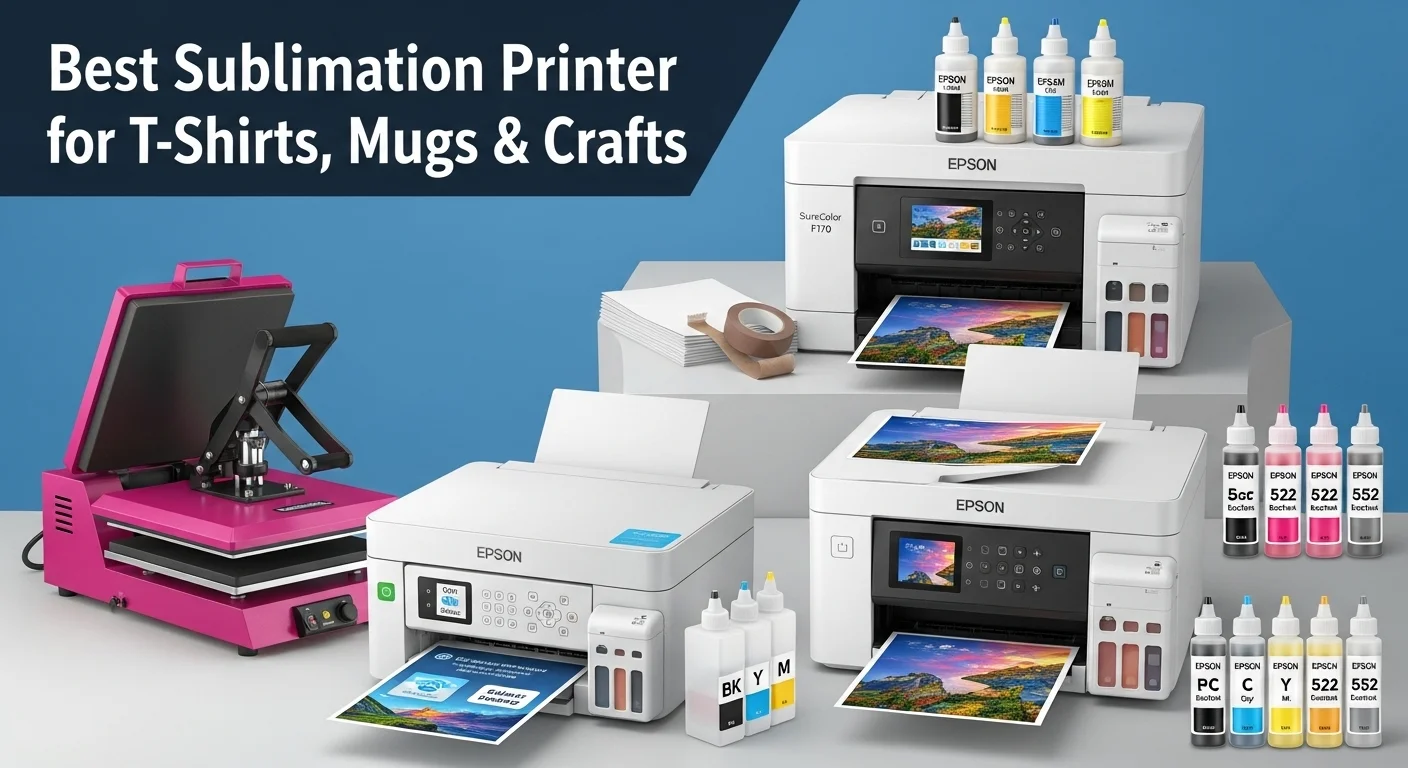
Epson, for example, sells the SureColor F170 as a dye-sublimation printer with genuine dye-sublimation ink. The EcoTank ET-2800 is sold as an everyday home inkjet printer. Some sublimation users dedicate new EcoTank units to third-party sublimation ink, but that is a conversion workflow rather than an Epson-supported dye-sub configuration.
For a side-by-side look at the two approaches, see our Epson EcoTank vs Sawgrass comparison.
Which Printer Technology Can Use Sublimation Ink?
Do not assume that any inkjet can become a sublimation printer. The printer must have an ink-delivery and printhead system that is compatible with the sublimation ink you plan to use, and the ink supplier should support that specific model or printer family.
- Purpose-built dye-sub printers: The safest compatibility choice because the manufacturer designed the printer for sublimation.
- Convertible inkjets: Possible only when a reputable sublimation-ink supplier supports the printer and you dedicate it to that workflow.
- Laser printers: Not used for the standard liquid dye-sublimation transfer process because they print with toner.
- Small thermal photo printers: They may use a dye-sublimation imaging process internally, but they are generally designed to output finished photos rather than heat-transfer sheets.
If you are considering the ET-2800 family, compare the Epson ET-2800 vs ET-2803 before choosing a base printer. For a purpose-built example, our Epson SureColor F170 settings and specs page covers the dedicated Epson workflow.
Choose the Printer by Print Width
Print width usually matters more than a long feature list. Start with the largest design you expect to produce, then choose a printer class that can handle that transfer without splitting the artwork.
| Width class | Good fit for | Watch for |
|---|---|---|
| Letter and legal class | Mugs, coasters, small apparel graphics, small signs | Large shirt fronts and wide panels may require tiled designs |
| 13-inch class | Larger apparel graphics, signs, wider craft transfers | More workspace and larger paper sizes |
| 24-inch production class | Wide panels, larger production work, roll-media workflows | Higher equipment and workspace requirements |
The SureColor F170 is an 8.5-inch-wide dye-sublimation printer, so it fits compact desktop work rather than wide-format production. Buyers who know they need larger designs should choose the width class first and compare models second.
When a Purpose-Built Sublimation Printer Makes More Sense
A purpose-built printer is usually the cleaner choice when the printer is business-critical or you want a supported ink, driver, and maintenance workflow.
- You do not want to manage a third-party conversion.
- Manufacturer dye-sublimation support matters to your business.
- You want an ink and paper workflow designed for transfer printing.
- You prefer predictable setup over minimizing the initial printer cost.
For two desktop purpose-built options, see Epson F170 vs Sawgrass SG500.
When a Converted EcoTank May Make Sense
A converted EcoTank can fit a user who accepts a third-party workflow and is comfortable taking responsibility for ink compatibility, profiles, troubleshooting, and support limitations.
- Start with a compatible printer that has not been filled with regular ink.
- Use sublimation ink that explicitly supports the printer model or family.
- Follow the ink supplier’s profile and printer-setting guidance.
- Treat the setup as a conversion, not as a manufacturer-supported sublimation printer.
Once the printer is configured, use settings that match the ink, paper, and profile rather than copying a universal preset. Our sublimation printer settings guide explains the main controls that affect color, alignment, and print quality.
What Else Do You Need Besides the Printer?
The printer only creates the transfer. A usable sublimation setup also needs the correct ink, transfer paper, heat equipment, and compatible blanks.
- Sublimation ink: Use the ink specified for a purpose-built printer or a compatible third-party ink for a conversion.
- Transfer paper: Choose paper that matches the printer and ink workflow.
- Heat equipment: Flat goods need an appropriate heat press; shaped items need equipment designed for their form.
- Sublimation-ready blanks: Use polyester-rich fabrics or items with a coating intended for sublimation.
- Color workflow: Use the correct driver, profile, and application settings for the printer and ink combination.
Before You Buy: 6 Questions to Answer
- What is the widest design you expect to print? Buy for the transfer width you actually need.
- Do you want purpose-built or converted? Decide how much setup and third-party troubleshooting you want to manage.
- Does manufacturer sublimation support matter? This can be important when production depends on the printer.
- Which products will you make? Your largest transfer, not the blank itself, determines the useful printer width.
- How much will you print? Occasional craft work and daily production place different demands on the workflow.
- What is the upgrade path? Consider whether you are likely to outgrow a compact printer and need wider media or higher output.
For a business purchase, compare equipment cost with expected profit rather than looking only at the printer price. The sublimation equipment ROI calculator can help estimate break-even based on your own numbers.
Ready to Compare Actual Sublimation Printers?
Once you know the workflow and print width you need, move to model selection. Our best sublimation printers comparison organizes current choices by use case instead of repeating the compatibility basics covered here.
Frequently Asked Questions
Can any printer be used for sublimation?
No. Standard dye sublimation needs either a printer designed for dye-sublimation ink or an inkjet that a reputable sublimation-ink supplier supports for conversion. Laser printers and many ordinary inkjets are not suitable for this workflow.
Do you need a special printer for sublimation?
You need a printer that can run the correct sublimation ink system. A purpose-built dye-sub printer is the most straightforward choice. A compatible inkjet can also be dedicated to sublimation when the third-party ink supplier supports that model.
Can an Epson EcoTank be used for sublimation?
Some EcoTank models are commonly used in third-party sublimation conversions, but Epson sells models such as the ET-2800 as standard home inkjet printers, not as dye-sublimation printers. Verify compatibility with the sublimation-ink supplier before committing a new printer to that use.
Can a laser printer be used for sublimation?
Not for the standard dye-sublimation transfer process described here. Laser printers use toner, while conventional sublimation transfer printing depends on liquid dye-sublimation ink printed onto transfer paper.
Can you switch a converted printer back to regular ink?
Do not plan on routinely switching between regular ink and sublimation ink. Mixing or leaving residual inks in the system can affect color and reliability. A printer dedicated to one ink system is the safer workflow.
Is a purpose-built sublimation printer required for a small business?
No. Some small businesses use converted inkjets successfully. A purpose-built printer becomes more attractive when manufacturer support, a controlled color workflow, and reduced setup complexity are worth more to you than the flexibility of a conversion.



8 Comments