Black and White Printer Test Page: How to Check Ink and Fix Print Issues

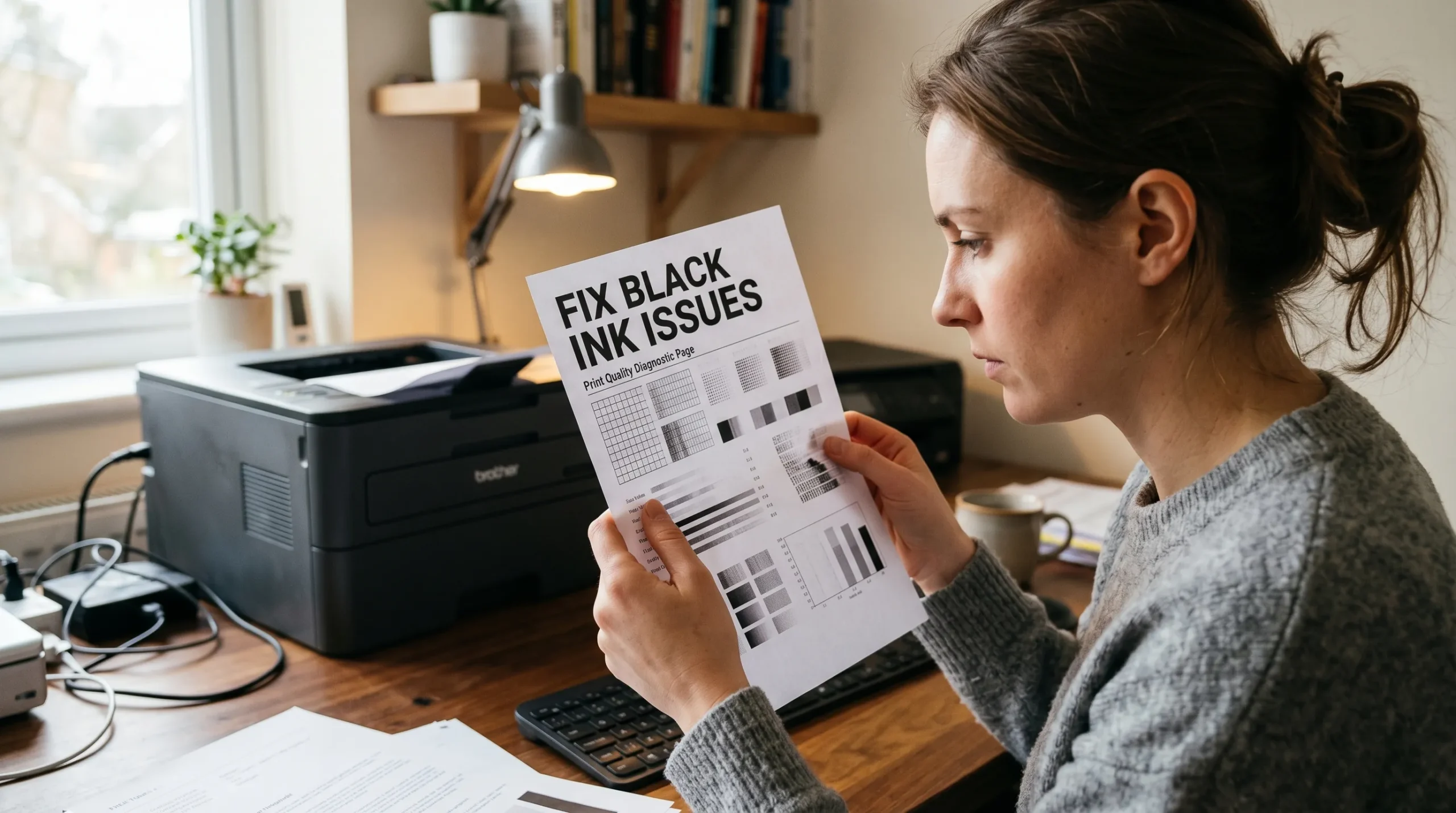
If your prints look faded, streaky, or uneven, the issue is usually with your black ink not your design.
A black and white printer test page helps you quickly identify ink flow problems, clogged print heads, and print clarity issues. Instead of guessing what’s wrong, you can see it clearly in seconds.
In this guide, you’ll learn how to print a black and white test page, how to read it properly, and how to fix the most common problems.
Download Black and White Printer Test Page
If your prints look faded, streaky, or uneven, this test page helps you identify the exact problem in seconds.
✔ Detect clogged print heads
✔ Check ink flow consistency
✔ Fix streaks and banding issues
✔ Improve text clarity instantly
Use this printable sheet before adjusting settings or wasting ink.
👉 Download Black and White Printer Test Page (PDF)
Use this ready-made black and white printer test page to quickly check ink flow, streaks, and print clarity.
What Is a Black and White Printer Test Page?
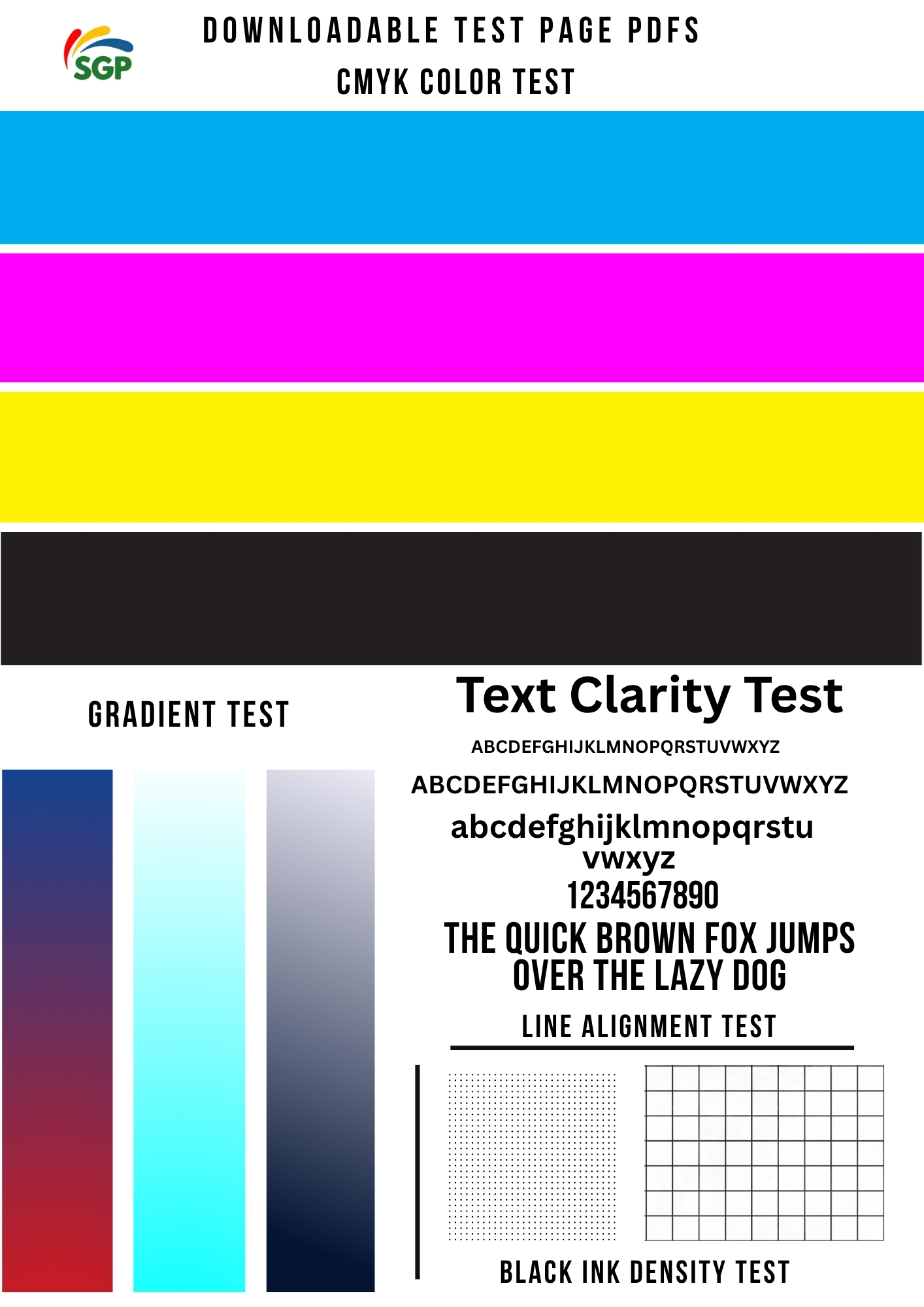
A black and white printer test page is a diagnostic print used to evaluate how well your printer handles black ink and grayscale output.
It focuses on:
- Ink flow consistency
- Text sharpness
- Grayscale smoothness
- Line accuracy
What It Includes
Most black test pages contain:
- Grayscale gradients (light to dark)
- Sharp text samples
- Thin line patterns
- Solid black blocks
If you’re new to testing, it helps to understand the basics in this printer test page guide.
When Should You Use a Black and White Test Page?
You should print a test page whenever you notice changes in print quality.
Use it when:
- Text looks faded or gray
- Black ink appears inconsistent
- Lines or streaks appear
- After replacing ink cartridges
- After cleaning your printer
This is one of the fastest ways to diagnose ink-related issues before they get worse.
How to Print a Black and White Test Page
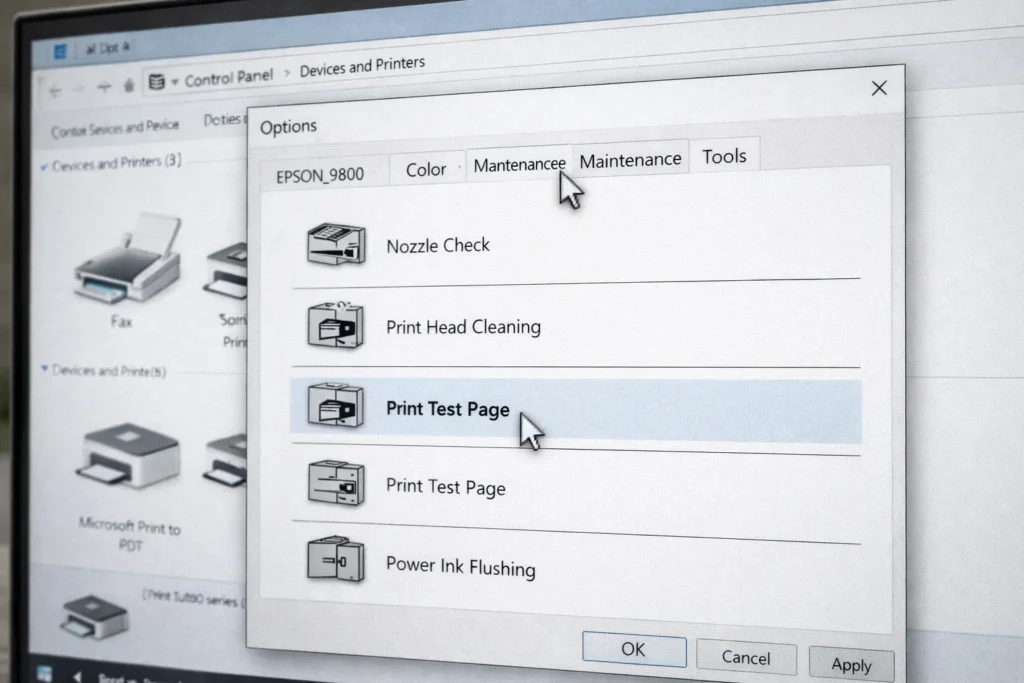
Using Printer Settings
Most printers have a built-in test option.
- Open printer settings
- Go to maintenance or tools
- Select “Print Test Page” or “Nozzle Check”
Using Downloadable Test Pages
Downloadable test pages offer more detailed diagnostics.
They help you:
- Check grayscale accuracy
- Detect ink flow problems
- Compare results over time
You can use a ready-made file for more accurate testing:
If you’re seeing streaks or faded prints, use this ready-made test page to confirm the issue:
👉 Download Black and White Test Page PDF
Printing in Grayscale Mode
You can also force your printer to print only in black ink:
- Select “Grayscale” in print settings
- Disable color printing
- Print your test page
You can use these printer purge sheets and test files for both testing and cleaning.
How to Read a Black and White Test Page
Understanding the results is key to fixing problems.
What Good Output Looks Like
A properly working printer will produce:
- Deep, solid black
- Smooth grayscale transitions
- Sharp, clean text
- No streaks or gaps
Faded Black Ink
If your black looks weak or gray:
- Ink levels may be low
- Print settings may be incorrect
Broken or Missing Lines
If lines are incomplete:
- Your print head is likely clogged
You’ll need proper sublimation printer maintenance to fix this.
Streaks or Banding
If you see lines across the page:
- Ink flow is uneven
- Print head may need cleaning
Blurry or Smudged Text
If text isn’t sharp:
- Paper may be unsuitable
- Too much ink may be applied
Common Black Ink Problems (And Fixes)
Black Ink Not Printing
Fix:
- Run a nozzle check
- Clean the print head
- Check ink levels
Prints Look Gray Instead of Black
Fix:
- Adjust print quality settings
- Use proper paper
- Check ink type
Lines Through Text
Fix:
- Clean print head
- Align printer
Ink Smudging
Fix:
- Reduce ink density
- Allow prints to dry fully
Best Practices for Accurate Ink Testing
To get reliable results:
- Print in high quality mode
- Avoid draft settings
- Use recommended paper
- Run multiple tests if needed
- Maintain your printer regularly
Black and White Test Page vs Color Test Page
These tests serve different purposes:
- A black and white test page checks ink flow and clarity
- A color test page checks color accuracy
If you’re dealing with color issues, refer to this color printer test page guide.
When a Black Test Page Is Not Enough
Sometimes problems go beyond basic ink issues.
You may be dealing with:
- Hardware problems
- Advanced printer errors
- Color-related issues
In that case, follow a complete sublimation troubleshooting guide to find the root cause.
Quick Summary
A black and white printer test page helps you:
- Detect ink flow problems
- Fix streaks and banding
- Improve print clarity
- Maintain consistent print quality
Frequently Asked Questions
Can I print a black and white test page without color ink?
Yes, black and white test pages only require black ink.
Why is my black ink printing gray?
This usually means incorrect settings or low ink levels.
How do I fix streaks in black prints?
Run a print head cleaning cycle and print a test page again.
Do I need a black test page for sublimation?
Yes, it helps identify ink flow problems before printing designs.
How often should I check black ink performance?
Check whenever you notice fading, streaking, or poor print quality.