Best Sublimation Paper for Sawgrass: TruePix vs TexPrint

Your Sawgrass came with a pack of TruePix. The forums keep recommending TexPrint. Nobody explains whether switching costs you anything, and the packaging on both promises the same things in the same language.
Here is the part most comparisons skip. On a Sawgrass, paper is not just a consumable you press. It is a setting inside Sawgrass Print Manager, which means your paper choice touches the software layer in a way it never does on an Epson.
That changes the question from “which paper is better” to “which paper does my whole workflow already expect.”
Quick answer: Both work well. TruePix is Sawgrass’s own recommended paper, comes with the printer, and has the tightest integration with Print Manager. TexPrint offers a wider size range including pre-cut mug sheets.
Neither produces a quality difference you will notice on an ordinary job, so pick on availability, size range, and cost per sheet rather than expecting one to fix a transfer problem.
TruePix vs TexPrint at a Glance
| TruePix | TexPrint | |
|---|---|---|
| Made by | Sawgrass | Beaver Paper |
| Positioning | Sawgrass’s own recommended paper | Independent, widely used across brands |
| Sawgrass product | The whole line | DT Heavy, 120 gsm |
| Common sizes | 8.5×11, 11×17, A4, A3 | Mug sizes through 13×19 |
| Published weight | Not consistently listed | 120 gsm |
| Print Manager profile | Yes | Yes |
What TruePix Actually Is
TruePix is Sawgrass’s own paper, sold directly by Sawgrass and bundled with SG500 and SG1000 printer packages. It is supported across the SG400, SG500, SG800 and SG1000, which covers both the current generation and the previous one.
The design goal is instant drying. Prints come off the printer dry enough to go straight to the press without a waiting period, which matters more than it sounds when you are working through a batch. The coating is built to hold Sawgrass’s high-viscosity gel ink on the surface rather than letting it soak in, which is where transfer efficiency comes from.
Sizes and Variants
TruePix is commonly available in 8.5 x 11 and 11 x 17, plus A4 and A3 in regions that use them. You will also see it sold as TruePix Classic, which is the standard product rather than a separate formulation.
What it does not offer is the pre-cut mug sizes some other brands stock. If you press mugs in volume, that is the one practical gap.
The Naming Confusion
Retailers spell it three ways: TruePix, TruPix, and True Pix. All three refer to the same product. If a search comes back thin, try the other spellings before assuming a size is unavailable.
You will also find third-party papers marketed as “compatible with TruePix,” which are simply other brands positioning against it. They are not TruePix and are not made by Sawgrass.
TexPrint for Sawgrass Printers
Beaver Paper’s TexPrint is the most common independent alternative, and it appears in Sawgrass Print Manager’s media list alongside TruePix.
Which TexPrint a Sawgrass Needs
The one that matters here is TexPrint DT Heavy at 120 gsm, which Beaver coats specifically for Ricoh and Virtuoso desktop printers. Do not buy DT Light, which is the 105 gsm Epson paper, and be aware that older listings sell the same products under the names R and XPHR.
The naming across that range is genuinely confusing, and buying the wrong one is easy. If you want the full breakdown, our TexPrint guide covers which product is which and how the legacy names map onto the current ones.
Why Sawgrass Print Manager Changes This Decision
This is the part that makes a Sawgrass different from any other desktop sublimation setup.
Print Manager holds colour profiles calibrated for specific combinations of Sawgrass ink and specific papers. Selecting your paper in the software is not a formality. It tells the system how much ink to lay down and which profile to apply, and both TruePix and TexPrint appear as named options.
Run a paper that has no profile and you are printing through a profile built for something else. The output is often perfectly usable, but your colours will sit slightly off from what you designed, and no amount of press adjustment fixes a colour management problem.
Tip: Whichever paper you buy, change the setting in Print Manager to match before your first print. This is the single most common reason a new paper “looks worse” than the old one. It usually was not the paper. Our guide to ICC profiles for sublimation covers what these profiles are actually doing.
This is also why switching brands has a small hidden cost. Every change means confirming your profile selection and, ideally, running a test print against a known reference before committing a batch of blanks.
The Tray Loading Mistake That Wastes Sheets
If you moved to a Sawgrass from an Epson, this one will catch you, and it is worth its own section because it ruins whole stacks.
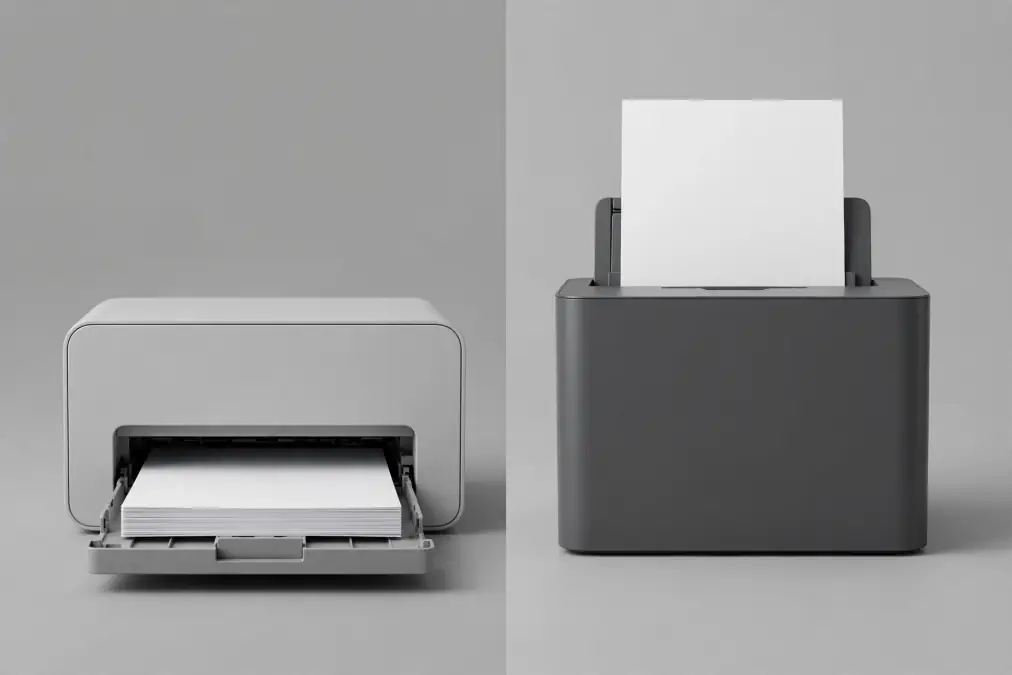
Sawgrass documentation instructs that sublimation paper goes into the tray with the bright white side facing down. If your paper has a watermark on the back, that watermark side faces up.
Epson desktops are the opposite. They feed from a rear tray with the printable side facing up.
Neither instruction is wrong. The difference is mechanical. A Sawgrass feeds from a bottom cassette like a laser printer, so the sheet flips as it travels and the printable face must start pointing down. An Epson rear feeder sends the sheet through without that flip.
Watch out: Some reseller product pages instruct loading bright white side up on a Sawgrass, which contradicts Sawgrass’s own guidance. When a reseller and the manufacturer disagree about your machine, follow the manufacturer. Print one sheet and check before loading a full tray.
Two related details from the same guidance. Siser EasySubli HTV loads the opposite way to sublimation paper, shiny bright white side up. And the tray guides should sit snug against the stack, because loose guides are a common cause of skewed prints that get blamed on the paper.
Paper Weight, and Why It Is Not the Deciding Factor Here
Weight is the usual way to compare sublimation papers, and it does not work cleanly for this comparison.
TexPrint DT Heavy publishes a clear figure of 120 gsm. TruePix does not carry a consistently published weight across its listings, and the figures that do appear vary between resellers and regional variants enough that quoting one would be misleading.
So rather than pretend there is a comparison to make, here is what weight actually does. Heavier paper holds more ink before cockling and copes better with saturated designs and humid workshops. Lighter paper holds less ink, which suits seamless work like full-wrap tumblers where you do not want excess, but it curls more readily under high heat and struggles with heavy saturation.
Those trade-offs matter when you are choosing across the wider market. Between these two specific papers, both are formulated for the same ink system and both handle hard and soft substrates, so weight is not where your decision lives. Our sublimation paper guide covers weight selection properly if that is what brought you here.
Sheet Sizes Your Sawgrass Can Actually Feed
Buying paper your machine cannot take is an expensive mistake, and the two models differ significantly.
| Model | Main tray | With bypass tray |
|---|---|---|
| SG500 (North America) | Up to 8.5 x 14 | Up to 8.5 x 51 |
| SG500 (Europe) | Up to A4 | Longer custom sizes |
| SG1000 | Up to 11 x 17 (A3) | Up to 13 x 19, custom to 13 x 51 |
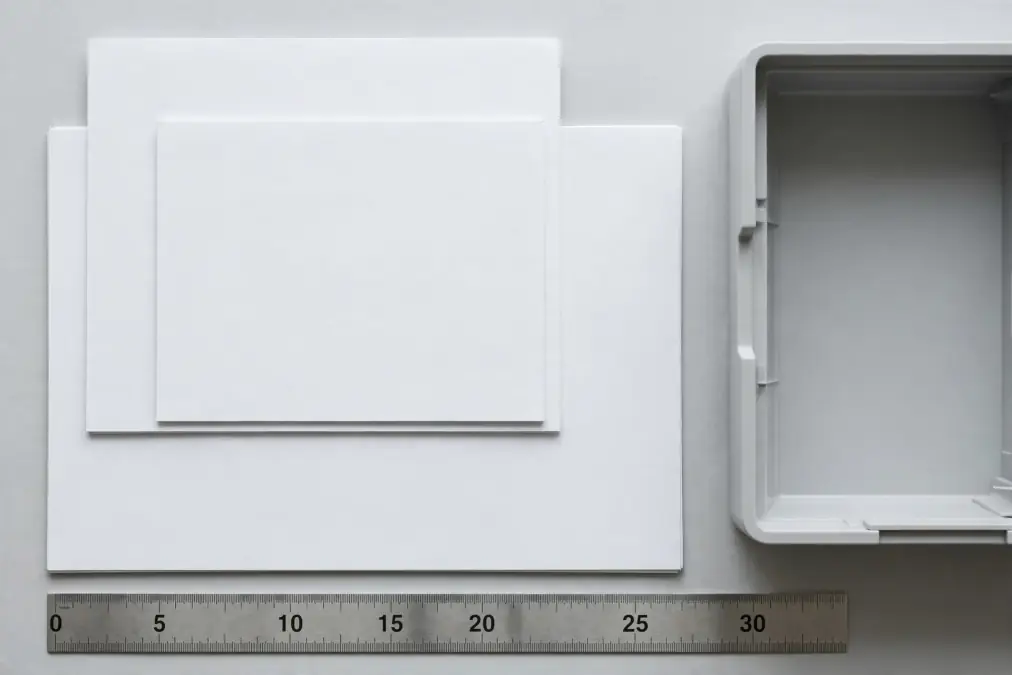
The main tray will not accept paper narrower than 3.5 inches on either model, which rules out feeding the smallest pre-cut mug sheets through it. The bypass tray is a separate purchase on both machines.
Which Should You Buy?
Four situations, four answers.
You just bought the printer. Use the TruePix that came in the box until it runs out. You have enough new variables to control without adding paper to the list. Learn your press settings first, then experiment.
You are watching cost per sheet. Compare bulk pricing on both. Neither has a decisive quality advantage on ordinary work, so the cheaper reliable supply wins. Change the Print Manager setting when you switch.
You press mugs in volume. TexPrint’s pre-cut mug sizes are the practical reason to move, since they remove trimming from your workflow and keep registration consistent across a batch.
Your work is colour critical. Pick one paper and stay on it. Consistency beats optimisation here. Every brand change means revalidating your profile and reprinting a reference, and that cost recurs every time you switch.

Frequently Asked Questions
Does using non-Sawgrass paper void my warranty?
Sawgrass’s published warranty conditions focus on ink rather than paper. Their documentation is explicit that third-party inks void the warranty, and it does not make the same statement about transfer paper. That said, warranty terms change and vary by region, so if this matters to your business, read your own warranty document or ask Sawgrass directly rather than relying on a general answer.
Which side of the paper do I print on with a Sawgrass?
Load sublimation paper with the bright white side facing down in the tray. If the paper has a watermark, that side faces up. This is the opposite of an Epson rear feeder, because a Sawgrass feeds from a bottom cassette and the sheet flips on its way through.
Can I use A-Sub or generic paper in a Sawgrass?
Yes, and A-Sub in particular appears in the Print Manager media list. Generic papers without a profile will still print, but you are applying a profile built for a different paper, so expect some colour drift from what you designed.
Is TruePix the same as TruPix?
Yes. Retailers spell it TruePix, TruPix, and True Pix, all referring to the same Sawgrass product. If one spelling returns limited results, try the others before assuming a size is out of stock.
What paper size fits the SG500 and SG1000?
The SG500 main tray takes up to 8.5 x 14 in North America and A4 in Europe. The SG1000 takes up to 11 x 17. A bypass tray, sold separately, extends the SG1000 to 13 x 19 and allows long custom sizes on both. Neither main tray accepts paper under 3.5 inches wide.
Do I need to change settings when switching paper brands?
Yes. Update the paper selection in Sawgrass Print Manager so the correct profile applies, then run a test print before committing a batch. Skipping this is the usual reason a new paper appears to perform worse than the one it replaced.
Making the Call
For most Sawgrass owners this is a lower-stakes decision than the search results suggest. Both papers are formulated for the same ink system, both handle mugs and shirts, and both have a profile waiting in your software.
Choose on the things that actually differ: size range, supply reliability, and cost per sheet. Then leave it alone, because the value of a settled paper choice compounds every time you do not have to re-test a press setting.
If a transfer is disappointing, paper is one of the less likely causes. Press temperature, time, pressure and colour management move results far more, and our guide to sublimation paper settings covers the ones worth checking first.
For a wider view across brands, see our sublimation paper buying guide and the paper comparison guide. If you are buying at case volume, our walkthrough on vetting a paper supplier covers the checks worth making first. And if you are still deciding between machines rather than papers, our EcoTank versus Sawgrass comparison breaks down the real cost of each ecosystem.