Can You Use Regular Printer Paper for Sublimation?

You’re out of sublimation paper mid-project, and there’s a ream of plain copy paper sitting right next to the printer. It’s paper, your printer already has sublimation ink loaded, and running one sheet through feels like a reasonable shortcut.
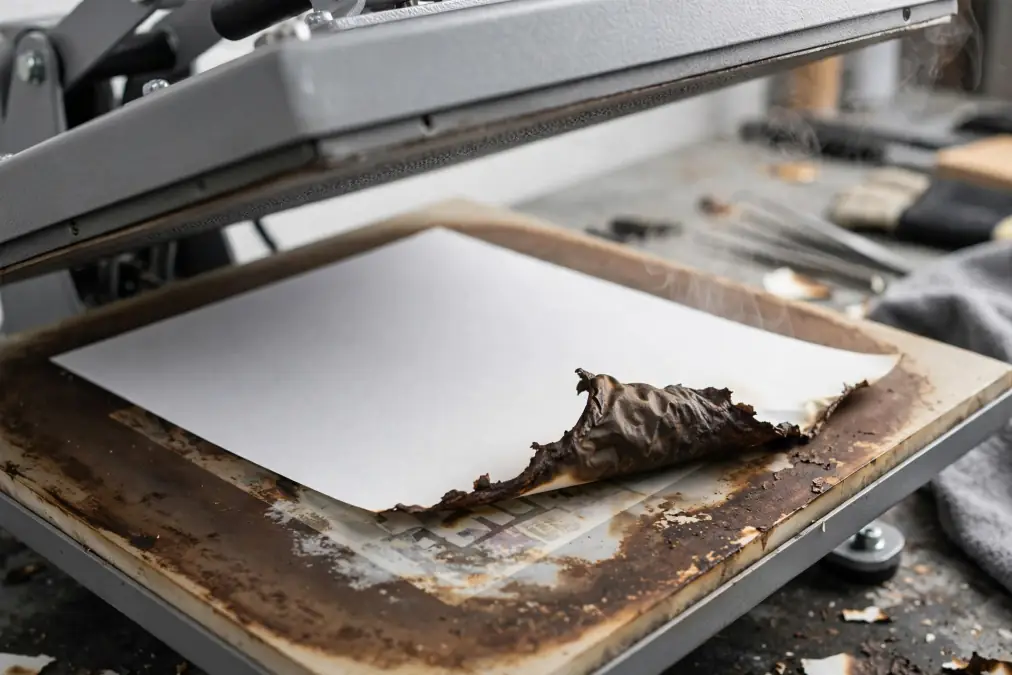
For a standard inkjet sublimation setup, regular copy paper is not a reliable substitute for coated sublimation paper. It may release a small amount of dye, but the transfer is usually faint, uneven, and less sharp because plain paper absorbs much of the ink instead of holding it near the surface.
The longer version, worth knowing so you’re not tempted to try it again, is exactly what happens when you do.
Quick answer
Use coated sublimation paper for designs printed with liquid sublimation ink. Plain copy paper and ordinary laser paper are not dependable replacements. Uncoated butcher paper is protective paper for the heat press, not a printable transfer sheet. Cricut Infusible Ink pens are a separate system that specifically uses laser copy paper.
What Happens When You Use Regular Paper?
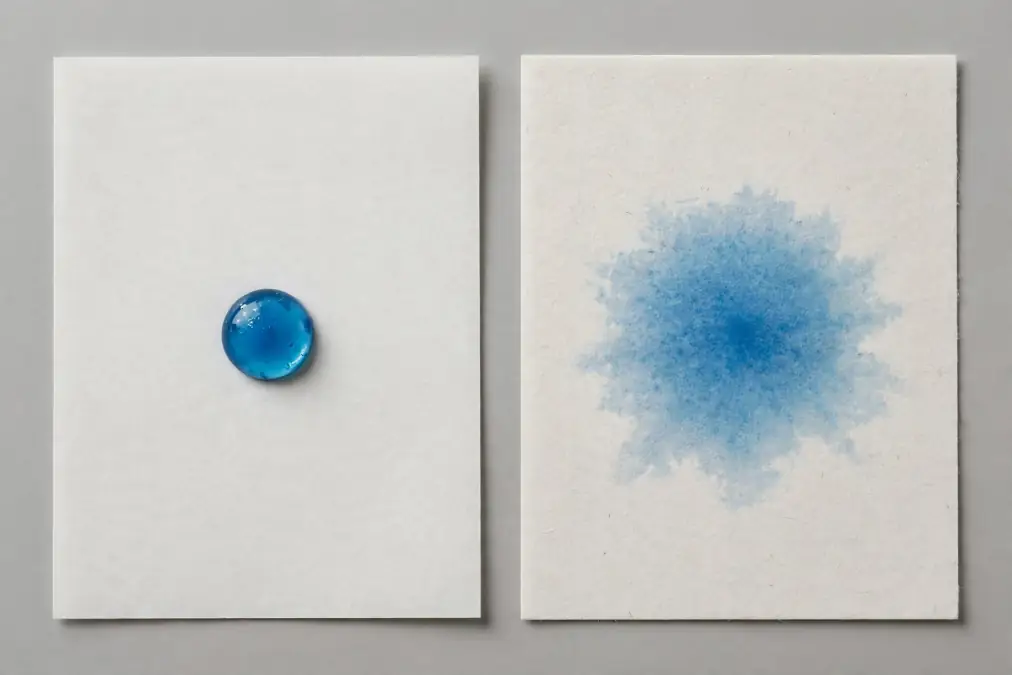
Sublimation paper has a special coating that keeps ink near the surface until heat releases it. Regular paper has no such coating. Its absorbent cellulose fibers pull the ink deep into the sheet, much like a paper towel absorbs liquid.
Once the ink sinks into those fibers, the heat press cannot release it efficiently. Some dye may still reach the blank, but much of it remains trapped in the paper.
The usual result is:
- Faint or washed-out colors
- Patchy, uneven coverage
- Soft or blurry edges caused by ink spreading through the fibers
A pale, ghost-like image may appear on the blank, which can make the attempt look like a near success. In practice, the result is rarely good enough for a finished project.
What About Laser Copy Paper?
Ordinary laser copy paper is not a dependable substitute for sublimation paper in an inkjet printer filled with liquid sublimation ink. Although it can tolerate the heat used to fuse toner, it does not hold and release liquid sublimation ink like coated transfer paper.
There is one exception: Cricut recommends laser copy paper for designs drawn with Infusible Ink pens and markers. That is a separate transfer system.
Do not put sublimation ink into a laser printer. Laser printers use dry toner, not liquid ink.
Why Sublimation Paper’s Coating Is Necessary
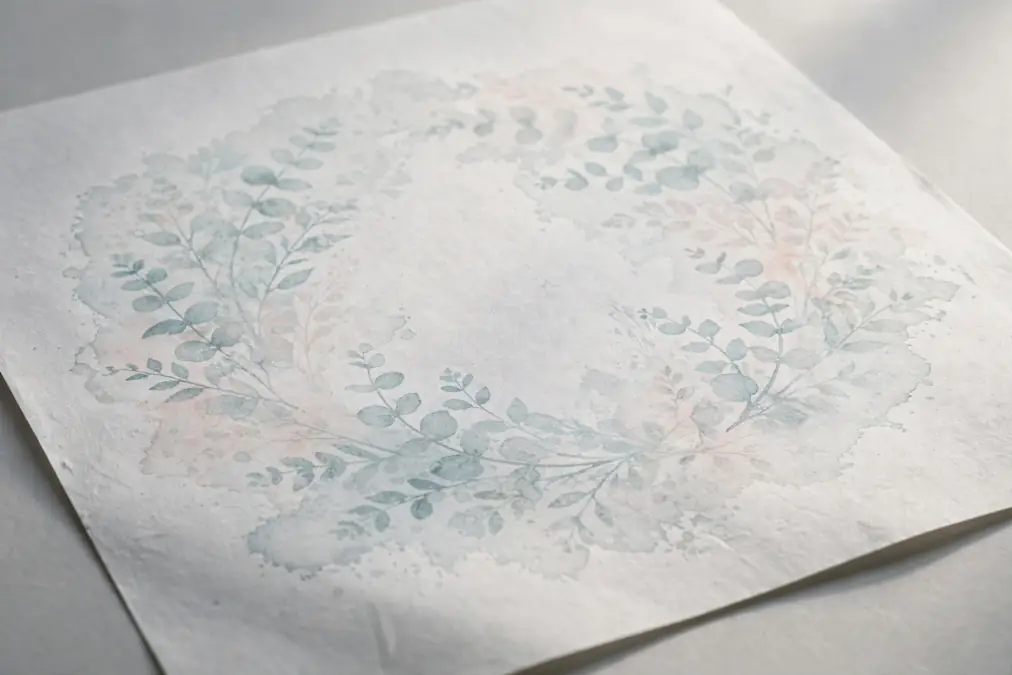
Sublimation paper has a purpose-made receiving coating on its printable side. The exact formulation varies by manufacturer, but its job is consistent: control absorption, keep more dye near the surface, and release it efficiently when heated.
When heat hits that coated sheet during pressing, the ink converts from a solid to a gas and moves into the polyester fibers or polymer coating of your blank. The paper’s job is to hold the ink in place until that moment, then release it cleanly.
Regular paper can’t do either half of that job. It has nothing designed to keep ink at the surface, and nothing designed to release it under heat.
Parchment paper is not a printable substitute either. Its silicone coating is designed to resist sticking, not receive and release sublimation ink. For predictable results, use sublimation paper as the printed transfer sheet and fresh, uncoated butcher paper as the protective barrier.
Can You Use a Sublimation Printer for Regular Document Printing?
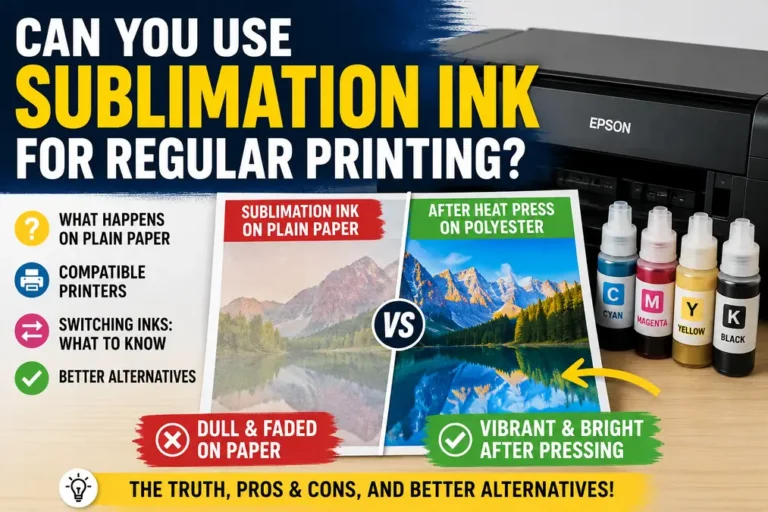
Technically yes. A printer loaded with sublimation ink can still print onto plain paper for everyday documents. The results are usable but not great, since sublimation ink isn’t formulated for text and graphics on regular paper the way standard inkjet ink is.
It works as an occasional option, not a long-term plan for a printer you also rely on for sublimation projects.
We cover this in more detail, including the trade-offs and when it makes sense, in our guide to using sublimation ink for regular printing.
Can You Turn Any Inkjet Printer Into a Sublimation Printer?
Not any printer, and not without real trade-offs even on the models that do work. Conversion generally requires a printer with the right print head technology, usually certain Epson EcoTank models, along with a full ink system swap and ongoing maintenance to keep it running reliably.
It’s a legitimate path for some setups, but it’s not a universal fix and it’s not risk-free.
Our guide on converting an HP printer to sublimation walks through what’s actually involved, and our breakdown of why converted printers fail after six months covers the maintenance issues that catch people off guard once the initial setup is done.
What to Use Instead of Regular Paper for Sublimation
For the transfer sheet itself, there’s no real substitute for actual sublimation paper. If you’re out, the project waits until you have paper built for the job.
Our sublimation paper comparison can help you pick a reliable option if you’re restocking or trying a new brand.
If what you actually need is protective paper, the sheet that sits above or below your design to catch stray ink and protect your heat press, that’s a different question with more flexibility.
Fresh, white, uncoated butcher paper is the preferred protective layer because it can absorb excess dye and moisture. Parchment paper is silicone-coated and should not be treated as an equal replacement; follow the instructions supplied with your transfer system and blank.
We cover that comparison, including why the two aren’t interchangeable in every situation, in our guide to using parchment paper for sublimation.
Which Paper Should You Use?
| Paper | Best use | Print the transfer on it? |
|---|---|---|
| Sublimation paper | Inkjet sublimation transfers | Yes |
| Regular copy paper | Everyday documents | No—results are weak and inconsistent |
| Laser copy paper | Laser printing; Cricut Infusible Ink pens when instructed | Not for standard liquid sublimation ink |
| Uncoated butcher paper | Protecting the press and blank | No |
| Parchment paper | Cooking and nonstick applications | No |
Common Problems When People Try Regular Paper Anyway
If you’ve already run a sheet through and you’re trying to figure out what went wrong, here’s what regular paper typically produces:
- Faded or ghost-like transfer: this is the expected outcome, not a sign you did something wrong in your process. The paper absorbed most of the ink before pressing even started.
- Blurry or feathered edges: ink spreads sideways into paper fibers the moment it’s printed, softening edges that would otherwise be crisp on real sublimation paper.
- Inconsistent color across the design: uneven absorption can leave some areas stronger than others, even when the printer and heat-press settings are correct.
- Wasted ink for no usable result: sublimation ink isn’t cheap, and running it through paper that can’t hold it means that ink is gone with nothing to show for it.
None of these point to a fixable mistake in your setup. They’re the expected result of the paper itself, and the fix is switching to actual sublimation paper rather than adjusting your printer or press settings.
Frequently Asked Questions
Can I use a sublimation printer for regular document printing?
Yes, though results are usable rather than great, since sublimation ink isn’t optimized for everyday text and graphics. It works as an occasional option, not an ideal one.
Can you turn any inkjet printer into a sublimation printer?
No. Conversion works on specific printer models, usually certain Epson EcoTank printers, and requires a full ink system change plus ongoing upkeep.
Butcher paper or parchment paper?
Butcher paper is the more consistent default for sublimation because it’s uncoated and breathable. Parchment paper works as a backup but can trap moisture in a way that affects your transfer.
Can copy paper damage a sublimation printer?
Printing one sheet of ordinary copy paper generally does not damage a compatible inkjet printer. The main loss is ink and time. Continue using paper that meets your printer manufacturer’s specifications, and avoid loose, curled, dusty, or heat-damaged sheets.
Can regular paper be used as protective paper?
Use fresh, white, uncoated butcher paper instead. It is designed to act as a disposable barrier and absorb stray dye and moisture. Regular copy paper is smaller, less absorbent, and more likely to leave part of the pressing area unprotected.
The Bottom Line on Regular Paper
Regular printer paper fails at sublimation for a simple reason: it has nothing to hold ink at the surface, so it absorbs what should be releasing under heat. That’s not a setting you can adjust around. Keep real sublimation paper on hand for printing, and save the plain copy paper for what it’s actually built for.