Printers Jack ICC Profile: What’s Actually Available for Sublimation

Printers Jack markets its sublimation ink with a free ICC profile included. What you actually get depends heavily on your specific printer model, and that’s not always made clear until after you’ve already bought the ink.
This page covers what Printers Jack claims to offer, where real user reports and that marketing don’t quite line up, and what to do if your printer isn’t one of the models with solid profile coverage.
What Printers Jack claims to offer
Printers Jack markets its sublimation ink as compatible with a specific list of Epson EcoTank and WorkForce models, including the ET-2720, ET-2760, ET-2750, ET-15000, ET-4700, ET-3760, WF-7710, and WF-7720.
Product listings advertise a free downloadable ICC profile as a feature of the ink, and describe broad compatibility with piezoelectric inkjet printers generally, usable with both refillable cartridges and continuous ink supply (CISS) setups.
| Printer model | Series | Listed on compatibility list |
|---|---|---|
| ET-2720 | EcoTank | Yes |
| ET-2760 | EcoTank | Yes |
| ET-2750 | EcoTank | Yes |
| ET-15000 | EcoTank | Yes |
| ET-4700 | EcoTank | Yes |
| ET-3760 | EcoTank | Yes |
| WF-7710 | WorkForce | Yes |
| WF-7720 | WorkForce | Yes |
This reflects Printers Jack’s own marketed compatibility list. If your model isn’t listed here, that doesn’t necessarily mean the ink won’t work with it, only
Where the marketing and real-world reports don’t line up
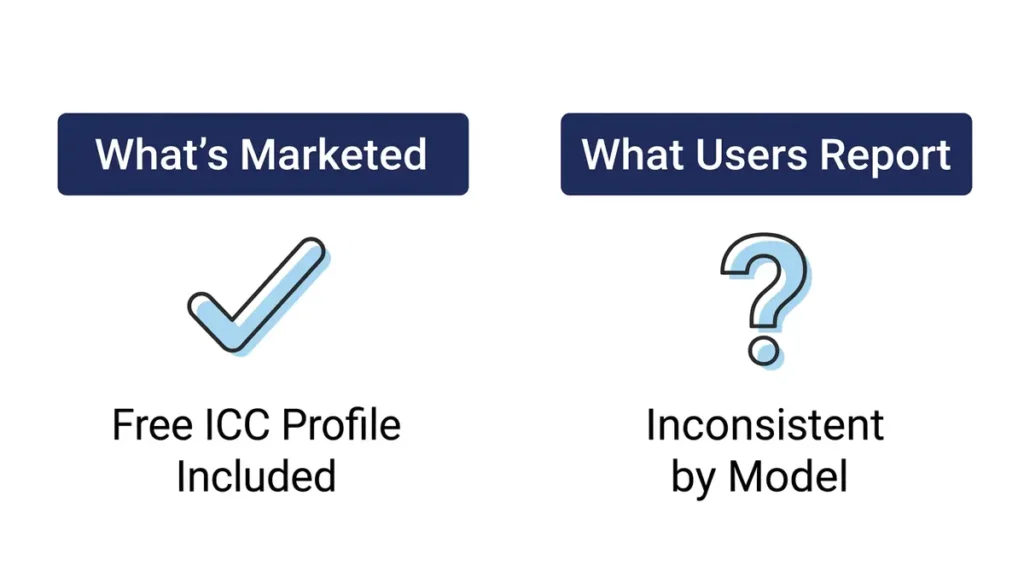
That’s the manufacturer’s claim. In practice, profile availability by exact model has been reported as inconsistent.
At least one documented user report describes being unable to find a listed profile for their specific model, and trying a substitute profile for the “closest match” printer in the lineup instead, only to have it fail to install or work correctly afterward.
This isn’t unique to Printers Jack. Smaller ink brands frequently can’t maintain a dedicated, tested ICC profile for every printer model they sell into, since that requires ongoing calibration work for each one.
It’s a real limitation worth knowing about before you buy the ink expecting a guaranteed working profile for your exact setup.
What this means for you: don’t assume a working profile exists for your exact model just because it appears on a compatibility list. Confirm directly with Printers Jack before you buy if a working color profile is essential to your workflow, not after.
What to do if your model isn’t covered
Before you assume no profile exists for your printer
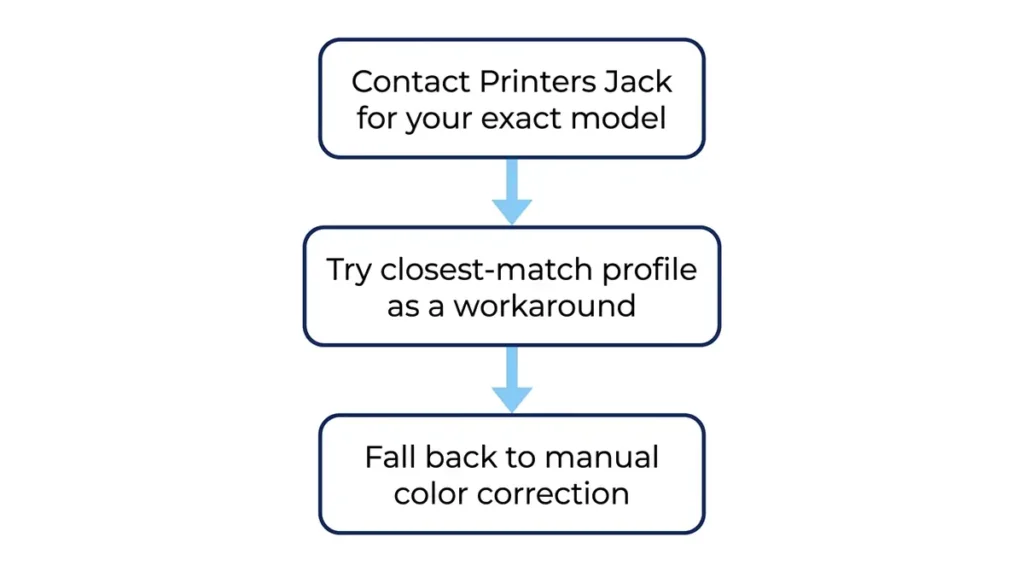
| 1. | Contact Printers Jack support directly and ask about your exact model. Availability can change over time and isn’t always reflected in older reviews or forum posts. |
| 2. | Try a profile built for the closest supported model in the same printer family as a starting point. Treat it as a workaround, not a guaranteed match. |
| 3. | Fall back to manual color correction if no working profile can be sourced. Slower than installing a pre-built profile, but reliable when nothing else fits your exact setup. |
Our manual color correction guide walks through that process.
Setting up a Printers Jack profile correctly, if you have one
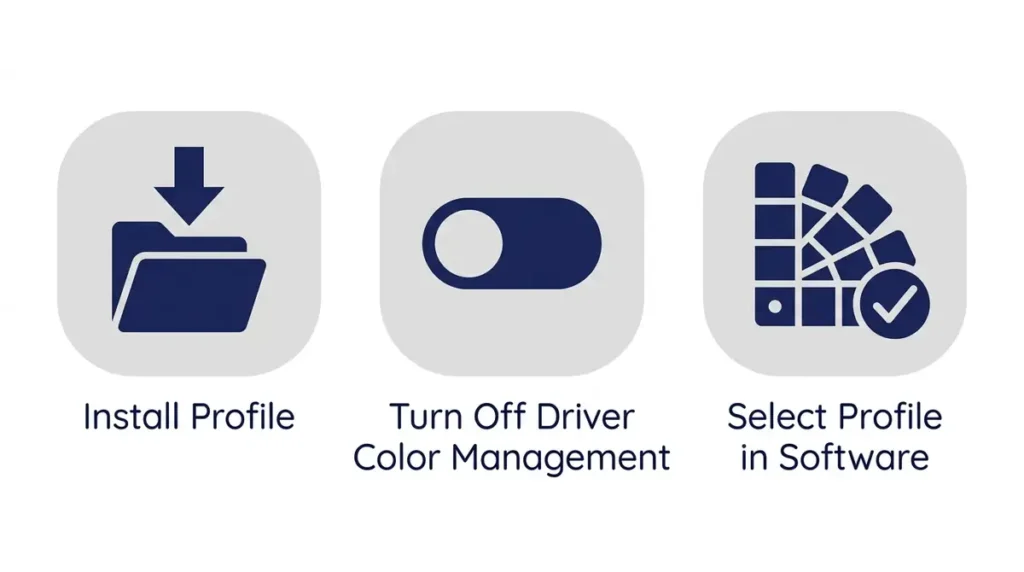
If you do have a working profile for your model, installation follows the standard ICC profile process. On Windows, right-click the profile file and select Install Profile.
On Mac, drag the file into your ColorSync Profiles folder. From there, select the profile inside your design software, Photoshop, CorelDRAW, or your printer’s own software, depending on what you’re using.
The step people skip most often: turn off your printer driver’s own color management before printing. If the driver’s automatic color correction is left on alongside an installed ICC profile, the two fight each other, and the profile gets ignored even though it’s correctly installed.
This is the same core guidance covered in more depth in our ICC profile basics guide, if you want the fuller explanation of what the profile is actually doing.
Printers Jack markets its sublimation ink with a free ICC profile included, ICC being short for International Color Consortium, the standards body behind the profile format.
What you actually get depends heavily on your specific printer model, and that’s not always made clear until after you’ve already bought the ink.
Printers Jack vs. Hiipoo: which has better profile support
Between the two brands most commonly discussed for Epson EcoTank conversions, Hiipoo’s profile support tends to come up with fewer reports of missing or non-working profiles than Printers Jack’s, though neither brand publishes a fully public, comprehensive profile library the way some paid custom-profile services do.
| Printers Jack | Hiipoo | |
|---|---|---|
| Marketed profile availability | Free ICC profile advertised for a specific list of compatible models | Profiles built specifically for Hiipoo ink paired with Epson printers |
| Public profile library | No public download library | No public download library |
| Real-world reports | More reports of missing or non-working profiles by exact model | Fewer reports of missing or non-working profiles |
| Best paired with | Models on the officially listed compatibility list, confirmed directly before buying | Epson EcoTank printers specifically |
For a fuller side-by-side on both brands plus Epson OEM options, see our full ICC profile roundup, and for how Printers Jack compares to other sublimation ink brands generally, see our sublimation ink guide.
Frequently asked questions
Does Printers Jack ink come with a free ICC profile?
Printers Jack markets a free ICC profile as included for a specific list of compatible printer models. Real-world availability by exact model has been reported as inconsistent, so confirm directly with Printers Jack for your specific printer before assuming one is available.
Why can’t I find a profile for my exact printer model?
Smaller ink brands often can’t maintain a tested, dedicated ICC profile for every printer model they sell ink for. If your model isn’t listed, contact the manufacturer directly, since availability can change, or try a profile for the closest model in the same printer family as a starting point.
Can I use an Epson OEM profile with Printers Jack ink instead?
Not reliably. An OEM Epson profile is calibrated to Epson’s own ink chemistry, not third-party sublimation ink. Using it with Printers Jack ink is a common cause of blue shifts, dull colors, or muddy blacks, the same issue covered in our full ICC profile roundup. For related planning, see Sublimation Material List.
What do I do if no ICC profile works for my setup?
Manual color correction is the reliable fallback. It takes more trial and error than installing a pre-built profile, but it doesn’t depend on a manufacturer having tested your exact printer model. Our manual color correction guide walks through the process step by step.
The bottom line
Printers Jack’s ICC profile support is real, but it’s inconsistent by exact printer model, not the comprehensive library the marketing implies. If a working color profile matters to your decision to buy this ink, confirm your specific model with Printers Jack directly before purchasing. Either way, manual color correction remains a reliable path to accurate color if a pre-built profile doesn’t work out for your setup.