
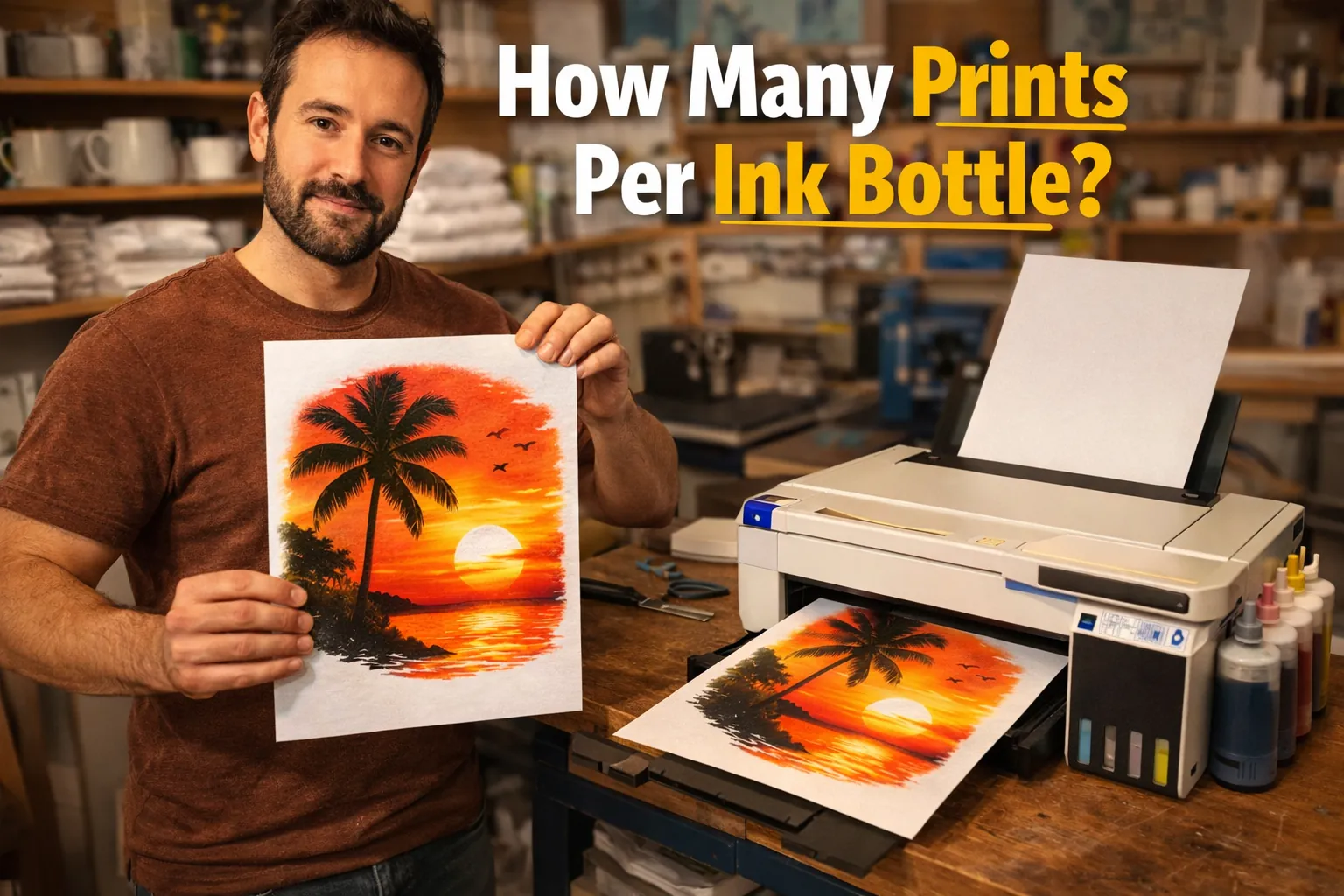
How Many Prints Can You Get from Sublimation Ink? (Realistic Estimates + Tips)

If you’ve ever wondered how long your sublimation ink will last, you’re not alone. Ink usage can feel unpredictable, especially when one project barely uses any ink while another drains your tank quickly.
In simple terms, sublimation ink yield depends more on your design than the bottle size. In this guide, you’ll learn realistic print estimates, what actually affects ink usage, and how to get more prints without sacrificing quality. For related planning, see 5 Real Ways Women Profit With Sublimation (Without Burnout).
If you’re new to the process, it helps to understand how the full sublimation printing process works before optimizing ink usage.
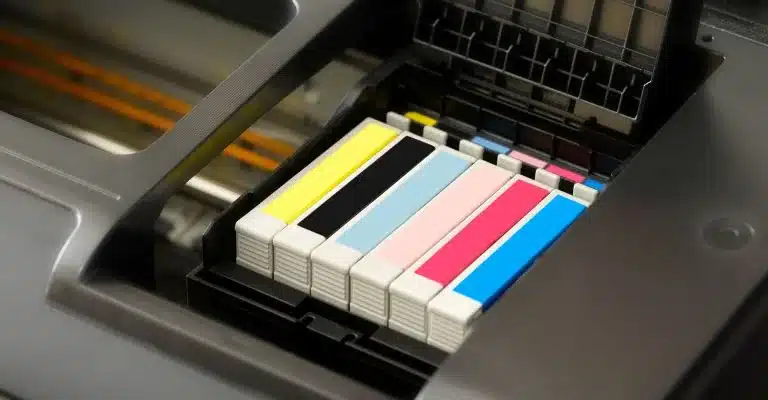
For a detailed look at actual print ranges based on design types, check out realistic sublimation ink print estimates.
Quick Answer: Sublimation Ink Yield Explained
A 100ml bottle of sublimation ink typically produces 100–200 prints, but the exact number depends on design size, coverage, and printer settings. For related planning, see Sublimation Material List.
Here’s a general estimate:
| Ink Size | Estimated Prints |
|---|---|
| 50 ml | 50–100 prints |
| 100 ml | 100–200 prints |
| 200 ml | 200–400 prints |
| 500 ml | 500–1000 prints |
These numbers assume average usage. Heavy designs with full color coverage will reduce your total prints significantly.
What Affects How Many Prints You Get from Sublimation Ink
Not all prints use the same amount of ink. Small changes in your workflow can double or cut your output in half.
Design Size
Larger designs use more ink. A small logo on a mug might use a fraction of the ink compared to a full front t-shirt design.
If you print full-bleed graphics regularly, expect your ink to run out faster.
Ink Coverage
Coverage matters more than size.
- Light designs → less ink
- Full backgrounds → heavy ink usage
- Dark colors → more ink than pastels
A full black background can use several times more ink than a minimal design.
Printer Settings
Higher quality settings increase ink usage.
- High quality → more ink, better detail
- Draft mode → less ink, lower detail
Many beginners leave settings too high for simple designs, wasting ink unnecessarily.
Ink Quality
Low-quality ink often leads to:
- poor color output
- repeated prints
- wasted ink
Using reliable ink improves efficiency and reduces reprints. If you’re unsure, check this guide on choosing the best sublimation ink for consistent results.

Real-World Print Estimates (More Accurate Than Generic Numbers)
Generic tables don’t tell the full story. Here’s what you can realistically expect based on actual use cases.
Small Logo Prints
Examples:
- mugs
- keychains
- tags
Estimated yield:
- 100ml → up to 200+ prints
These use very little ink, making them highly efficient.
Medium Designs
Examples:
- chest prints on shirts
- small tote bag graphics
Estimated yield:
- 100ml → 120–180 prints
This is the most common range for everyday sublimation work.
Full-Size T-Shirt Prints
Examples:
- full front designs
- all-over prints
Estimated yield:
- 100ml → 60–120 prints
These designs consume the most ink, especially with heavy color coverage.
Why Your Ink Runs Out Faster Than Expected
If your ink disappears faster than expected, something in your workflow is likely causing waste.
Common reasons include:
- Over-saturated print settings
- Incorrect color profiles
- Frequent cleaning cycles
- Poor transfer paper absorbing excess ink
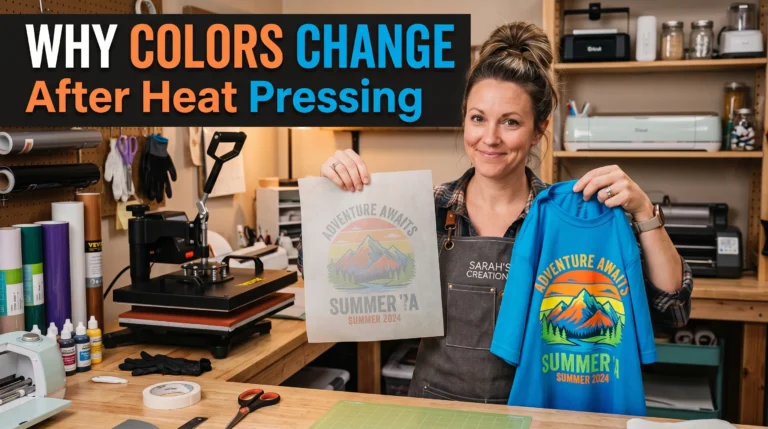
Color issues are a common cause of reprints. If your prints look dull or off, follow this sublimation troubleshooting guide to fix the root problem.
How to Get More Prints from Your Sublimation Ink
You don’t need to reduce quality to save ink. Small adjustments can make a big difference.
- Use standard quality for most prints
- Avoid full background designs when possible
- Use high-quality sublimation paper
- Keep your printer clean to avoid reprints
- Store ink in a cool, dry place
Many beginners overlook efficiency. These small habits can extend your ink life significantly and reduce overall costs. You can also explore more ways to cut expenses in this guide to saving money on sublimation printing.
Common Mistakes That Waste Sublimation Ink
A lot of ink waste comes from avoidable mistakes.
- Printing everything at maximum quality
- Ignoring ICC color profiles
- Running excessive cleaning cycles
- Using incompatible substrates
- Reprinting due to preventable errors
Fixing these issues not only saves ink but also improves print consistency.
Ink Yield vs Cost: What You Should Actually Expect
Instead of focusing only on how many prints you get, think in terms of cost per print.
A higher-quality ink may seem expensive upfront, but it often:
- produces better results
- reduces reprints
- improves efficiency
In most home setups, consistency matters more than squeezing every last drop.
Frequently Asked Questions
How many shirts can 100ml of sublimation ink print?
Typically 60–120 shirts depending on design size and coverage.
Does full-color printing use more ink?
Yes. Full-color or heavy background designs consume significantly more ink than minimal designs.
Why is my sublimation ink running out quickly?
It’s usually caused by high print settings, heavy designs, or repeated cleaning cycles.
Can I reduce ink usage without losing quality?
Yes. Use balanced print settings and avoid unnecessary high-density prints.
Do different printers use different amounts of ink?
Yes. Printer models, settings, and maintenance all affect ink consumption.
Professional Sublimation Printing & Wholesale Custom Products
Looking for high-quality sublimation printing for apparel, drinkware, and promotional items? Subli Genius Print delivers vibrant color, sharp detail, and long-lasting results for businesses, brands, and resellers across the U.S.





One Comment