
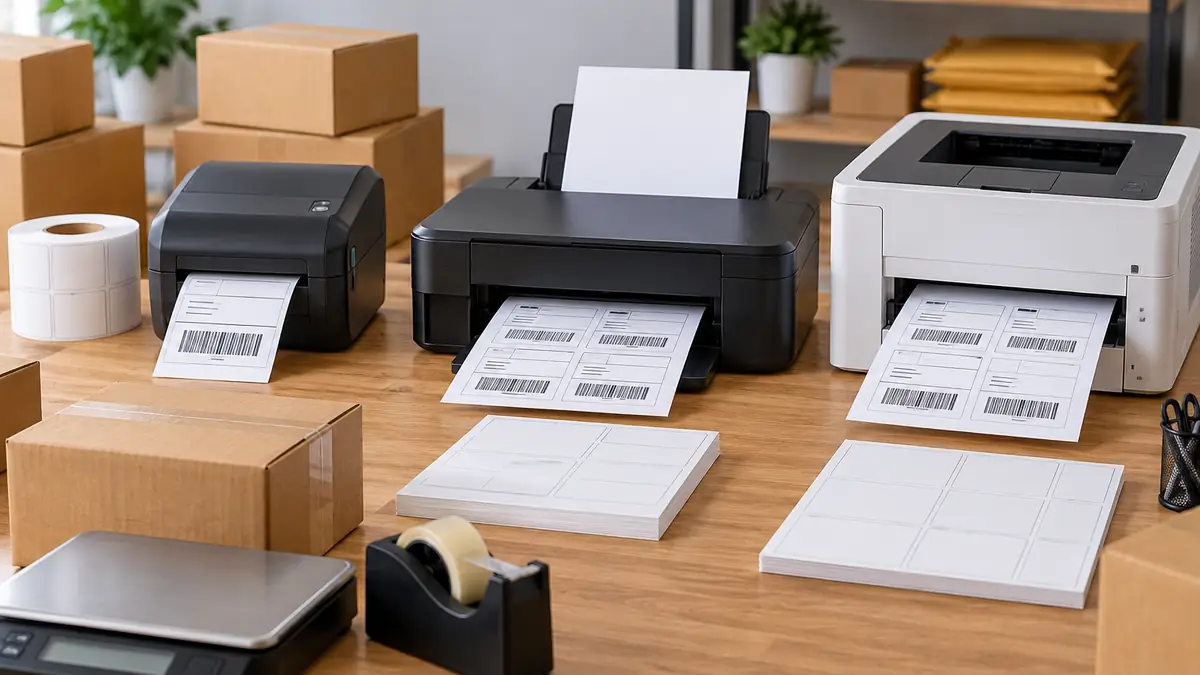
Shipping Label Cost Calculator: Thermal vs Inkjet vs Laser

The real cost of printing a shipping label depends on more than the printer. Label stock, ink or toner, wasted sheets, monthly volume, and the price of a dedicated printer all affect the final number.
Use the shipping label cost calculator below to compare direct thermal, inkjet, and laser printing with your own supply costs. It calculates cost per label, monthly and annual operating costs, first-year cost, and the point where buying a thermal printer can recover its purchase price.
The calculator covers printing the physical label only. Postage is a separate shipping expense.
Shipping Label Cost Calculator
Enter the prices you actually pay. If you already own your inkjet or laser printer, enter 0 for that printer’s purchase price when comparing first-year costs.
For ink and toner yields, use a realistic yield for your own cartridge when possible. Manufacturer page-yield ratings may not match shipping-label coverage.
Shipping Label Cost Calculator
Compare direct thermal, inkjet, and laser label costs using your own supply prices. Postage is not included.
Shipping volume
Direct thermal
Inkjet
Laser
Calculator note: This tool compares direct thermal printing with inkjet and laser. Thermal-transfer printers use a ribbon, so their consumable formula is different.
For more production and pricing tools, use the Sublimation Calculator Hub.
Thermal vs Inkjet vs Laser Label Costs at a Glance
Direct thermal usually has the simplest consumable structure because there is no ink or toner. Inkjet and laser printers can still make sense when you already own the equipment or only ship occasionally.
| Factor | Direct Thermal | Inkjet | Laser |
|---|---|---|---|
| Main consumables | Thermal labels | Label sheets + ink | Label sheets + toner |
| Ink or toner required | No | Yes | Yes |
| Dedicated 4 x 6 workflow | Strong | Depends on printer and media | Depends on printer and media |
| Plain-paper option | No for direct thermal | Yes | Yes |
| Cutting/taping with ordinary paper | Usually no | Often | Often |
| Color printing | No for normal direct thermal shipping labels | Yes | Depends on printer |
| Mixed office-document use | Limited | Strong | Strong |
| Cost calculation | Label stock | Stock + ink | Stock + toner + possible drum |
| Main reason to choose it | Dedicated shipping workflow | Use equipment you already own | Sharp office printing and mixed documents |
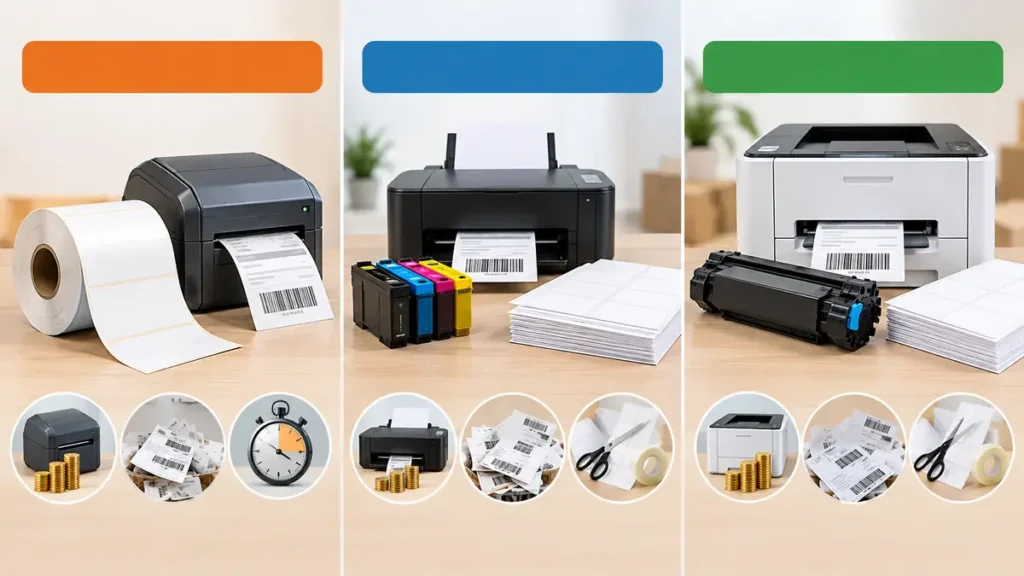
A thermal printer is not automatically the cheapest choice for every business. A seller printing a small number of labels with an existing office printer has a different cost structure from a shop processing shipments every day.
Bottom line: compare your actual cost per label and monthly volume before buying another printer.
How to Calculate the Cost of Printing a Shipping Label
The cleanest comparison is to separate the printer purchase from the recurring cost of producing each label.
Direct Thermal Cost Per Label
For a direct thermal printer:
Label stock cost per label = price of roll or pack ÷ number of labels
Then account for wasted or reprinted labels. Direct thermal does not require an ink cartridge, toner cartridge, or printing ribbon. The heat-sensitive label itself creates the printed image.
Printer purchase cost belongs in the first-year or break-even calculation, not in the recurring media cost.
Inkjet Shipping Label Cost
For inkjet printing, the recurring cost has at least two parts:
Label-stock cost per page = pack price ÷ number of sheets
Ink cost per page = cartridge or ink-set price ÷ realistic page yield
If several shipping labels fit on each sheet, divide the page cost across the usable labels.
Unused sections of a partially printed sheet can increase the real cost. Cleaning cycles and cartridge waste can also matter, and they are difficult to model from a manufacturer page-yield figure alone.
Laser Shipping Label Cost
Laser printing follows a similar formula:
Label-stock cost per page = pack price ÷ number of sheets
Toner cost per page = toner cartridge price ÷ realistic page yield
Some laser printers have a separate drum or imaging unit:
Drum cost per page = drum price ÷ drum yield
Add those amounts together, then divide by the usable labels printed on each sheet. Page yields are useful starting points, not guarantees. Coverage, cartridge type, printer settings, maintenance cycles, and the label layout can change actual consumption.
Printing Cost and Postage Cost Are Different
The price of a shipping label is often confused with the price of shipping the package.
The calculator above measures the physical printing cost:
- label media
- ink
- toner
- drum consumption
- printer purchase
- waste and reprints
Postage is what you pay the carrier to transport the package. That charge can depend on the service, destination, package dimensions, weight, pricing program, and other carrier rules.
Changing from an inkjet printer to a thermal printer can reduce your label-production cost, but it does not automatically reduce the postage purchased through that label.
Hidden Shipping Label Costs Most Simple Calculators Miss
Consumables are easy to count. Workflow waste is where extra cost can hide.
Partially Used Label Sheets
Sheet-fed label stock can become inefficient when the software places only one label on a sheet designed to hold several. A sheet is cheap only when the usable labels actually get used.
- Check how many carrier labels fit on one sheet.
- Confirm your shipping platform can format multiple labels correctly.
- Check whether partially used sheets can be fed through your printer again safely.
- Track how many sheets are discarded before every position is used.
Misprints and Reprints
A wrong paper size, poor scaling, faded barcode, incorrect address, or damaged label creates another printing cycle.
Track reprints for a month. If a noticeable share of labels are being printed twice, put that percentage into the calculator’s waste field.
Your print shop production checklist can include a label verification step before the package leaves the shipping station.
Tape and Pouches
Plain-paper labels can work, but the paper itself is not the only material.
- clear tape
- document pouches
- scissors or cutting time
- extra paper
These small inputs matter more as order volume increases.
Printer Cleaning and Maintenance
Inkjet printers can consume ink during cleaning cycles. Laser printers can require drums, imaging units, transfer components, or maintenance kits depending on the model.
Those expenses are difficult to represent with one universal cost per label. Use your actual purchase and replacement history when the difference between two methods is close.
Staff Time
A label that needs to be printed, cut, aligned, taped, and checked takes more handling than a peel-and-stick label produced at the correct size.
Labor does not have to be part of the calculator to affect the buying decision. A dedicated thermal printer may make sense because it removes steps even when the raw consumable saving looks modest.
When Does a Thermal Printer Pay for Itself?
A thermal printer pays for itself when its accumulated operating-cost savings equal the purchase price of the printer.
Break-even labels = thermal printer price ÷ savings per label
Where:
Savings per label = current inkjet or laser cost per label – thermal cost per label
There is no reliable universal answer such as “buy thermal after X orders per month.” Printer prices, label stock, ink costs, toner yields, and shipping volume all change the result.
The calculator uses your inputs to find that threshold. If your existing printer is already paid for, enter 0 as its purchase price. Treating an existing printer as a new expense can distort the comparison.
For larger equipment decisions, the same principle is used in the Sublimation ROI Calculator.
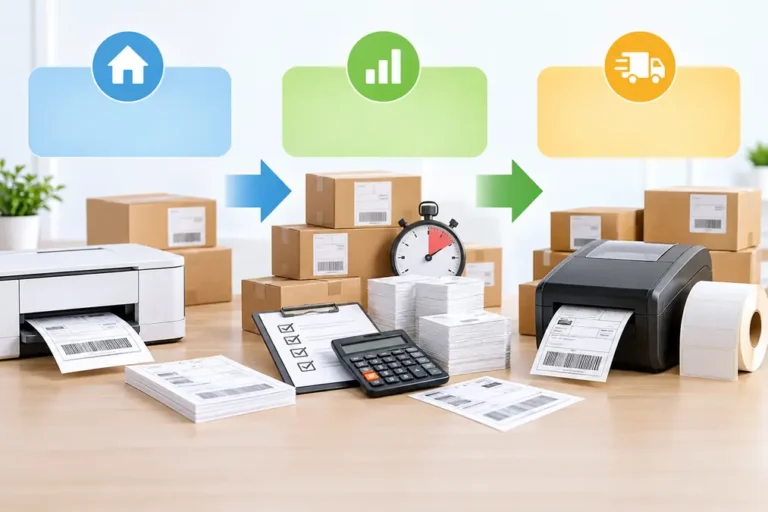
Bottom line: high shipping volume makes a small cost difference per label matter faster. Low volume gives you more reason to keep using equipment you already own.
Shipping Label Sizes and Printer Compatibility
A 4 x 6 format is common in U.S. shipping workflows, but the exact printing requirements depend on the carrier, software, and label format being generated.
| Carrier | Current practical guidance |
|---|---|
| USPS Click-N-Ship | Online labels should print at approximately 4 x 6 inches. USPS supports laser printers and high-quality inkjet printers and allows plain white paper when its placement and barcode requirements are followed. |
| UPS | UPS.com and CampusShip support most thermal printers that print 4 x 6 labels. Standard desktop laser and inkjet printers are also supported. |
| FedEx | FedEx supports thermal and plain-paper label workflows. Its 4 x 6 PNG documentation has specific stock and printer requirements, so use the guidance for the exact output format you select. |
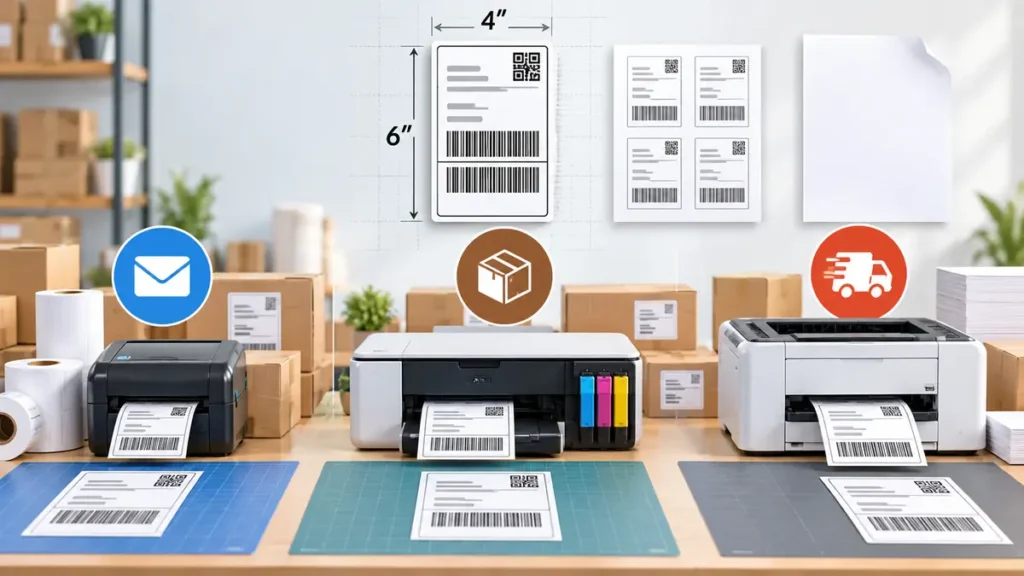
USPS currently recommends a laser printer or a high-quality inkjet printer for Click-N-Ship and says online labels should print at approximately 4 x 6 inches. Plain white paper is acceptable when the label is attached correctly and barcode areas are not covered. See the USPS Click-N-Ship guidance.
UPS says UPS.com and CampusShip work with most thermal label printers capable of 4 x 6 output, along with standard desktop laser and inkjet printers. See the UPS thermal printing guidance.
FedEx’s current developer guidance for its 4 x 6 PNG label graphic says that format should use peel-and-stick stock, recommends laser printing, and advises against inkjet because of barcode consistency concerns. That guidance is specific to the documented PNG workflow, so check the requirements for the label format your FedEx software generates. See the FedEx Open Ship documentation.
Carrier software and requirements can change. Verify the current settings before standardizing a new shipping station.
4 x 6 Thermal Labels vs Letter-Size Label Sheets
The choice affects more than paper dimensions.
4 x 6 Thermal Workflow
A dedicated thermal workflow normally produces one adhesive shipping label at a time.
- less cutting from full pages
- less taping of plain paper
- fewer partly used label sheets
- no ink or toner for the shipping printer
The trade-off is another piece of equipment that mainly serves labeling tasks.
Letter-Size Inkjet or Laser Workflow
A regular desktop printer can be practical when it already handles invoices, packing slips, order paperwork, office documents, and occasional shipping labels.
The main efficiency question is how well your software uses the sheet. Printing one small shipping label on a full sheet and discarding the rest changes the cost calculation quickly.
Bottom line: compare usable labels per sheet, not the price of a sheet by itself.
Bulk Label Stock: Compare Unit Cost, Not Pack Price
A large box of labels is not automatically a better deal.
Unit label cost = delivered pack price ÷ usable labels
Include shipping or other unavoidable supplier charges when they materially change what the stock costs by the time it reaches your shop.
- Printer compatibility. Confirm the label dimensions, roll core, maximum roll diameter, fanfold support, and sensor requirements.
- Actual label count. Compare price per usable label.
- Storage. Thermal stock should be stored appropriately and protected from conditions that can damage heat-sensitive media.
- Workflow fit. A cheap roll has little value if it constantly jams or does not match your normal label format.
- Purchase quantity. Do not tie up cash in years of stock to save a tiny amount per label.
Bulk buying works best after the shipping workflow is stable.
Which Shipping Label Printer Fits Your Workflow?
The lowest operating cost is not always the lowest-cost decision.
| Situation | Practical starting point |
|---|---|
| Shipping only occasionally and already own an inkjet | Use the existing printer and measure the real per-label cost |
| Already have a reliable monochrome laser printer | Test sheet-label efficiency before buying another device |
| Shipping regularly and cutting/taping labels every day | Compare a direct thermal printer against your current workflow |
| High label volume | Pay close attention to cost per label, handling time, and reprint rate |
| Need full-color documents from the same device | Keep an inkjet or color laser available even if thermal handles shipping |
| Need a dedicated shipping station | Thermal often simplifies the physical label workflow |
A print shop does not need one printer to do every task. A thermal printer can handle shipment labels while another printer handles invoices, proofs, office documents, and packing material. Separating those jobs can make the shipping station easier to standardize.
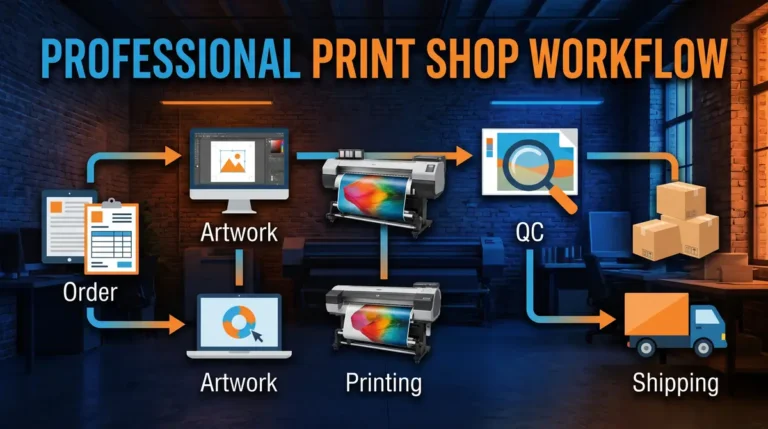
Build Shipping Labels Into the Production Workflow
The printer is only one part of an efficient shipping process.
- Confirm the completed order against the packing record.
- Select the correct package.
- Measure or use the saved package dimensions.
- Verify the shipment weight.
- Purchase the carrier service.
- Check the recipient and return addresses.
- Print the label at the correct size.
- Check barcode clarity and label placement.
- Attach the label without covering critical barcode areas.
- Mark the order ready for carrier handoff.
This type of repeatable print shop workflow reduces the chance that speed creates a preventable shipping error.
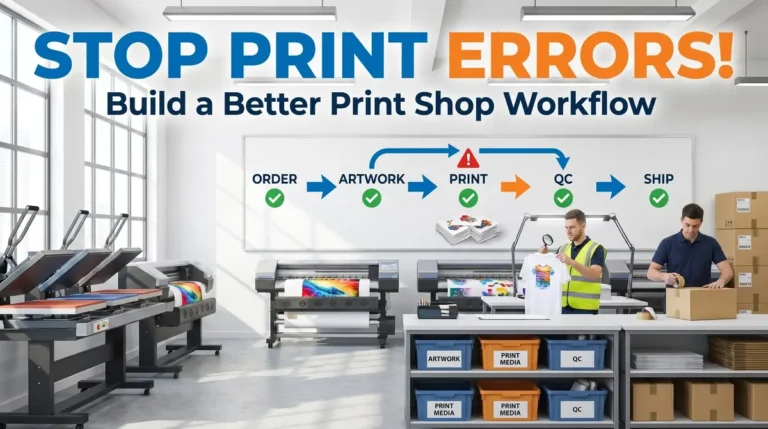
Reduce Shipping Label Waste Before Buying New Equipment
A new printer will not fix a broken workflow.
- wrong customer address
- incorrect package selected
- wrong label dimensions
- automatic scaling in the print dialog
- low or missing ink
- damaged toner output
- labels loaded incorrectly
- duplicate printing
- wrong order matched to the package
Record the reason whenever a label has to be printed again. A simple reprint log can show whether your biggest problem is consumable cost, printer reliability, software settings, or order handling.
The same approach works across production. See the guide to reducing print shop mistakes and reprints for a broader error-control workflow.
Shipping Sublimation Products Without Losing Margin
Shipping costs can be harder to predict for sublimated products because the packaging changes with the item. A folded polyester shirt and a ceramic mug do not need the same box, padding, or protection.
Create saved shipping profiles for products you sell repeatedly.
- finished package weight
- box or mailer size
- protective material
- typical quantity per shipment
- label format
- packing procedure
This cuts down on repeated measuring and makes it easier to compare real shipping expenses against product pricing.
Shipping supplies, damaged-product risk, postage, and label printing all belong in the cost of fulfilling the order. Do not treat the printer’s label cost as the entire shipping expense.
Professional Sublimation Printing & Wholesale Custom Products
Looking for high-quality sublimation printing for apparel, drinkware, and promotional items? Subli Genius Print delivers vibrant color, sharp detail, and long-lasting results for businesses, brands, and resellers across the U.S.
Frequently Asked Questions
Is it cheaper to print shipping labels at home?
It can be. The result depends on the printer you already own, the cost of label stock, ink or toner, waste, and how often you ship. An existing office printer can be economical at low volume. A dedicated thermal printer becomes easier to justify as its operating savings and workflow benefits recover the hardware cost.
Do thermal shipping printers need ink or toner?
Direct thermal shipping printers do not use ink or toner. Heat activates a coating on the thermal label. The recurring consumable is the label stock itself. Thermal-transfer printers are different because they use a ribbon.
Can I print a shipping label on regular paper?
For some carrier workflows, yes. USPS currently allows Click-N-Ship labels on plain white paper when the label is attached securely and barcode areas remain readable. Carrier requirements vary by service and format, so check the current instructions for the label you are printing.
How much does a 4 x 6 shipping label cost to print?
There is no single reliable cost. Divide the price of your label stock by the number of usable labels, then add ink, toner, drum, waste, or other consumable costs that apply to your printer. The calculator above performs the comparison using your numbers.
Does using a thermal printer make postage cheaper?
No. A thermal printer can change what it costs to physically produce the label, but postage is priced separately. Carrier charges depend on the shipment and service you purchase.
How many shipping labels do I need to print before thermal is worth it?
Calculate the break-even point instead of using a generic order threshold. Divide the thermal printer price by your per-label savings compared with the current method. The calculator shows both the required label count and estimated months at your current volume.
Can USPS print a prepaid label for me?
USPS currently offers Label Broker for eligible labels. A customer can receive a QR code or Label Broker ID and have the label printed at a participating Post Office or supported self-service location. Eligibility depends on the shipment and label.
Is laser better than inkjet for shipping labels?
Neither is automatically better for every shop. Laser printing avoids liquid ink and can fit a mixed office workflow. Inkjet may already be available and can work for supported carrier labels. Compare label stock, cartridge or toner costs, usable labels per sheet, barcode quality, and monthly volume before switching.
Choose the Method From Your Numbers
A shipping label cost calculator is more useful than a fixed claim that one printer always costs less.
Start with the equipment already in your shop. Enter the prices you actually pay for labels, ink, toner, and replacement parts. Then compare the recurring cost with the price of adding a direct thermal printer.
If thermal reaches break-even at a volume your shop realistically expects to print, the upgrade has a measurable financial case. If the payback is distant, keep the current printer and focus first on reducing wasted sheets, reprints, and unnecessary handling.
For other production-cost decisions, keep the Sublimation Calculator Hub bookmarked with your shop tools.



3 Comments