
How to Fix Sublimation Mistakes After Pressing

A sublimation mistake that has already been pressed is harder to fix because the dye has bonded with polyester fibers or the polymer coating on the blank. Some incomplete transfers can be improved, but ghosting, severe misalignment, scorching, and major color errors usually cannot be reversed.
Start by identifying what went wrong before adding more heat. If you are not sure what caused the failure, use the sublimation troubleshooting guide first. Once you know the cause, use the recovery options below to decide whether the blank is worth saving.
Can This Sublimation Mistake Be Saved?
Some sublimation mistakes are worth attempting to recover. Others become permanent as soon as the transfer is complete.
Use this table before re-pressing or applying another design.
| Problem After Pressing | Can It Usually Be Saved? | Best Next Step |
|---|---|---|
| Slightly incomplete transfer | Sometimes | Consider a careful second press if the original transfer can still be aligned |
| Small pale or missing area | Sometimes | Check whether poor contact or insufficient pressing caused it |
| Ghosting or double image | Usually no | Repurpose the item or use it for future testing |
| Crooked or misaligned design | Not directly | Consider repurposing the blank instead of trying to move the existing image |
| Wrong colors | Usually no | Correct the color workflow and use a fresh blank |
| Blurry or bleeding edges | Usually no | Do not expect another press to restore sharp edges |
| Scorching or yellowing | No | Stop adding heat and replace or repurpose the blank |
| Damaged sublimation coating | No | Additional pressing cannot repair the coating |
| Wrong artwork or text | Usually no | A fresh blank is normally the cleanest option |
| Very light unwanted design | Sometimes coverable | A darker design may disguise it on some blanks, but test first |
Check three things before attempting a repair
1. Is the original transfer complete?
If the design transferred fully but is crooked, ghosted, blurry, or the wrong color, another press is unlikely to correct it.
2. Is there still usable dye on the transfer paper?
A second press only has a chance of helping an incomplete transfer if usable dye remains and the paper can be placed back in exactly the same position.
3. Is the blank still in good condition?
Do not continue pressing a blank that is scorched, warped, cracked, or has visible coating damage.
If the mistake happened because of setup rather than recovery, review the common sublimation printing mistakes before pressing the replacement blank.
Can You Press Sublimation a Second Time?
You can physically press a sublimation item a second time, but that does not mean a second press will fix the mistake. It is most useful when the first transfer was clearly incomplete and the original paper can still be aligned accurately.
A second press may be worth testing when:
- The first press ended too soon
- The press temperature was clearly below the intended setting
- One area had poor contact or insufficient pressure
- Part of the transfer is noticeably lighter or incomplete
- The original transfer paper has not shifted
- Usable dye remains on the paper
- The blank shows no scorching, warping, or coating damage
Use the blank manufacturer’s recommended settings as your reference rather than applying one universal re-press temperature or time.
Do not use a second press to fix:
- Ghosting or a double image
- A crooked design
- Incorrect artwork
- Severe color shifts
- Bleeding or blurred edges
- Scorching or yellowing
- A damaged coating
Extra heat cannot move dye that has already bonded into the correct position, erase a ghost image, or restore a scorched substrate.
If you decide to test a second press
- Confirm why the first transfer was incomplete.
- Make sure the transfer can be realigned precisely.
- Secure it so it cannot move.
- Use the correct settings for that specific blank.
- Inspect the result before applying any additional heat.
Repeated pressing can continue exposing the blank and existing image to heat, so stop if the result is getting worse instead of better.
Fixing Sublimation Mistakes on Shirts and Fabric
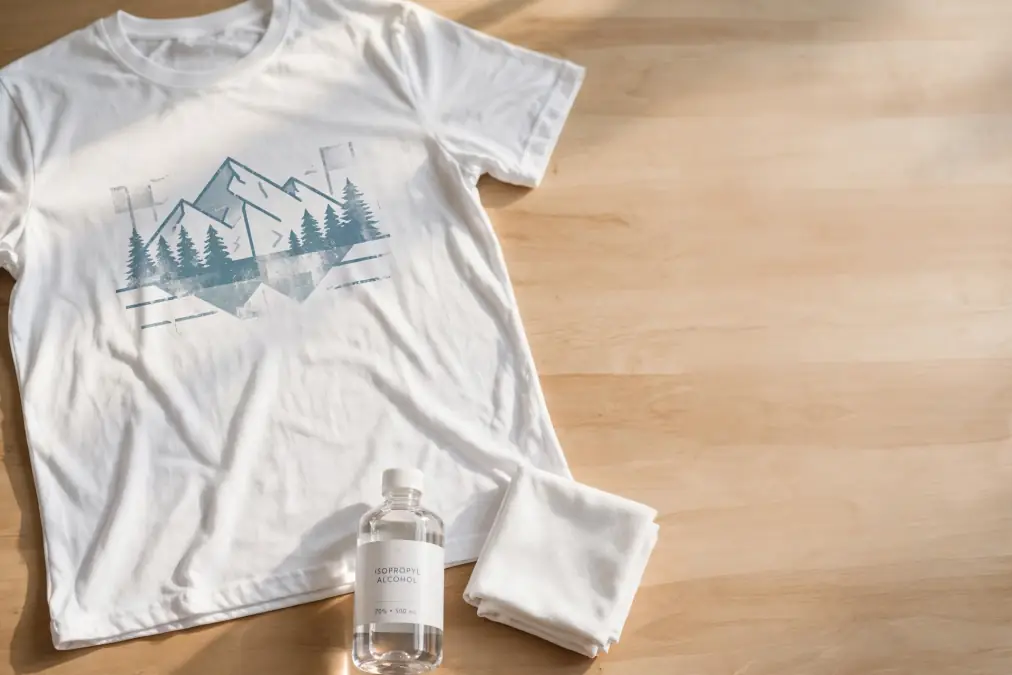
Sublimation dye bonds inside polyester fibers, so a fully transferred design generally cannot be washed, peeled, or wiped away like vinyl. Recovery usually means improving a genuinely incomplete transfer, covering a small mistake creatively, or repurposing the garment.
If the print is slightly incomplete
A second press may help only when the first transfer was clearly interrupted by insufficient time, temperature, pressure, or contact.
Before re-pressing:
- Check that the paper has not shifted
- Confirm usable dye remains on the transfer
- Realign the design precisely
- Correct the original heat or pressure problem
- Avoid repeated presses if the fabric starts discoloring
If the transfer has already completed evenly, more heat is unlikely to make it substantially better.
If the design is ghosted
Ghosting means dye transferred in more than one position.
Once both images have bonded with the polyester, another press cannot move the first image back into alignment. Use the garment as a test piece, keep it for personal use if acceptable, or cover the area with another decoration method when appropriate.
If the design is crooked or misplaced
A sublimated image cannot be repositioned after pressing.
For a small mistake, you may be able to redesign the area with:
- A larger intentional graphic
- A decorative patch-style element
- HTV or another suitable decoration method
- A coordinated design that makes the original placement look intentional
Test any covering method first because the original sublimation may remain visible.
If the colors are wrong
Do not keep pressing the shirt hoping the hue will correct itself.
Wrong colors usually need to be fixed in the print workflow before producing another transfer. Check the ICC profile, printer settings, artwork, and ink setup, then test the corrected design on a fresh blank.
If the fabric is scorched or discolored
Stop pressing.
Additional heat can make heat damage worse. A visibly scorched or permanently yellowed customer garment is usually better replaced than repeatedly heated in an attempt to recover it.
For detailed options specific to polyester garments, see how to remove sublimation print from polyester shirts.
Fixing Sublimation Mistakes on Ceramic Mugs
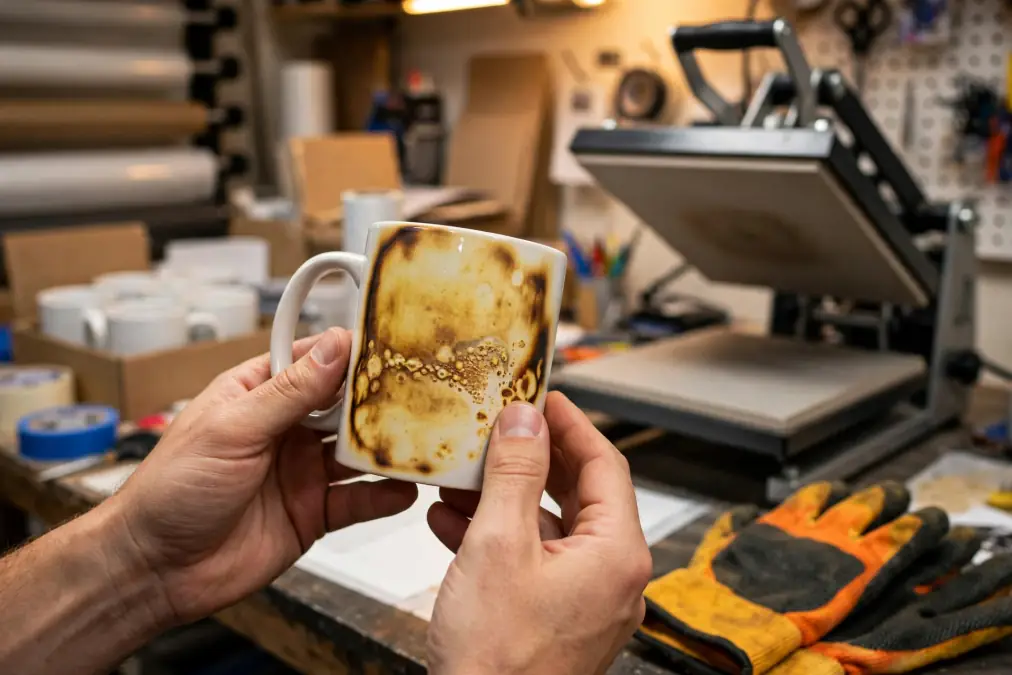
Sublimation dye bonds with the polymer coating on a compatible mug, so a fully transferred image cannot simply be wiped away. Recovery depends on whether the transfer was incomplete or whether the image has already bonded in the wrong position.
If part of the design did not transfer
A careful second press may be worth testing when:
- The first press clearly ended too early
- One area did not receive enough heat or pressure
- The transfer paper stayed in exactly the same position
- Usable dye remains on the paper
- The mug coating is still undamaged
Use the mug manufacturer’s recommended settings as your starting point. Do not apply one universal re-press time or temperature to every ceramic mug.
If the mug has ghosting
A second press will not erase a double image.
Ghosting means the transfer moved while the dye was active, creating color in two positions. Once both images have bonded to the coating, additional heat cannot realign them.
Use the mug for testing, personal use, or another non-customer purpose if the defect is noticeable.
If the design is crooked or misplaced
The existing sublimated image cannot be moved.
A larger design may sometimes cover a small or light placement error, but this should be tested first. Darker artwork can disguise some existing color, while light areas may allow the original image to remain visible.
For customer work, replacing the mug usually produces a cleaner and more predictable result.
If the colors are wrong
Do not continue heating the mug in an attempt to correct the hue.
Check the printer, ICC profile, ink, artwork, and color-management workflow before producing another transfer. Additional heat does not correct a color-management error that has already been transferred.
If the mug is scorched or the coating is damaged
Stop pressing.
A damaged coating cannot be restored with additional heat. Continuing to press may make discoloration, coating failure, or image distortion worse.
For deeper information about removing or covering an existing mug transfer, see Removing Sublimation Ink From Mugs: What Actually Works.
Fixing Sublimation Mistakes on Tumblers
Tumblers can sometimes be visually salvaged when the original mistake is light or small, but the sublimation dye is still embedded in the coating. Recovery usually means covering the defect rather than truly removing it.
If the transfer is incomplete
Before attempting another press, confirm:
- The first press was genuinely incomplete
- The tumbler coating is undamaged
- The transfer can be repositioned accurately
- Remaining dye is still available on the paper
- The original cause has been corrected
If the paper has moved, attempting to re-press the same transfer can create ghosting.
If the mistake is light and small
A larger or darker design may cover some errors.
This approach works best when:
- The original mistake is pale
- The new design completely covers the affected area
- The coating can safely tolerate another heat cycle
- The final appearance has been tested on a sample first
Do not assume a dark design will hide every existing image. Sublimation ink is transparent, so the original colors may still influence the final result.
If the tumbler has ghosting
Do not try to erase ghosting with another press.
Once the shifted image has transferred, extra heat cannot remove the first position. Adding another design may hide a minor defect, but severe double images are usually better treated as failed blanks.
If the coating is scratched, scorched, or peeling
Stop trying to salvage the tumbler.
Sublimation depends on a stable polymer coating. Once that coating is damaged, additional heat or aggressive cleaning can make the surface worse.
Be careful with removal attempts
Solvents, abrasives, and repeated heating can damage the coating before they remove the transferred dye.
If you are considering a removal method, test it on a failed blank rather than a customer product.
Sublimation Mistakes You Cannot Realistically Undo
Some mistakes can be disguised or repurposed, but they cannot truly be reversed after the dye has transferred.
Ghosting
A second image has already bonded to the substrate. Another press cannot move the first image back into position.
Severe misalignment
A fully transferred design cannot be repositioned after pressing.
Wrong artwork or text
If the wrong name, date, image, or spelling has been sublimated, the existing design is permanent unless it can be completely covered.
Major color errors
Additional heat cannot correct an incorrect ICC profile, printer setting, or artwork color choice after the dye has transferred.
Scorching or heat damage
Browned fabric, yellowing, warping, and damaged coatings are signs to stop adding heat.
Damaged sublimation coating
Scratched, chipped, peeling, or overheated coatings cannot be restored by another sublimation press.
Trying to force a recovery after one of these failures often costs more time than starting with a fresh blank.
When to Stop Trying to Save the Blank
Not every failed sublimation product is worth another press.
Stop attempting repairs when:
- The substrate is scorched or warped
- The coating is visibly damaged
- Ghosting is severe
- Repeated heat is making the image worse
- The transfer cannot be accurately realigned
- The wrong artwork is clearly visible
- The product is for a paying customer and the repair is uncertain
- The time spent recovering the item costs more than replacing the blank
A failed blank does not always need to go straight into the trash.
You can keep it for:
- Heat and pressure tests
- Placement practice
- Color tests
- New paper or ink comparisons
- Equipment setup
- Photography or training examples
Label failed blanks clearly so they do not accidentally enter customer inventory.
Frequently Asked Questions
Can you press a new design over a sublimation mistake?
Not directly onto the same spot, sublimation ink is transparent, so pressing a new design over an old one usually blends both together into a muddy result rather than replacing it. A design that’s positioned to cover or overlap the mistake works better than one pressed on top of it.
Why is my sublimation printer not printing correctly?
This is a printer problem rather than a pressing mistake, usually clogged nozzles, low ink, or the wrong ICC profile. A nozzle check and head cleaning cycle resolves most cases.
Can sublimation ink be reversed once it’s set?
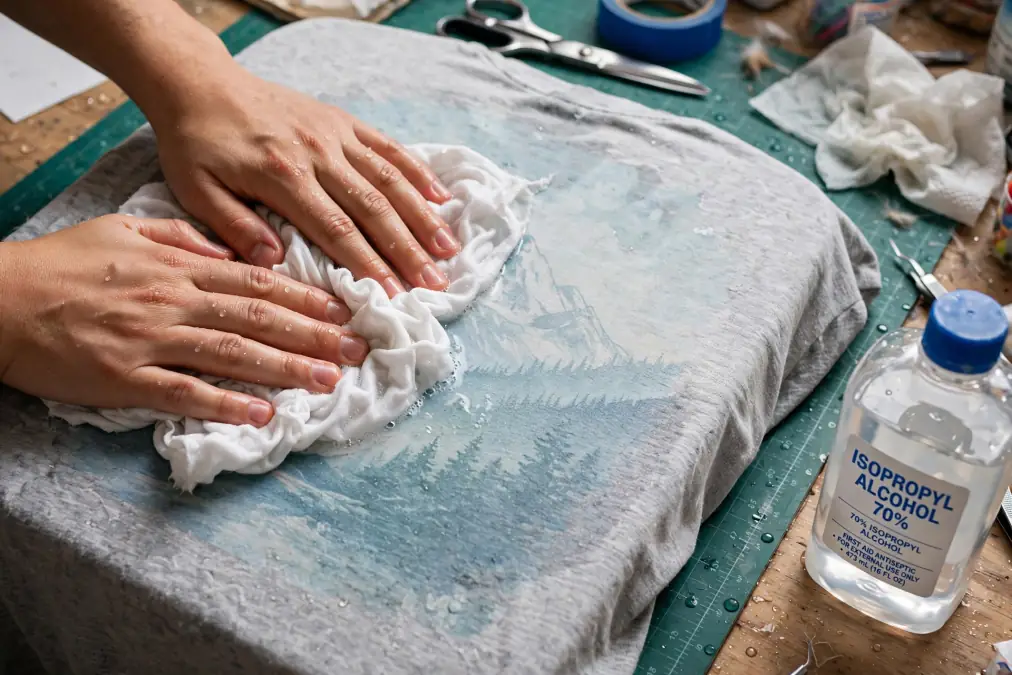
Not fully. Once the ink cools and bonds, it’s part of the material rather than sitting on the surface. Alcohol-based methods only work in the brief window right after pressing while it’s still warm; after that, fading or covering the print is the realistic outcome, not full removal.
How do you remove sublimation ink from a shirt?
If it’s still warm, isopropyl alcohol pressed (not rubbed) onto the spot can lift some ink. Once fully cooled, removal is unreliable, bleach can fade it on white fabric, but covering the mistake with a new design is usually the better option, especially on dark garments.
How do you fix a sublimation mistake on a tumbler?
Since the ink bonds with the tumbler’s coating, full removal isn’t realistic. Heat the tumbler to soften the ink, scrub gently with a non-abrasive sponge to lighten it, then rewrap with a darker, full-coverage design that covers what’s left.
Why does my sublimation look faded even after a second press?
A second press rarely improves a faded print, once the ink has transferred, there isn’t more color left to activate. Faded results usually mean the original heat, time, or pressure was too low, worth checking those settings before the next attempt rather than repeating the same press.




3 Comments