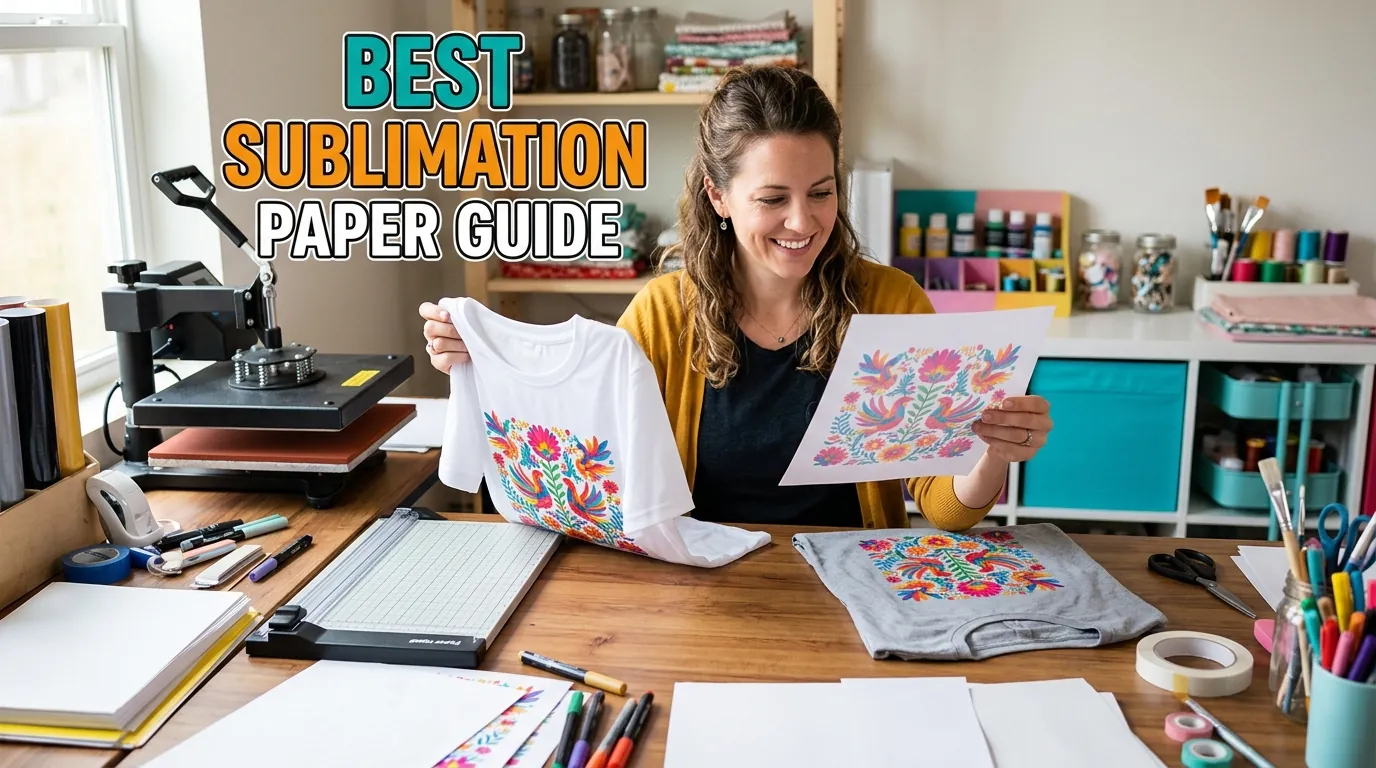
Best Sublimation Paper (Complete Buyer Guide)

Choosing the best sublimation paper can feel overwhelming, especially when every brand claims to deliver perfect results. If your prints look dull, blurry, or inconsistent, the problem is often not your printer it’s your paper.
In this guide, you’ll learn how sublimation paper works, what actually makes one paper better than another, and how to choose the right option for your setup.
By the end, you’ll be able to avoid common mistakes and get sharper, more vibrant transfers every time.
What Is Sublimation Paper and Why It Matters
Sublimation paper is a specially coated transfer paper designed to hold sublimation ink on the surface and release it efficiently during heat pressing.
Unlike regular paper, it doesn’t absorb ink deeply. Instead, it allows the ink to convert into gas and bond directly with your material during heat transfer.
This directly affects:
- color vibrancy
- print sharpness
- transfer efficiency
If you’re new to the process, understanding how everything works together is key. This sublimation printing guide explains the full workflow step by step.
What Makes the Best Sublimation Paper?
Not all sublimation papers perform the same. Here’s what actually matters in real-world use.
High Transfer Rate
The best papers release more ink during pressing.
Low-quality paper:
- leaves ink behind
- produces faded results
High-quality paper:
- transfers more ink
- gives deeper, richer colors
Fast Drying Surface
A good paper dries quickly after printing.
This helps prevent:
- smudging
- ink bleeding
- blurry edges
This is especially important when printing multiple designs.
Compatibility with Your Printer
Different printers behave differently.
- Epson EcoTank → works best with quick-drying, high-release papers
- Sawgrass → optimized for branded papers like TruePix
Choosing incompatible paper can cause color shifts. If you’re dealing with color issues, this sublimation color profile setup guide can help.
Paper Weight (GSM)
Most sublimation paper falls between 100–120 GSM.
- Lighter paper → faster drying, easier handling
- Heavier paper → better ink hold, more stable transfers
Anti-Curl and Stability
Warped paper can ruin your alignment and cause ghosting.
Good sublimation paper stays flat during:
- printing
- drying
- pressing
Types of Sublimation Paper (Choose Based on Use Case)
Everyday Sublimation Paper
Best for:
- shirts
- mugs
- general projects
Balanced performance and affordability.
High-Release Paper
Best for:
- professional printing
- high-color designs
Delivers stronger color output and better ink transfer.
Sticky (Tack) Sublimation Paper
Best for:
- fabric (especially polyester)
It sticks slightly during pressing to prevent shifting and ghosting.
Roll vs Sheet Paper
- Sheets → ideal for home users
- Rolls → better for bulk production
Best Sublimation Paper by Use Case
Best Sublimation Paper for Epson Printers
Look for:
- fast drying coating
- consistent ink release
Epson setups benefit from papers that reduce over-saturation.
Best Sublimation Paper for Cricut Users
If you’re using Cricut, paper handling matters more than anything.
You’ll need paper that:
- feeds smoothly
- cuts cleanly
Learn more about the workflow in this Cricut sublimation guide.
Best Sublimation Paper for Tumblers
Tumblers require:
- high transfer rate
- clean release
This prevents faded wraps and uneven color.
Best Sublimation Paper for Shirts
Fabric printing needs:
- good ink penetration
- minimal ghosting
Pairing the right paper with the best materials for sublimation improves results significantly.
Popular Sublimation Paper Brands Compared
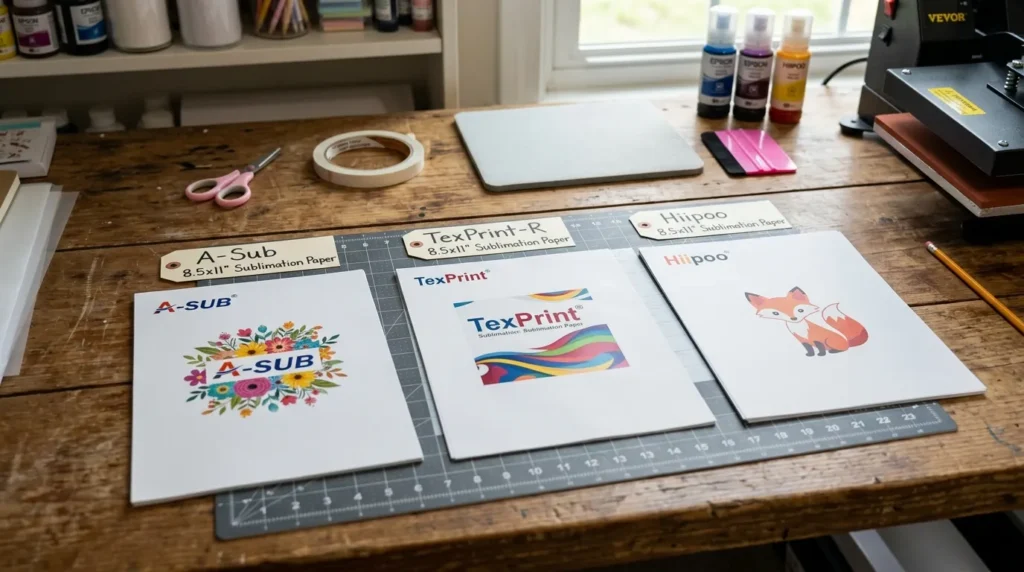
Here’s how the most common brands perform in real use:
A-Sub Sublimation Paper
- budget-friendly
- consistent results
- great for beginners
TexPrint Sublimation Paper
- high transfer rate
- premium results
- ideal for professionals
Hiipoo Sublimation Paper
- good balance of price and quality
- works well with Epson printers
Sawgrass TruePix
- optimized for Sawgrass systems
- reliable color output
Image suggestion:
Side-by-side comparison of printed designs using different sublimation paper brands.
Sublimation Paper Sizes Explained
Choosing the right size depends on your printer and project.
Common sizes:
- 8.5″ x 11″ (A4) → small designs
- 11″ x 17″ → medium prints
- 13″ x 19″ → large prints
Always match your paper size with your printer’s capability.
Sublimation Paper Settings (Important for Print Quality)
Correct settings are just as important as the paper itself.
Typical setup:
- Paper type: Premium Presentation / Matte
- Quality: High
- Mirror: ON
Wrong settings can lead to:
- dull colors
- ink pooling
- uneven transfer
If you’re struggling, follow this sublimation troubleshooting guide to diagnose issues.
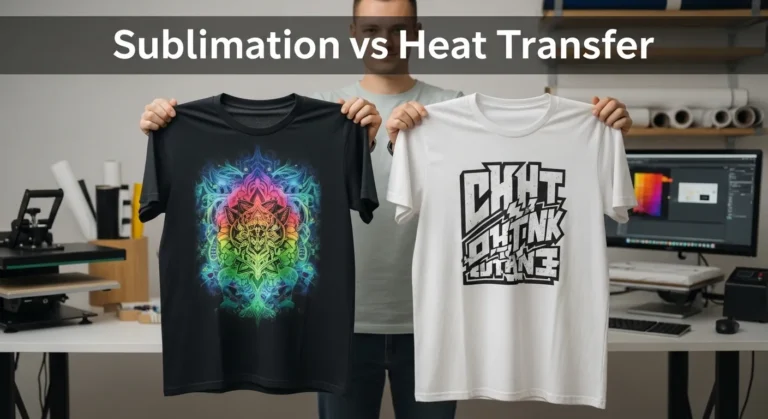
Sublimation Paper vs Heat Transfer Paper
Short answer: Sublimation paper uses ink that bonds with the material, while heat transfer paper applies a layer on top.
Key differences:
- sublimation = permanent, no texture
- heat transfer = sits on surface, may crack over time
Common Sublimation Paper Problems (And Fixes)
Paper Sticking to Blank
Cause:
- too much moisture or pressure
Fix:
- reduce pressure
- let print dry fully
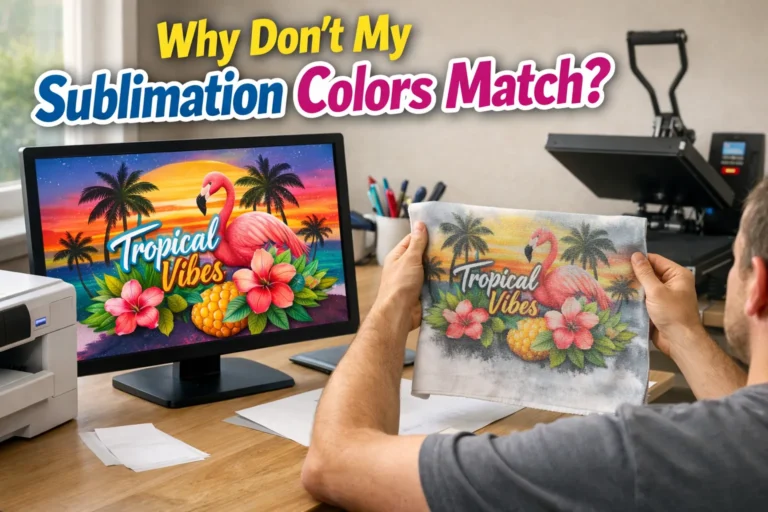
Faded or Dull Prints
Cause:
- low-quality paper
- wrong settings
Fix:
- upgrade paper
- check ICC profile
Ink Not Transferring Fully
Cause:
- insufficient heat or pressure
Fix:
- adjust heat press settings
Ghosting Issues
Cause:
- paper shifting
Fix:
- use tack paper or secure better
How to Choose the Right Sublimation Paper (Step-by-Step)
- Identify your printer type
- Choose your main product (shirts, mugs, tumblers)
- Select the correct paper type
- Match paper size to your printer
- Test before bulk production
Common Mistakes When Buying Sublimation Paper
- Choosing the cheapest option
- Ignoring printer compatibility
- Using incorrect settings
- Skipping test prints
Frequently Asked Questions
What is the best sublimation paper overall?
A-Sub is great for beginners, while TexPrint offers premium results for professional use.
Can I use regular paper for sublimation?
No, regular paper absorbs ink and won’t transfer properly.
Do I need special ink for sublimation paper?
Yes, sublimation paper only works with sublimation ink.
Which side of sublimation paper do you print on?
Print on the bright white coated side.
Can I use sublimation paper on cotton?
Not directly. Sublimation works best on polyester or coated surfaces.