How Often Should You Print Purge Sheets on a Sublimation Printer?

Printing purge sheets regularly is one of the simplest ways to keep a sublimation printer healthy.
For most setups, printing every few days prevents the majority of clogging problems before they become serious. Small maintenance habits usually save far more ink, time, and frustration than repeated cleaning cycles later.
A consistent workflow matters more than aggressive troubleshooting.
What Is a Sublimation Printer Purge Sheet?
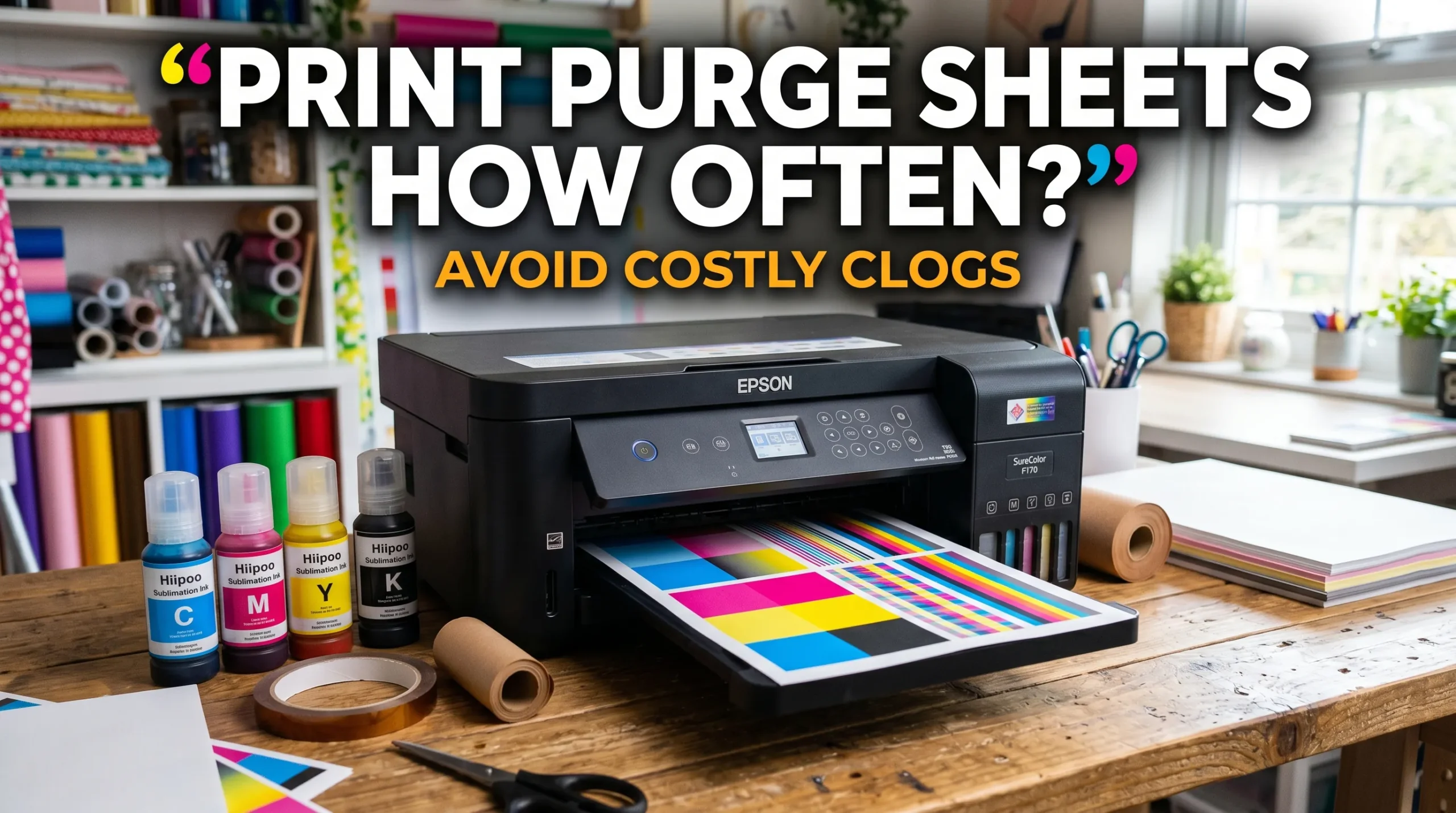
A purge sheet is a full-color print designed to keep sublimation ink flowing through all print head channels. It forces cyan, magenta, yellow, and black ink to move regularly so the printer does not sit idle for too long.
Unlike regular document printing, purge sheets intentionally use all color channels evenly.
What Purge Sheets Help Prevent
Regular purge printing helps reduce:
- clogged print heads
- missing colors
- uneven ink flow
- banding issues
- faded sublimation transfers
- wasted cleaning cycles
Many beginners notice color problems after letting their printer sit unused for several days. In most sublimation setups, consistent ink movement matters more than aggressive cleaning cycles.
Recommended Purge Resources
Helpful maintenance files include:
These are better than printing random photos or text documents because they intentionally exercise every color channel.
Purge Sheets vs Nozzle Checks
A nozzle check tests print head performance.
A purge sheet actively pushes ink through the printer.
Both are useful, but they serve different purposes.
- Nozzle checks identify problems
- Purge sheets help prevent problems
For a deeper comparison, review Epson purge files vs nozzle checks.
Why Sublimation Printers Clog Faster
Sublimation ink behaves differently from regular inkjet ink. Heat transfer sublimation ink contains dye particles that can settle or dry more easily when printers remain inactive.
Converted Epson EcoTank printers are especially sensitive to idle time because they were not originally designed for sublimation workflows.
This is why consistent maintenance matters.
How Often Should You Print Purge Sheets?
For most sublimation printers, printing a purge sheet every 2–3 days is ideal.
At minimum, try not to let the printer sit longer than one week without printing.
Recommended Purge Schedule
| Printer Usage | Recommended Purge Frequency |
|---|---|
| Daily production printing | Every day |
| Frequent hobby use | Every 2–3 days |
| Occasional weekend use | Twice weekly |
| Long idle periods | Before and after storage |
| Vacation/storage periods | Weekly if possible |
Heavy-Use Sublimation Printers
If you print sublimation transfers daily, purge sheets may not be necessary because regular production already keeps ink flowing.
However, many print shops still run a small purge pattern at the start of the day to confirm stable color output.
Weekend or Hobby Printing
Many home crafters only print occasionally. This is where clogging problems usually begin.
If your printer only gets used on weekends, print at least one full-color purge sheet midweek.
Vacation or Storage Situations
A common sublimation mistake is leaving the printer untouched for several weeks.
Before storing the printer:
- Print a purge sheet
- Run a nozzle check
- Store the printer in a stable environment
- Avoid extremely dry rooms
After returning, print another purge sheet before starting production work.
Signs You Need to Purge More Often
You may notice:
- faded sublimation colors
- missing magenta or cyan
- banding lines
- uneven transfers
- weak color vibrancy
- incomplete nozzle checks
If these issues appear often, your printer likely needs more consistent printing.
You can also learn how to prevent recurring clogs in this guide about preventing banding and print head problems.
What Should You Print as a Purge Sheet?
The best purge sheets use strong CMYK coverage across the entire page.
Good purge options include:
- dedicated purge files
- color block patterns
- printer test pages
- CMYK gradient sheets
- solid color maintenance sheets
Random documents usually do not activate all ink channels evenly.
How to Print Purge Sheets Properly
A proper purge routine only takes a few minutes.
Step-by-Step Purge Workflow
- Load sublimation paper
- Open your purge file
- Print using normal color settings
- Check for missing colors
- Review nozzle quality
- Store the printer correctly afterward
Best Settings for Purge Sheets
Most purge sheets work best using:
- standard or high-quality print mode
- color printing enabled
- normal ICC workflow
- full-size color output
Avoid draft mode if your printer already shows weak color channels.
Common Purge Printing Mistakes
Many beginners accidentally create bigger problems by:
- printing too infrequently
- relying only on cleaning cycles
- printing tiny purge images
- ignoring nozzle checks
- allowing printers to sit unused too long
Cleaning cycles use much more ink than preventive purge printing.
Can You Print Purge Sheets Too Often?
Yes. Excessive purge printing can waste sublimation ink unnecessarily.
The goal is consistent maintenance, not constant maintenance.
When Purging Becomes Excessive
Over-purging usually happens when users:
- run multiple cleaning cycles daily
- print purge sheets several times per day
- troubleshoot aggressively without diagnosing the issue
This wastes ink and increases operating costs.
If you want to estimate ink usage more accurately, review how to calculate sublimation ink usage.
How to Prevent Sublimation Printer Clogs Besides Purge Sheets
Purge sheets are only one part of printer maintenance.
Keep Your Printer in a Stable Environment
Very dry rooms increase clogging risk.
Try to maintain moderate humidity around the printer when possible.
Print Consistently
Even small weekly prints help maintain healthy ink flow.
Consistency matters more than occasional deep cleaning.
Use Quality Sublimation Ink
Low-quality ink may separate faster and increase clogging risk.
Many users notice fewer maintenance issues after switching to reliable sublimation ink brands.
Perform Regular Nozzle Checks
Nozzle checks help identify problems before they become severe.
If your printer already has persistent clogs, follow this guide on how to unclog a sublimation printer.
Best Purge Practices for Converted Epson Printers
Converted Epson EcoTank printers require more maintenance than dedicated sublimation printers.
Why Converted Printers Need More Attention
These printers were originally designed for water-based ink workflows, not dye sublimation printing.
Because of this:
- idle time becomes riskier
- ink settling happens faster
- print heads clog more easily
Simple Weekly Maintenance Routine
A practical maintenance workflow looks like this:
- Print every 2–3 days
- Run a nozzle check weekly
- Keep the printer covered
- Avoid unplugging the printer completely
- Use quality sublimation paper and ink
If you are comparing printer setups, this guide on Epson EcoTank vs Sawgrass explains the maintenance differences clearly.
Frequently Asked Questions
What is a sublimation purge sheet?
A sublimation purge sheet is a full-color maintenance print designed to keep sublimation ink flowing through all print head channels.
How often should I print a purge file?
Most users should print a purge sheet every 2–7 days depending on printer usage and environmental conditions.
Can a sublimation printer sit unused for a week?
Sometimes, yes. However, many converted printers begin developing clogging issues after long idle periods.
Do purge sheets waste sublimation ink?
They use some ink, but far less than repeated cleaning cycles or severe print head recovery procedures.
Should I run cleaning cycles or print purge sheets?
Purge sheets are better for preventive maintenance. Cleaning cycles should mainly be used when nozzle problems already exist.
Can I print purge sheets on regular paper?
Yes, but sublimation paper provides more accurate ink flow behavior and color evaluation.
Why is one color missing after sitting unused?
This usually happens because ink dried inside one nozzle channel. Magenta and cyan channels commonly clog first.