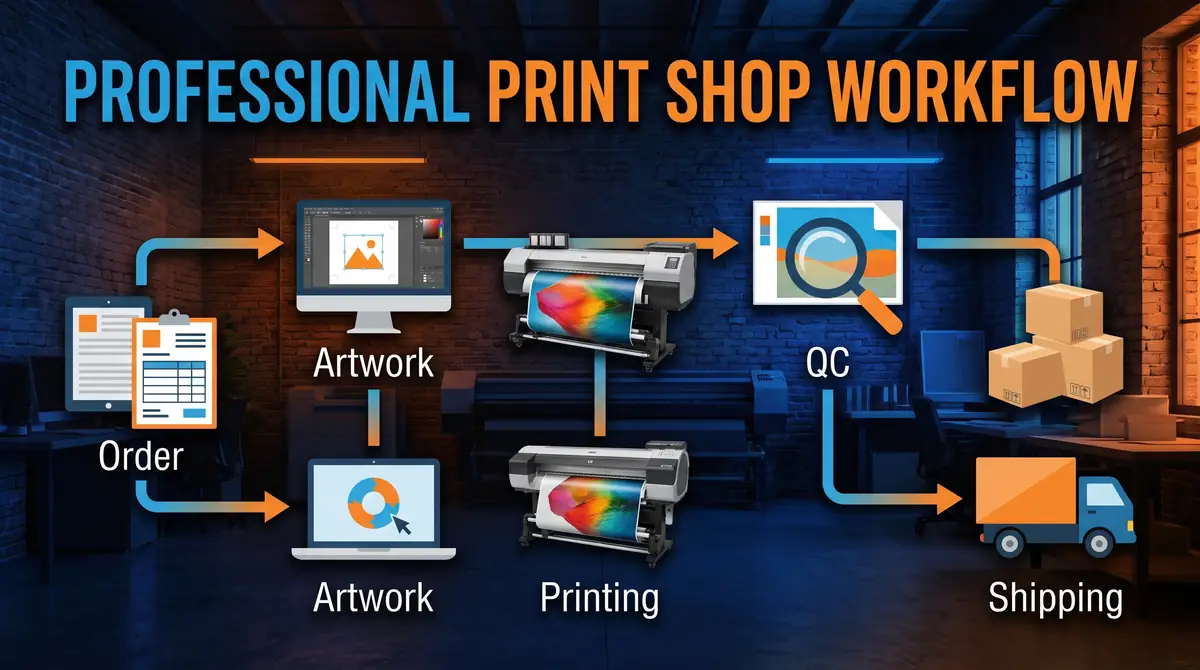
Print Shop Production Checklist: From Order to Delivery

A print shop production checklist does more than organize daily work. It creates a repeatable system that improves consistency, reduces costly mistakes, and keeps orders moving efficiently from customer approval to final delivery.
Start with the checklist in this guide and adapt it to match your equipment, products, and team responsibilities. Review it regularly, update it as your workflow evolves, and encourage every team member to follow the same process.
A consistent production system is one of the most effective ways to improve quality, meet deadlines, and build long-term customer trust.
Quick Answer
A print shop production checklist is a step-by-step workflow that ensures every order moves through the same controlled process:
- Order intake
- Artwork review and approval
- Production planning
- Material preparation
- Printing
- Finishing
- Quality control
- Packaging and shipping
Following the same process for every order helps improve consistency, reduce production errors, and deliver products on time.
What Is a Print Shop Production Checklist?
A print shop production checklist is a documented workflow used to track every stage of an order from the moment it is received until it is delivered to the customer.
Unlike a simple order form, a production checklist records operational tasks that must be completed before moving to the next stage. It serves as a quality assurance tool while giving everyone involved a clear understanding of the job’s current status.
Benefits include:
- Fewer production mistakes
- Better communication between team members
- Consistent product quality
- Faster employee training
- Reduced rework and wasted materials
- Easier order tracking
- Improved customer satisfaction
As production volume increases, relying on memory becomes increasingly risky. Even experienced operators benefit from having standardized procedures that ensure nothing is overlooked.
For shops looking to build standardized operating procedures, readers can also explore your guide on How to Create a Print Shop Workflow.
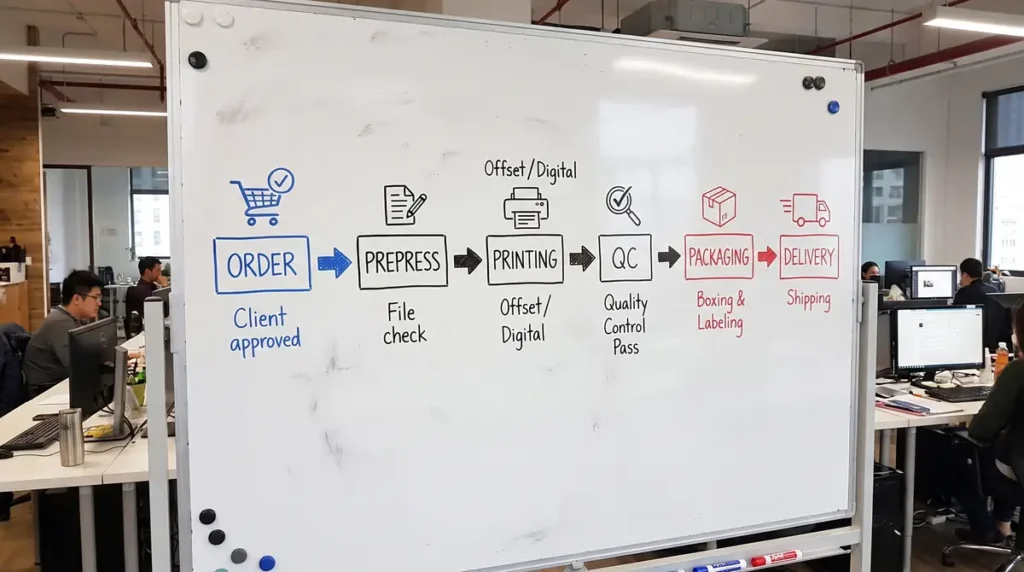
Print Shop Workflow Overview
The workflow below follows the natural progression of nearly every custom print order.
Stage 1: Customer Order Intake
Every successful project starts with accurate information.
Before production begins, verify:
- Customer name and contact details
- Order number
- Product type
- Sizes and quantities
- Material or substrate
- Design requirements
- Delivery method
- Required completion date
- Payment status
- Special instructions
Many production problems originate from incomplete order information rather than printing mistakes.
Order Intake Checklist
- Customer information confirmed
- Product specifications verified
- Quantity confirmed
- Delivery deadline recorded
- Shipping address verified
- Payment received or approved
- Special requests documented
Stage 2: Artwork Review and Prepress Checklist
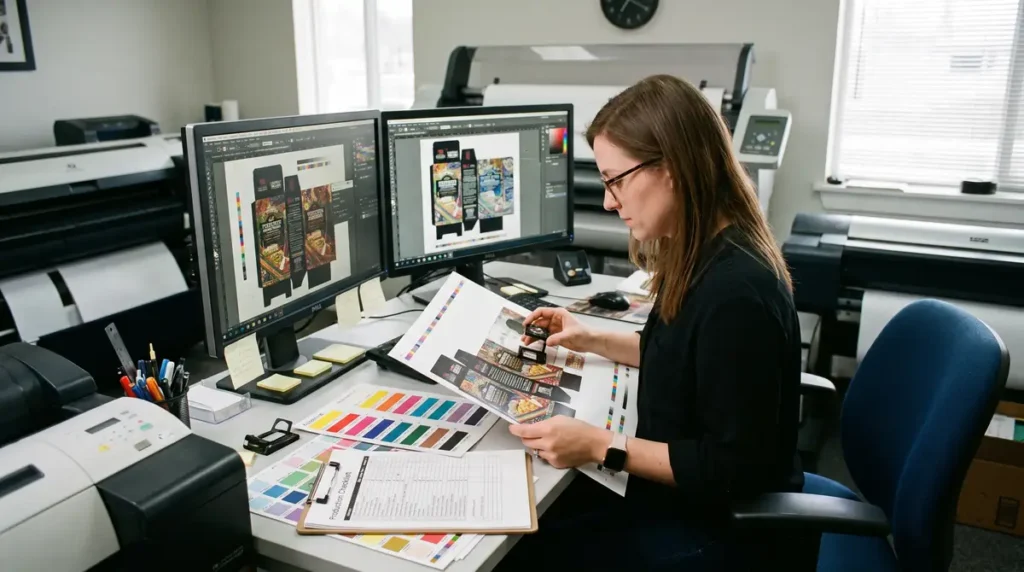
Prepress is one of the most important quality control stages. A five-minute review before printing can prevent hours of costly rework.
Verify the following before approving artwork:
File Quality
- Correct file format
- High enough resolution
- Fonts embedded or outlined
- Linked images included
Design Specifications
- Correct dimensions
- Proper bleed
- Safe margins
- Correct orientation
Color Management
- Correct color mode
- ICC profile applied where appropriate
- Customer color expectations confirmed
Customer Approval
Never begin production until final artwork approval has been documented.
This single step prevents many disputes regarding design changes after production has started.
If your shop frequently handles customer artwork, your article on How to Organize Customer Artwork Files provides useful guidance for maintaining consistent file management.
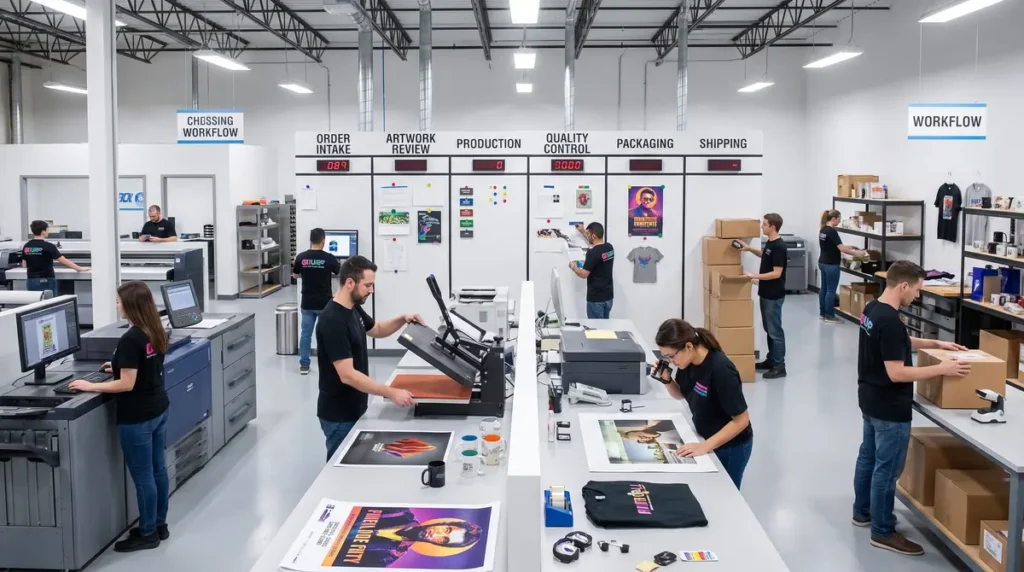
Stage 3: Production Planning
Once artwork is approved, prepare the production schedule.
Planning should include:
- Job priority
- Production sequence
- Machine assignment
- Operator assignment
- Material availability
- Estimated completion time
Grouping similar jobs together often reduces machine setup time and improves overall efficiency.
Stage 4: Material Preparation
Before printing begins, inspect all production materials.
Typical preparation tasks include:
- Verify blank inventory
- Inspect substrates for defects
- Prepare inks
- Load transfer paper or media
- Check printer status For related planning, see The Role of Artificial Intelligence in Modern Print Production.
- Clean print heads if necessary
- Verify heat press settings
- Prepare finishing equipment
Taking a few extra minutes here can prevent interruptions during production.
Stage 5: Printing Process
Printing is more than pressing the Start button.
Each production run should include quality verification throughout the process.
Recommended Printing Checklist
- Print test sample
- Compare colors
- Verify registration
- Inspect image sharpness
- Check for banding or streaks
- Confirm product quantity
- Record production progress
For larger orders, inspect products periodically instead of waiting until the entire batch has finished.
Stage 6: Finishing and Assembly
After printing, products often require additional processing.
Common finishing tasks include:
- Trimming
- Cutting
- Heat pressing
- Laminating
- Folding
- Assembly
- Label application
- Product cleaning
Inspect products during each finishing stage rather than only at the end.
Stage 7: Quality Control Checklist
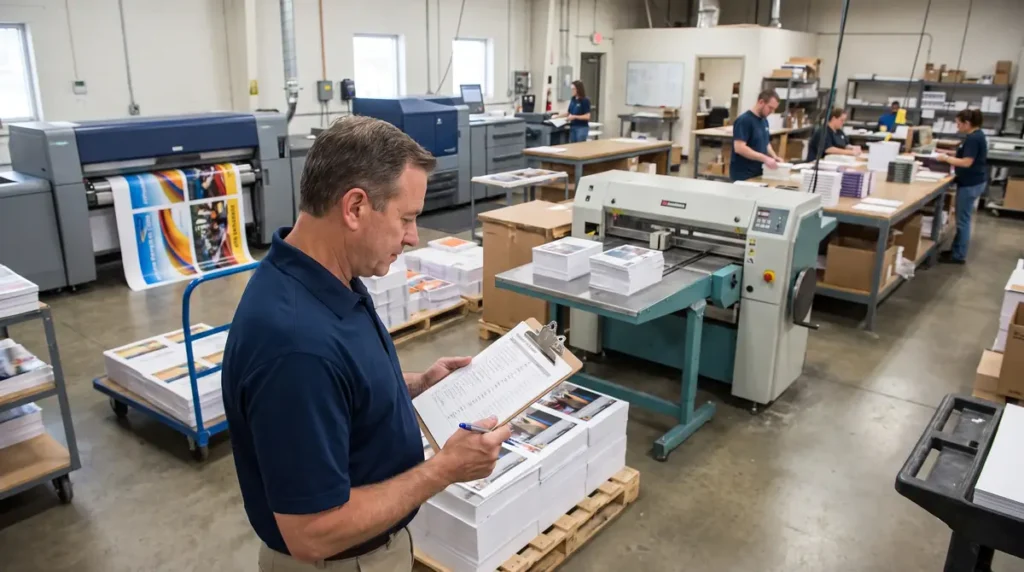
Quality control should occur before packaging, not after customer complaints.
Visual Inspection
Check for:
- Color consistency
- Alignment
- Image clarity
- Missing graphics
- Surface defects
- Scratches
- Ink smears
Product Verification
Confirm:
- Correct product
- Correct quantity
- Correct personalization
- Correct sizing
- Correct packaging
Documentation
Before releasing the order:
- Supervisor approval
- Production notes completed
- Customer requirements verified
If recurring print defects become a problem, your Troubleshooting Guide for Sublimation Printing can help identify common production issues before they affect customer orders.
Stage 8: Packing and Shipping
Packaging is the customer’s first physical impression of your business.
Before shipment:
- Inspect packaging
- Protect fragile items
- Include packing slip
- Verify shipping address
- Generate tracking number
- Notify customer
- Update order status
For local pickup orders, prepare customer notifications and storage labels to avoid confusion.
Common Production Mistakes That Cause Reprints
Even experienced shops occasionally experience production errors. The difference is that efficient shops build systems that catch problems early.
Some of the most common causes of reprints include:
- Starting production before artwork approval
- Printing on the wrong substrate
- Incorrect printer or heat press settings
- Using outdated customer files
- Skipping test prints
- Inadequate quality inspections
- Incorrect quantities
- Shipping the wrong order
Most of these issues can be prevented by following a documented checklist instead of relying on memory.
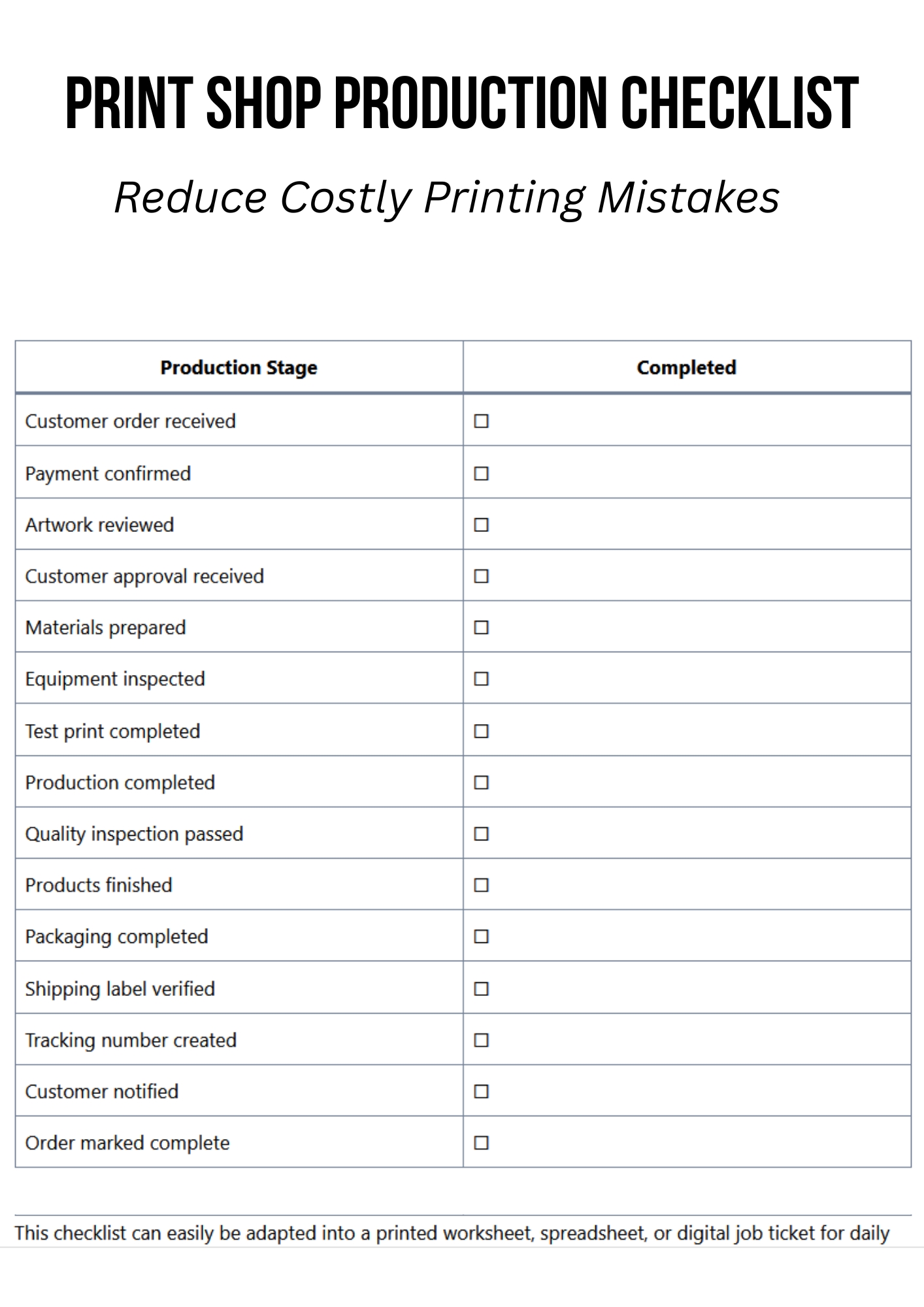
Printable Print Shop Production Checklist
| Production Stage | Completed |
|---|---|
| Customer order received | ☐ |
| Payment confirmed | ☐ |
| Artwork reviewed | ☐ |
| Customer approval received | ☐ |
| Materials prepared | ☐ |
| Equipment inspected | ☐ |
| Test print completed | ☐ |
| Production completed | ☐ |
| Quality inspection passed | ☐ |
| Products finished | ☐ |
| Packaging completed | ☐ |
| Shipping label verified | ☐ |
| Tracking number created | ☐ |
| Customer notified | ☐ |
| Order marked complete | ☐ |
This checklist can easily be adapted into a printed worksheet, spreadsheet, or digital job ticket for daily production use.
Tips to Improve Production Efficiency
As order volume grows, even small workflow improvements can have a noticeable impact.
Consider these practical strategies:
- Create written SOPs for every production stage.
- Standardize job tickets across all product types.
- Label storage areas clearly.
- Maintain a consistent artwork approval process.
- Track job status in real time.
- Schedule preventive equipment maintenance.
- Hold brief daily production meetings.
- Review completed jobs to identify recurring issues.
Many print shops discover that documenting their workflow reveals bottlenecks that were previously hidden during busy production weeks.
Frequently Asked Questions
What is a production checklist?
A production checklist is a documented list of tasks that must be completed during manufacturing or printing before an order moves to the next stage.
What are the stages of print production?
Most print shops follow the same general workflow:
- Order intake
- Artwork review
- Production planning
- Material preparation
- Printing
- Finishing
- Quality control
- Packaging
- Delivery
What is an order entry checklist?
An order entry checklist ensures all customer information, product specifications, artwork, payment, and delivery details are collected before production begins.
How can a production checklist reduce printing errors?
A checklist creates consistent procedures that help employees verify important tasks before moving to the next stage. This reduces missed steps, improves quality control, and minimizes costly reprints.
Should small print shops use digital or paper checklists?
Both options work well. Small shops often begin with printed checklists, while larger businesses benefit from digital job tracking systems that update production status in real time.