
Dye Sublimation vs. Digital Printing: Which One Lasts Longer?

One print melts into the fabric. The other sits on top.
That single difference changes how your design looks, feels, lasts, and even how much it costs over time.
If you’re choosing between dye sublimation and digital printing, the wrong pick can lead to faded colors, stiff fabric, or prints that crack after a few washes. The right one can give you photo-real results that feel like part of the fabric itself.
What’s the Real Difference Between Dye Sublimation and Digital Printing?
At a glance, both methods create full-color designs. But how they bond with fabric is completely different.
Dye Sublimation, Explained Simply
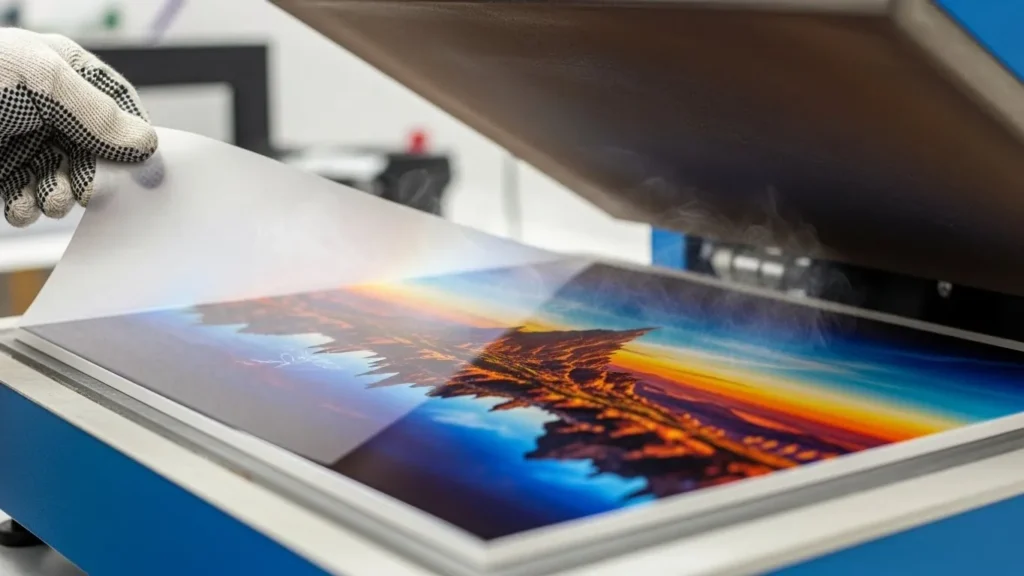
Dye sublimation uses heat and pressure to turn solid dye into gas. That gas infuses directly into polyester fibers or polymer-coated surfaces, which is why the print becomes permanent.
In real-world use:
- The design becomes part of the fabric, not a layer on top
- You can’t feel the print with your hand
- Colors don’t crack, peel, or fade easily
- Wash durability is extremely high
This process is covered in more depth in our guide on what sublimation printing is.
Digital Printing, Explained Simply
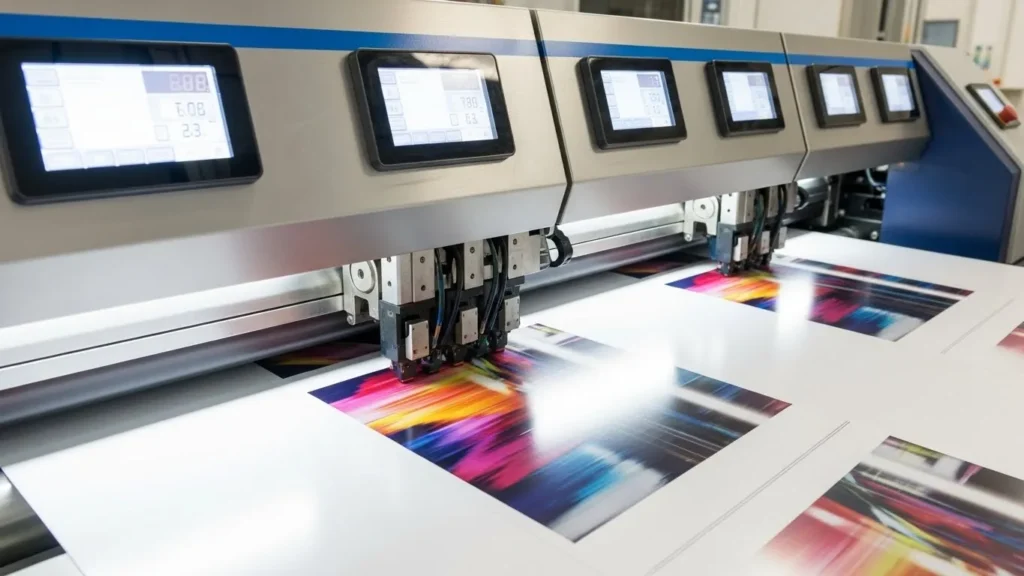
Digital printing sprays ink directly onto the fabric surface using inkjet technology. The ink bonds at the surface level rather than inside the fibers.
In practice:
- Works on cotton, blends, silk, linen, and more
- Ideal for short runs and frequent design changes
- Slight texture may be noticeable, depending on ink
- Durability varies based on ink chemistry
If you’re comparing print technologies overall, our breakdown of dye sublimation vs digital printing dives deeper into these mechanics.
Side-by-Side Comparison That Actually Matters
| Aspect | Dye Sublimation | Digital Printing |
|---|---|---|
| How ink bonds | Gas infuses into fibers | Ink sits on fabric surface |
| Best fabric types | Polyester or coated materials | Cotton, blends, natural fibers |
| Feel of print | No texture at all | Slight texture possible |
| Wash durability | Extremely high | Medium to high |
| Color longevity | Excellent, fade-resistant | Varies by ink type |
| Ideal use cases | Sportswear, signage, performance apparel | Fashion, décor, short-run prints |
| Printer Model | Print Size | Print Speed | Subli Genius Print Rating |
|---|---|---|---|
| Epson SureColor SC-P800 | Up to 13″ x 19″ | 9 pages/min (Color) | ⭐⭐⭐⭐⭐ |
| Sawgrass Virtuoso SG800 | Up to 13″ x 19″ | 15 pages/min (Color) | ⭐⭐⭐⭐ |
| DNP DS-RX1HS | 4″ x 6″ to 6″ x 8″ | 12 seconds/photo | ⭐⭐⭐⭐ |
| Mitsubishi CP-K60DW-S | 4″ x 6″ to 6″ x 9″ | 11 seconds/photo | ⭐⭐⭐⭐ |
| HPN Signature Series | Up to 13″ x 19″ | 16 pages/min (Color) | ⭐⭐⭐⭐ |
The Unexplored Insights
While many discussions revolve around the visual finesse and endurance of the prints, nuances often evade the spotlight.
Environmental Impact:
Dye sublimation, heralded for its durability, often employs polyester fabrics, contributing to the ongoing discourse on sustainability. Conversely, with its flexibility in working with natural fibers, digital printing presents a more eco-conscious alternative.
Application and Endurance:
Dye sublimation triumphs in sportswear and soft signage due to its fade-resistant nature, yet digital printing finds its forte in fashion and home decor due to its adaptability across varied fabric types.
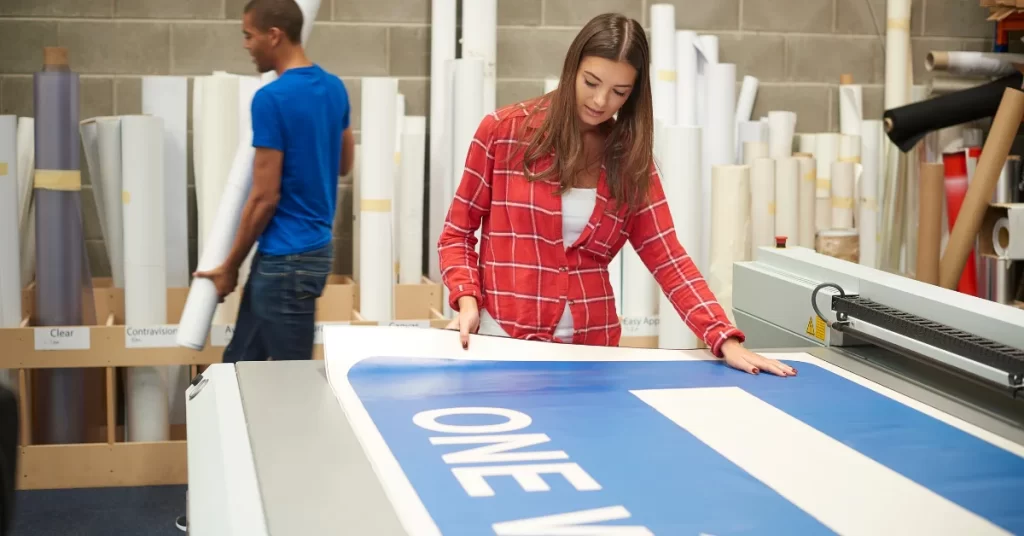
Print Quality: What You’ll See With Your Own Eyes
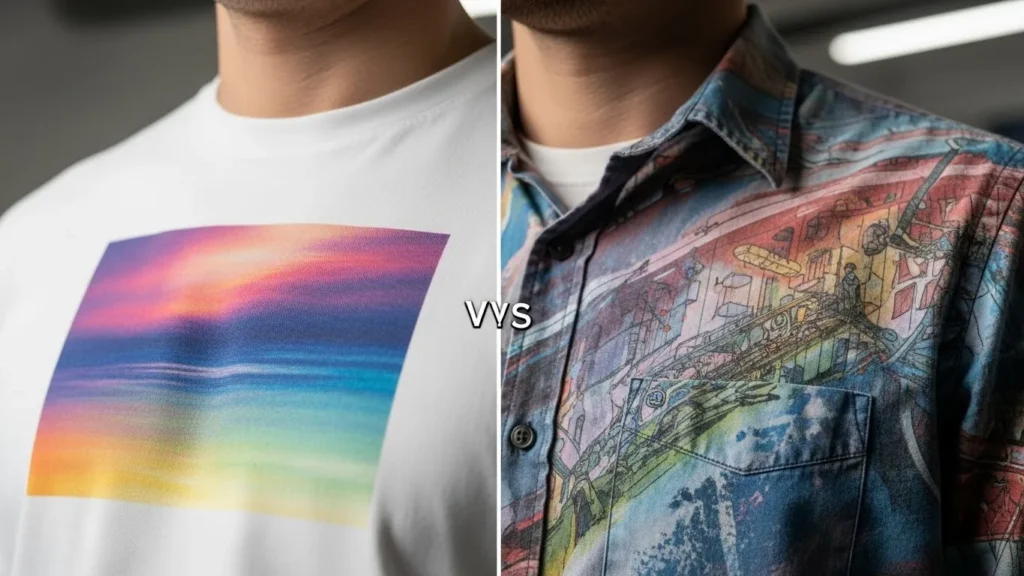
Dye Sublimation Print Quality
- Photo-realistic detail
- Smooth gradients with no cracking
- No peeling or fading over time
- Consistent results across large areas
This is why it’s commonly used for items like sublimation shirts and performance apparel.
Digital Printing Print Quality
- Strong color output on many fabrics
- Excellent fine-line detail
- Results depend heavily on fabric prep
- Surface wear may appear with frequent washing
For cotton-focused products, this trade-off is often acceptable.
Dye Sublimation vs Digital Printing Cost
Cost is usually the deal-breaker, but it’s rarely as simple as “one is cheaper.”
Dye Sublimation Cost Breakdown
Dye sublimation has higher setup costs, but lower long-term cost per print when you scale.
Typical cost factors:
- Sublimation printer and heat press upfront
- Transfer paper and sublimation ink
- Polyester garments or coated substrates
What matters in real use:
- No ink waste during transfer
- No pretreatment chemicals
- Prints don’t crack or fade, so fewer remakes
That’s why sublimation often becomes cheaper over time, especially for bulk orders like sportswear or promotional apparel.
Digital Printing Cost Breakdown
Digital printing is cheaper to start, but costs can rise per unit.
Typical cost factors:
- Digital textile printer
- Fabric pretreatment (for many cotton prints)
- Higher ink consumption per design
In practice:
- Great for small runs and one-offs
- Higher per-print ink cost
- More reprints over time due to wear
For short runs or fashion testing, digital printing often makes financial sense. For repeat production, costs add up faster.
Cost Comparison Summary
| Cost Area | Dye Sublimation | Digital Printing |
|---|---|---|
| Startup cost | Higher | Lower |
| Cost per print (bulk) | Lower | Higher |
| Waste & reprints | Minimal | Moderate |
| Best cost scenario | Large runs | Small batches |
Sublimation vs Digital Printing Fabric Compatibility
Fabric choice is where these two methods truly separate.
Best Fabrics for Dye Sublimation
Dye sublimation works only when the dye can bond at a molecular level.
Best options:
- 100% polyester
- High-poly blends
- Polymer-coated hard surfaces
Key fabric behavior:
- Colors appear brightest on white or light fabrics
- Print becomes part of the fiber
- Fabric stays breathable and soft
On cotton or low-poly blends, results look faded unless special coatings are used.
Best Fabrics for Digital Printing
Digital printing is far more flexible with fabric.
Works well on:
- Cotton
- Cotton-poly blends
- Linen, silk, rayon
- Specialty textiles
Key fabric behavior:
- Ink stays on the surface
- Texture of the fabric affects sharpness
- Softness depends on ink and pretreatment
This flexibility makes digital printing popular for fashion, home décor, and artisan textiles.
Fabric Comparison at a Glance
| Fabric Type | Dye Sublimation | Digital Printing |
|---|---|---|
| Polyester | Excellent | Good |
| Cotton | Poor (without coating) | Excellent |
| Blends | Fair to good | Good |
| Natural fibers | Not ideal | Excellent |
Cost + Fabric Together: How to Decide Faster
Ask yourself two questions:
- What fabric am I printing on most?
Polyester points to sublimation. Cotton points to digital printing. - Am I doing small runs or repeat orders?
One-offs favor digital. Repeats favor sublimation.
When cost and fabric align, the choice becomes obvious. This is explained clearly in our article on sublimation on cotton.
Environmental Impact: The Part Rarely Explained Clearly
Dye Sublimation Sustainability Reality
- Minimal ink waste
- No water used during transfer
- Heavy reliance on polyester fabrics
Efficiency is high, but material choice affects sustainability.
Digital Printing Sustainability Reality
- Often uses water-based inks
- Compatible with organic fabrics
- Some inks require post-treatment
Environmental impact depends more on ink type than on the printer itself.
Real-World Applications Where Each Method Wins
Dye Sublimation Is Best For:
- Sports jerseys and activewear
- Soft signage and banners
- Promotional apparel with heavy use
- Large repeat production runs
These use cases align closely with the benefits of sublimation printing.
Digital Printing Makes More Sense For:
- Fashion collections
- Home décor textiles
- One-off custom designs
- Mixed-fabric product lines
Equipment Reality Check
You don’t need the fastest printer. You need the right setup for your materials.
Dye Sublimation Equipment Basics
- Sublimation printer
- Transfer paper
- Heat press with consistent pressure
Choosing the correct setup is covered in our guide on what kind of printer is needed for sublimation.
Digital Printing Equipment Basics
- Textile or wide-format printer
- Ink matched to fabric type
- Proper fabric pre-treatment
Ink selection often matters more than print speed.
Which Should You Choose?
Choose dye sublimation if you want:
- Maximum durability
- Zero print texture
- Long-term color stability
- Polyester-based products
Choose digital printing if you want:
- Fabric flexibility
- Short production runs
- Fashion-first results
- Rapid design changes
Neither method is better overall. One is simply better for your specific use case.
DTF vs Sublimation vs Screen Printing Comparison
| Feature | DTF Printing | Dye Sublimation | Screen Printing |
|---|---|---|---|
| Printing method | Design is printed on film, powdered with adhesive, then heat-pressed | Dye turns into gas and bonds inside polyester fibers | Ink is pushed through a stencil (screen) onto fabric |
| Best fabric types | Cotton, polyester, blends, dark fabrics | Polyester and poly-coated surfaces only | Cotton and cotton-heavy blends |
| Works on dark fabrics | Yes | No | Yes |
| Print feel | Slightly raised, flexible layer | No feel at all, becomes part of fabric | Noticeable ink layer |
| Color quality | Bright, solid colors | Photo-real, smooth gradients | Bold, flat colors |
| Durability | High, may crack over time | Very high, no cracking or peeling | Very high with proper curing |
| Setup cost | Medium | Medium to high | High (screens, setup) |
| Cost per shirt | Medium | Low for bulk polyester | Low for large bulk runs |
| Best for small runs | Yes | Yes (polyester only) | No |
| Best for bulk orders | Good | Excellent | Excellent |
| Design complexity | Full color, gradients supported | Full color, best on light fabrics | Limited by screen count |
| Ideal use cases | Custom tees, mixed fabrics, short runs | Sportswear, activewear, sublimated apparel | Uniforms, logos, large quantities |
Subli Genius Print: Your Solution Architect
Navigating the intricacies of fabric imprinting demands a guide like this. With a repository of insights, solutions, and products, they decode the dilemmas associated with dye sublimation, empowering informed decisions.
Professional Sublimation Printing & Wholesale Custom Products
Looking for high-quality sublimation printing for apparel, drinkware, and promotional items? Subli Genius Print delivers vibrant color, sharp detail, and long-lasting results for businesses, brands, and resellers across the U.S.
So, in your quest for imprinting excellence, which artistic realm speaks louder to your design aspirations: the meticulous precision of digital printing or the finesse of dye sublimation printer?
Print Quality Facts Based on Industry Use (%)
These figures reflect commonly reported outcomes from apparel printers and production shops working with polyester and cotton fabrics.
Dye Sublimation (Polyester)
- ~90–95% color retention after 50+ wash cycles
- ~0% cracking or peeling (dye bonds into fibers)
- ~85% of sportswear brands prefer sublimation
- ~30–40% lower reprint rate in bulk orders
Digital Printing (Surface Ink)
- ~70–80% color retention after 30–40 washes
- ~25–35% show minor surface wear over time
- ~60% of fashion startups use digital printing
- ~15–25% higher cost for small batches
FAQs:
Is dye sublimation better than screen printing?
Dye sublimation is better for full-color, photo-style designs on polyester, while screen printing is better for bold designs on cotton and dark fabrics.
What are the disadvantages of dye sublimation?
It only works well on polyester or coated surfaces, struggles on dark fabrics, and has higher upfront equipment costs.
What is better, dye sublimation or DTF printing?
Dye sublimation is better for soft, breathable polyester prints, while DTF is better for cotton, dark fabrics, and mixed materials.
What are the disadvantages of digital printing on fabric?
Digital prints can fade faster, may feel slightly textured, and often require pretreatment, which increases cost and time.
What is the difference between dye sublimation and digital printing?
Dye sublimation infuses dye into fabric fibers using heat, while digital printing places ink on the fabric surface using inkjet technology.
Which method is best for t-shirt printing?
For polyester shirts, dye sublimation is best. For cotton or blended shirts, digital printing or DTF works better.


2 Comments