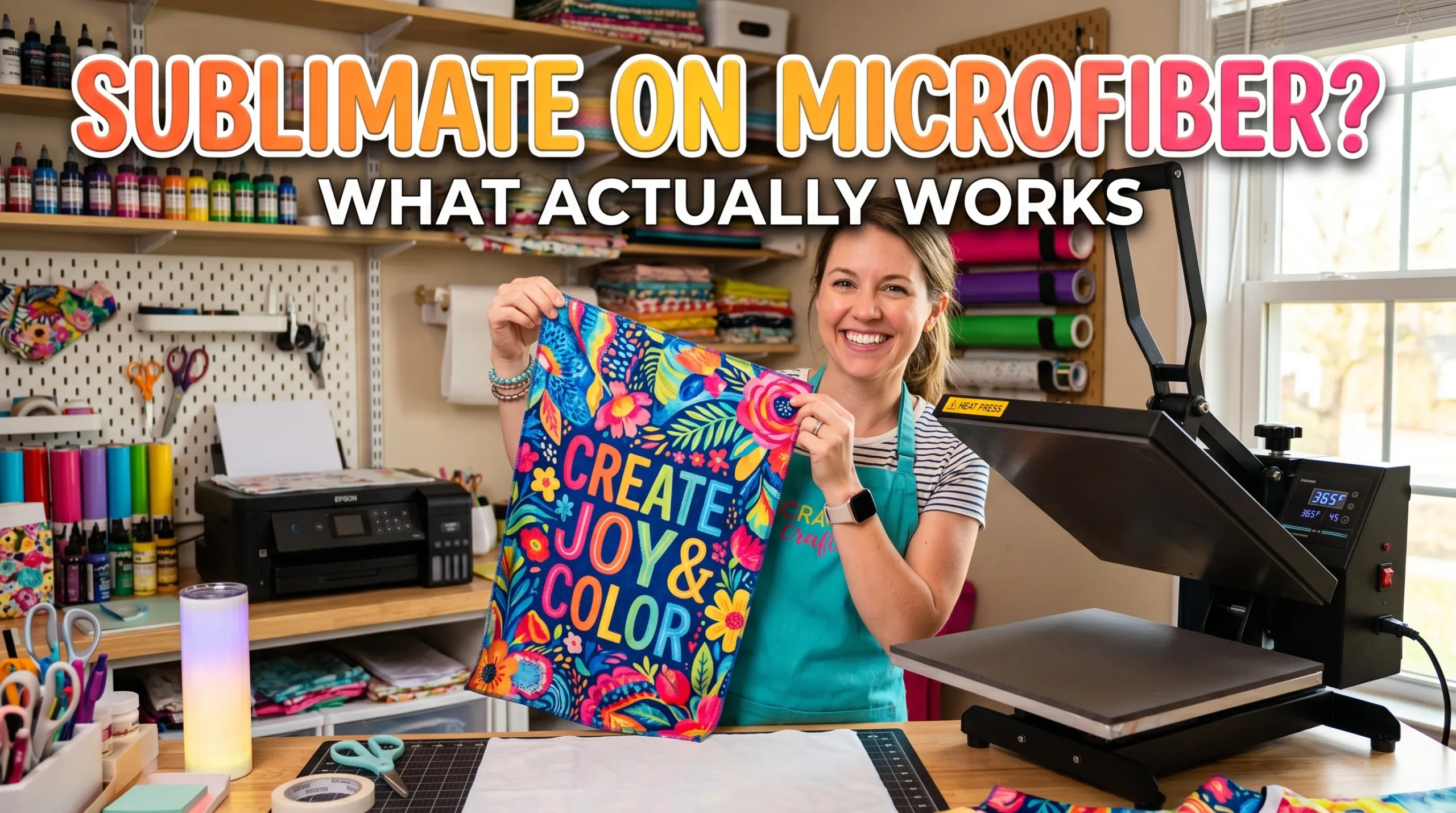
Can You Sublimate on Microfiber? What Actually Works

Yes, you can sublimate on microfiber, but the results depend heavily on the type of microfiber fabric you use. Microfiber made with high polyester content usually works very well for sublimation printing, while low-polyester or heavily textured microfiber may produce faded or uneven transfers. If you are comparing synthetic fabrics, read our guide to sublimating on nylon too.
Many beginners test sublimation on microfiber towels, cleaning cloths, pillowcases, or inexpensive Dollar Tree blanks because they are affordable and easy to find. Some projects turn out surprisingly vibrant. Others look dull or blurry after pressing.
The difference usually comes down to fabric composition, heat settings, and surface texture.
If you want clean, vibrant sublimation transfers on microfiber, this guide explains what actually works, what causes problems, and how to improve your results.
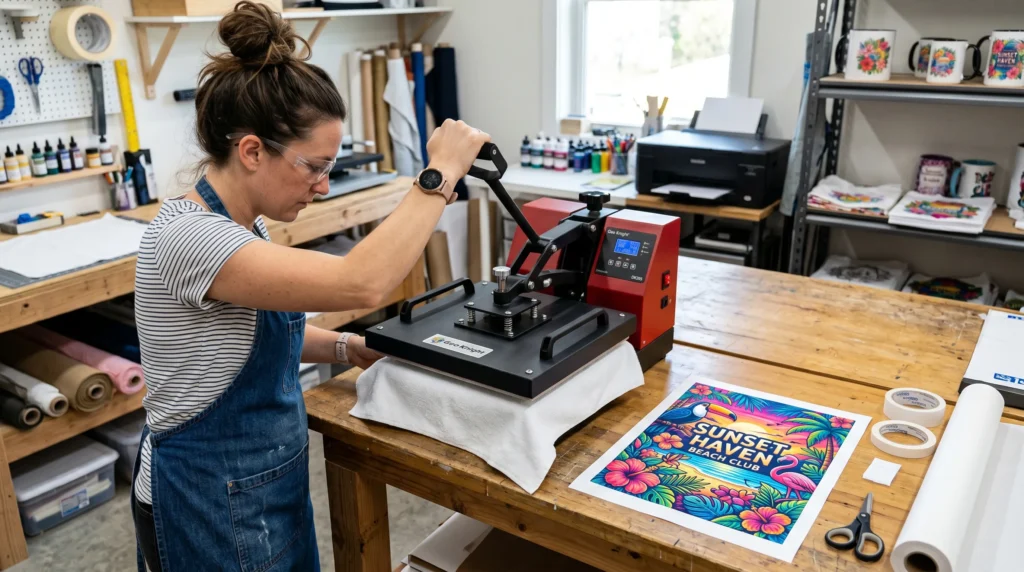
What Is Microfiber Made Of?
Microfiber is a synthetic fabric usually made from:
- polyester
- polyamide (nylon)
- blended synthetic fibers
For sublimation printing, polyester content matters most because sublimation ink bonds best with polyester fibers during heat activation.
The higher the polyester percentage, the better the sublimation transfer usually looks.
A common sublimation mistake is assuming all microfiber materials behave the same. Some microfiber towels are excellent sublimation substrates, while others resist ink absorption and produce faded colors.
If you are still learning material compatibility, this sublimation materials guide helps explain which fabrics work best for dye sublimation printing.
Can All Microfiber Be Sublimated?
No. Not every microfiber product works well for sublimation.
Microfiber That Usually Works Well
These typically produce better results:
- polyester microfiber towels
- microfiber waffle weave towels
- microfiber pillowcases with polyester coating
- smooth microfiber cloths
- white or light-colored microfiber blanks
Microfiber That Often Causes Problems
These materials can create weak transfers:
- dark microfiber fabrics
- low-polyester blends
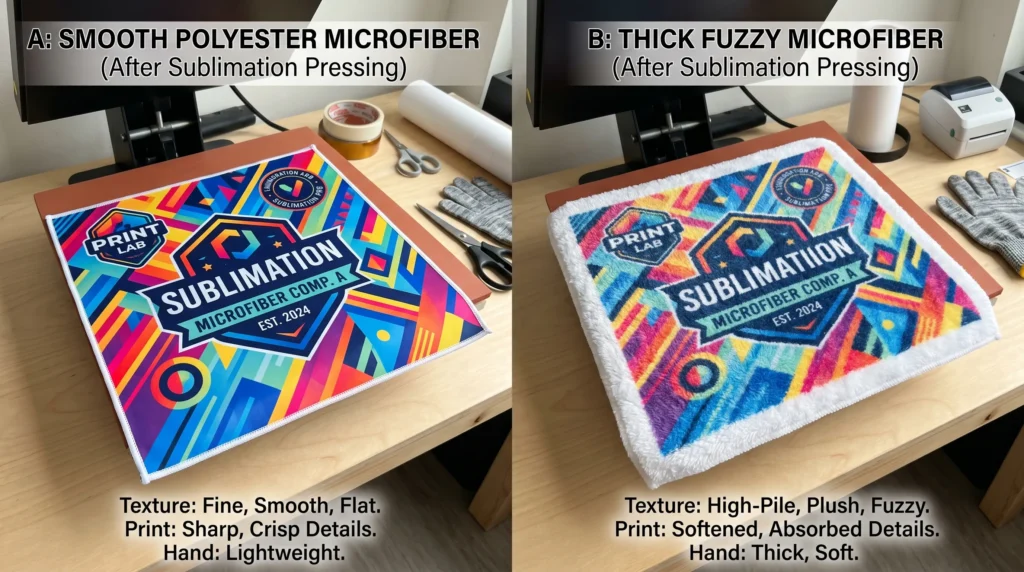
- thick fuzzy microfiber
- waterproof microfiber surfaces
- heavily textured microfiber fabrics
You may notice that some cheap microfiber towels feel soft but contain less polyester than expected. Those fabrics often produce dull sublimation colors after pressing.
For more help with fabric selection, review these best fabrics for sublimation.
Why Polyester Content Matters for Sublimation
Sublimation ink works through heat-driven dye diffusion. During the sublimation transfer process, the ink turns into gas and bonds with polyester fibers.
Cotton does not absorb sublimation dye well, which is why polyester sublimation printing produces the most vibrant results.
The same rule applies to microfiber.
Best Polyester Percentage for Microfiber Sublimation
For the best color vibrancy:
| Polyester Content | Expected Results |
|---|---|
| 100% Polyester Microfiber | Excellent |
| 80–95% Polyester | Usually very good |
| 50–70% Polyester | Moderate fading possible |
| Below 50% Polyester | Poor sublimation quality |
Many microfiber cleaning towels and automotive cloths already contain high polyester percentages, making them surprisingly effective sublimation blanks.
Best Heat Press Settings for Microfiber
For most microfiber sublimation projects, start with:
- Temperature: 375°F to 400°F
- Time: 45 to 60 seconds
- Pressure: Medium pressure
These settings vary depending on fabric thickness and coating quality.
Recommended Starting Settings
| Microfiber Type | Temperature | Time |
|---|---|---|
| Thin microfiber towel | 385°F | 45 seconds |
| Waffle weave towel | 390°F | 50 seconds |
| Microfiber pillowcase | 400°F | 60 seconds |
A common issue with microfiber is overheating. Too much heat can flatten the fibers, create press marks, or slightly scorch the material.
Before running full production, test one small area first.
If you struggle with transfer quality, these sublimation heat press settings can help improve consistency.
How to Sublimate on Microfiber Step by Step
Step 1: Check the Fabric Content
Look for:
- high polyester percentage
- white or light-colored microfiber
- smooth pressing surface
Avoid dark fabrics because sublimation ink is transparent and cannot print white.
Step 2: Pre-Press the Microfiber
Pre-press for 5 to 10 seconds to remove:
- moisture
- wrinkles
- trapped lint
Microfiber tends to hold moisture more than many beginners expect.
Step 3: Lint Roll the Surface
Microfiber attracts lint easily.
Even tiny fibers can create blue specks or ghosting during sublimation transfer printing.
Step 4: Secure the Sublimation Print
Use heat-resistant tape to prevent shifting during pressing.
Movement causes blurry edges and ghosting.
Step 5: Press Using Moderate Pressure
Too much pressure can flatten microfiber texture.
Medium pressure usually works best.
Step 6: Peel Carefully After Pressing
Allow a few seconds for cooling before removing paper.
Some microfiber fabrics stay extremely hot immediately after pressing.
Why Some Microfiber Sublimation Prints Look Dull
If your microfiber transfer looks faded, several factors may be responsible.
Low Polyester Content
This is the most common reason.
Sublimation dye needs polyester fibers for strong bonding.
Incorrect Heat Settings
Low heat prevents full ink vaporization.
Excessive heat may damage the fibers or mute colors.
Heavy Fabric Texture
Some microfiber towels have thick loops or uneven surfaces that reduce ink contact.
Poor Color Management
Incorrect ICC profiles can also affect color vibrancy and saturation.
If your colors consistently look weak, this guide on fixing sublimation color accuracy may help.
Can You Sublimate on Dollar Tree Microfiber Towels?
Yes, many crafters successfully sublimate on Dollar Tree microfiber towels.
The results vary depending on the exact towel batch and polyester composition, but many inexpensive microfiber towels surprisingly accept sublimation well.
Many beginners accidentally overpress cheap microfiber towels. Lower-cost materials often react faster to heat than premium sublimation blanks.
For best results:
- use medium pressure
- avoid overpressing
- test color vibrancy first
- use bright, high-contrast designs
Dollar Tree microfiber towels work especially well for:
- kitchen towels
- cleaning cloths
- craft gifts
- car detailing towels
- decorative hand towels
Can You Heat Press Microfiber Without Sublimation?
Yes. Heat pressing microfiber without sublimation is possible, but excessive heat may:
- flatten fibers
- leave shiny marks
- damage texture
- create uneven surfaces
Always use protective paper and moderate pressure.
Using proper protective sheets is part of a reliable sublimation printing workflow.
Common Microfiber Sublimation Mistakes
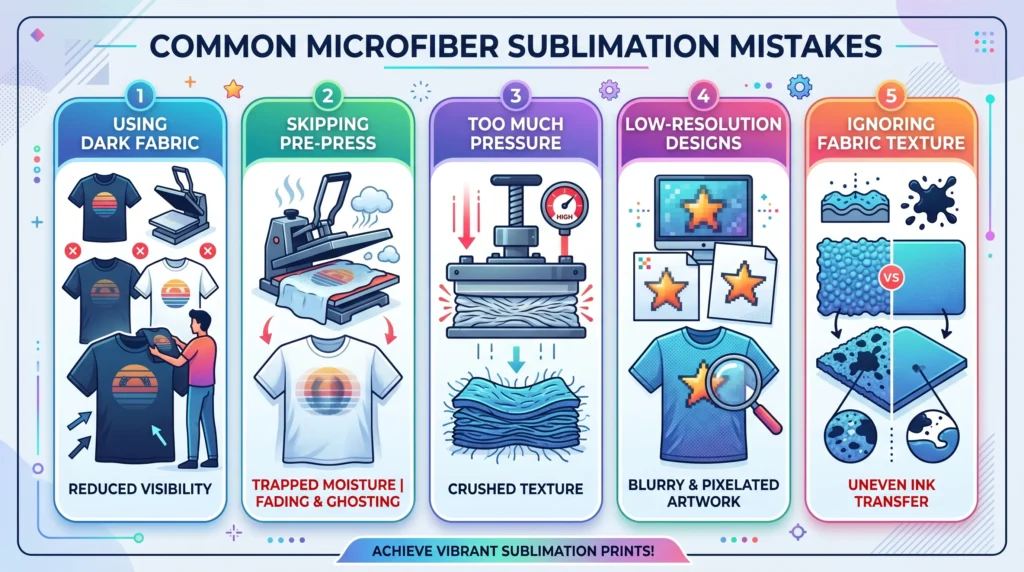
1. Using Dark Microfiber
Sublimation works best on white or light polyester surfaces.
Dark microfiber reduces visibility dramatically.
2. Skipping the Pre-Press
Moisture trapped inside microfiber can cause faded transfers and ghosting.
3. Too Much Pressure
Heavy pressure often crushes microfiber texture.
4. Using Low-Resolution Designs
Textured microfiber fabrics can exaggerate blurry artwork.
Sharp, high-resolution images usually perform better.
5. Ignoring Fabric Texture
Not all microfiber surfaces transfer ink evenly.
Smooth surfaces usually provide better detail retention.
Best Microfiber Products for Sublimation
Popular microfiber sublimation blanks include:
- waffle weave towels
- eyeglass cleaning cloths
- beach towels
- sports towels
- pillowcases
- cleaning cloths
- cosmetic towels
- automotive detailing towels
Microfiber products with smooth polyester surfaces generally produce the cleanest sublimation transfers.
Frequently Asked Questions
Can you sublimate on microfiber towels?
Yes. Polyester microfiber towels are one of the most popular microfiber sublimation blanks because they absorb sublimation dye well.
What temperature works best for microfiber sublimation?
Most microfiber sublimation projects work well between 385°F and 400°F using medium pressure.
Can you sublimate on dark microfiber?
Not effectively. Sublimation ink is transparent, so dark fabrics usually hide the design.
Why does my microfiber sublimation look faded?
Low polyester content, incorrect heat settings, or textured fabric surfaces are the most common causes.
Can you use Cricut for microfiber sublimation?
Yes. Many users create microfiber sublimation projects using a Cricut sublimation workflow combined with a heat press.
Does microfiber melt under a heat press?
Some microfiber fabrics can scorch or flatten if overheated. Always test settings before pressing large projects.
Quick Recap
You can sublimate on microfiber successfully when the material contains a high percentage of polyester and has a smooth enough surface for proper dye bonding.
The best microfiber sublimation projects usually use:
- white polyester microfiber
- medium heat press pressure
- correct sublimation temperature settings
- smooth fabric texture
Testing matters because microfiber products vary widely between manufacturers.
A quick test press often tells you more than the packaging label.