
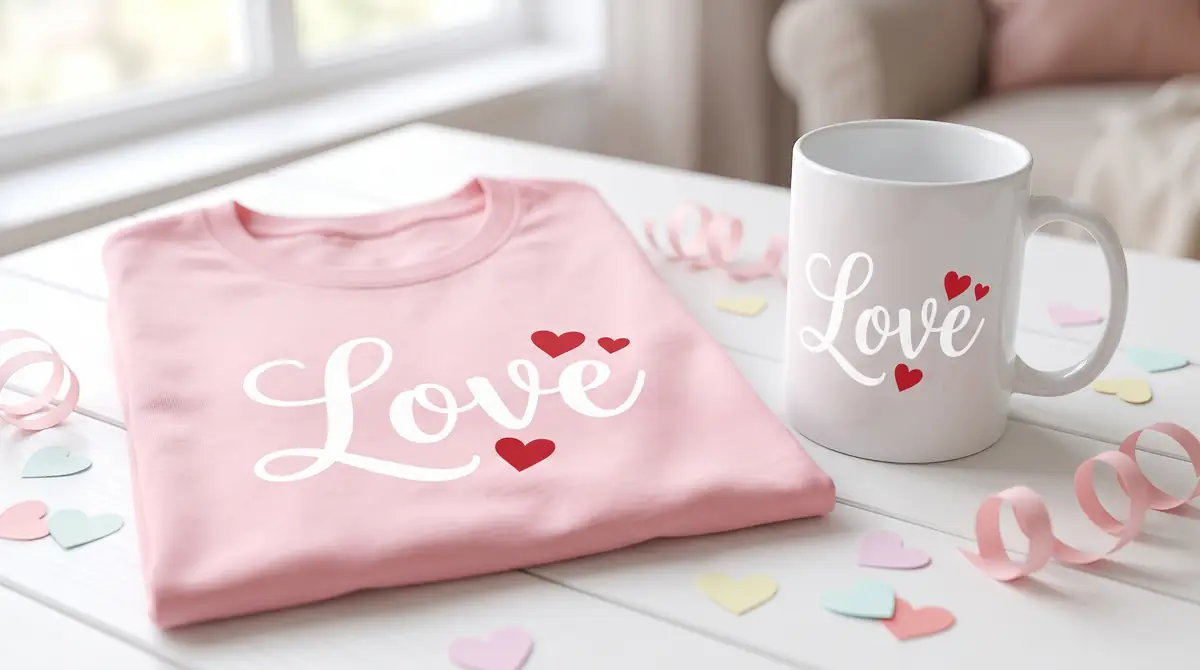
Free Heart Fonts for Sublimation Shirts, Mugs, and Gifts

Most people searching for a heart font already know what they want to make with it. A Valentine’s shirt. A mug for a gift order. A hoodie with a name and a small heart tucked next to it. The font itself is just one piece of getting that design ready to press. For related planning, see Gift Ideas for Thanksgiving and Beyond.
This guide covers where to find free heart fonts, how to check the license before you use one on anything you sell, and how to prep the font file so it actually prints clean on a sublimation blank instead of coming out fuzzy or too light.
Quick answer: A heart font is either a script or display typeface that includes heart-shaped characters, or a dingbat font made up entirely of heart symbols.
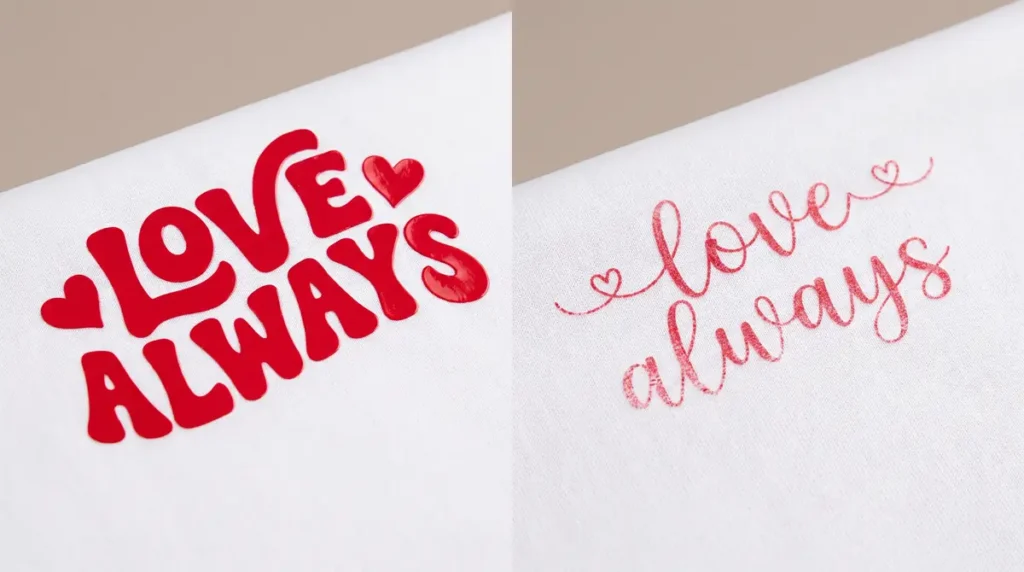
For sublimation, look for fonts with solid, clean shapes rather than thin hairlines, since fine detail can lose sharpness once it goes through your printer and heat press.
Free heart fonts are available on font archive sites such as DaFont, 1001Fonts, and FontSpace, but the license terms vary by font and need to be checked individually.
What Is a “Heart Font,” and What Makes One Sublimation-Friendly?
A heart font usually falls into one of two categories.
- The first is a script or handwritten-style font where the letters themselves are shaped like hearts, or where a heart appears as part of the design (dotting an “i,” replacing an apostrophe, that kind of detail).
- The second is a dingbat font, which is not made of letters at all. Instead, typing a letter produces a heart symbol, sometimes plain and sometimes styled like a doodle, a stamp, or a stitched patch.
Both types work for sublimation, but they behave differently once you print them. A dingbat heart is usually a solid shape, which presses cleanly at almost any size.
A script font with a heart motif often has thin strokes and small flourishes, and those thin areas are the first thing to look washed out on fabric, especially on darker or textured blanks.
Before you commit to a font for a project, zoom in on it at the size you plan to print. If the thin parts of the letters start to disappear or blur together on your screen, they will do the same thing after pressing.
Where to Download Free Heart Fonts
Free heart fonts are mostly found on font archive and collection sites. These sites host thousands of user-submitted fonts, often organized by theme, so searching “heart fonts” or “Valentine fonts” on a site like DaFont, 1001Fonts, or FontSpace will bring up dozens of options in one place, including both script styles and dingbat collections.
A few things are worth checking before you download anything:
- File format. Most fonts come as .ttf or .otf files, which install directly on Windows and Mac and work fine in design software used for sublimation artwork.
- Character count. Some heart dingbat fonts only include a handful of heart variations mapped to a few keys. Preview the full character set before downloading so you know what you’re actually getting.
- License notes on the download page. This is the part people skip, and it’s the one that matters most if you’re printing to sell.
How to Get Fonts for Free Without License Problems
“Free” on a font site almost always means free to download, not automatically free to use however you want. Font pages typically list one of a few license types, and the wording matters more than it seems like it should.
Personal use only means the font is meant for things like invitations, gifts, or your own home projects, not products you sell. Free for commercial use means you can use it on items you sell, though some fonts still ask for credit or have limits on how many items you can sell before a paid license kicks in. When a font page doesn’t say either way, treat it as personal use only until you confirm otherwise.
Note: If you’re running a print shop or selling sublimated products through an online store or in person, this license check applies to every font you use, not just the heart font. Keep a quick record of which fonts you’ve confirmed for commercial use so you’re not re-checking the same font every time you reuse it.
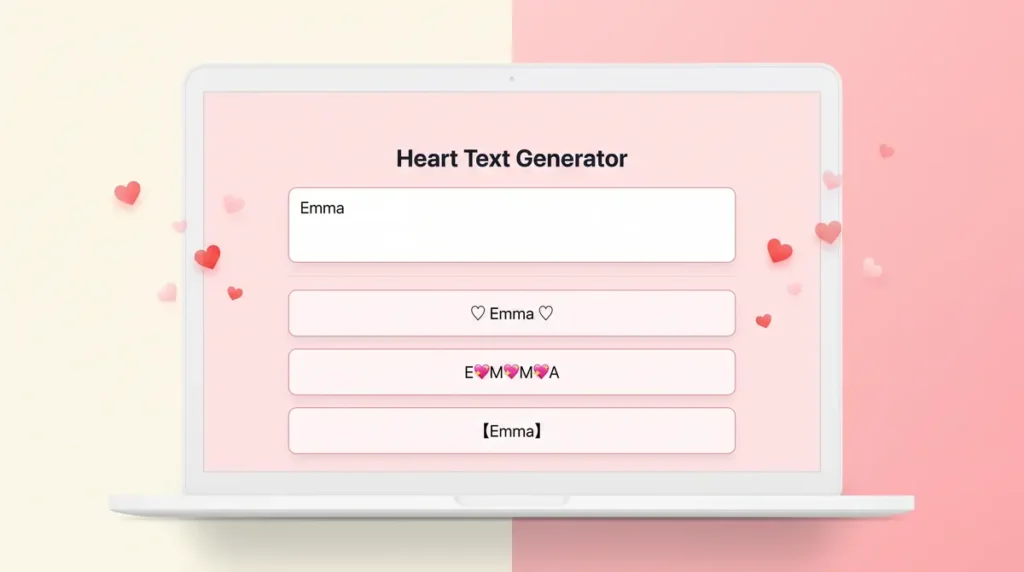
Use Our Free Tools to Generate Font with Heart Images
How to Get a Heart Font Ready for Sublimation, Step by Step
Downloading the font is the easy part. Getting it to look right on a finished product takes a few extra steps.
- Download and install the font. Unzip the file if needed, then install it through your operating system’s font manager so it shows up in your design software.
- Build your design in your design software. Set the text or dingbat characters at the size you actually plan to print, not a placeholder size you’ll scale later. Scaling up after the fact can soften edges that were sharp at the original size.
- Check the color against your blank. A heart in a deep red or pink can shift slightly once it’s pressed, depending on your ink and paper. If color accuracy matters for the order, run a test print first.
- Mirror the design before printing. Sublimation transfers print in reverse of how they’ll appear on the final product. Skipping this step is one of the most common mistakes with any new design, heart fonts included.
- Print, then press at the correct settings for your blank. Fine detail in script fonts benefits from even pressure and full contact with the blank, so double check that thin heart outlines aren’t sitting in a spot where the press doesn’t seat evenly.
If you’re new to the mirroring step or want a refresher on how the full print-to-press sequence fits together, the sublimation process guide walks through it from design file to finished blank.
Choosing Heart Fonts for Different Sublimation Projects
The right heart font depends on what you’re making and how it’ll be viewed. A few patterns are worth keeping in mind:
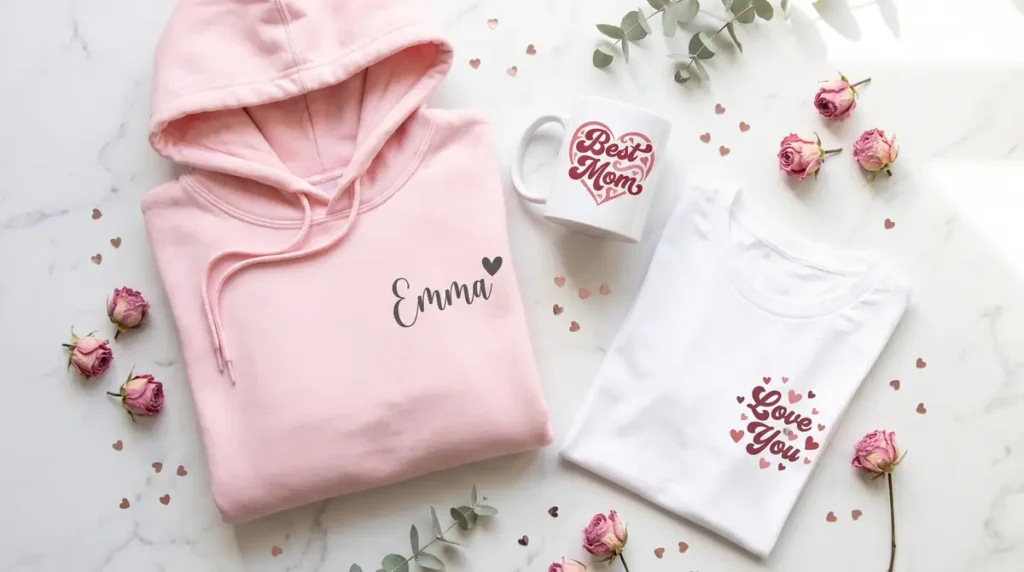
Shirts and apparel tend to work best with bolder heart dingbats or medium-weight script fonts, since fabric texture and washing can wear down fine detail over time. If you’re setting up a design for a shirt for the first time, the sublimation setup for t-shirts guide covers sizing and placement that applies to any text or symbol you’re adding, hearts included.
Mugs and small items have limited print area, so a simple heart dingbat often reads more clearly at small sizes than an intricate script font with a heart woven into the lettering.
Gift and seasonal designs, like Valentine’s or wedding-related items, are usually where the more decorative script-style heart fonts fit best, paired with a clean sans-serif for any names or dates so the whole design doesn’t compete for attention.
If you’re pairing a heart font with a larger design rather than using it as the main element, the printable templates for sublimation printing can save time on getting the layout and sizing right before you drop the font in.
Download Our Free Heart Fonts
If you’d rather skip the license-checking step entirely, we’ve put together four original heart fonts made specifically for sublimation projects: a solid heart, an outline heart, a hand-drawn doodle heart, and a double-heart accent.
Each one is free to use on anything you make or sell, including sublimated products you sell commercially, with no attribution required.
Include files:
Download SG Heart Solid · Download SG Heart Outline · Download SG Heart Doodle · Download SG Heart Duo
Copy-and-Paste Heart Symbols: When This Works Instead of a Font File
Some people don’t need a full font at all, just a heart symbol to drop into an existing text box. Copy-and-paste heart characters (like ♥ or ❤) exist as standard Unicode symbols, which means they display using whatever font your text is already set in, rather than requiring a separate font file.
This works fine for quick, simple designs where the heart is a small accent next to plain text. It doesn’t work as well when you want a specific decorative heart style, since the symbol will just take on the look of your current font rather than a dedicated heart design.
For anything more detailed than a small accent mark, a proper heart font or dingbat file gives you more control over the shape, weight, and style.
Common Mistakes When Using Heart Fonts for Sublimation
- Using a font at low resolution. If the font file or your design file is small and you scale it up significantly, edges get soft and heart outlines can blur.
- Forgetting to mirror before printing. This affects any text-based design, and heart fonts with directional detail (like a stitched or hand-drawn look) make the error more noticeable.
- Skipping the license check on fonts used for sold items. This is the mistake that causes actual problems later, not just a print quality issue.
- Choosing a font that’s too thin for the blank. Textured fabrics and darker colors need slightly bolder shapes to hold detail after pressing.
Frequently Asked Questions
Do I need a special font for sublimation, or will any heart font work?
Any font can technically be used, but bolder shapes with fewer thin details hold up better through printing and pressing, especially on fabric.
Can I use a free heart font on products I sell?
Only if the license specifically allows commercial use. Check the font’s license page before using it on anything you plan to sell, and don’t assume “free download” means “free for commercial use.”
Why does my heart font look different after pressing than it did on screen?
This is usually a combination of ink saturation, blank color, and fine detail in the font. Thin strokes are the most likely part of the design to lose sharpness during pressing.
Getting the Design Right Before It Reaches the Press
A heart font is a small piece of a much bigger design decision. The font choice matters less than whether the file is sized correctly, mirrored, and matched to a blank that can actually hold the detail you’re printing.
Test a new font on a scrap blank before committing it to an order, especially if it’s going on fabric where fine lines are harder to recover once you’re on the other side of the heat press.

