Printer Purge Sheets: Free PDF Files + How to Use Them Correctly

If your printer is producing faded colors, missing lines, or uneven prints, you’re likely dealing with clogged nozzles. This is one of the most common issues in sublimation and Epson EcoTank printing.
Printer purge sheets are one of the fastest ways to fix this without taking your printer apart.
In this guide, you’ll learn exactly how purge sheets work, when to use them, and you’ll get access to free purge file downloads you can use immediately.
What Is a Printer Purge Sheet?
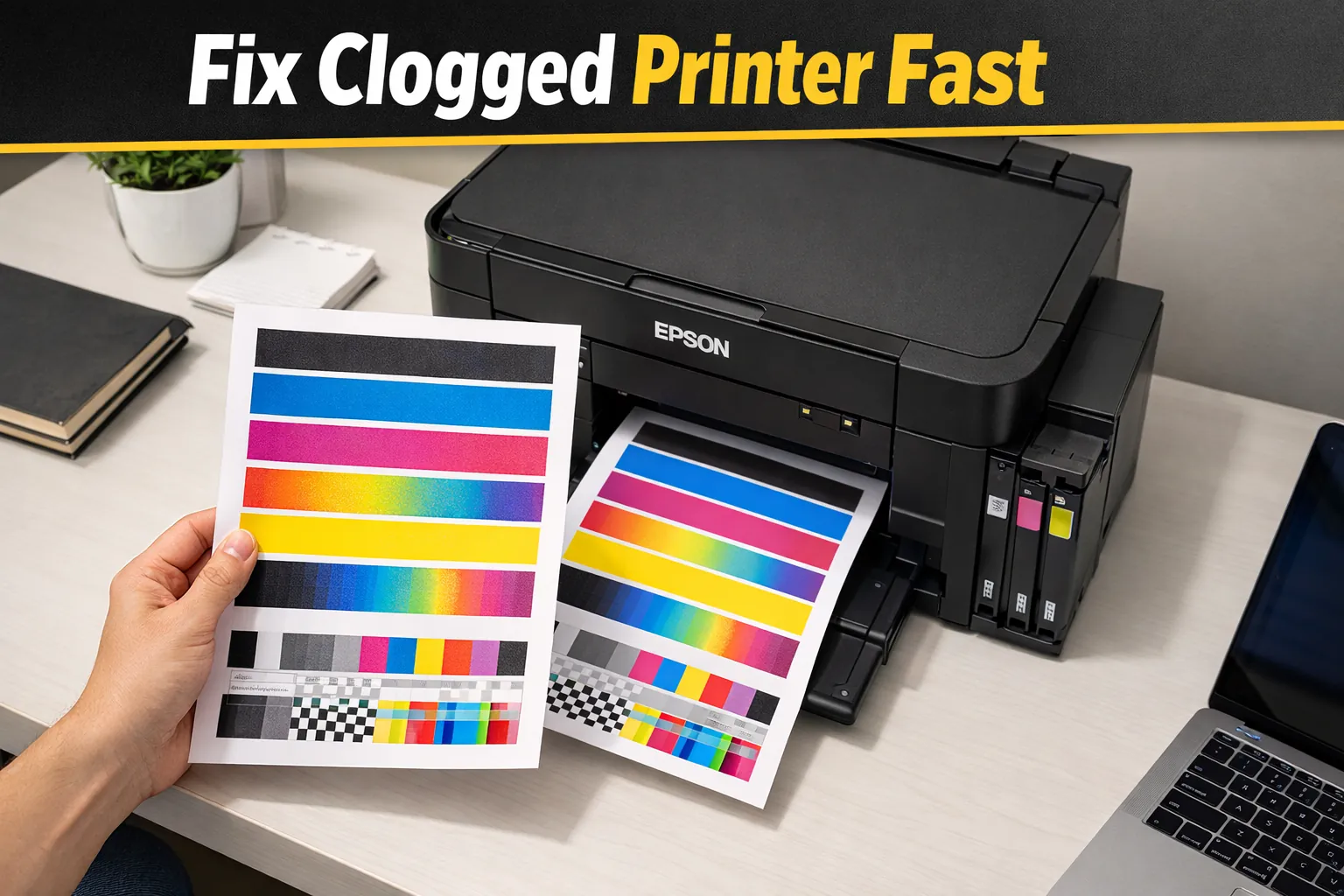
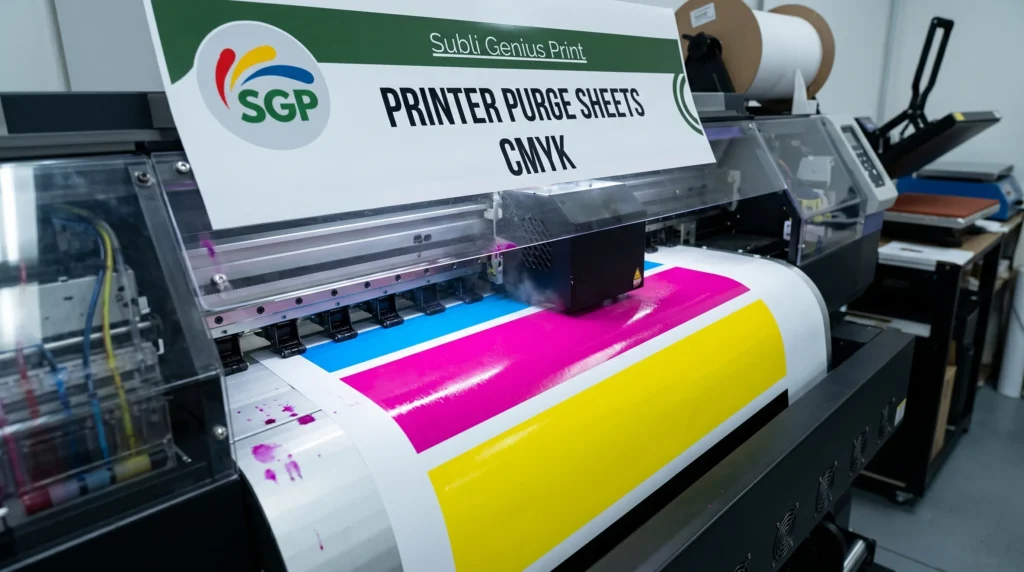
A printer purge sheet is a high-ink coverage file designed to force ink through your printer’s nozzles.
These sheets typically include:
- Solid CMYK color blocks
- Full-page ink coverage
- Consistent patterns to push ink evenly
This helps clear minor clogs and restore proper ink flow.
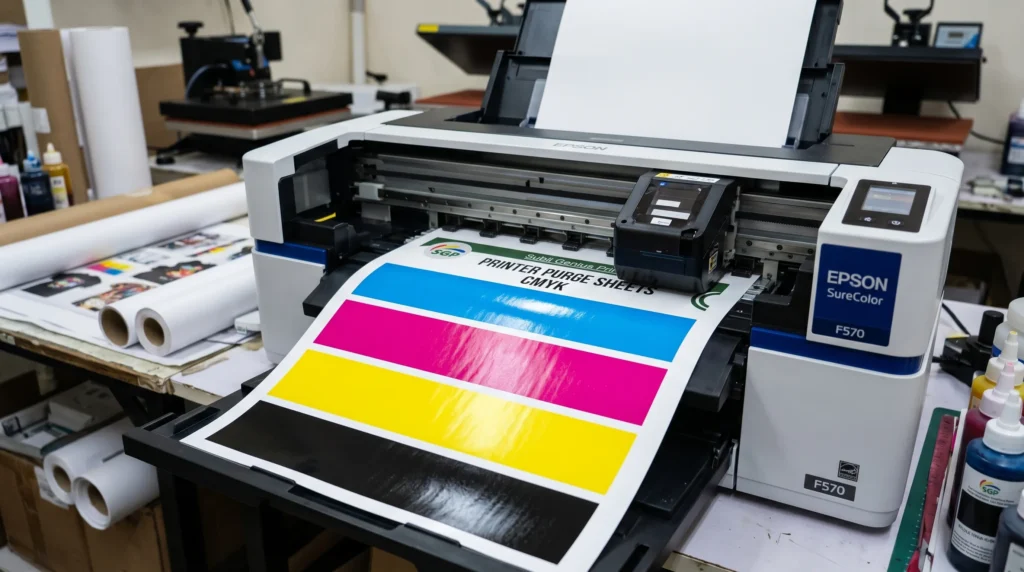
If you’re new to how printers handle ink flow, it helps to understand the basics in this sublimation printing guide.
Download Free Printer Purge Sheets
Below are ready-to-use purge files for different needs. These are designed for sublimation printers and Epson EcoTank systems.
Full Printer Purge Sheet (CMYK)
Download:
High-coverage CMYK purge sheet for clearing clogged nozzles. This full-page purge file pushes all four colors through your printer, helping restore balanced output and reduce banding.
6 Color Purge File
Download:
6-color purge sheet for extended ink systems and deeper cleaning. Designed for printers with additional ink channels, this file improves flow across multiple colors at once.
8 Color Purge File
Download:
Full 8-color purge sheet for maximum ink flow and restoration. Ideal for advanced printers, this file clears multiple channels and helps restore color balance in complex prints.
Individual Color Purge Files
Use these when only one color is missing or weak.
Magenta Purge File
Download:
Magenta Purge File
Magenta purge sheet to restore red and pink tones. Targets magenta clogs and improves color vibrancy in prints.
Black Purge File
Download:
Black Purge File
Black purge sheet for fixing faded text and weak outlines. Improves black ink flow for sharper prints and deeper contrast.
Cyan Purge File
Download:
Cyan Purge File
Cyan purge sheet to restore blue tones and gradients. Clears cyan clogs and fixes missing or streaky blue areas.
Yellow Purge File
Download:
Yellow Purge File
Yellow purge sheet for bright and balanced color output. Restores yellow ink flow and prevents dull or uneven prints.
When Should You Use a Purge Sheet?
Use purge sheets when you notice:
- Missing colors (like no cyan or faded magenta)
- Horizontal banding lines
- Dull or washed-out prints
- Printer unused for several days
If problems continue, follow this troubleshooting sublimation errors guide for deeper fixes.
How to Use a Purge Sheet (Step-by-Step)
Using purge sheets correctly makes a big difference.
Step 1: Load Paper
Use regular paper or sublimation paper for testing.
Step 2: Adjust Printer Settings
Set to:
- High quality
- Best color output
- Disable draft mode
Step 3: Print the Purge File
Start with the full CMYK purge sheet.
Step 4: Check the Print
Look for:
- Broken lines
- Missing colors
- Uneven saturation
Step 5: Repeat If Needed
Print 2–3 times if improvement is partial.
If nothing changes, you may need sublimation printer maintenance or deeper cleaning.
Why Purge Sheets Work
Purge sheets force ink through inactive nozzles, which helps:
- Break up dried ink
- Restore consistent flow
- Improve color accuracy
- Reduce banding
This is especially important in dye sublimation printing, where ink flow directly affects transfer quality.
Common Mistakes to Avoid
Avoid these common issues:
- Printing in draft mode
- Running too many purge prints
- Ignoring severe clogs
- Skipping nozzle checks
If your issue is persistent, follow this guide on fixing clogged sublimation print heads.
How Often Should You Use Purge Sheets?
For most users:
- Every 1–2 weeks for maintenance
- After long inactivity
- When color issues appear
Regular use helps prevent major cleaning cycles.
Best Practices for Sublimation Printers
To avoid clogs:
- Print something every few days
- Keep your printer in a stable environment
- Use consistent ink brands
- Maintain proper printer settings
You can also improve results with proper ICC profiles for sublimation printing.
Frequently Asked Questions
Can I use purge sheets on Epson printers?
Yes, they work especially well on Epson EcoTank and sublimation printers.
Do purge sheets fix all clogging issues?
They fix minor clogs. Severe issues may require manual cleaning.
How many purge sheets should I print?
Start with 1–2 and repeat only if needed.
Is it safe to use purge sheets regularly?
Yes, when used moderately for maintenance.