
Print with Precision: 5 Best Printers for Vinyl Stickers

Printing vinyl stickers isn’t the same as printing on regular paper. Vinyl sheets are thicker, less absorbent, and far less forgiving, which means the wrong printer can lead to smudging, poor adhesion, or faded colors.
This guide focuses specifically on printers that work well with printable vinyl sticker paper. Each printer listed below was selected based on ink performance, media handling, color quality, and reliability for vinyl sticker projects.
If you’re making stickers for a small business, custom decals, or creative personal use, this list helps you choose a printer that delivers clean, durable results on vinyl.
Disclosure: This post contains affiliate links. If you buy through them, we may earn a commission at no extra cost to you.
What this guide covers:- Printers that can handle printable vinyl sheets
- Ink systems that produce vibrant, long-lasting colors
- Models suitable for home use and small businesses
- Strengths and limitations of each printer for vinyl stickers
If your goal is sharp designs, strong color, and dependable printing on vinyl sticker paper, the printers below are the best places to start.
Printer Comparison Table| Printer | Best For | Ink Type | Vinyl Use |
|---|---|---|---|
| HP Smart-Tank Plus 551 | Budget vinyl printing | Dye-based ink | Indoor / laminated |
| Epson EcoTank ET-3850 | All-around vinyl stickers | Dye-based ink | Indoor / laminated |
| Epson SureColor P900 | Durable, premium vinyl | Pigment-based ink | Durable / long-lasting |
| Canon PIXMA G6020 | High-volume indoor vinyl | Hybrid (pigment + dye) | Indoor / laminated |
| Canon PIXMA PRO-200 | Photo-quality vinyl designs | Dye-based ink (8-color) | Indoor / artistic |
If you’re comparing vinyl printing with other sticker methods, you may also want to read our guide on sublimation sticker paper to understand how it differs from printable vinyl in durability, ink bonding, and use cases.
Top 5 Best Printers for Vinyl Stickers
1. HP Smart-Tank Plus 551 Wireless: Best Budget Ink-Tank for Vinyl
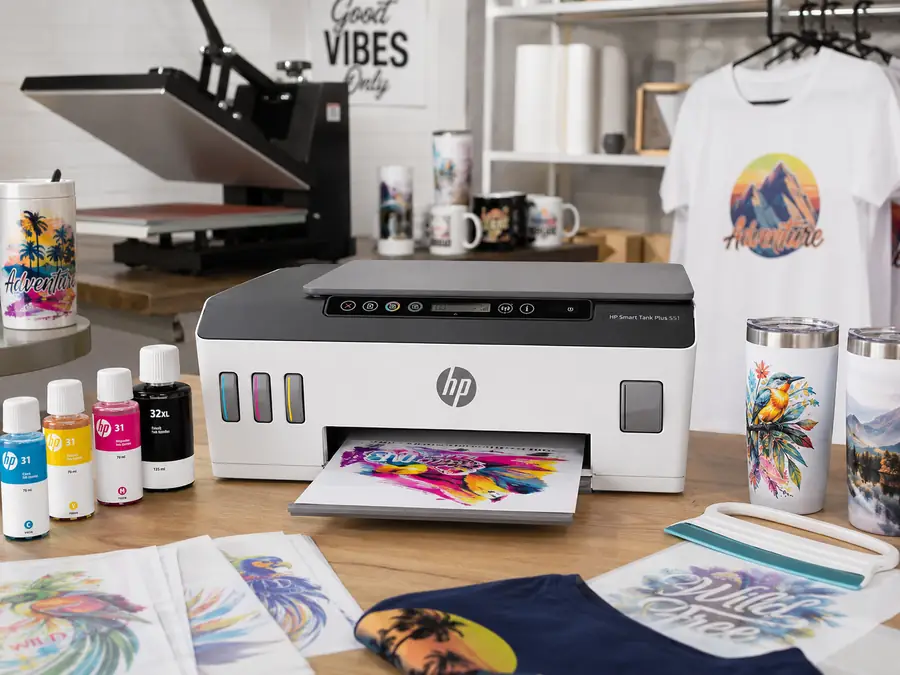
HP Smart-Tank Plus 551
Best for: Budget-friendly indoor vinyl stickers
- Refillable ink-tank system
- Wireless all-in-one design
- Best paired with printable vinyl and lamination
As an Amazon Associate, we may earn from qualifying purchases.
The HP Smart-Tank Plus 551 is an affordable and reliable all-in-one ink-tank printer that offers high-quality printing, scanning, and copying. With easy mobile printing, dual-band Wi-Fi connectivity, and up to 2 years of ink included, it’s perfect for both home and office use.
Bullet Points:
- Best ink tank print quality in class with great savings.
- Easy mobile printing with the HP Smart app.
- 2 years of ink in bottles included for low-cost, high-volume printing.
- Simple, spill-free refill system with integrated ink tank design.
- Reliable connectivity with dual-band Wi-Fi and fast print speeds.
Pros and Cons
Pros:
- Cost-effective printing with up to 2 years of ink included.
- High-quality prints for professional-looking documents and photos.
- Easy mobile printing with the HP Smart app.
- Reliable dual-band Wi-Fi connectivity.
- Spill-free refill system for convenient ink management.
Cons:
- Slower print speeds for color prints.
- Limited paper size support, excluding larger formats.
- Limited warranty coverage.
It works best with printable vinyl sheets for indoor use or laminated stickers, rather than long-term outdoor decals.
2. Epson EcoTank ET-3850 — Best All-Around Printer for Vinyl Stickers
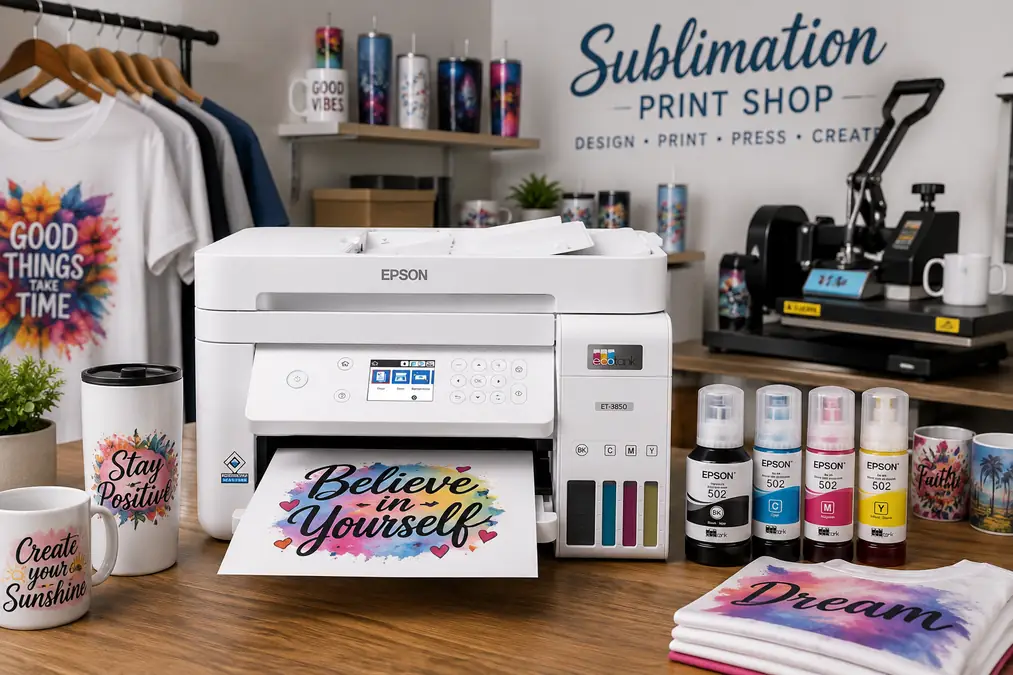
Epson EcoTank ET-3850
Best for: All-around home and small-business sticker printing
- Low running costs with refillable tanks
- Wireless, Ethernet, and USB connectivity
- Good fit for indoor or laminated vinyl stickers
As an Amazon Associate, we may earn from qualifying purchases.
The Epson EcoTank ET-3850 is a strong all-around choice for printing vinyl stickers at home or for small businesses. It handles printable vinyl reliably, keeps ink costs low, and delivers consistent color for sticker designs that don’t require photo-lab accuracy.
This printer uses a refillable ink tank system, which significantly reduces the cost per print compared to cartridge-based models. While it uses dye ink, it performs well on printable vinyl for indoor use, test runs, and laminated stickers.
Key Features
- Refillable EcoTank ink system for low running costs
- Reliable paper handling for thicker vinyl sheets
- Wireless, Ethernet, and USB connectivity
- Automatic duplex printing
- Compact design suitable for home workspaces
Pros
- Very low ink cost per sticker
- Consistent color output for vinyl designs
- Handles printable vinyl better than entry-level printers
- Good balance of performance and price
Cons
- Uses dye-based ink (not ideal for unlaminated outdoor vinyl)
- Not designed for industrial or large-format vinyl work
Best For
Home users, Etsy sellers, and small shops printing vinyl stickers for indoor use or laminated applications.
Not Ideal For
High-volume production or long-term outdoor vinyl without lamination.
3. Epson SureColor P900 — Best Pigment Printer for Durable Vinyl Stickers
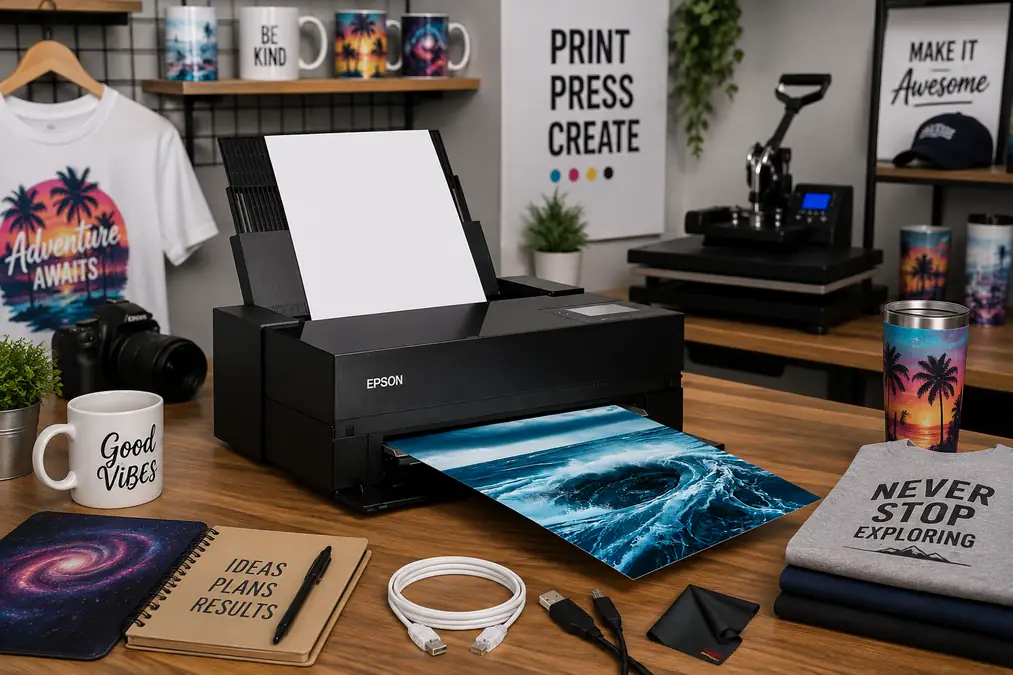
Epson SureColor P900
Best for: Premium, color-critical vinyl sticker work
- Professional pigment-ink system
- Wide-format printing up to 17 inches
- Strong detail and color control for premium designs
As an Amazon Associate, we may earn from qualifying purchases.
The Epson SureColor P900 is a professional-grade pigment ink printer that excels in color accuracy, detail, and durability. While it’s primarily marketed for photo and fine-art printing, its pigment ink system makes it a strong option for premium vinyl stickers where longevity matters.
Pigment inks offer better resistance to moisture and fading compared to dye inks, which makes this printer especially useful for high-quality vinyl decals and stickers that need to last longer, even with light outdoor exposure.
Key Features
- UltraChrome PRO pigment ink system
- Exceptional color accuracy and fine detail
- Supports thick media and specialty papers
- Wide-format printing up to 17 inches
- Advanced media handling and color control
Pros
- Pigment ink provides better durability on vinyl
- Excellent detail for illustration and design-heavy stickers
- Handles thicker vinyl sheets reliably
- Suitable for premium sticker brands
Cons
- High upfront cost
- Slower print speeds
- Ink costs are higher than EcoTank models
Best For
Artists, designers, and small brands producing premium vinyl stickers that prioritize durability and color accuracy.
Not Ideal For
Budget-focused users or high-speed sticker production.
4. Canon PIXMA G6020: Best for High-Volume Indoor Vinyl Stickers
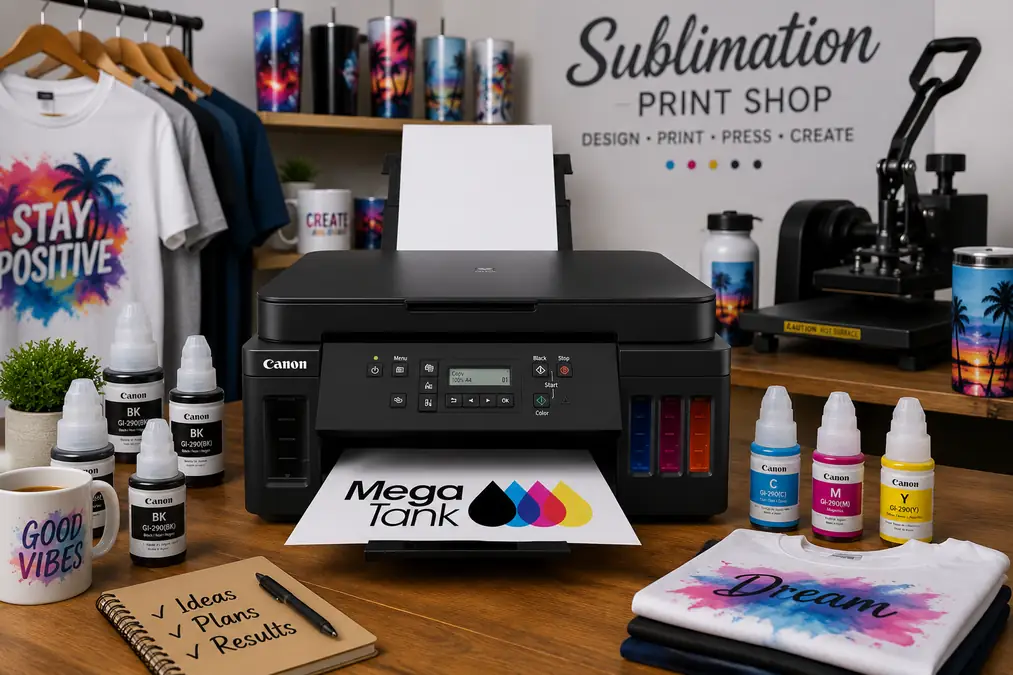
Canon PIXMA G6020
Best for: High-volume indoor vinyl sticker printing
- High-yield MegaTank ink system
- Print, copy, and scan functions
- Suitable for indoor or laminated sticker projects
As an Amazon Associate, we may earn from qualifying purchases.
The Canon PIXMA G6020 is an all-in-one super tank printer that offers exceptional value with its ink savings and high page yield. With wireless connectivity, this printer allows you to print, copy, and scan with ease.
It supports borderless photo printing and uses both pigment-based and dye-based ink for sharp text and vibrant images. Perfect for both office and home use.
For printable vinyl stickers used indoors or with lamination, the G6020 offers reliable feeding and consistent color.
Bullet Points:
- All-in-one super tank printer with exceptional ink savings.
- Includes a full set of ink bottles and two bonus black bottles for additional savings.
- Canon MegaTank Ink Bottles provide over 30 times the amount of ink compared to standard ink cartridges.
- Print, copy, and scan functions with easy smartphone, tablet, and computer connectivity.
- Supports borderless photo printing in various sizes, from 3.5″ x 3.5″ square to 8.5″ x 11″ letter size.
- High page yield: up to 6,000 black text pages or 7,700 color pages per full ink bottle set.
- Uses both pigment-based and dye-based ink for sharp text and vibrant images.
- Wireless connectivity for convenient printing and scanning.
Pros & Cons
Pros:
- Exceptional ink savings with Canon MegaTank Ink Bottles.
- High page yield reduces the frequency of ink replacements.
- Versatile functionality with printing, copying, and scanning capabilities.
- Supports borderless photo printing for professional-looking prints.
- Uses both pigment-based and dye-based ink for sharp text and vibrant images.
- Wireless connectivity enables easy printing from various devices.
Cons:
- Print speeds may be slower compared to some other models.
- Limited connectivity options (USB connectivity only).
5. Canon PIXMA PRO-200: Best for Photo-Quality Vinyl Stickers
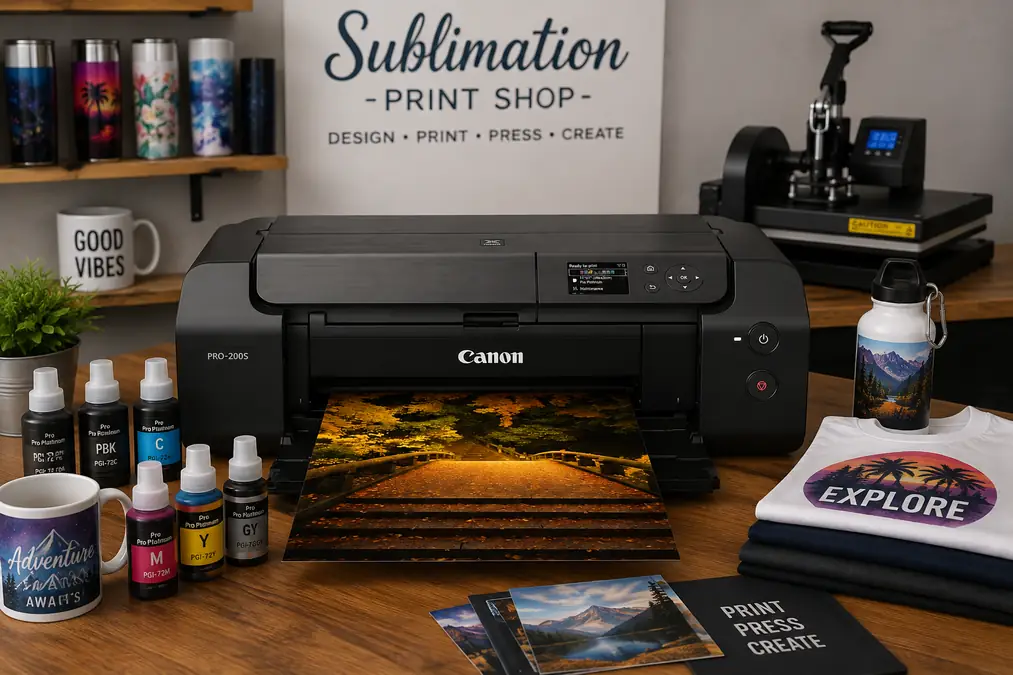
Canon PIXMA PRO-200
Best for: Photo-quality art and illustration stickers
- Eight-color dye-based ink system
- Prints up to 13 × 19 inches
- Strong choice for detailed, color-rich designs
As an Amazon Associate, we may earn from qualifying purchases.
The Canon PIXMA PRO-200 is a professional color photo printer that delivers rich and vibrant prints with its enhanced 8-color dye-based ink system. With a compact design, it saves space in your home or studio while providing high-quality prints up to 13″ x 19″ or custom sizes up to 13″ x 39″.
The printer features a 3.0″ color LCD screen for easy ink-level monitoring and maintenance. Use Canon’s Professional Print & Layout software for hassle-free printing and enjoy the convenience of wireless or Ethernet connectivity.
Bullet Points:
- Professional color photo printer with enhanced 8-color dye-based ink system.
- Compact design saves space in home or studio environments.
- Fast and efficient, delivering high-quality prints in 90 seconds for bordered A3 plus size.
- Compatible with a wide range of media and sizes, including borderless prints up to 13″ x 19″ or custom sizes up to 13″ x 39″.
- Built-in 3.0″ color LCD display for easy ink-level monitoring and printer maintenance.
- Canon’s Professional Print & Layout software for intuitive print settings and great print results.
- Wireless and Ethernet connectivity options for convenient printing.
- Panorama printing capability for custom sizes up to 13″ x 39″.
Pros & Cons
Pros:
- Enhanced 8-color dye-based ink system for rich and vibrant prints.
- Compact design saves space without compromising print quality.
- Fast print speed for bordered A3 plus prints.
- Versatile media and size compatibility, including borderless prints.
- Easy ink level monitoring and printer maintenance with the built-in LCD display.
- Intuitive print settings with Canon’s Professional Print & Layout software.
- Wireless and Ethernet connectivity options for flexible printing.
Cons:
- Slower print speed for batch vinyl sticker production
- Limited to printing functions only.
Check here how to select printer for stickers
Frequently Asked Questions About Printing Vinyl Stickers
Can inkjet printers print on vinyl sticker paper?
Yes, many inkjet printers can print on printable vinyl sticker paper, as long as the printer supports thicker media and the correct paper settings are used.
What type of ink works best for vinyl stickers?
Pigment-based inks are best for vinyl stickers because they offer better water resistance, durability, and fade resistance compared to dye-based inks.
Do vinyl stickers need to be waterproof?
Vinyl sticker paper itself is water-resistant, but ink durability depends on the printer and ink type. Pigment inks provide better protection, especially for stickers exposed to moisture.
Can I use a regular home printer for vinyl stickers?
Some home inkjet printers can handle vinyl sticker paper, but not all models feed thicker sheets reliably. Printers with straight paper paths and manual feed options perform better.
Do vinyl stickers fade over time?
Vinyl stickers printed with pigment ink last longer and resist fading better than dye-based prints. Prolonged outdoor exposure may still cause gradual fading.
Is lamination required for vinyl stickers?
Lamination is not always required, but it can improve scratch resistance and longevity, especially for outdoor or high-contact vinyl stickers.

2 Comments