Sublimation Tutorials and Videos: A Genius Guide by Subli Genius Print

New to sublimation? Start with the equipment checklist, watch the pressing-settings lesson, then choose one compatible blank for your first project.
This page is a beginner learning path with selected videos in a practical order. For the full catalog of material, troubleshooting, and business lessons, use the sublimation video directory.
- Check your printer, ink, paper, heat press, and blank before printing
- Learn how time, temperature, and pressure affect a transfer
- Make one test project and check common mistakes
Start Here: Sublimation Tutorials for Absolute Beginners
Begin with a light-colored polyester shirt or another blank clearly labeled for sublimation. Check that blank’s time, temperature, and pressure guidance before you print.
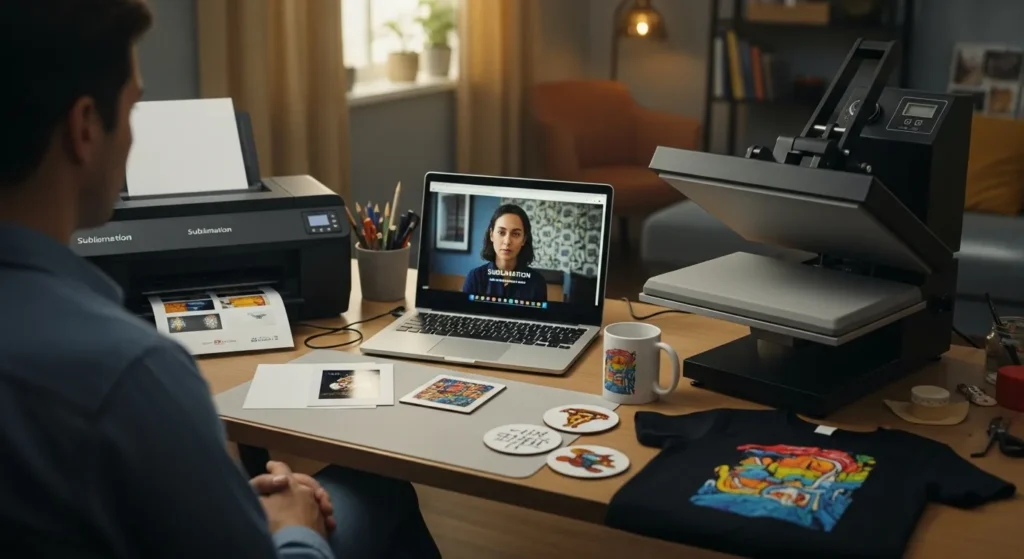
If you need the basics first, read what sublimation printing is and how it works. Then return here for the video lessons.
What You Need to Start Sublimation (Beginner Setup Overview)
Before you press your first design, you need a basic setup. Nothing fancy, just the essentials.
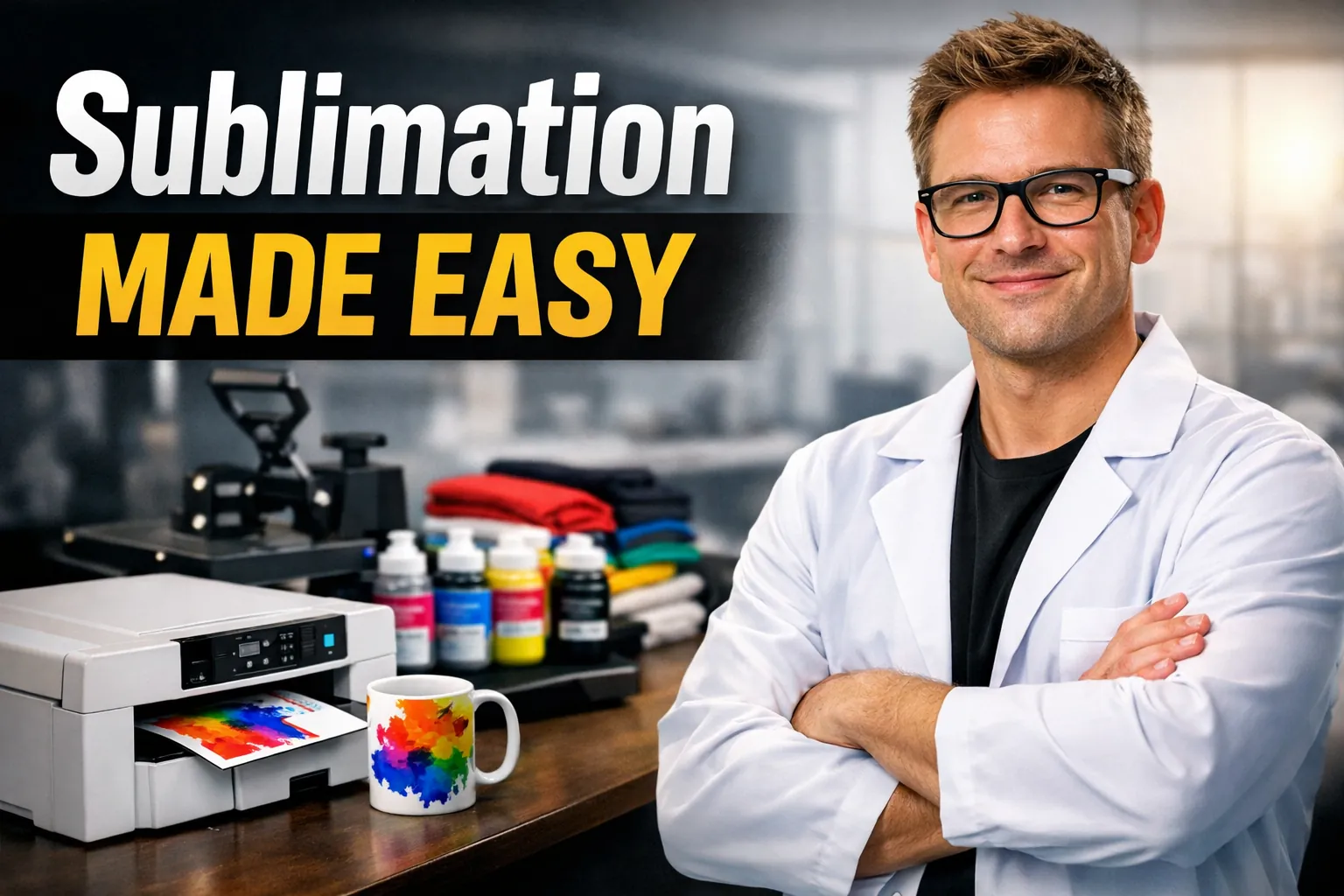
Here’s what every beginner needs to get started with sublimation:
- A sublimation printer made for heat-transfer inks
- Sublimation ink designed to turn into gas under heat
- Sublimation paper that releases ink correctly
- A heat press that applies even heat and pressure
- Sublimation-ready blanks like polyester fabric or coated items
Choosing the right equipment early makes learning much smoother, especially when it comes to printers. This beginner guide to sublimation printers breaks down what actually matters and what you can ignore at the start.
This section is just an overview so you know what’s involved. Detailed setup guides and recommendations are linked in the tutorials below.
Step-by-Step Sublimation Video Tutorials (Watch and Follow Along)
Follow this order for your first sublimation transfer. Check the blank manufacturer’s instructions whenever they differ from an example shown in a video.
- Choose polyester fabric or a polymer-coated blank made for sublimation.
- Prepare the design at the right size; mirror it when the printing workflow requires it.
- Print with compatible sublimation ink and transfer paper, then secure the transfer so it cannot move.
- Set time, temperature, and pressure for the specific blank and press.
- Cool the item as directed, inspect the result, and record the settings before a larger batch.
Video lesson 1: Time, temperature, and pressure
Wrong settings can leave transfers faded, uneven, or scorched. Watch the video, then confirm the recommendations for your exact blank before adjusting your press.
For pressure and heat-distribution checks, see the heat press setup guide. For complete written steps, use the step-by-step sublimation printing process.
First Sublimation Projects Beginners Can Try Safely
Choose a project compatible with the press and blanks you own. Try one test piece before making a batch.
- A light-colored polyester shirt with a suitable flat heat press
- A sublimation-coated mousepad or coaster rated for your press
- A polymer-coated ceramic mug if you have compatible mug-press equipment
- A sublimation-ready coated metal panel that fits your heat press
Ordinary paper bags, regular posters, and uncoated household items are not automatically sublimation-ready. Check their coating and heat limits. The sublimation blanks and substrates guide shows what to look for.
For a mug project, use the mug sublimation tutorial and follow your mug manufacturer’s settings.
Common Beginner Mistakes and Fixes
If your first transfer looks faded, blurry, or uneven, identify the cause before pressing the same design again. Check the blank, transfer movement, and pressing conditions.
Video lesson 2: Seven mug mistakes to avoid
Use this mug troubleshooting lesson to recognize printing and pressing mistakes before repeating them on another blank.
- Using a blank that is not suitable for sublimation
- Pressing at incorrect time, temperature, or pressure
- Letting transfer paper shift during heating or removal
- Skipping a small test before printing a full batch
For a symptom-by-symptom process, use the sublimation troubleshooting guide.
Why sublimation on 50/50 cotton-polyester can fade
Sublimation dye bonds to the polyester portion of a cotton-polyester blend, not the cotton in the same way. A 50/50 print can appear less saturated and fade with washing.
Sublimation Tools and Calculators to Help You Plan Better
Use a settings calculator to plan a first test, not as a replacement for instructions supplied with your blank and press.
- Check starting values for time, temperature, and pressure
- Confirm your material’s coating and heat tolerance
- Keep notes from one test press before making a larger run
Use the heat press settings calculator as a starting reference, then verify settings for the exact materials you are using.
When You’re Ready: Intermediate and Advanced Sublimation Guides
After a successful first transfer, explore these specialized lessons one at a time. They are optional follow-ups, not requirements for your first project.
Sticker paper: Check material compatibility
Regular sticker paper is not automatically compatible with sublimation. This video explains why the printable surface and coating matter.
For more detailed steps, see how to use sublimation sticker paper.
Specialty materials: Invisible sublimation ink
Invisible sublimation ink is a specialized application. Verify ink, printer, and substrate compatibility with manufacturer information before trying it.
For additional print-quality skills, explore five sublimation techniques.
Learn Sublimation with Confidence at Subli Genius Print
For your next practice session, pick one compatible blank, run a test press, and record the result. If something goes wrong, start with the troubleshooting lesson before changing several settings at once.
The full sublimation video directory covers more material, project, and business topics when you are ready.
Beginner Sublimation FAQs
Can I start sublimation without any printing experience?
Yes. Start with compatible materials, one simple project, and a small test transfer before making a batch.
Do I need a special printer for sublimation?
Yes. Use a dedicated sublimation printer or a compatible printer configured for sublimation ink. Check the manufacturer’s information before converting a printer.
Is sublimation expensive to start?
Costs depend on the printer, press, and blanks. Start with equipment suited to your chosen project rather than buying every accessory at once.
Why do my sublimation colors look different than my screen?
Screens and printed substrates reproduce color differently. Try a small test and check color-management settings, paper, ink, and the blank.
Can I sublimate on cotton shirts?
Standard sublimation dye does not bond to cotton like it does to polyester. Beginners should start with light-colored, high-polyester fabric or compatible coated blanks.
Do I need a heat press, or can I use an iron?
A suitable heat press is recommended because it provides controlled, consistent heat and contact. A household iron usually cannot maintain those conditions reliably.
How long does a sublimation print last?
Durability depends on the blank’s coating or fabric, the transfer process, and care. Properly made sublimation prints can last well, but fading and damage are still possible.
What should I sublimate first as a beginner?
Try a light-colored polyester shirt or a sublimation-coated flat blank that fits your heat press. Start with one test piece and follow the material-specific instructions.