How to Structure a Viral Income Reveal Video That Converts

If you’re creating content to promote your sublimation business or product shop, one type of video consistently outperforms everything else: For related planning, see How Women Are Turning Sublimation into Income.
Income reveal videos.
But most people do them wrong. They start too slow, lose attention early, or fail to convert viewers into buyers.
This guide breaks down a proven video structure that keeps people watching, boosts engagement, and turns cold viewers into customers.
You’ll learn exactly how to structure each part of your video so it performs on platforms like TikTok, Instagram Reels, and YouTube Shorts.
Why Income Reveal Videos Work So Well
Income content taps into curiosity instantly.
People want to know:
- How much you made
- How you made it
- If they can do the same
When done correctly, this format creates:
- High watch time
- Strong engagement
- More profile clicks
- Increased product sales
This works especially well if you’re selling custom items or running a print business. If you’re still building your setup, this sublimation business guide can help you understand the foundation.
The Hook: Your First 3 Words Decide Everything
Your video either wins or dies in the first 3 seconds.
Do NOT start with:
- “Hey guys…”
- “So today…”
- “This week I…”
Start with the number.
Example:
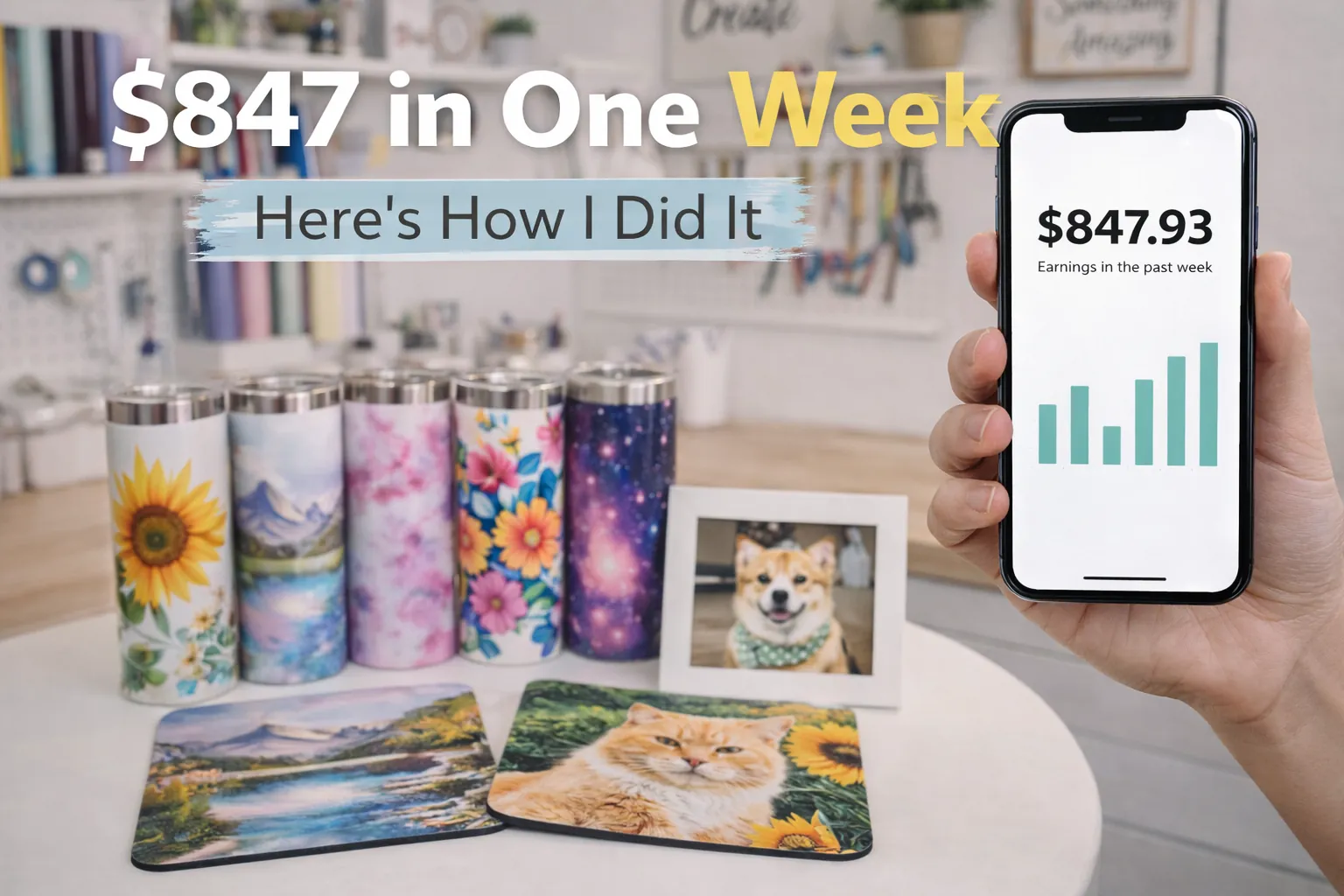
- “$847…”
- “$1,200 this week…”
- “I made $300 yesterday…”
This immediately triggers curiosity and stops the scroll.
Why this works:
- Numbers feel real
- It signals value instantly
- It creates a gap viewers want to fill
If your hook fails, nothing else matters.
Beat 3: The Most Important 20 Seconds (The Math Breakdown)
This is where your video earns attention.
People don’t just want to see the result. They want to understand how you got there.
What to show:
- Revenue
- Cost
- Profit
Example breakdown:
- Sales: $847
- Cost: $210
- Profit: $637
Critical tip:
Use bold on-screen text overlays for every number.
Why?
- Around 40% of viewers watch without sound
- People pause and screenshot this section
- Clear visuals increase retention
If you’re pricing your products, this sublimation pricing guide can help you create realistic profit margins.
Beat 5: The Process Flash (Use Trending Audio Here)
This is where you switch things up.
Instead of talking, let the visuals and music take over.
Show quick clips of:
- Printing designs
- Heat pressing products
- Packaging orders
- Finished products
Important:
- Use trending audio here
- Remove voiceover temporarily
- Keep clips fast and satisfying
This format matches what the algorithm favors:
- Pattern interrupt
- Visual satisfaction
- Trend alignment
If you’re improving your production quality, these sublimation techniques can help you create cleaner results on camera.
Voiceover Strategy: Where to Talk (and Where Not To)
Structure your audio like this:
- Beats 1–4 → Voiceover
- Beat 5 → Music only
- Beats 6–7 → Voiceover
This creates a rhythm that keeps viewers engaged.
Too much talking = boring
Too little context = confusing
Balance is key.
Beat 6–7: The Soft Conversion
This is where you guide viewers without sounding pushy.
Examples:
- “Everything I used is in my shop…”
- “These designs are available now…”
- “You can grab this product below…”
Keep it natural.
You’re not selling aggressively. You’re showing opportunity.
If you’re still exploring product ideas, check these best-selling sublimation products to see what actually moves.
Why You Should Pin This Video Immediately
The moment your video goes live, pin it to your profile.
This is not optional.
Why it matters:
Every new visitor will see this first.
That means:
- Instant credibility
- Clear proof of results
- Higher chance of clicks
This turns your profile into a funnel:
Cold viewer → Curious follower → Buyer
Common Mistakes That Kill Performance
Avoid these if you want results:
- Weak hook
- No numbers shown
- Talking too long without visuals
- No text overlays
- No clear outcome
- No pinned video
Even one of these can reduce your reach significantly.
Practical Tips to Improve Results
- Keep your video under 30–45 seconds
- Use large, readable text
- Show real numbers (not vague claims)
- Film in good lighting
- Focus on clarity over creativity
You don’t need fancy editing. You need clear communication.
Frequently Asked Questions
Can I make income videos without showing my face?
Yes, you can focus on hands, products, and screen recordings while still showing results.
Do I need real sales to make this type of video?
Yes, authenticity matters. Fake numbers will hurt trust and conversions.
What’s the best length for this type of video?
Around 20 to 45 seconds works best for retention and engagement.
Should I use trending audio in every video?
Use it strategically, especially during visual sections like the process flash.
How often should I post income videos?
1–2 times per week is enough to maintain interest without overdoing it.