DTF Sublimation Hack for Dark Shirts That Actually Works

If your sublimation design disappears on a black shirt, you are not doing anything wrong. The method itself is the limitation. For a step-by-step transfer option, see our guide to using DTF film with sublimation ink.
Sublimation ink does not show on dark fabrics, which is why so many beginners search for solutions like DTF hacks or workarounds. The good news is there is a method that actually works when done correctly.
In this guide, you will learn how to use the DTF sublimation hack step by step, what materials you really need, and how to avoid the mistakes that cause peeling, fading, or cracking.
Why Sublimation Does Not Work on Dark Shirts
Sublimation ink is transparent and needs a light polyester surface to appear visible.
How the Sublimation Process Works
In the sublimation printing process, heat turns ink into gas and bonds it into polyester fibers. The design becomes part of the fabric instead of sitting on top.
Because there is no white ink, the fabric color always shows through.
Why Designs Fail on Black Shirts
- dark fabric absorbs the color
- no contrast between ink and material
- colors appear faded or invisible
If you are unsure which materials actually work, this sublimation material guide explains it clearly.
Does DTF Work on Dark Shirts
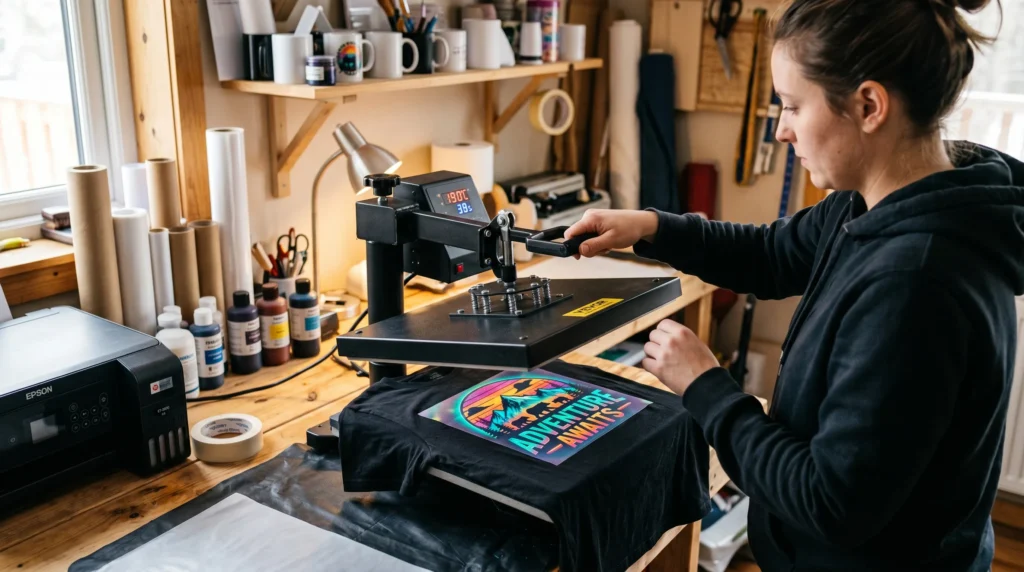
Yes, DTF works on dark shirts because it creates a visible layer on top of the fabric.
Unlike sublimation, DTF does not rely on fabric color. It uses adhesive and film to hold the design in place.
Key Difference Between Sublimation and DTF
- sublimation bonds into fabric
- DTF sits on top of fabric
This is exactly why the hack works. It changes how the ink is applied.
What Is the DTF Sublimation Hack
The DTF sublimation hack is a method where you print with sublimation ink onto film, then use adhesive powder to transfer the design onto dark fabric.
This method creates a transfer layer instead of direct bonding.
Can You Do This Without a DTF Printer
Yes, and this is the main advantage.
You can use a standard sublimation printer and still achieve results on dark shirts without investing in a full DTF setup.
Materials You Need for the Hack
Using the correct materials makes the biggest difference in your results.
Essential Materials
- sublimation printer
- sublimation ink
- DTF film
- adhesive powder
- heat press
Make sure your setup is dialed in using this sublimation heat press settings guide.
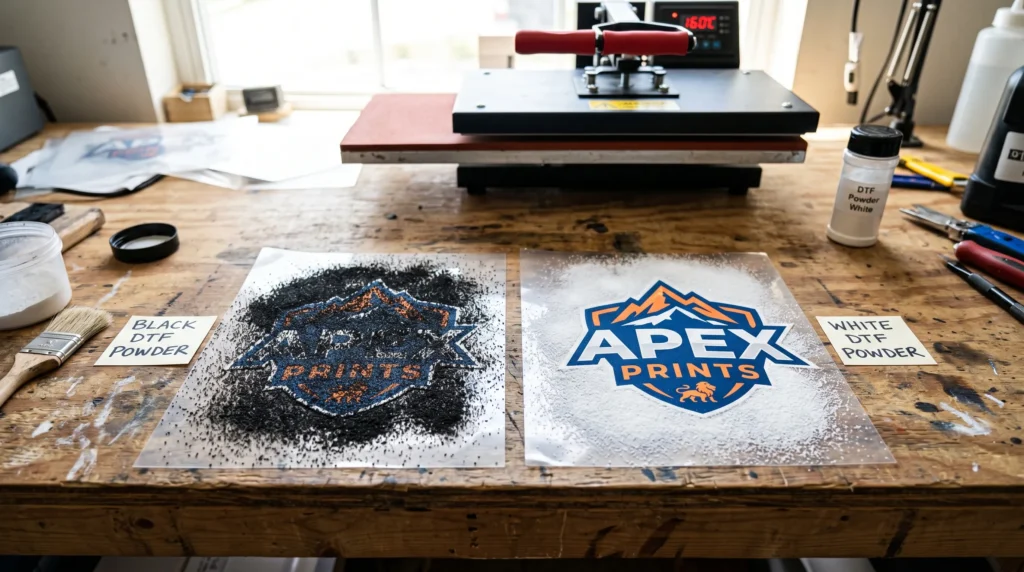
What Is DTF Powder Used For
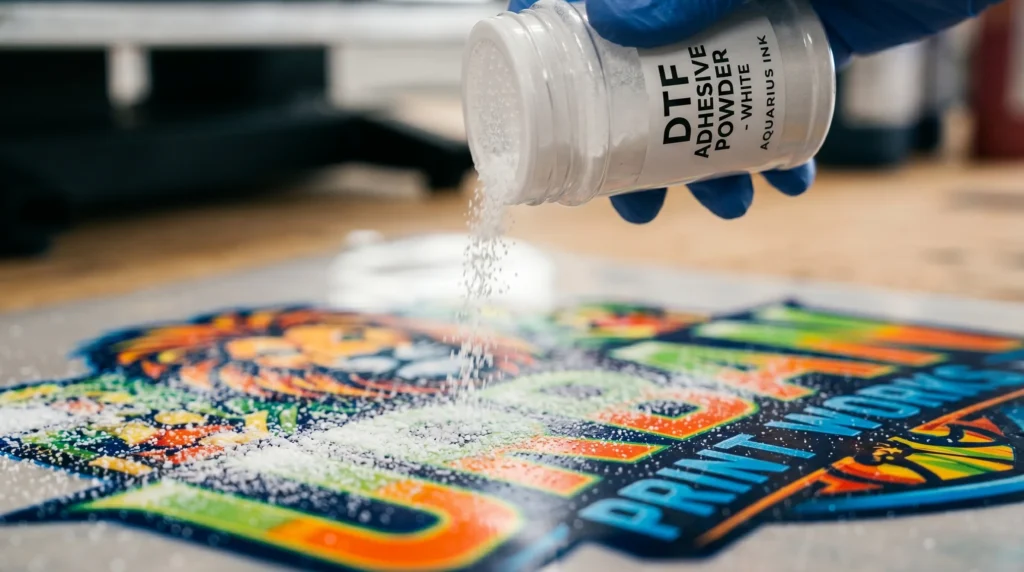
DTF powder acts as the adhesive that bonds the printed design to the fabric during heat pressing.
Can You Use White DTF Powder on Black Shirts
Yes, and you should.
White powder helps create a visible base layer so the design stands out on dark fabric.
What About Black DTF Powder
Black powder is typically used in standard DTF workflows. It is not required for this sublimation hack and often creates confusion for beginners.
Step by Step DTF Sublimation Hack
Follow this process carefully. Skipping steps is the main reason this method fails.
Step 1 Print Your Design on Film
- mirror your design
- print on the coated side
- use high quality settings
Poor print quality leads to dull results.
Step 2 Apply Adhesive Powder
- coat the entire printed area evenly
- remove excess powder
Uneven coating will cause peeling later.
Step 3 Cure the Adhesive
- use a curing oven or hover heat press
- do not apply pressure yet
This melts the powder into a bonding layer.
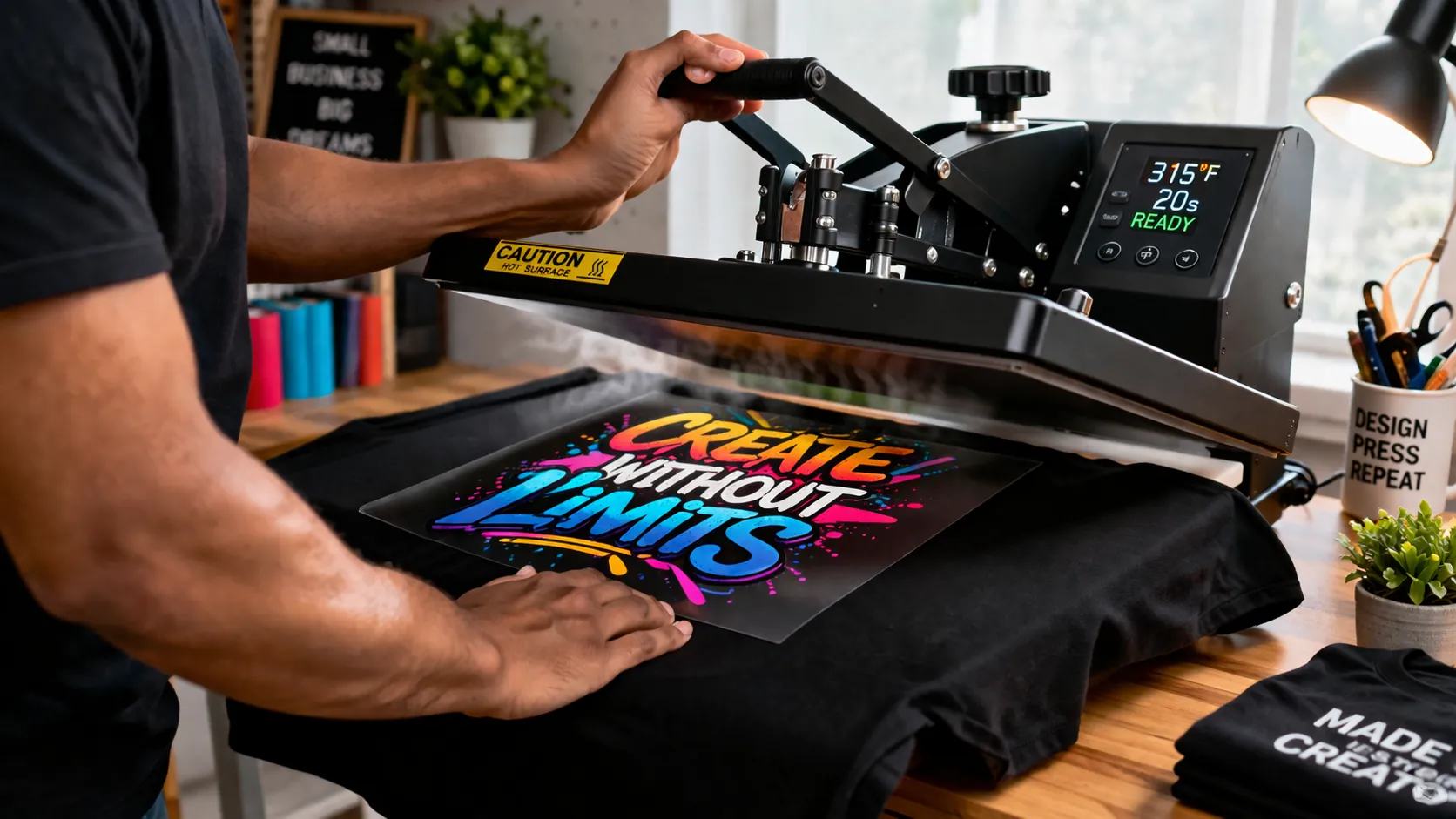
Step 4 Heat Press onto the Shirt
- place film on the shirt
- press with medium pressure
- ensure even contact
Proper pressure is critical for durability.
Step 5 Peel and Finish
- peel according to film instructions
- press again for a few seconds
This second press improves long term hold.
Best Heat Press Settings for This Method
Start with these settings
- temperature 300 to 320 Fahrenheit
- time 10 to 15 seconds
- pressure medium
This method uses lower heat than traditional sublimation to protect the adhesive.
If your results are inconsistent, review this heat press temperature for sublimation guide.
Results You Can Expect
What Works Well
- bright designs on black shirts
- works on cotton and blends
- no need for expensive equipment
Limitations You Should Know
- not true sublimation bonding
- slightly raised texture
- depends heavily on correct technique
Common Problems and Fixes
Design Peeling
Cause
insufficient curing or low pressure
Fix
increase curing time and apply consistent pressure
Faded Colors
Cause
low ink output or poor color setup
Fix
improve color settings using ICC profiles for sublimation
Cracking After Washing
Cause
incorrect temperature or short pressing time
Fix
adjust settings and apply a second press
If problems continue, use this sublimation troubleshooting guide.
Alternative Methods for Dark Shirts
If this method does not fit your workflow, you can try
- sublimation with HTV
- direct to film printing
- DTG printing
Each method has different costs and durability levels.
When You Should Use This Hack
This method is ideal when
- you want to print on dark garments
- you are using cotton or blends
- you do not own a DTF printer
When You Should Avoid It
Avoid this method if
- you need large scale production
- you want premium durability
- you are working with stretch fabrics
Frequently Asked Questions
Does the DTF sublimation hack last after washing
Yes, but only if curing and pressing are done correctly.
Can you sublimate directly on black shirts
No, sublimation alone will not show on dark fabric.
Do you need a DTF printer for this method
No, a sublimation printer is enough.
Can you use sublimation paper instead of film
No, this method requires DTF film to hold adhesive.