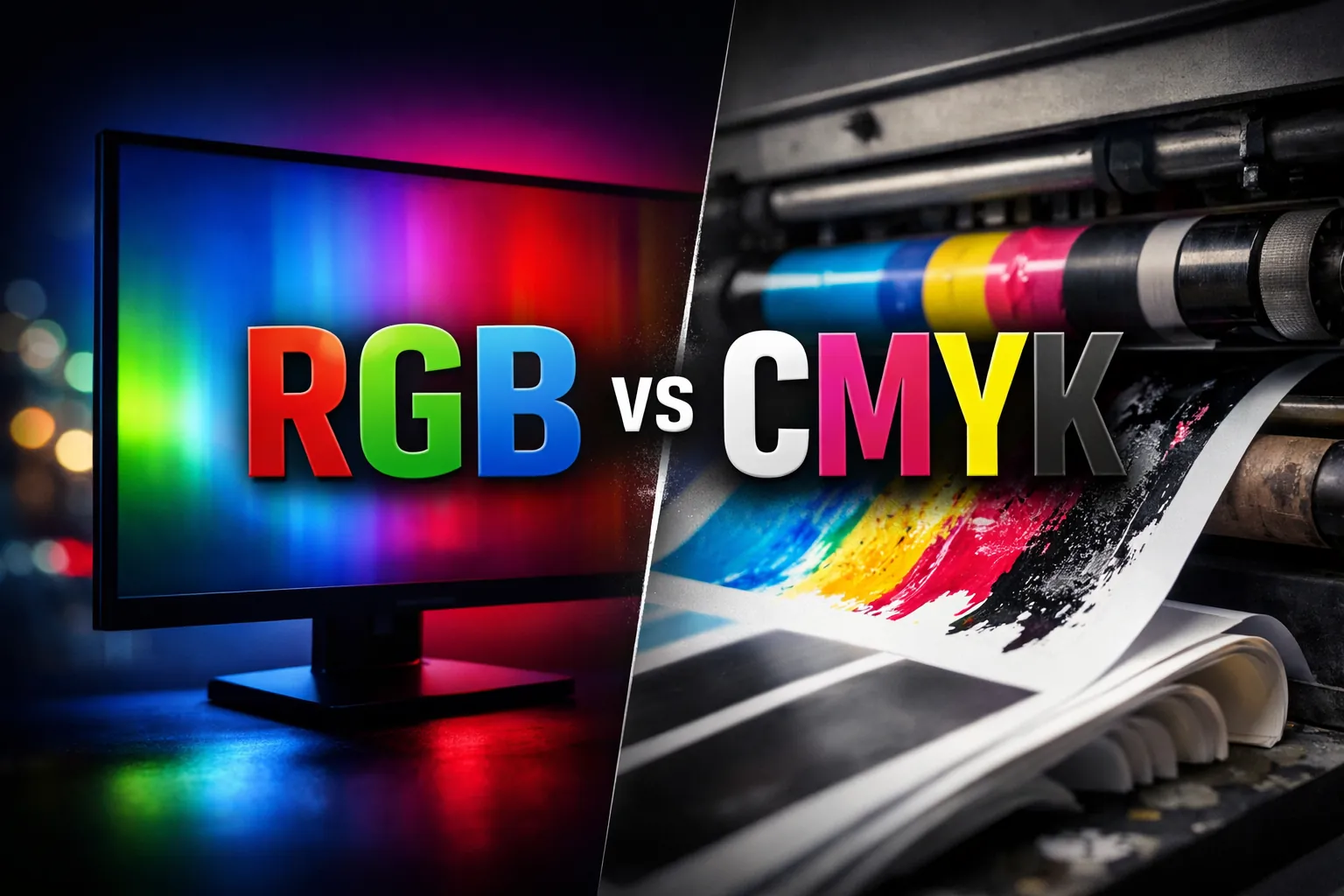
RGB vs CMYK and Choosing the Right ICC Profile for Accurate Color Printing

Color issues usually don’t start at the printer. They start way earlier, with the color mode you’re working in and the ICC profile you’re using, or not using.
RGB and CMYK behave very differently, especially when sublimation or digital printing enters the picture. If you don’t understand how they translate from screen to print, you’ll chase color problems forever.
This guide breaks it down simply. What RGB and CMYK really mean, when each one matters, and how to choose the right ICC profile so your prints match what you see on screen.
What RGB and CMYK Actually Mean
RGB is how screens show color using light, CMYK is how printers recreate color using ink, and confusing them early causes most print color issues.
What RGB Is and Why Screens Use It
RGB stands for Red, Green, and Blue. Screens create color by adding light, not pigment.
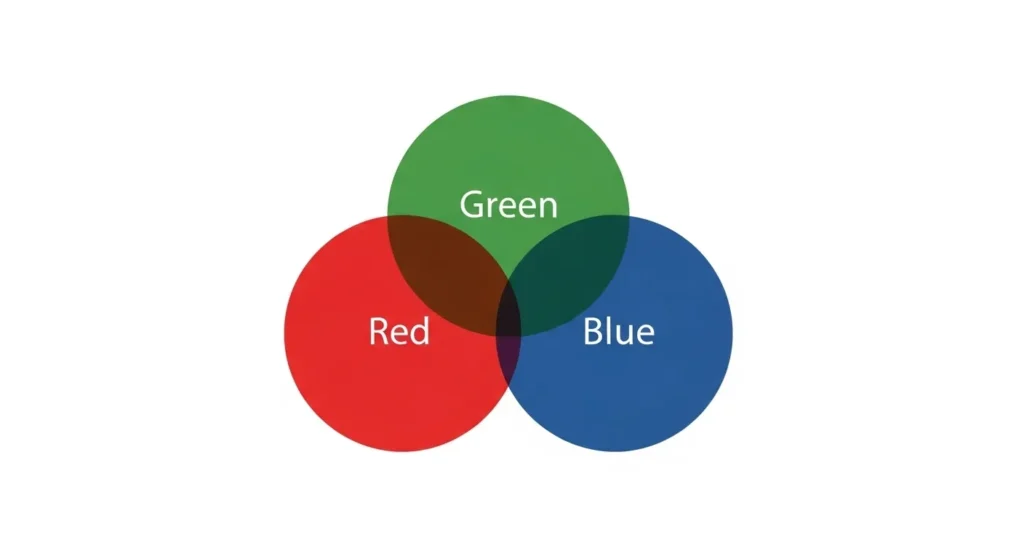
- Each pixel mixes red, green, and blue light
- More light means brighter colors
- White appears when all three are at full strength
That’s why monitors, phones, and design software default to RGB. If you’re new to this, this connects directly to what sublimation printing actually is and how it works, because sublimation workflows start with screen-based color.
What CMYK Is and Why Printing Uses It
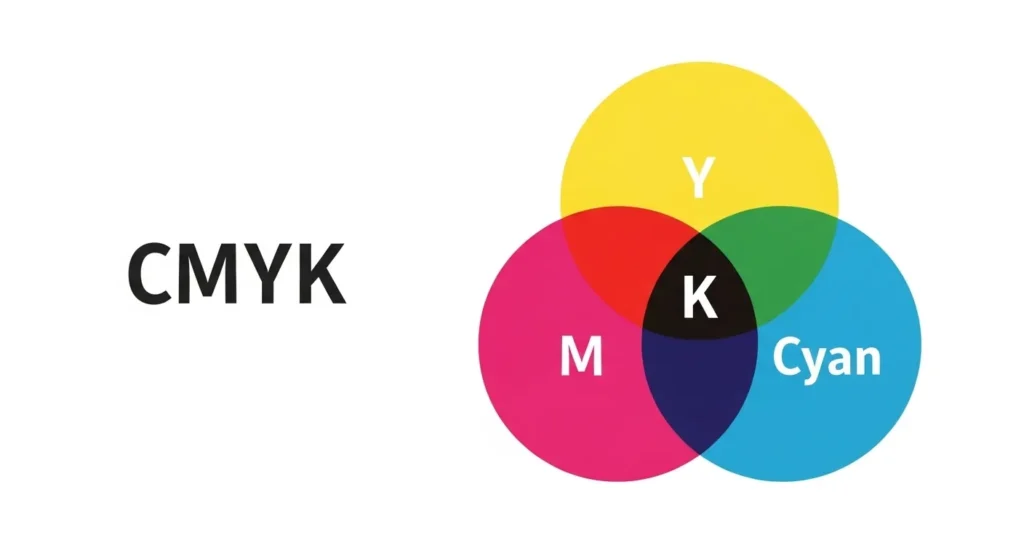
CMYK stands for Cyan, Magenta, Yellow, and Black. Printing creates color by absorbing light.
- Ink blocks light instead of emitting it
- Colors naturally appear less vibrant
- Perfect screen-to-print matches are impossible
That difference is normal, not a printer failure.
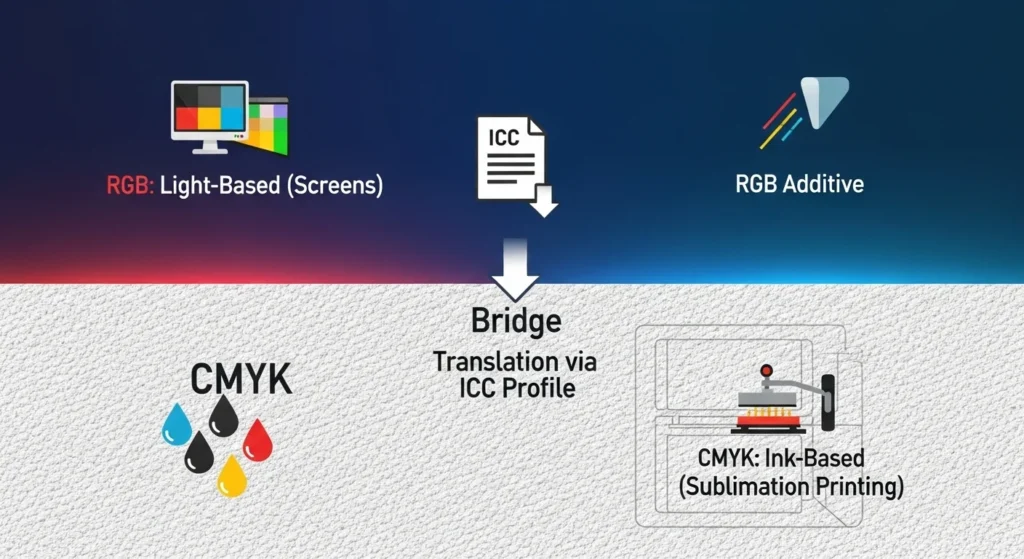
RGB vs. CMYK: Key Differences
Quick takeaway, most color problems happen when designs move from screen to print without respecting how RGB and CMYK actually work. Choosing the right mode and profile upfront saves time, ink, and frustration.
| Aspect | RGB (Red, Green, Blue) | CMYK (Cyan, Magenta, Yellow, Black) |
|---|---|---|
| Color model | Additive, light-based | Subtractive, ink-based |
| Used for | Screens, monitors, cameras, web | Printing and physical output |
| Primary colors | Red, green, blue | Cyan, magenta, yellow, black |
| How color is created | Mixing light | Mixing inks, subtracting from white |
| Color gamut | Larger, brighter, more vibrant | Smaller, closer to real-world output |
| Output medium | Digital displays | Paper, fabric, hard substrates |
| Best use | Digital design and on-screen previews | Final printed results |
| Conversion | Often converted before printing | Used directly by print systems |
Why RGB vs CMYK Matters for Printing
Quick takeaway, the wrong color mode forces your printer to guess, and guessing always costs color accuracy.
Why Colors Look Brighter on Screen Than on Print
Two things cause this.
- Screens emit light, ink does not
- RGB can describe more colors than CMYK
When colors fall outside CMYK’s range, they get compressed. That’s why learning why sublimation colors look dull and how to fix it saves a lot of trial and error.
Common Color Shifts Caused by Wrong Color Mode
You’ll usually see:
- Reds turning brick-like
- Blacks looking brown or green
- Blues and greens washing out
These are conversion problems, not bad ink.
RGB vs CMYK in Sublimation Printing
Quick takeaway, sublimation uses RGB input even though ink is involved.
Why Sublimation Works in RGB, Not CMYK
Most sublimation printers and drivers expect RGB files.
- You design in RGB
- The driver converts colors using an ICC profile
- The printer outputs ink based on that translation
Manually converting to CMYK often causes double conversion. This is explained clearly in the full sublimation process breakdown.
When CMYK Still Shows Up in Sublimation Workflows
CMYK may appear when:
- Using advanced RIP software
- Working in commercial print environments
In home and small-shop sublimation, RGB is safer.
What ICC Profiles Do in the Color Workflow
Quick takeaway, ICC profiles translate color, they don’t “fix” it.
What an ICC Profile Actually Controls
An ICC profile accounts for:
- Printer behavior
- Ink chemistry
- Paper or substrate
- Heat and pressure
If you’ve never dug into it, what an ICC profile is in sublimation explains why one profile can’t work everywhere.
Why One ICC Profile Doesn’t Work for Everything
Change any variable and color shifts.
- Different printers
- Different ink brands
- Different materials
That’s normal.
Choosing the Right ICC Profile for Your Setup
Quick takeaway, matching your exact setup matters more than brand names.
Match the Profile to Your Exact Printer Model
Profiles are built for specific hardware behavior. Even similar models behave differently.
Match the Profile to the Ink You’re Using
OEM and third-party inks release dye differently under heat, which changes saturation and contrast.
Match the Profile to the Material
Fabric, coated blanks, and hard substrates all react differently. This ties directly into checking substrate compatibility before pressing to avoid wasted blanks.
RGB Workflow Best Practices for Accurate Color
Quick takeaway, simple RGB workflows outperform complicated broken ones.
Best RGB Color Spaces to Use
- sRGB is safest for beginners
- Adobe RGB can cause surprises if unmanaged
If consistency matters more than extreme color range, sRGB wins.
Design Software Color Settings That Actually Matter
Focus on:
- Keeping documents in RGB
- Avoiding forced CMYK conversion
- Letting the driver manage output
For software-specific setup, choosing the right program for sublimation helps avoid hidden defaults.
When You Should Convert to CMYK (and When You Shouldn’t)
Quick takeaway, CMYK is for printers that require it, not for convenience.
Scenarios Where CMYK Is Required
Convert only when:
- A commercial printer demands CMYK
- Specs and ICC profiles are provided
Why Sublimation and Home Printing Usually Shouldn’t Convert
Home printers already handle conversion. Manual CMYK often causes ICC conflicts. This mistake shows up often in common sublimation printing problems.
Troubleshooting Color Issues Caused by Wrong Mode or Profile
Quick takeaway, consistent issues point to one wrong setting.
Signs You’re Using the Wrong ICC Profile
- Same color shift every time
- File changes don’t help
- Prints never match previews
Signs Your Color Mode Is the Real Problem
- ICC installed correctly
- Colors still wrong
- CMYK conversion happened early
A structured sublimation troubleshooting guide helps isolate which one it is.
Final Takeaway: How RGB, CMYK, and ICC Profiles Work Together
Here’s the simple rule set.
- Keep designs in RGB for sublimation
- Use CMYK only when required
- Let the correct ICC profile translate color
- Don’t fight the system, guide it
FAQs:
Which ICC profile should I use for printing?
Use the ICC profile that exactly matches your printer model, ink brand, and material. One profile won’t work correctly across different setups.
Should I choose RGB or CMYK?
Choose RGB for sublimation and most home printing workflows. Use CMYK only when a professional print shop specifically requires it.
Do professional printers use RGB or CMYK?
Most professional commercial printers work in CMYK, but many still accept RGB files and convert them internally using calibrated workflows.
What CMYK color profile should I use?
You should always use the CMYK profile provided by your print shop or press operator. There is no single CMYK profile that works best for every printer.
What is the most accurate color profile?
The most accurate profile is the one built for your exact combination of printer, ink, material, and printing conditions, not a generic or downloadable preset.
Should CMYK be 8 bit or 16 bit?
CMYK is usually set to 8 bit for printing. Sixteen bit is rarely needed and can cause compatibility issues without improving print results.