Sublimation on Plastic: Is It Possible? (And How to Do It!)

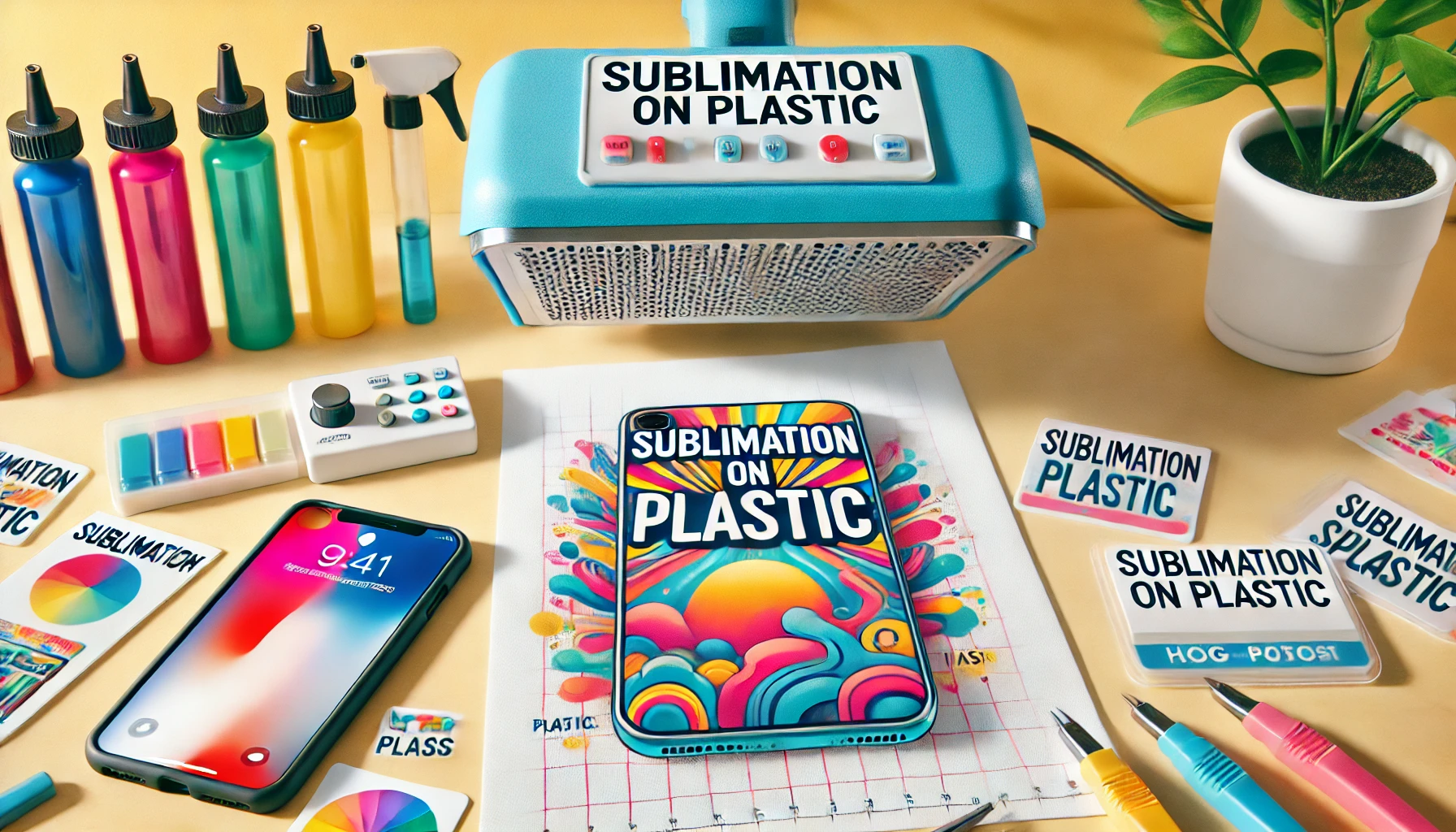
Sublimation on plastic works only with specially coated or polyester-based plastics. The heat and pressure turn the ink into gas, bonding it with the surface.
Common items include phone cases, keychains, and signage. Standard plastics won’t hold sublimation ink unless treated. Always check material compatibility before printing to avoid fading or poor adhesion.
Learn how to sublimate on plastic with our complete guide. From materials needed to step-by-step instructions, we cover everything you need to know to create beautiful sublimated plastic products. Find tips, troubleshooting advice, and inspiration for your next project.
Sublimation on plastic is a creative process that allows you to transfer vibrant designs onto plastic surfaces.
You’ll also find troubleshooting advice for common issues and inspiring examples to spark your creativity. If you’re a beginner or looking to refine your technique, this guide will help you successfully sublimate on plastic.
Is Sublimation on Plastic Possible?
Yes, it is possible and has become increasingly popular in various crafting and manufacturing fields. While sublimation traditionally works best on polyester-coated surfaces, advancements in technology have made it feasible to sublimate on certain types of plastic.
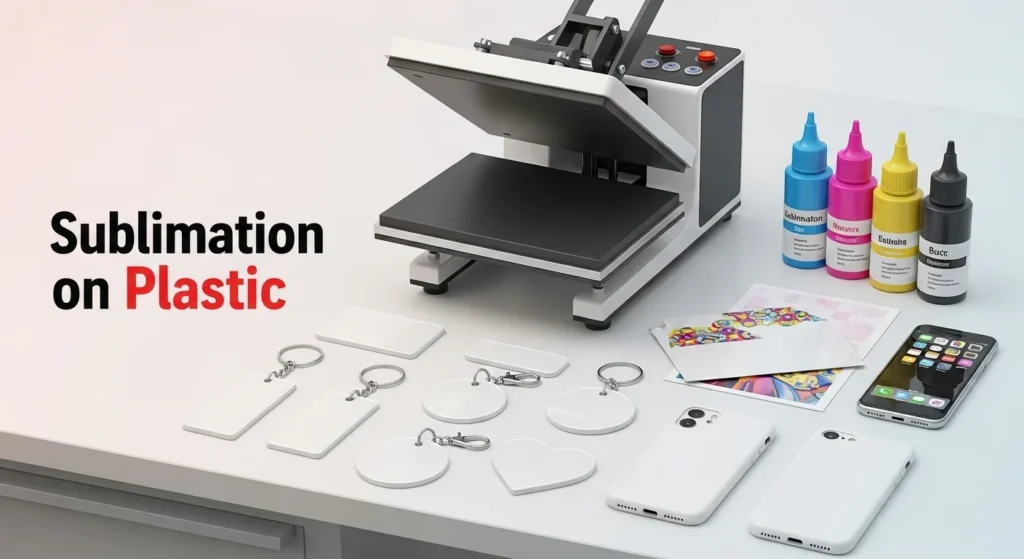
Types of Plastic Suitable for Sublimation
Not all plastics are suitable for sublimation. The best results are typically achieved with plastics that have been specially coated to accept sublimation dyes. Common plastics used for sublimation include:
- Polyester-Coated Plastics: Ideal for sublimation due to their receptive surface.
- Polypropylene: Often used to create durable, lightweight items.
- Polycarbonate: Known for its strength and clarity, it is perfect for clear, vibrant prints.
Special Considerations
When sublimating on plastic, there are a few key considerations to keep in mind:
- Heat Sensitivity: Plastics can be sensitive to high temperatures. It’s crucial to find the right balance between enough heat to transfer the dye and not too much to damage the plastic.
- Surface Preparation: Properly preparing the plastic surface is essential. Cleaning and, if necessary, applying a special coating can enhance the quality of the transfer.
- Equipment: Using the right equipment, such as a high-quality dye sublimation printer and a heat press, is vital for successful sublimation on plastic.
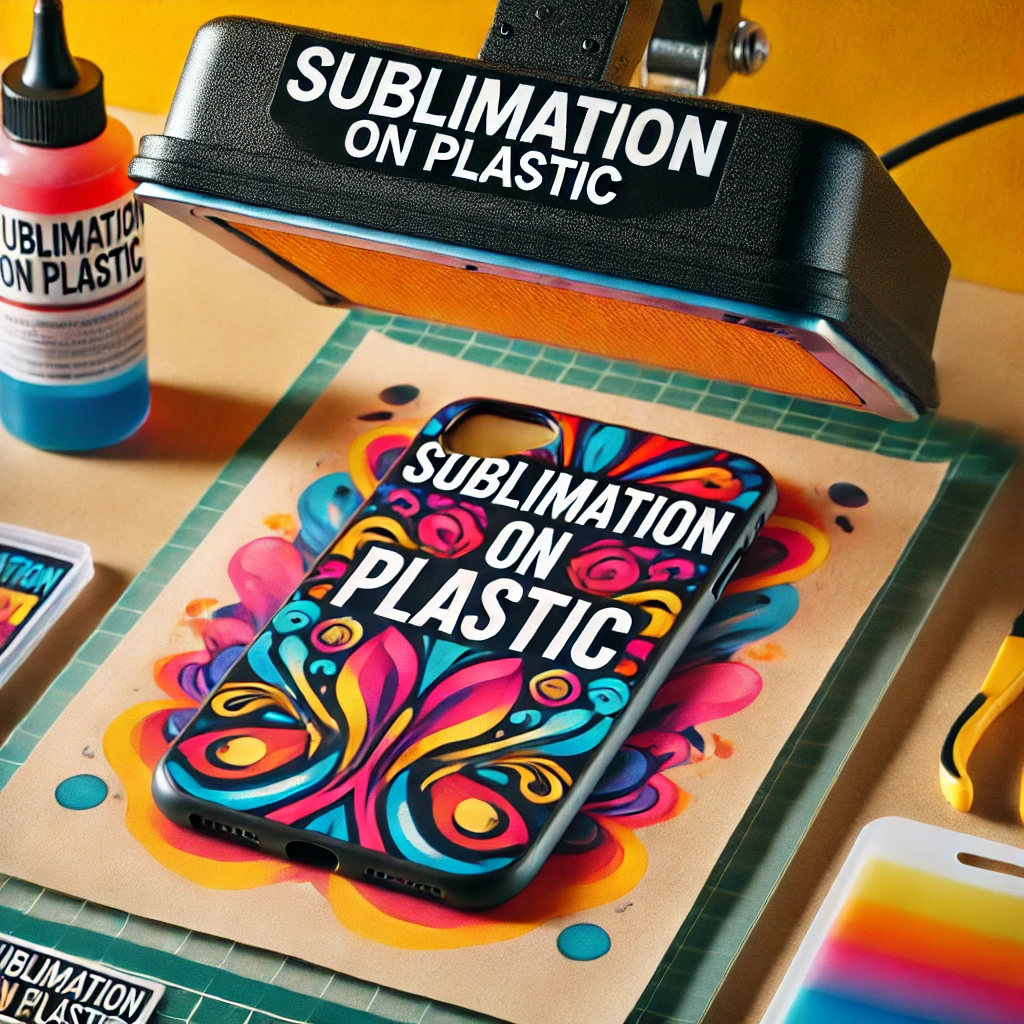
Why Most Plastics Don’t Accept Sublimation Ink
Sublimation doesn’t fail because of technique. It fails because of material chemistry.
Here’s the simple truth most guides skip.
Sublimation ink doesn’t “sit” on a surface. It turns into a gas and needs something to bond with. Regular plastic doesn’t give it that.
Most common plastics like PVC, polypropylene, and ABS are:
- Non-porous
- Oil-based
- Heat-sensitive
- Chemically resistant
When you apply sublimation heat, the ink has nowhere to go. Instead of bonding, it either:
- Washes out
- Looks dull
- Fades fast
- Or never transfers at all
That’s why raw plastic almost always fails.
What actually makes sublimation possible on plastic
Sublimation only works when one of these conditions is met:
- The plastic has a polyester coating
- The surface is polymer-treated for sublimation
- A polyester-based layer is applied before pressing
Without that polymer layer, sublimation ink cannot lock in.
Heat is another problem
Plastic softens long before sublimation finishes.
Too much heat causes:
- Warping
- Gloss loss
- Surface bubbles
- Uneven transfers
So even “almost compatible” plastics fail if the coating or press settings aren’t right.
When to Use Alternatives Instead of Sublimation on Plastic
Sometimes the right move isn’t forcing sublimation to work.
If the plastic item is:
- Uncoated
- Thin
- Heat-sensitive
- Meant for heavy outdoor use
Sublimation is usually the wrong process.
Better options for non-coated plastic
Heat Transfer Vinyl (HTV)
- Works on many plastics at lower temperatures
- Good for simple designs and text
- Easier to control than sublimation
UV Printing
- Prints directly onto plastic
- No heat required
- Ideal for rigid signs, panels, and flat items
Vinyl Decals
- Cost-effective for signage and labels
- Works on almost any plastic surface
- Easy to replace or update
Screen Printing
- Best for bulk production
- Durable results on plastic
- Requires setup, but very reliable
How to choose the right method
Ask yourself one question first:
Is this plastic coated or polymer-treated for sublimation?
- If yes, sublimation makes sense
- If no, use an alternative and save time, money, and frustration
Trying to force sublimation onto the wrong plastic almost always leads to poor results.
Materials Needed for Sublimating on Plastic
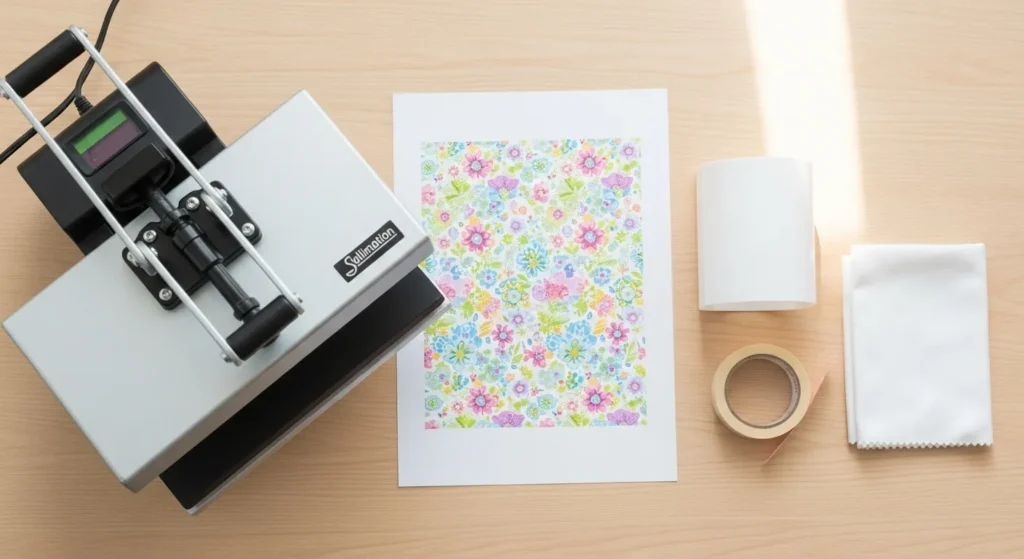
To successfully sublimate on plastic, you’ll need the right materials and equipment. Here’s a detailed list of what you’ll need:
1. Dye Sublimation Printer
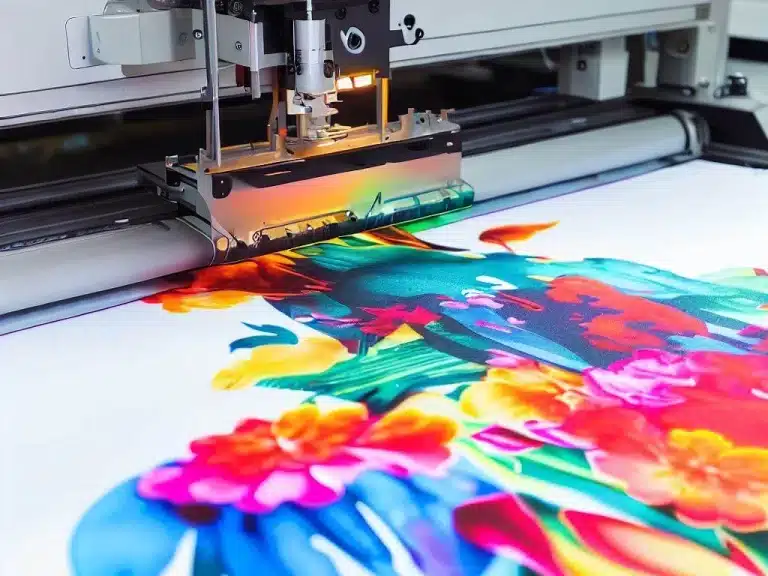
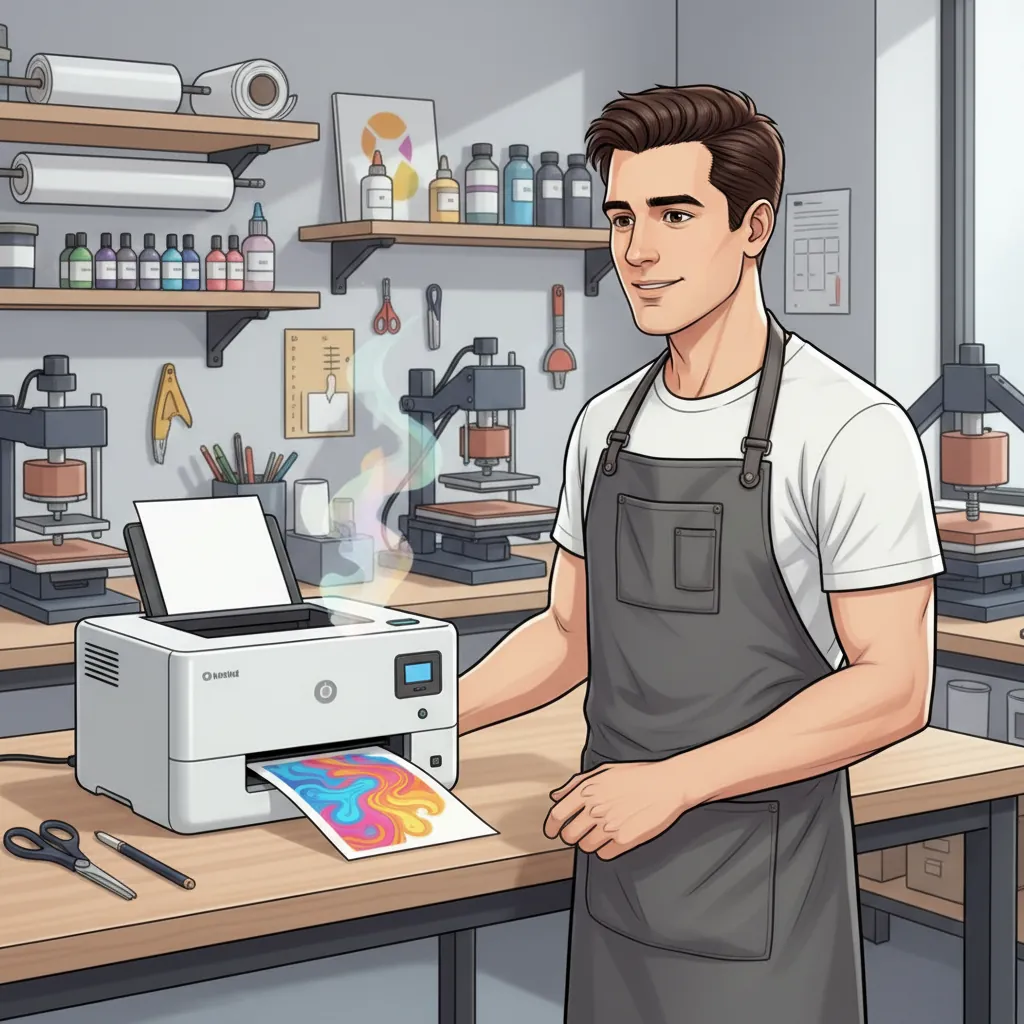
A high-quality dye sublimation printer is essential for producing vibrant, detailed designs. These printers use special sublimation inks that turn into gas when heated and bond with the plastic surface.
2. Sublimation Inks
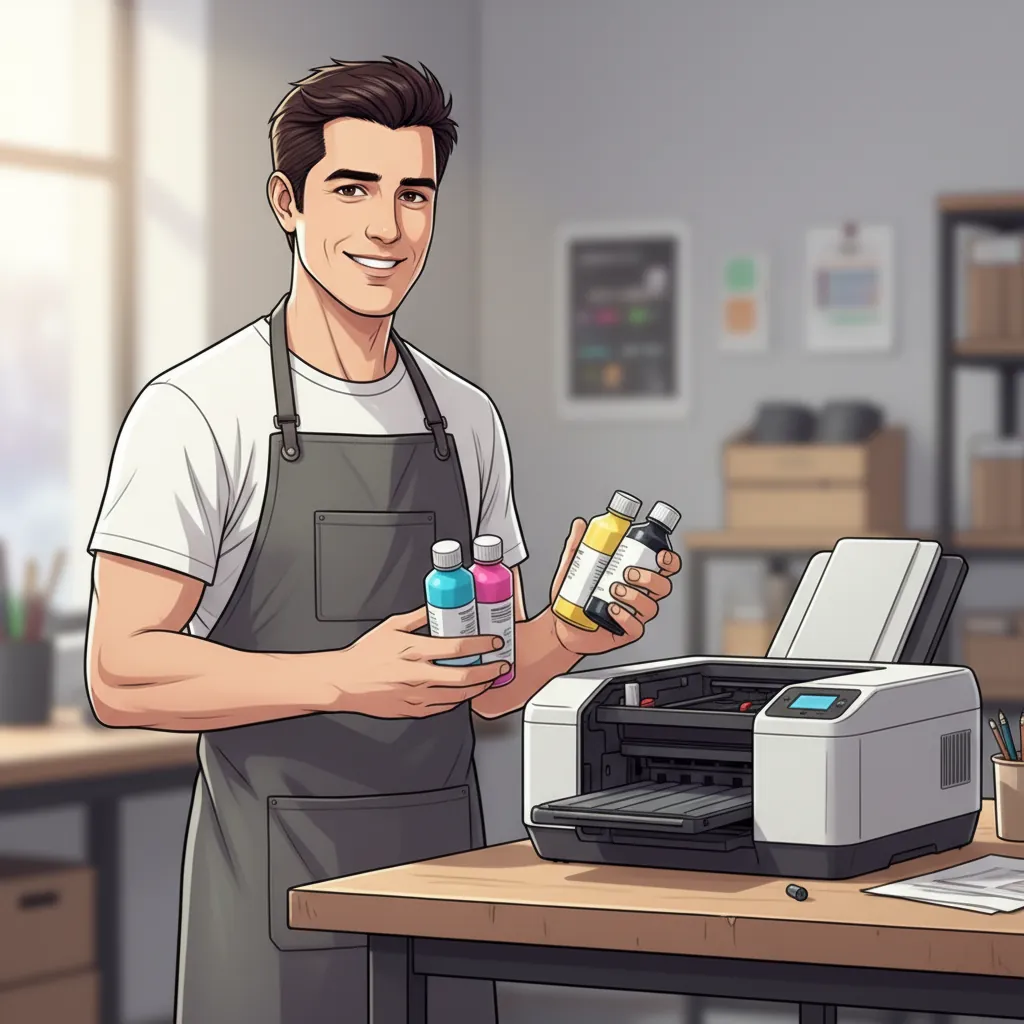
Sublimation inks are specifically formulated to convert from a solid to a gas without passing through a liquid state. These links are crucial for achieving the bright, durable prints associated with sublimation.
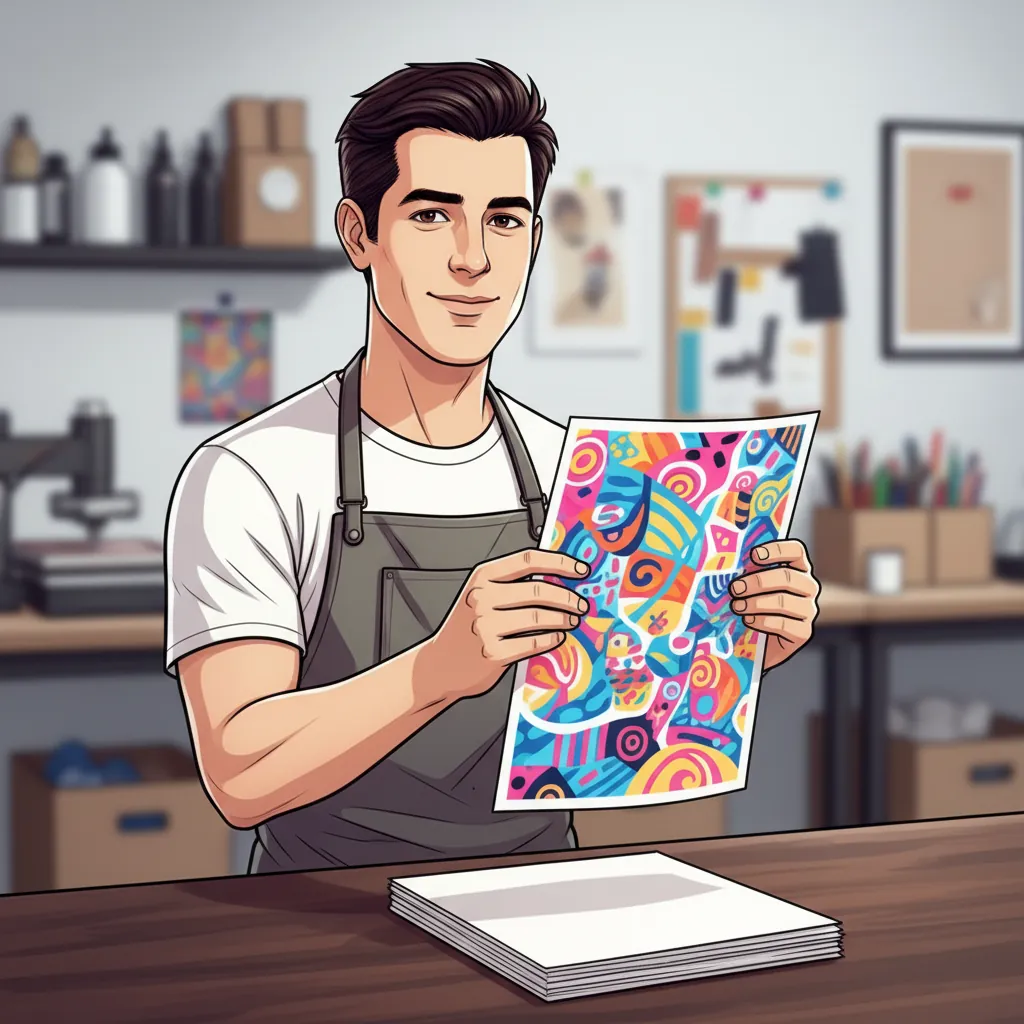
3. Sublimation Paper
Special sublimation paper is used to print your design. This paper holds the sublimation inks and releases them onto the plastic when heat is applied.
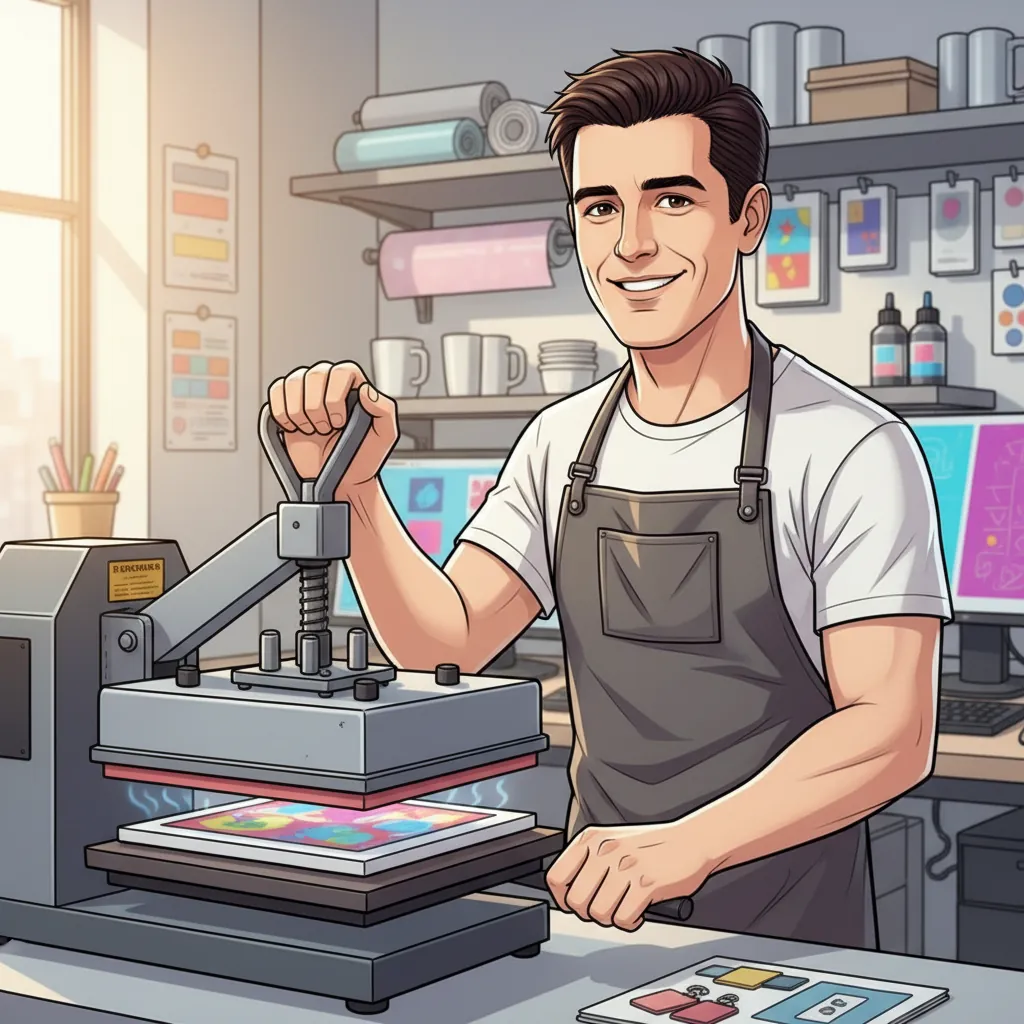
4. Heat Press Machine
A heat press machine transfers the printed design from the sublimation paper onto the plastic, applying the necessary heat and pressure to complete the sublimation process.
- Look for a heat press with adjustable temperature and pressure settings to accommodate different types of plastic.
5. Plastic Blanks
You’ll need plastic items that are compatible with sublimation. These can include various types of polyester-coated plastics or specially treated plastic blanks.
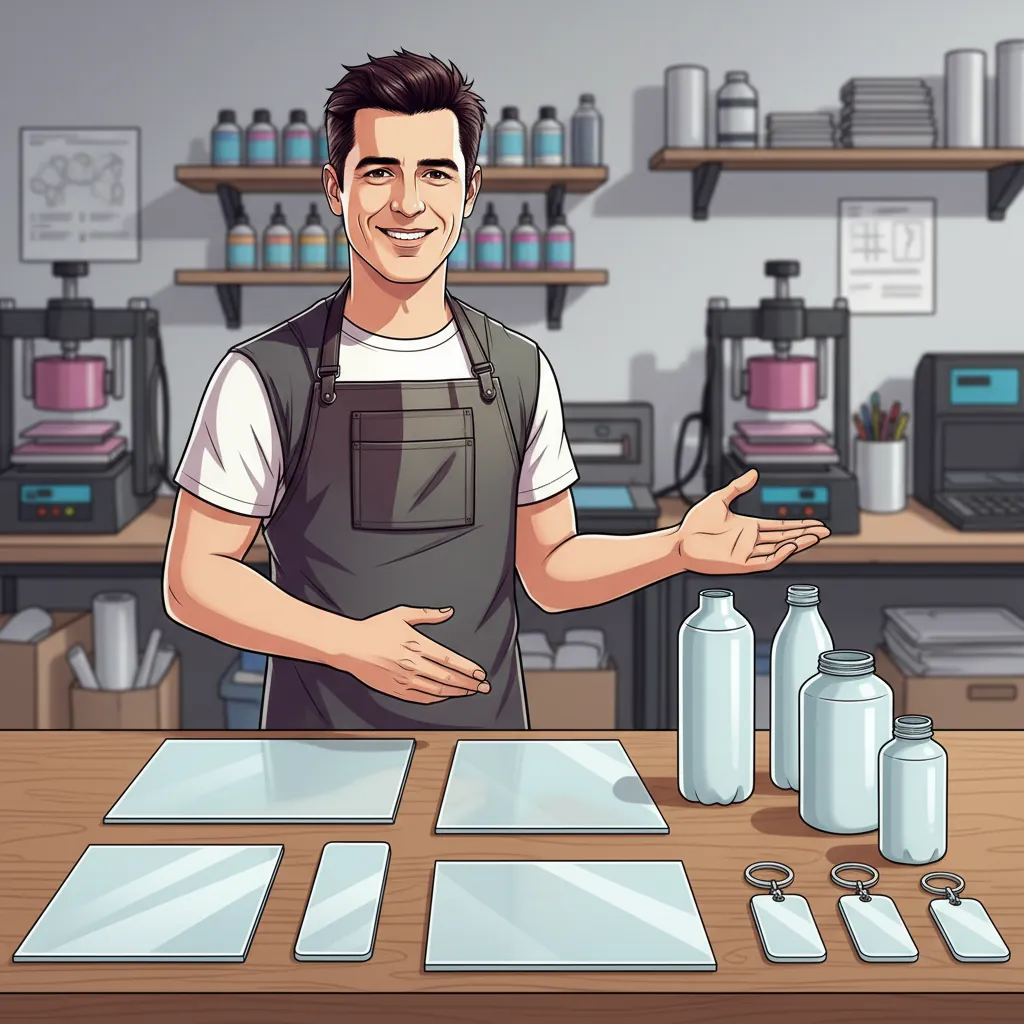
- Types: Polyester-coated plastics, polypropylene, and polycarbonate.
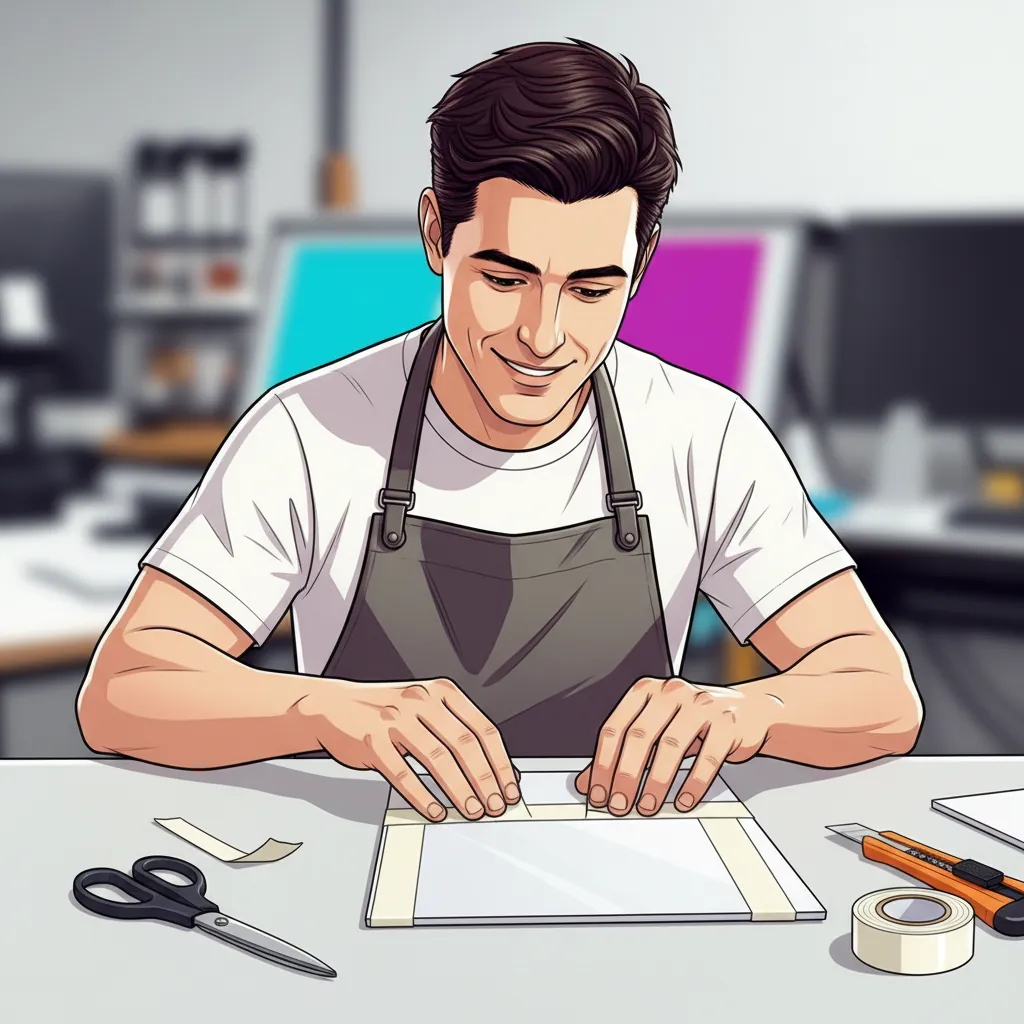
6. Heat-Resistant Tape
Heat-resistant tape secures the sublimation paper to the plastic blank, ensuring that the design does not shift during the heat press process.
7. Protective Equipment
Safety is important when working with heat and chemicals. Make sure you have:
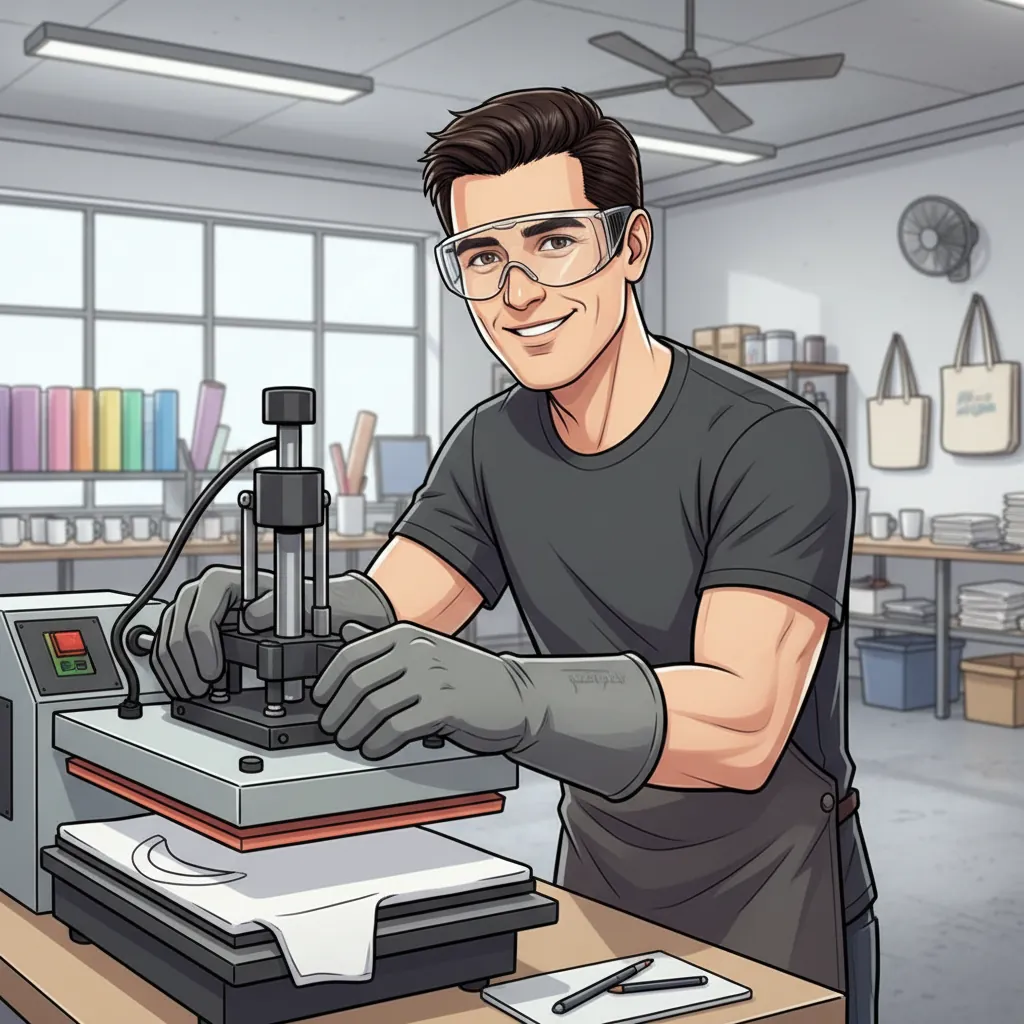
- Heat-resistant gloves
- Protective eyewear
- A well-ventilated workspace

Step-by-Step Guide to Sublimation on Plastic
It involves a series of precise steps to ensure the best results. Here’s a detailed guide to help you through the process:
1. Prepare Your Design
- Create or Choose a Design
- Use graphic design software like Adobe Photoshop or Illustrator to create your design. Ensure it matches the size of your plastic blank.
- Mirror the Image
- Mirror your image before printing. This ensures that text and designs appear correctly once transferred.
2. Print Your Design
- Select Printer Settings
- Use a high-quality dye sublimation printer. Adjust the settings for optimal resolution and color output. Refer to printer guides like Yu, J. (2012, October 4). How to buy a printer. CNET for detailed information on printer selection and setup.
- Print on Sublimation Paper
- Load sublimation paper into the printer and print your mirrored design. Ensure the print quality is high to avoid any blurring or fading.
3. Prepare the Plastic Surface
- Clean the Plastic Blank
- Thoroughly clean the plastic blank to remove dust, oils, or residues. For best results, use a lint-free cloth and rub alcohol on it.
- Position the Design
- Place the printed sublimation paper onto the plastic blank with the design facing the plastic. Secure it with heat-resistant tape to prevent movement.
4. Heat Press the Design
- Set the Heat Press Machine
- Preheat the heat press machine to the recommended temperature (usually around 350-400°F, depending on the plastic type).
- Apply Heat and Pressure
- Place the plastic blank with the sublimation paper in the heat press. Apply firm pressure and heat for the recommended time (typically 60-90 seconds).
- Remove Carefully
- Once the time is up, carefully open the heat press and remove the plastic blank. Let it cool slightly before removing the sublimation paper.
5. Finishing Touches
- Cool Down
- Allow the plastic to cool completely to ensure the sublimation ink sets properly.
- Inspect the Finished Product
- Check for imperfections or incomplete transfers. If necessary, repeat the process or touch up small areas.
Check Video Guide Sublimation on Plastic in 15 Seconds, Quick Step by Step Guide
When to Use Alternatives Instead
Sublimation isn’t always the right tool, especially when plastic is involved.
If the plastic item is uncoated, thin, or heat-sensitive, forcing sublimation usually leads to dull colors, warping, or peeling over time. In these cases, switching methods gives better results with less risk.
Use an alternative when:
- The plastic has no polyester or sublimation coating
- The item warps or softens below 350°F
- The surface is textured, flexible, or uneven
- The product is meant for outdoor or heavy-use applications
Better options for non-sublimation plastics
Heat Transfer Vinyl (HTV)
Good for simple designs, logos, and text. HTV applies at lower temperatures and works on many plastic surfaces where sublimation fails.
UV Printing
Prints directly onto plastic with no heat. This is ideal for rigid signs, panels, and flat plastic items that can’t handle high temperatures.
Vinyl Decals or Adhesive Graphics
A practical choice for signage, labels, and temporary branding. Vinyl sticks to almost any plastic and is easy to replace.
Screen Printing
Best for bulk production. It produces durable results on plastic but requires setup and is less flexible for small runs.
Quick rule of thumb
Ask one question before you start:
Is this plastic coated or polymer-treated for sublimation?
- Yes → Sublimation can work
- No → Use an alternative method
Choosing the right process upfront saves time, materials, and frustration, and leads to cleaner, longer-lasting results.
Troubleshooting Common Issues
Even with careful preparation, you may encounter some issues when sublimating on plastic. Here are some common problems and their solutions to help you achieve the best results:
1. Faded Colors
Cause: Insufficient heat or pressure or incorrect printer settings.
Solution:
- Ensure the heat press is set to the correct temperature (typically 350-400°F).
- Apply adequate pressure during the transfer process.
- Check your printer settings to ensure high-quality print mode is selected.
- Use high-quality sublimation inks and paper.
2. Blurry Designs
Cause: Movement of the sublimation paper during pressing or incorrect image resolution.
Solution:
- Secure the sublimation paper firmly with heat-resistant tape to prevent shifting.
- Use high-resolution images to ensure sharp prints.
- Avoid opening the heat press too quickly, which can cause the paper to move.
3. Uneven Transfers
Cause: Inconsistent heat or pressure across the plastic surface.
Solution:
- Ensure the heat press applies even pressure across the entire surface.
- Use a heat press mat or silicone pad to help distribute pressure evenly.
- Double-check that the plastic blank is completely flat and level.
4. Ghosting (Double Images)
Cause: Slight movement of the paper after the initial contact.
Solution:
- Use heat-resistant tape to secure the paper in multiple places.
- Open the heat press slowly and steadily to prevent jarring the paper.
- Ensure the design is properly mirrored before printing.
5. Incomplete Transfers
Cause: Insufficient time in the heat press or inadequate contact between paper and plastic.
Solution:
- Increase the pressing time slightly to ensure full transfer.
- Ensure there are no gaps between the sublimation paper and the plastic blank.
- Check for even pressure distribution across the press.
Examples and Inspiration
Seeing examples of sublimation on plastic can inspire your projects. Here you see creative ideas and applications to get you started:
1. Personalized Tumbler Designs
Idea: Create custom tumblers with unique designs, photos, or text. Personalized tumblers make great gifts and promotional items.
Inspiration:
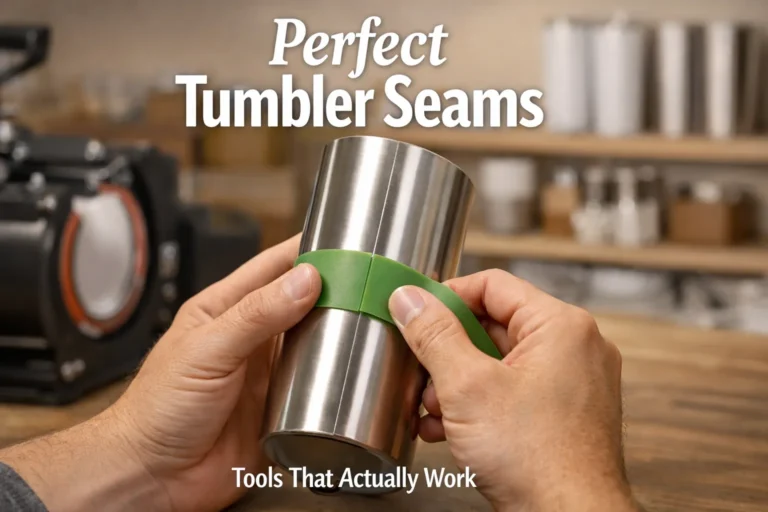
- 3D sublimation tumblers featuring intricate patterns or 3D effects. These can be visually striking and offer a unique drinking experience. Sublimation Tumbler Blanks
2. Custom Phone Cases
Idea: Design personalized phone cases with artwork, family photos, or inspirational quotes. Sublimated phone cases are durable and visually appealing.
Inspiration:
- Use bold colors and high-resolution images to make your designs pop. Consider adding textures or patterns to create a more dynamic look.
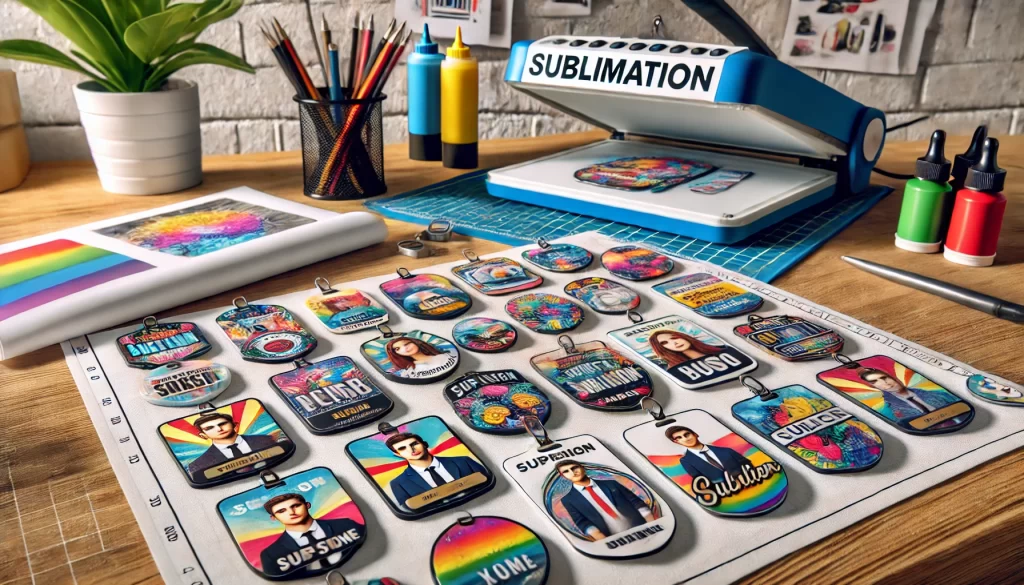
3. Decorative Keychains
Idea: Create small, custom keychains with fun designs, logos, or monograms. These can be used for personal use or as branded merchandise.
Inspiration:
- Experiment with different shapes and sizes of plastic blanks. For varied effects, try using both opaque and transparent plastics.
4. Custom Signage
Idea: Design signs for homes, offices, or events. Sublimated signs can feature detailed graphics and vibrant colors.
Inspiration:
- Create signs with a mix of text and images. Consider seasonal designs or themes for specific events, such as weddings or parties.
5. Personalized ID Badges
Idea: Make custom ID badges for employees, students, or event attendees. Sublimated badges can include photos, names, and organization logos.
Inspiration:
- Ensure the designs are clear and professional. Add background patterns or colors that match the organization’s branding.
Practical Tips Before You Start Sublimating on Plastic
Sublimation on plastic works best when expectations are realistic.
Focus on clean designs, solid colors, and items that are already polyester-coated or sublimation-ready. Simple layouts usually produce better results than highly detailed graphics, especially on rigid plastic surfaces.
Before committing to a full project, always test on a scrap piece. Small changes in temperature or pressure can make a noticeable difference with plastic materials.
Sourcing the right supplies
You don’t need anything special beyond standard sublimation equipment, but quality matters.
- Dye sublimation printer with genuine sublimation ink
- Sublimation paper designed for crisp transfers
- Heat press with accurate temperature and pressure control
- Sublimation-compatible plastic blanks, clearly labeled as coated or treated
- Heat-resistant tape and basic safety gear for consistent results
The most important factor isn’t where you buy supplies, it’s confirming that the plastic blank is actually made for sublimation.
FAQs
Professional Sublimation Printing & Wholesale Custom Products
Looking for high-quality sublimation printing for apparel, drinkware, and promotional items? Subli Genius Print delivers vibrant color, sharp detail, and long-lasting results for businesses, brands, and resellers across the U.S.
References
For more detailed information and resources related to sublimation on plastic, consider the following references:
- Dye Sublimation Printers: Explore a range of high-quality printers suitable for sublimation printing, including options from trusted brands. For details on various models and their features, visit Dye Sublimation Printers | Epson US.
- Sublimation Transfers: Find a variety of sublimation transfers for your projects, including pre-designed sheets and custom options. Check out Sublimation Transfers – Etsy Ireland for a selection of available designs.
- 3D Sublimation Tumbler Designs: Discover creative 3D designs for tumblers and other items that can be used in your sublimation projects. Browse options at 3D Sublimation Tumbler Designs | Design Bundles.