Common Sublimation Printing Terms Explained

If you’re new to sublimation printing, the terminology can feel overwhelming fast. Words like ICC profile, substrates, and heat press pressure get thrown around but rarely explained clearly.
In this guide, you’ll learn the most common sublimation printing terms in plain language so you can understand what’s happening in your workflow and avoid beginner mistakes.
If you’re just starting, it also helps to review this complete sublimation printing overview to understand the full process.
What Is Sublimation Printing (Quick Definition)
Sublimation printing is a process where heat turns special ink into gas, bonding it directly with polyester fabrics or polymer-coated surfaces.
This is why designs don’t sit on top of the material they become part of it.
If you want a deeper breakdown, see how the sublimation printing process works step by step.
Core Sublimation Printing Terms You Must Know
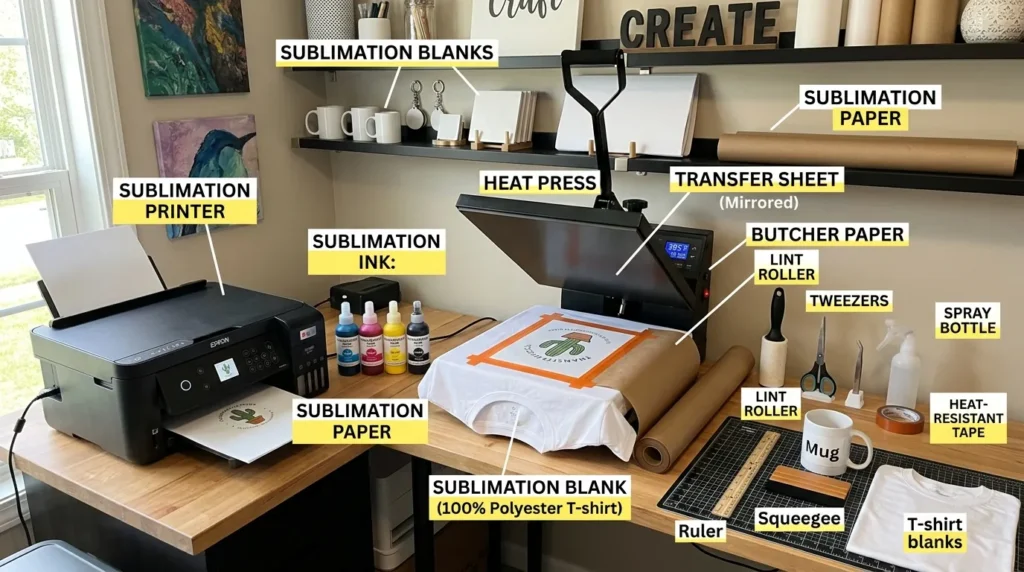
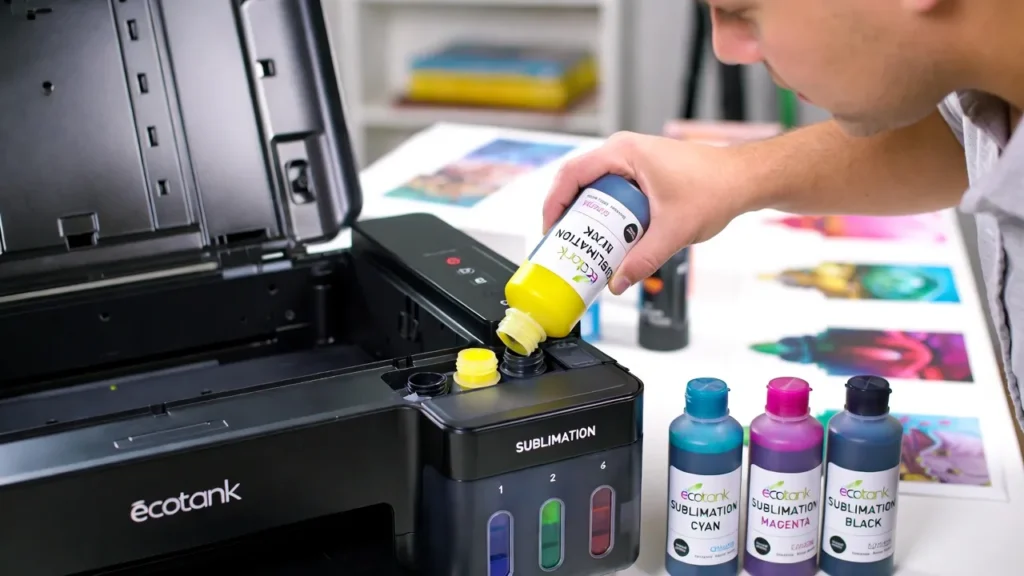
Sublimation Ink
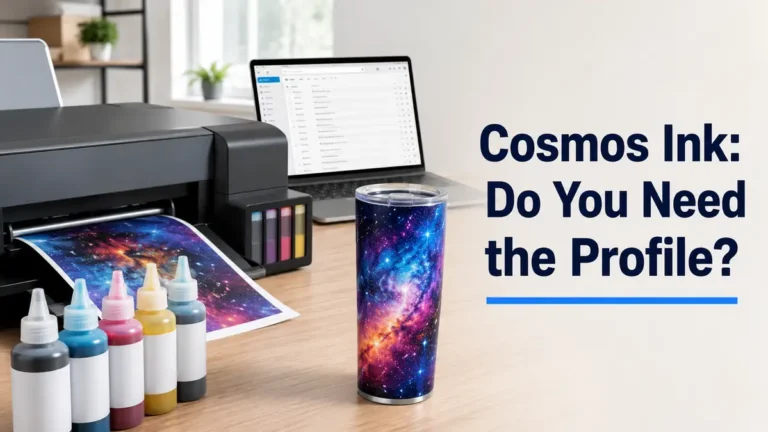
Sublimation ink is a special dye that turns into gas when heated instead of becoming liquid.
Why it matters:
- It allows permanent bonding with materials
- Produces vibrant, long-lasting colors
- Works only with compatible surfaces
Sublimation Paper
This is the transfer medium that holds your printed design before pressing.
Key point:
It doesn’t absorb ink like regular paper it releases it efficiently during heat pressing.
Substrate (Blank)
A substrate is the item you’re printing on.
Examples:
- Polyester shirts
- Ceramic mugs
- Aluminum panels
- Coated wood
Not all materials work. You’ll need compatible sublimation blanks and materials for proper results.
Heat Press
A heat press is the machine that applies heat and pressure to transfer the design.
It controls:
- Temperature
- Time
- Pressure
Incorrect settings are one of the biggest causes of failed prints.
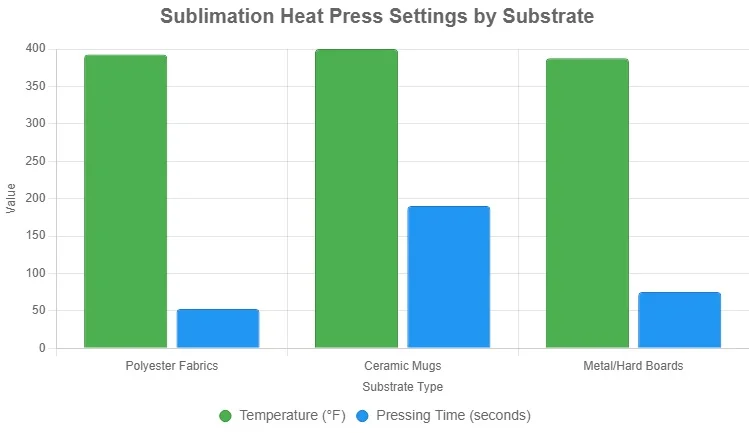
Heat Press Settings (Temperature, Time, Pressure)
These three variables control how well your design transfers.
- Temperature: Activates the ink (usually 350–400°F)
- Time: Ensures full transfer (typically 40–60 seconds)
- Pressure: Helps even bonding
Advanced Sublimation Terms (For Better Control)
Once you understand the basics, these slightly more advanced terms will help you improve print quality and consistency.
Ink Saturation
Ink saturation refers to how much ink is applied to your design during printing.
Why it matters:
- Too much ink → bleeding or muddy colors
- Too little ink → faded or weak prints
You may notice this issue when colors look “off” even if your settings seem correct.
Pressure Consistency
This refers to how evenly your heat press applies pressure across the entire surface.
Common problem:
Uneven pressure can cause:
- Patchy transfers
- Faded areas
- Incomplete bonding
In most home setups, this happens when:
- The press isn’t leveled
- The item is thicker in some areas
Transfer Efficiency
Transfer efficiency describes how much ink actually moves from paper to the substrate.
Higher efficiency means:
- Better color vibrancy
- Less ink left on the paper
- Cleaner results
Low efficiency is often caused by:
- Wrong temperature
- Incorrect paper type
- Poor-quality blanks
Equipment & Setup Terms Beginners Often Miss
Many beginners focus only on printing and forget these important setup-related terms.
Print Resolution (DPI)
DPI (dots per inch) determines how detailed your print is.
Typical settings:
- 300 DPI → standard for sublimation
- Lower DPI → less sharp prints
Higher DPI improves clarity, especially for:
- Text
- Fine details
- Small designs
Mirror Printing
Before printing, your design must be flipped horizontally.
Why this matters:
Sublimation transfers are applied face-down, so without mirroring, your design will appear backward.
This is one of the most common beginner mistakes.
Protective Paper
This is placed inside or on top of your substrate during pressing.
Purpose:
- Prevents ink bleed-through
- Protects your heat press
- Avoids unwanted marks
It’s a small step that prevents big problems.
For accurate results, follow proper heat press temperature for sublimation guidelines.
Color & Print Quality Terms
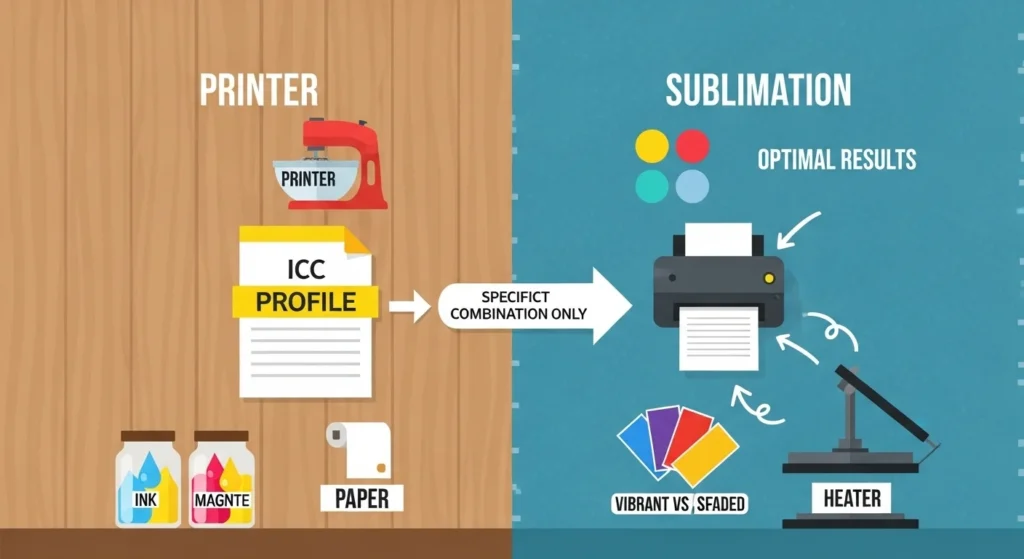
ICC Profile
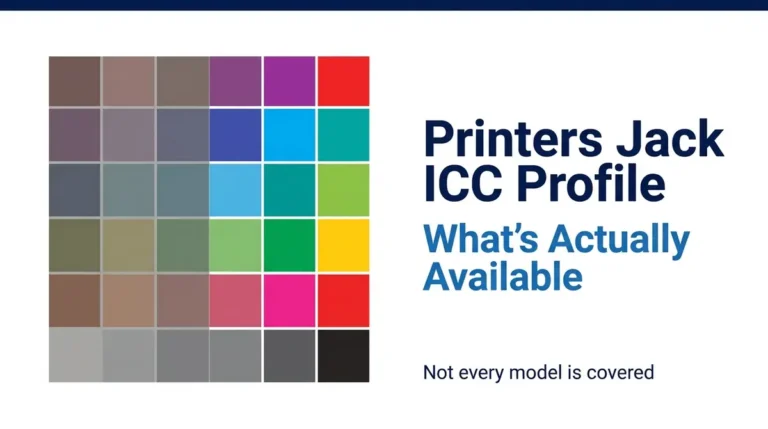
An ICC profile controls how colors print from your computer to your printer.
Why it matters:
Without it, colors often look dull, faded, or incorrect.
Learn more about ICC profiles for sublimation printing if your colors don’t match your screen.
Color Calibration
This is the process of adjusting your screen and printer so colors match accurately.
Common issue:
Your design looks bright on screen but prints darker or washed out.
RGB vs CMYK
These are two color modes:
- RGB: Used for screens
- CMYK: Used for printing
Sublimation workflows often require careful conversion between the two.
Ghosting
Ghosting happens when the design shifts during pressing, creating a blurry or shadow effect.
Cause:
- Movement during pressing
- Lifting paper too early
Banding
Banding appears as lines across your print.
Cause:
- Clogged print heads
- Incorrect printer settings
If you see this, follow a proper sublimation troubleshooting guide to fix it.
Process & Workflow Terms
Transfer
The act of moving your printed design from paper to the substrate using heat.
Pressing
The actual heat press step where ink converts into gas and bonds with the material.
Sublimation Coating
A special polymer layer applied to non-polyester items (like wood or glass) to make them compatible.
Dye Migration
This happens when ink spreads beyond the intended design.
Common causes:
- Too much heat
- Excess pressing time
Common Beginner Confusions (Explained Clearly)
Why Do My Colors Look Dull?
Most of the time, it’s caused by:
- Missing ICC profile
- Incorrect temperature
- Low-quality sublimation ink
Why Doesn’t Sublimation Work on Cotton?
Sublimation requires polyester or a polymer coating.
Cotton doesn’t bond with sublimation ink, which is why prints fade or disappear.
Why Does My Print Look Different After Pressing?
This is normal.
Before pressing, prints look faded. After heat activation, colors become vibrant.
Practical Tips to Understand Terms Faster
If you’re still feeling overwhelmed, here’s what helps most beginners:
- Focus on workflow, not memorization
- Learn terms while actually printing
- Keep a settings notebook
- Test small samples before full production
Understanding improves quickly when you connect terms to real results.
For a technical overview, you can also read what sublimation printing is and how it works from a neutral, high-authority source.
Frequently Asked Questions
Can I use regular ink instead of sublimation ink?
No, regular ink won’t convert into gas and won’t bond with materials.
Do I need special paper for sublimation?
Yes, sublimation paper is required for proper ink release and transfer.
Is it okay if my print looks faded before pressing?
Yes, this is completely normal colors become vibrant after heat pressing.
What’s the best way to avoid ghosting?
Secure your transfer paper and avoid movement during pressing.