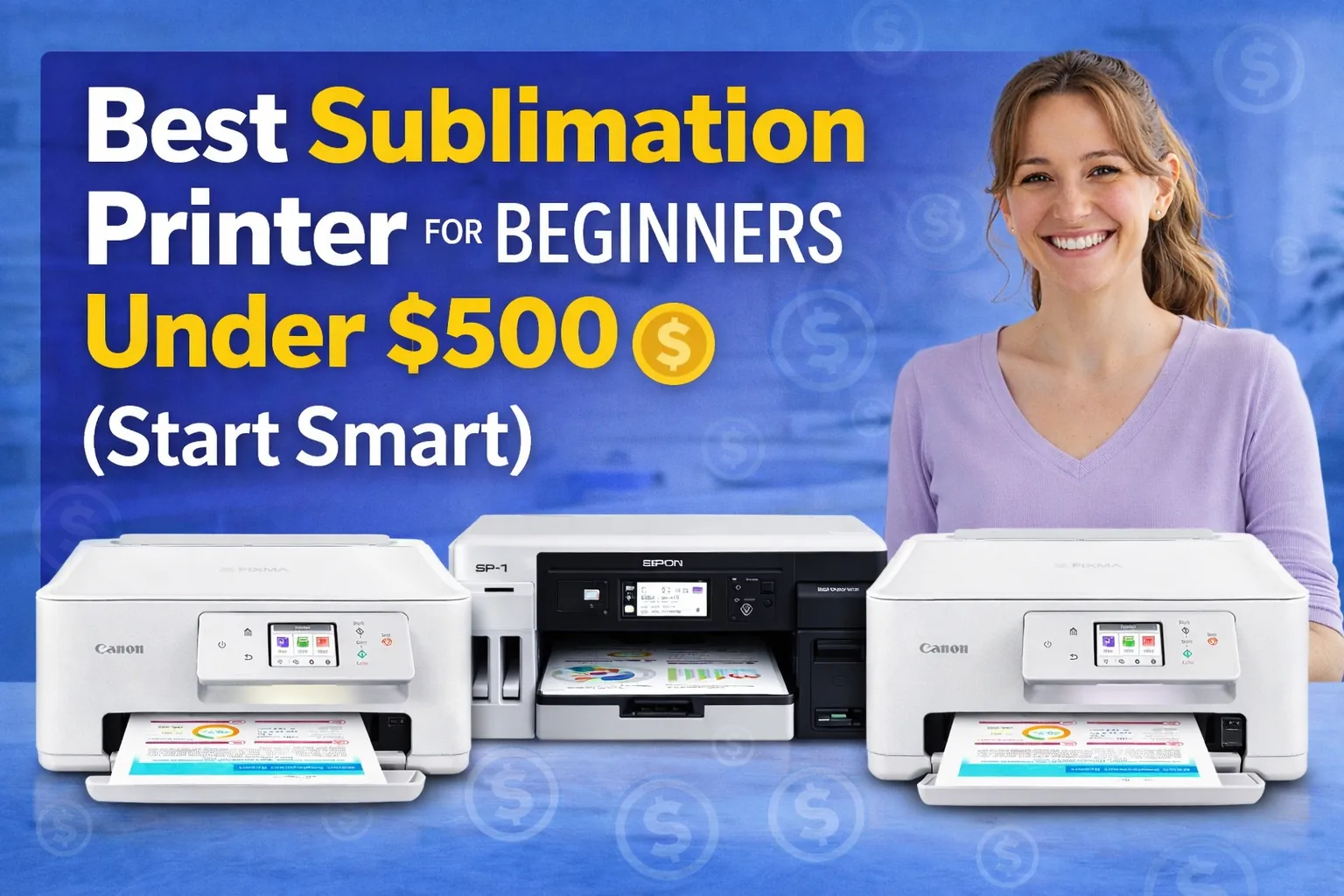
Best Sublimation Printer for Beginners Under $500 (Start Smart)

Getting into sublimation can feel overwhelming at first. You see different printer models, conversion talk, ink types, heat presses, and suddenly your “simple hobby” feels complicated.
Here’s the good news. You don’t need a $1,000 machine to get started.
If you’re a beginner, hobby crafter, Etsy seller, or someone testing a small side business, there are solid printers under $500 that work great. The key is choosing one that’s:
- Easy to set up
- Affordable to maintain
- Reliable for shirts, mugs, and basic projects
- Not overly complicated
Quick summary:
- Want the safest all-around beginner pick? Go with an Epson EcoTank like the ET-2800.
- Want the cheapest way to start? The ET-2400 is a strong budget option.
- Want plug-and-play sublimation without conversion? Brother SP1 is your easiest path.
Now let’s compare them side by side.
Quick Comparison Table
| Printer | Max Print Size | Type | Beginner Difficulty | Best For | Price Range |
|---|---|---|---|---|---|
| Epson EcoTank ET-2800 | 8.5 x 11 | Conversion | Easy | Shirts & mugs | ~$200–$250 |
| Epson EcoTank ET-2400 | 8.5 x 11 | Conversion | Very Easy | Budget starters | ~$150–$180 |
| Epson EcoTank ET-15000 | 13 x 19 | Conversion | Moderate | Larger designs | ~$400–$500 |
| Brother SP1 Sublimation Printer | 8.5 x 14 | True Sublimation | Very Easy | Plug & play users | ~$450 |
| Canon PIXMA TS7720 | 8.5 x 11 | Inkjet (Not Ideal) | Advanced workaround | Craft hobbyists only | ~$100–$130 |
Not every inkjet printer is ideal for sublimation. Some are easier and safer to convert than others. We’ll explain why that matters next.
What Makes a Good Beginner Sublimation Printer Under $500?
If you’re new, you don’t need every feature under the sun. You need something that works, doesn’t fight you, and won’t drain your budget.
Here’s what actually matters.
Cartridge-Free Tank System (Why EcoTank Is So Popular)
Tank-style printers are a huge advantage for beginners.
Instead of tiny ink cartridges that run out fast, you get refillable tanks. That means:
- Lower ink cost long term
- Easier refills
- Less frustration
This is why Epson EcoTank models are so common in the sublimation world. They’re simple, affordable, and conversion-friendly.
Easy Conversion Process
Most beginner printers under $500 are converted inkjet printers, not factory sublimation machines.
Conversion means:
- You install sublimation ink instead of regular ink.
- You use the printer only for sublimation from day one.
Some printers convert easily. Others are risky or clog more often. Epson EcoTank models are preferred because they’re predictable and widely supported.
If you don’t want to deal with conversion at all, a true sublimation printer like Brother SP1 can make things simpler.
Print Size Limit (Don’t Overbuy Too Early)
Most beginners only need:
- 8.5 x 11 for mugs and small shirt designs
- Maybe 8.5 x 14 if you want slightly larger prints
Jumping to 13 x 19 sounds exciting, but it also increases paper cost and learning curve. Start based on what you’ll actually produce.
Ongoing Ink and Maintenance Cost
A cheap printer can become expensive if:
- Ink is hard to find
- Refills are expensive
- Printheads clog easily
Tank systems reduce long-term cost. True sublimation printers cost more upfront but can be simpler to maintain.
For beginners under $500, the sweet spot is usually an Epson EcoTank conversion or a budget-friendly true sublimation model.
1. Epson EcoTank ET-2800 – Best Overall Beginner Pick
If you’re brand new to sublimation and want the safest all-around option under $500, this is it.
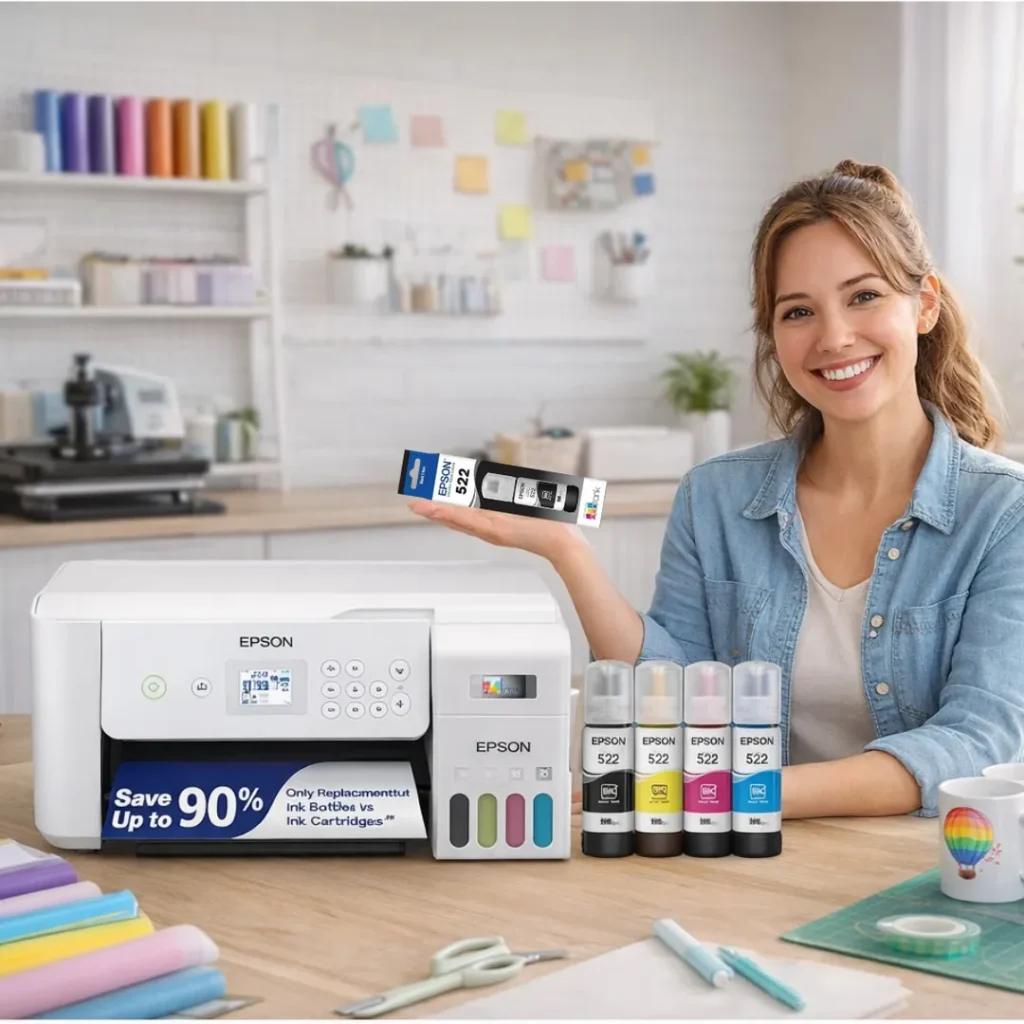
The Epson EcoTank ET-2800 is one of the most beginner-friendly printers you can convert for sublimation. It’s simple, reliable, and doesn’t overwhelm you with features you don’t need.
Current Price: ~$257.98
👉 Check latest price here
Why It’s Great for Beginners
The biggest win here is the cartridge-free tank system.
Instead of dealing with tiny cartridges that constantly run out, this model uses refillable ink tanks. That means:
- Lower long-term ink cost
- Easy filling with EcoFit bottles
- Less mess during setup
- Fewer “out of ink” headaches
Epson includes high-capacity ink bottles, rated for thousands of pages. While you’ll replace the original ink with sublimation ink for conversion, the tank design itself is what makes this printer ideal.
Key Specs (Beginner-Friendly Breakdown)
- Print Size: Up to 8.5 x 11 (Letter)
- Connectivity: Wi-Fi
- Type: Inkjet (Conversion Required for Sublimation)
- Control: Simple push-button interface
- Best For: T-shirts, mugs, small crafts
This size is perfect for standard sublimation blanks. You don’t need larger format unless you’re printing oversized shirt designs.
What You Should Know Before Buying
This is not a factory sublimation printer.
You must:
- Install sublimation ink from day one
- Never use regular ink first
- Dedicate the printer only to sublimation
Once converted properly, it performs extremely well for beginners.
Pros
- Very affordable entry point
- Easy to convert
- Low long-term ink cost
- Widely supported by sublimation community
- Compact and beginner-safe
Cons
- Limited to 8.5 x 11 prints
- Conversion voids manufacturer warranty
- Not designed specifically for sublimation
Who Should Buy This?
This printer is ideal if you:
- Are starting a small Etsy or home business
- Want to test sublimation without huge investment
- Plan to print mugs, small shirts, or baby apparel
- Prefer something simple and proven
If you want the safest beginner decision under $300, this is usually the answer.
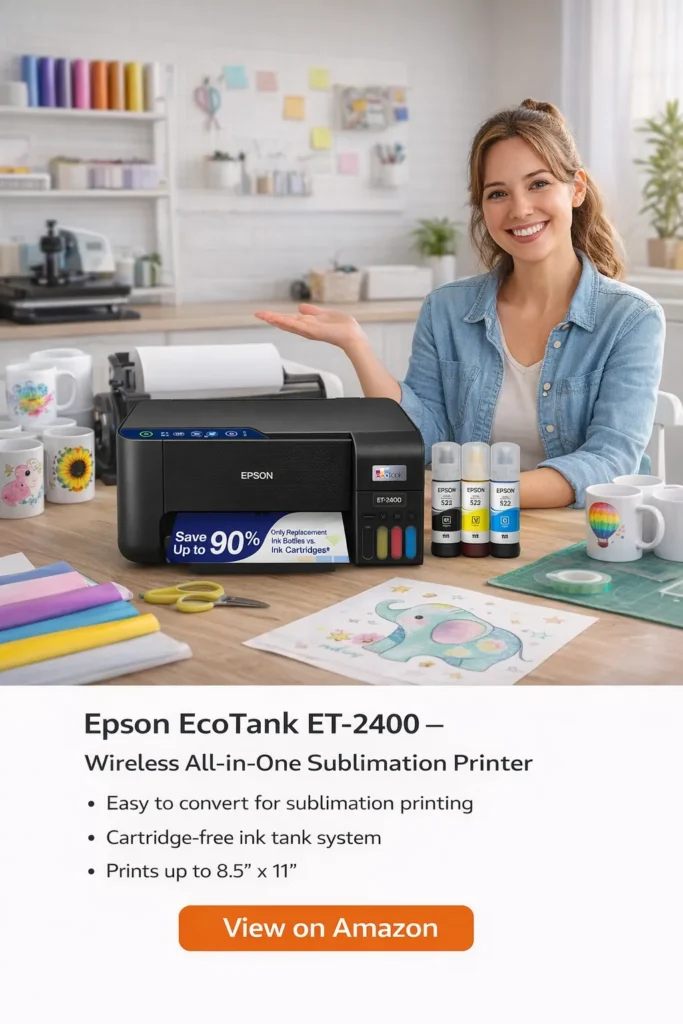
2. Epson EcoTank ET-2400 – Best Ultra-Budget Starter Option
If your goal is simple, affordable entry into sublimation without spending $300+, the Epson EcoTank ET-2400 is one of the cheapest safe starting points.
Current Price: ~$159
👉 Check latest price here
This is often the printer beginners grab when they’re testing sublimation for the first time.
Why It’s Good for First-Time Users
The ET-2400 keeps things basic. And honestly, that’s a good thing when you’re learning.
It features:
- Cartridge-free refillable ink tanks
- Wi-Fi and USB connectivity
- Print, scan, and copy functions
- Rear feed tray (up to 100 sheets)
Like other EcoTank models, the real advantage is the refill system. No tiny cartridges. No constant replacements.
For sublimation, you’ll convert it by installing sublimation ink from day one.
Key Specs (Beginner Breakdown)
- Print Size: Up to 8.5 x 11
- Type: Inkjet (Conversion Required)
- Connectivity: Wi-Fi + USB
- Max Speed: 10 ppm black / 5 ppm color
- Weight: 8.6 lbs
This is strictly a small-format beginner machine. Perfect for mugs, baby tees, small logos, and simple shirt designs.
Pros
- Extremely affordable
- Easy conversion for sublimation
- Low long-term ink cost
- Lightweight and compact
- Energy-efficient design
Cons
- Slower print speed
- No automatic document feeder
- Limited to letter-size prints
- Basic display interface
Who Should Buy This?
This printer makes sense if you:
- Want the lowest possible entry cost
- Are testing sublimation before going bigger
- Plan to print mostly mugs and small designs
- Don’t need oversized prints
If budget is your biggest concern, this is usually the smartest place to start.
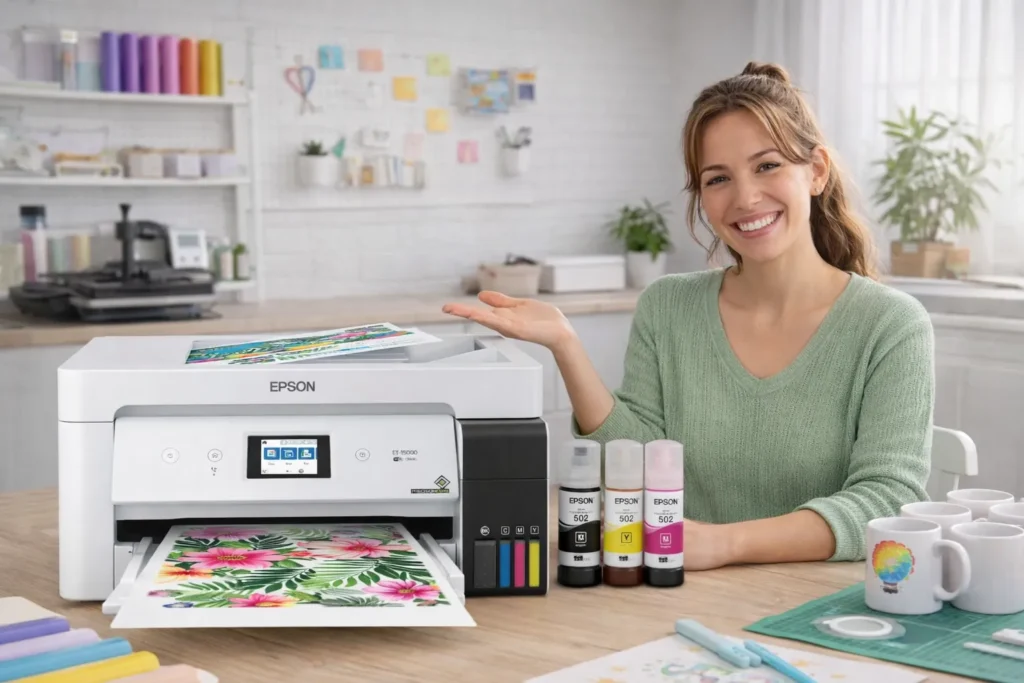
3. Epson EcoTank ET-15000 – Best for Larger Designs Under $500
If you already know you’ll outgrow 8.5 x 11 prints, this is where things get interesting.
The Epson EcoTank ET-15000 is the most affordable wide-format EcoTank you can realistically use for sublimation under $500.
Current Price: ~$449.99
👉 Check latest price here
This is the “future-proof” beginner option.
Why It’s Different From Smaller Models
The big upgrade here is print size.
You can print up to:
- 11 x 17 borderless
- 13 x 19 maximum sheet size
That means:
- Large t-shirt graphics
- Full front shirt designs
- Larger tote bags
- Bigger custom panels
If you’re serious about selling shirts or scaling beyond mugs, this matters a lot.
Key Specs (What Actually Matters for Sublimation)
- Max Print Size: 13 x 19
- Print Speed: 17 ppm black / 9 ppm color
- Connectivity: Wi-Fi, Ethernet, USB
- Auto Document Feeder
- Auto Duplex Printing
- Refillable Ink Tank System
- Weight: 26.5 lbs
Like other EcoTank models, this is still a conversion printer. You must install sublimation ink from day one.
Pros
- Wide-format printing under $500
- Excellent long-term ink savings
- Faster than smaller EcoTank models
- More professional capability
- Good for scaling a small business
Cons
- Larger footprint
- Higher upfront cost
- Slightly steeper learning curve
- Conversion still voids warranty
Who Should Buy This?
This printer makes sense if you:
- Plan to sell full-size t-shirt designs
- Want to avoid upgrading again in 6 months
- Are starting a serious side business
- Need larger sublimation transfers
If you only plan to make mugs or small chest logos, this might be more than you need.
But if growth is part of your plan, this is the smartest under-$500 wide-format option.
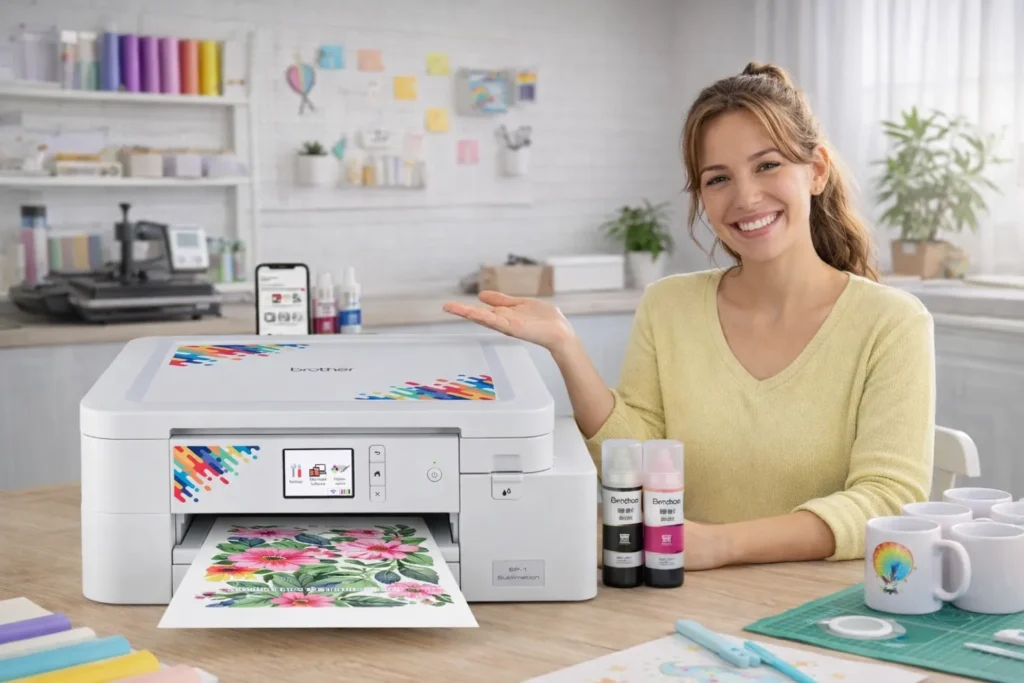
4. Brother SP1 Sublimation Printer – Best Plug-and-Play Sublimation Option
If you don’t want to deal with printer conversion at all, this is your cleanest option.
The Brother SP-1 Sublimation Printer is a true dye-sublimation printer built specifically for sublimation projects. No swapping ink. No conversion risk.
Current Price: ~$429
👉 Check latest price here:
This is the easiest “plug and play” beginner setup under $500.
Why It’s Different From Epson EcoTank Models
The big difference is simple:
This printer is designed for sublimation from the factory.
That means:
- Uses genuine sublimation ink
- No warranty issues from conversion
- Color profiles built for sublimation
- Designed specifically for heat transfer projects
For beginners who feel nervous about converting a printer, this removes that stress.
Key Specs (Beginner Breakdown)
- Printing Technology: Dye Sublimation
- Connectivity: Wi-Fi
- Companion App: Artspira
- Display Screen
- Designed for US 120V use
- Best For: Shirts, mugs, bags, hats
It works with the Artspira app, which lets you:
- Import and store up to 20 designs
- Access ready-made sublimation patterns
- Convert photos into stylized artwork
That makes it very beginner-friendly for people who don’t want to mess with complicated software right away.
Pros
- True sublimation printer
- No conversion required
- Designed specifically for heat transfer
- Long-lasting results when pressed correctly
- Easy app integration
Cons
- Higher upfront cost
- Locked into Brother sublimation ink
- Smaller print format compared to ET-15000
- Heat press required (sold separately)
Who Should Buy This?
This printer makes sense if you:
- Want zero conversion risk
- Prefer an official sublimation system
- Like app-based design support
- Are starting small but want simplicity
If you’re nervous about voiding warranties or handling ink swaps, this is your safest under-$500 route into sublimation.
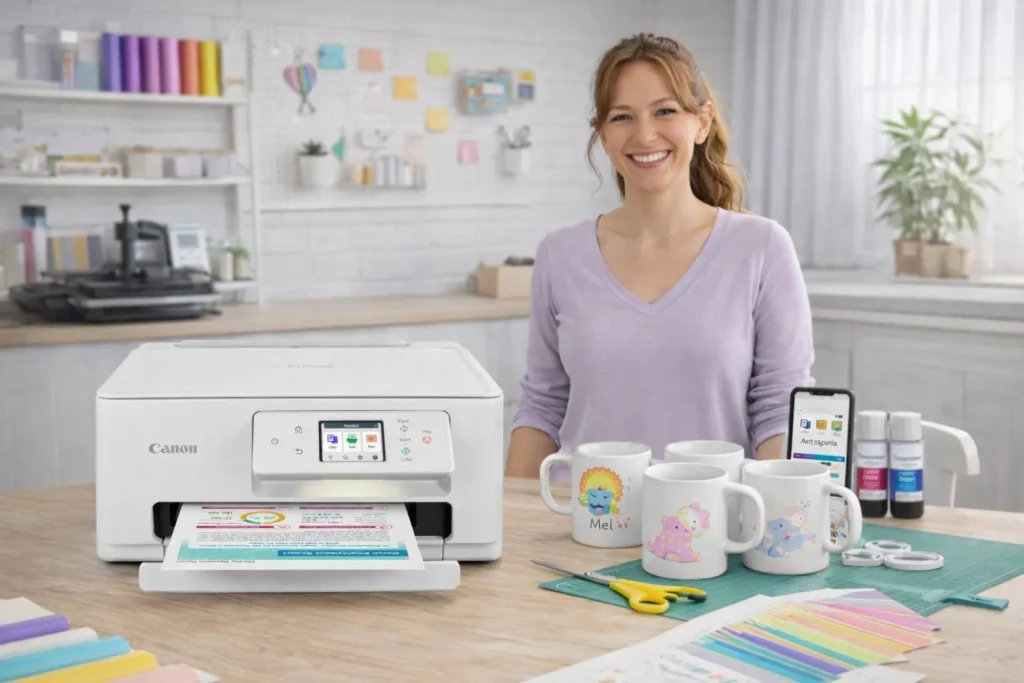
5. Canon PIXMA TS7720 – Budget Inkjet (With Important Limitations)
The Canon PIXMA TS7720 is not a true sublimation printer and it’s not ideal for conversion.
Current Price: ~$115.99
👉 Check latest price here
It’s included here strictly as a budget inkjet option that some hobby users consider. But if your goal is serious sublimation, there are better choices above.
What It’s Designed For
This is a compact home printer made for:
- Everyday documents
- Photo printing
- School projects
- Light home use
It offers:
- Print, copy, scan
- Auto duplex
- 2.7” LCD touchscreen
- Fast setup
- 15 ppm black / 10 ppm color
For regular home printing, it’s solid.
For sublimation? That’s where things get complicated.
Why It’s Not Ideal for Sublimation
Unlike Epson EcoTank models:
- It uses standard cartridges, not refillable tanks
- Conversion is more difficult
- Ink cost is higher long term
- Fewer people use this model successfully for sublimation
Technically, some Canon printers can be converted, but they’re not widely recommended in the sublimation community.
If you’re brand new, this is not the safest learning path.
Pros
- Very affordable
- Compact size
- Easy setup
- Good photo printing quality
- Touchscreen control
Cons
- Not designed for sublimation
- Cartridge system increases ink cost
- Conversion is risky
- Smaller print format
- Not future-proof for a sublimation business
Who Should Buy This?
This printer makes sense only if you:
- Primarily need a home printer
- Want occasional craft use
- Are experimenting and understand the limitations
If your goal is starting a sublimation business or side hustle, you’re better off choosing one of the Epson or Brother options above.
Epson Conversion vs True Sublimation Printer (Brother SP1)
If you’re stuck choosing between an Epson EcoTank and the Brother SP-1, here’s the simple breakdown.
💰 Cost Difference
- Epson EcoTank (ET-2400 / ET-2800): Lower upfront cost, usually $150–$250
- Brother SP-1: Around $429
EcoTank wins on price. Brother wins on simplicity.
🔒 Warranty Issue
- Epson: Conversion voids warranty
- Brother: Built for sublimation, warranty stays intact
If warranty peace of mind matters to you, Brother is safer.
⚙️ Ease of Setup
- Epson: Must install sublimation ink from day one
- Brother: Ready for sublimation out of the box
No conversion, no guesswork with Brother.
🖨 Long-Term Ink Savings
- EcoTank models: Very low ink cost over time
- Brother: Uses genuine sublimation ink, more controlled but not as cheap per refill
EcoTank usually wins on long-term operating cost.
Beginner Recommendation
- Want the cheapest way to start? Go Epson EcoTank.
- Want the simplest, stress-free setup? Go Brother SP-1.
Most budget beginners choose Epson. Most “I don’t want to mess anything up” beginners choose Brother.
If you want to compare beginner models with more advanced options, see our full Best Sublimation Printers guide.
What You’ll Also Need to Start Sublimation
Printer alone isn’t enough. You’ll need:
- Sublimation ink (if using Epson conversion)
- Heat press (required to transfer design), If you don’t have one yet, here’s how to choose a heat press.
- Sublimation paper
- Polyester or poly-coated blanks
- Design software (Canva, Photoshop, Silhouette Studio, etc.)
That’s it. No fancy extras needed in the beginning. Not sure which paper to use? See our sublimation paper guide.
Common Beginner Mistakes
Avoid these and you’ll save yourself frustration:
- Using regular ink instead of sublimation ink
- Printing on 100% cotton shirts
- Skipping ICC color profiles
- Buying a wide-format printer too early
Keep it simple at first. Master basics, then upgrade.
Final Recommendation (Straight Decision Help)
Let’s make this easy.
- Cheapest safe starter: Epson EcoTank ET-2400
- Best overall under $300: Epson EcoTank ET-2800
- Best under $500: Epson EcoTank ET-15000
- Best plug-and-play option: Brother SP-1
- Best for future growth: Epson ET-15000
If you’re unsure, the ET-2800 is the safest middle ground for most beginners.
If you’re unsure what makes a printer compatible, read our guide on what kind of printer is needed for sublimation.
FAQs
Can I use any inkjet printer for sublimation?
No. Not all inkjets convert well. Epson EcoTank models are the most commonly recommended for beginners.
Is conversion difficult?
Not really. You just install sublimation ink instead of regular ink from day one. The key is never mixing the two.
How long does sublimation ink last?
Once printed and heat pressed correctly, designs can last years without fading, especially on polyester materials.
Is sublimation profitable for beginners?
Yes, if you focus on small niches like custom mugs, baby clothes, or personalized gifts. Start small and test demand.
Can I start with under $500 total?
Yes. With a budget EcoTank printer and an entry-level heat press, you can start close to that range if you shop carefully.