
Sublimation Paper Hub: Choose by Printer, GSM & Use Case

Sublimation paper is a coated transfer paper that holds dye-sublimation ink until heat moves the dye into polyester fibers or a polymer-coated surface. The right paper depends on more than brand name. Printer feed, sheet or roll format, GSM, ink coverage, drying, color workflow, and the product you are pressing all matter.
Use this hub to choose the right paper category first, then move to the specialist guide that matches your printer or production workflow.
Find the Right Sublimation Paper Guide
Start with the question you actually need answered. This keeps the hub useful without duplicating the detailed buyer guides already on the site.
| Your question | Best next guide |
|---|---|
| Which paper should I buy overall? | Best Sublimation Paper buyer guide |
| What paper should I use with Epson? | Best Sublimation Paper for Epson Printers |
| What paper should I use with Sawgrass? | Best Sublimation Paper for Sawgrass |
| How do TexPrint, A-SUB, Hiipoo, and TruePix differ? | Sublimation Paper Comparison |
| My colors, drying, or paper settings are wrong | Sublimation Paper Settings |
| Do I need sublimation paper or heat-transfer paper? | Sublimation Paper vs Heat Transfer Paper |
| I need roll media for production | 75 GSM Jumbo Roll Sublimation Paper |
| I am buying a case or roll from a supplier | How to Vet a Sublimation Transfer Paper Supplier |
Quick Paper Selection Matrix
The safest way to choose sublimation paper is to start with the printer and format, then narrow by ink load and handling. Do not choose by GSM alone.
| Printer or workflow | Format to consider | Main paper decision | Handling concern | Best next guide |
|---|---|---|---|---|
| Converted Epson desktop | Cut sheets | Printer feed, artwork coverage, and exact paper compatibility | Curl, drying, feeding, and color workflow | Epson paper guide |
| Epson F170 | Cut sheets | Paper designed for the printer and your production workflow | Media settings, consistency, and color management | Epson paper guide |
| Epson F570 or similar roll workflow | Sheets or rolls | Job width, supported media, repeat production, and waste | Roll handling and consistent feeding | Epson paper guide |
| Sawgrass SG500 / SG1000 | Cut sheets | Start with the matched media workflow before testing alternatives | Media settings and repeatable color | Sawgrass paper guide |
| Wide-format production | Rolls | Roll width, core, GSM, ink load, and printer support | Drying, tension, storage, and damaged edges | Jumbo-roll guide |
| Bulk purchasing | Sheets, cases, or rolls | Repeatable specification and cost per usable transfer | Lot consistency, packaging, shipping, and replacement terms | Supplier-vetting guide |
Bottom line: the best paper category is the one your printer feeds reliably, your ink and color workflow support, and your jobs can use without unnecessary waste or reprints.
What Is Sublimation Paper?
Sublimation paper has a release coating that keeps dye-sublimation ink near the surface instead of letting it soak deeply into the sheet. During pressing, heat turns the dye into a gas so it can bond with compatible polyester or polymer-coated material.
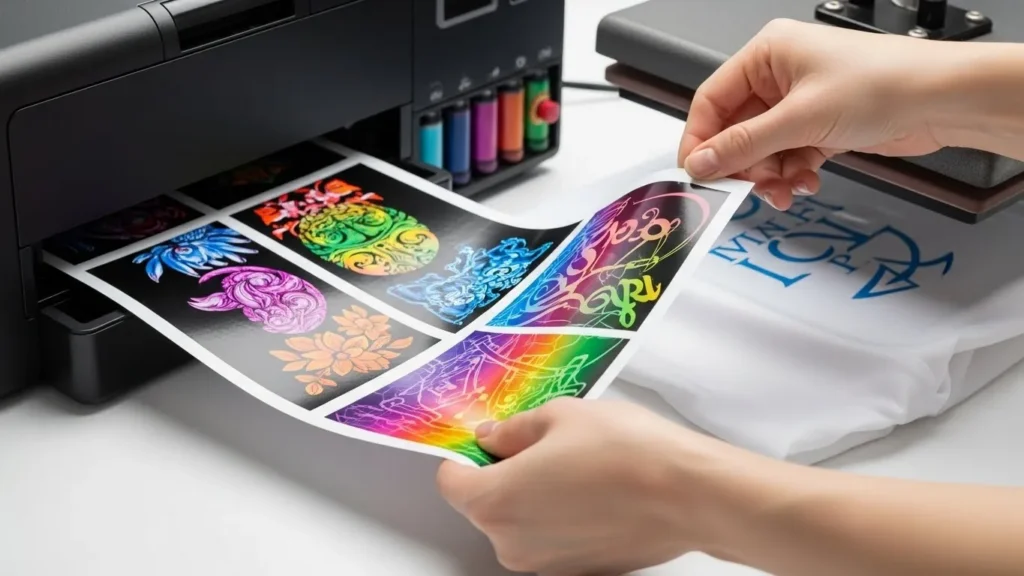
The final transfer depends on the complete system: printer, ink, paper, color management, press, and blank. Changing paper can improve handling or transfer consistency, but it cannot correct incompatible ink, a clogged printer, or the wrong substrate.
How It Differs from Regular and Heat-Transfer Paper
Regular copy paper does not have the same controlled-release coating. Heat-transfer paper uses a different process that leaves a transfer layer on the surface, while sublimation dye bonds within compatible polyester or polymer coating. Use the sublimation paper vs heat-transfer paper guide when you are choosing between the two methods.

Main Types of Sublimation Paper
Desktop Cut Sheets
Cut sheets are the simplest format for desktop workflows. They are easy to store, count, cost by sheet, and match to smaller blanks. The key is confirming the exact paper size, feed behavior, printable side, and paper type your printer can handle.
Production Rolls
Roll paper makes more sense when the printer supports continuous media and your jobs are larger, repeated, or nested efficiently across the roll. Before ordering, confirm roll width, core size, winding or coating orientation where relevant, printer support, storage, and how much usable paper the job actually consumes. The 75 GSM jumbo-roll guide covers production buying factors in more detail.
Adhesive or Tacky Paper
Tacky sublimation paper is useful when transfer movement is a recurring problem, especially on fabric workflows where ghosting can happen as the press closes or opens. Adhesive strength and peel behavior vary, so test the exact paper with the fabric and press process you use.
Sublimation Sticker Media
Sticker media is a separate project category rather than a substitute for normal sublimation transfer paper. If the job is stickers, use the sublimation sticker paper guide to choose a compatible sticker workflow.
What GSM Changes in Sublimation Paper
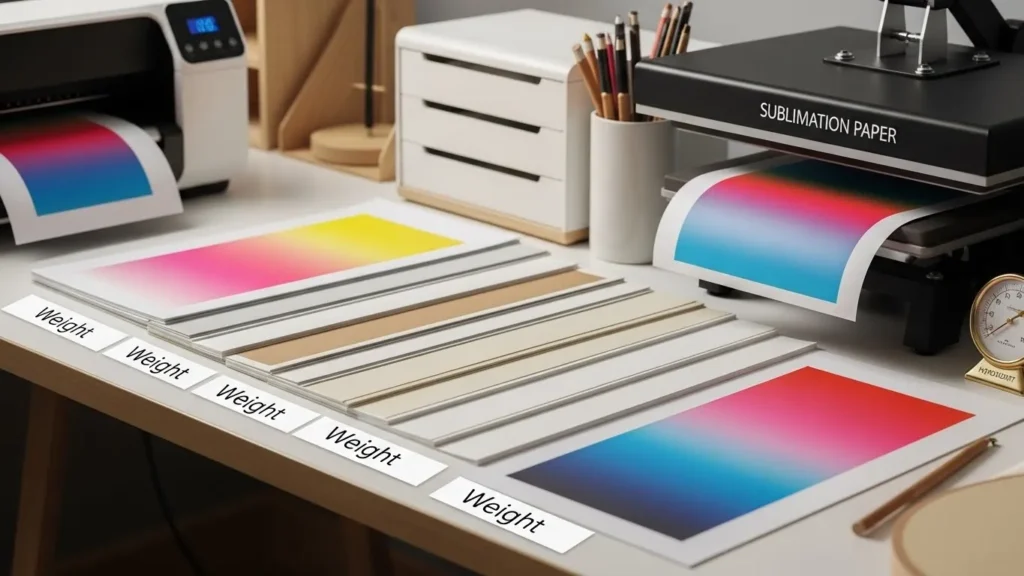
GSM means grams per square meter. A higher number means a heavier sheet, not automatically a better one.
- Printer feed: heavier or lighter paper can behave differently through the feed path.
- Ink coverage: dense photos and large solid areas place more moisture on the sheet than small logos or light designs.
- Curl and cockling: paper weight, coating, humidity, and ink load can all affect flatness.
- Drying and handling: a sheet that transfers well can still slow production if it stays wet or is difficult to handle.
- Color workflow: changing paper can change the result, so a paper swap should be treated as a workflow change rather than only a weight change.
If you want brand-by-brand and weight-specific comparisons, use the Sublimation Paper Comparison. That page owns the detailed TexPrint, A-SUB, Hiipoo, and TruePix comparison so this hub can stay focused on selection and routing.
Choose by Printer Before You Choose by Brand
The same paper does not make equal sense for every printer. Start with media handling and the manufacturer’s or paper supplier’s compatibility guidance, then compare brands inside that supported range.
Epson EcoTank, F170, and F570
Epson-based workflows can differ by feed path, maximum paper size, sheet or roll support, driver options, ink system, and color-management setup. Use the Epson sublimation paper guide when you need model-specific buying guidance instead of copying another printer owner’s paper choice.
Sawgrass SG500 and SG1000
Sawgrass systems have a matched printer, ink, paper, and software workflow. Start with the current matched-media setup, then test third-party paper only when you have a clear reason to change. Use the Sawgrass paper guide for that comparison.
Sheets vs Rolls: Which Format Fits Your Production?
| Choose sheets when… | Choose rolls when… |
|---|---|
| Your printer is sheet-fed | Your printer supports roll media |
| Jobs are smaller and varied | Jobs are larger, repeated, or nested |
| Simple inventory matters | Continuous production matters |
| You want easy per-sheet costing | You can track usable length or area |
| You do not need roll hardware or storage | You know the required roll width, core, and handling needs |
Do not assume a roll is cheaper simply because the cost per square foot appears lower. Include trimming waste, damaged edges, test prints, unusable length, and reprints when comparing real production cost.
Before You Buy a Case or Roll
Bulk paper can lower purchasing friction, but a large order magnifies any compatibility or consistency problem. Verify these points before committing:
- Exact printer compatibility
- Sheet or roll dimensions
- Roll core size where applicable
- GSM and media handling
- Printable or coated side
- Standard vs tacky workflow
- Ink-load behavior for your artwork
- Drying and handling
- Storage requirements
- Lot or batch consistency
- Sample availability
- Shipping and landed cost
- Cost per usable transfer, not just package price
- Supplier replacement or defect policy
For wholesale or production buying, use the sublimation transfer paper supplier-vetting guide before placing a large order.
Printer, Color, and Paper Settings
Paper is only one part of print quality. If the print is banded, wet, dull, oversaturated, or feeding poorly, check the printer and color workflow before buying another paper pack.
| Symptom | Check before blaming the paper |
|---|---|
| Banding or missing lines | Nozzle check, printer condition, and print settings |
| Wet or smeared print | Ink load, printable side, drying, humidity, and media setting |
| Color does not match | ICC or color-management workflow, ink, substrate, and driver settings |
| Ghosted edges | Transfer movement, tape or tack, pressure, and press opening |
| Weak transfer | Blank coating, time, temperature, pressure, orientation, and paper compatibility |
Use the sublimation paper settings guide for detailed troubleshooting. Change one variable at a time so you can tell whether the paper actually caused the problem.
Cricut and Sticker Projects
A Cricut does not print sublimation ink. In a normal workflow, a sublimation printer prints the transfer while Cricut tools can help with design preparation, cutting, or alignment.
- Use Cricut Sublimation Transfer Paper for the standard workflow.
- Use the Sublimation Sticker Paper guide for sticker-specific media choices.
How to Store Sublimation Paper
- Keep unused paper in its original packaging or another sealed, clean container.
- Store sheets flat and protect rolls from crushed edges.
- Keep paper away from direct sunlight, liquid, dust, and large humidity swings.
- Allow cold paper to reach room conditions before opening the package if condensation is possible.
- Follow the paper manufacturer’s storage and shelf-life guidance instead of assuming one storage period fits every product.
Frequently Asked Questions
What type of sublimation paper should I use?
Start with the paper format and media type your printer supports, then compare GSM, ink coverage, drying, handling, and the products you print. Use printer-specific guidance before choosing by brand name alone.
Does higher GSM mean better sublimation paper?
No. Higher GSM means a heavier sheet. Feed reliability, coating, ink load, drying, curl, color workflow, and the printer itself matter more than choosing the highest number.
Should I buy sublimation paper in sheets or rolls?
Choose sheets for sheet-fed desktop printers and smaller varied jobs. Choose rolls when the printer supports roll media and your production benefits from larger, repeated, or nested jobs.
What sublimation paper should I use with an Epson printer?
Use paper that matches the exact Epson workflow, feed path, paper size, and color setup you are running. Converted EcoTank, F170, and F570 workflows should not automatically be treated as identical.
What paper should I use with a Sawgrass SG500 or SG1000?
Start with the current Sawgrass matched-media workflow, then test alternatives only when you have a reason to change. Confirm media and color settings whenever you change paper.
When should I use tacky sublimation paper?
Use tacky paper when transfer movement is a recurring problem and the paper is appropriate for the fabric and press workflow. Test adhesive strength and peel behavior before standardizing it in production.
What should I check before buying sublimation paper in bulk?
Confirm printer compatibility, dimensions, GSM, coating, handling, sample performance, lot consistency, storage, shipping, and the supplier’s replacement policy. Compare cost per usable transfer, not only package price.
Can one sublimation paper work with every printer?
No paper should be assumed to work equally well with every printer. Media support, feed behavior, ink system, color-management setup, and job format can all change which paper is practical.
Choose the Category, Then Test the Workflow
Choose sublimation paper in this order: printer compatibility, sheet or roll format, paper weight and ink load, handling, then brand. Once you have a shortlist, test the paper with the same printer, ink, artwork, blank, and press conditions before buying in production quantities.
If you need a quick purchasing reference, use the printable checklist below.







12 Comments