
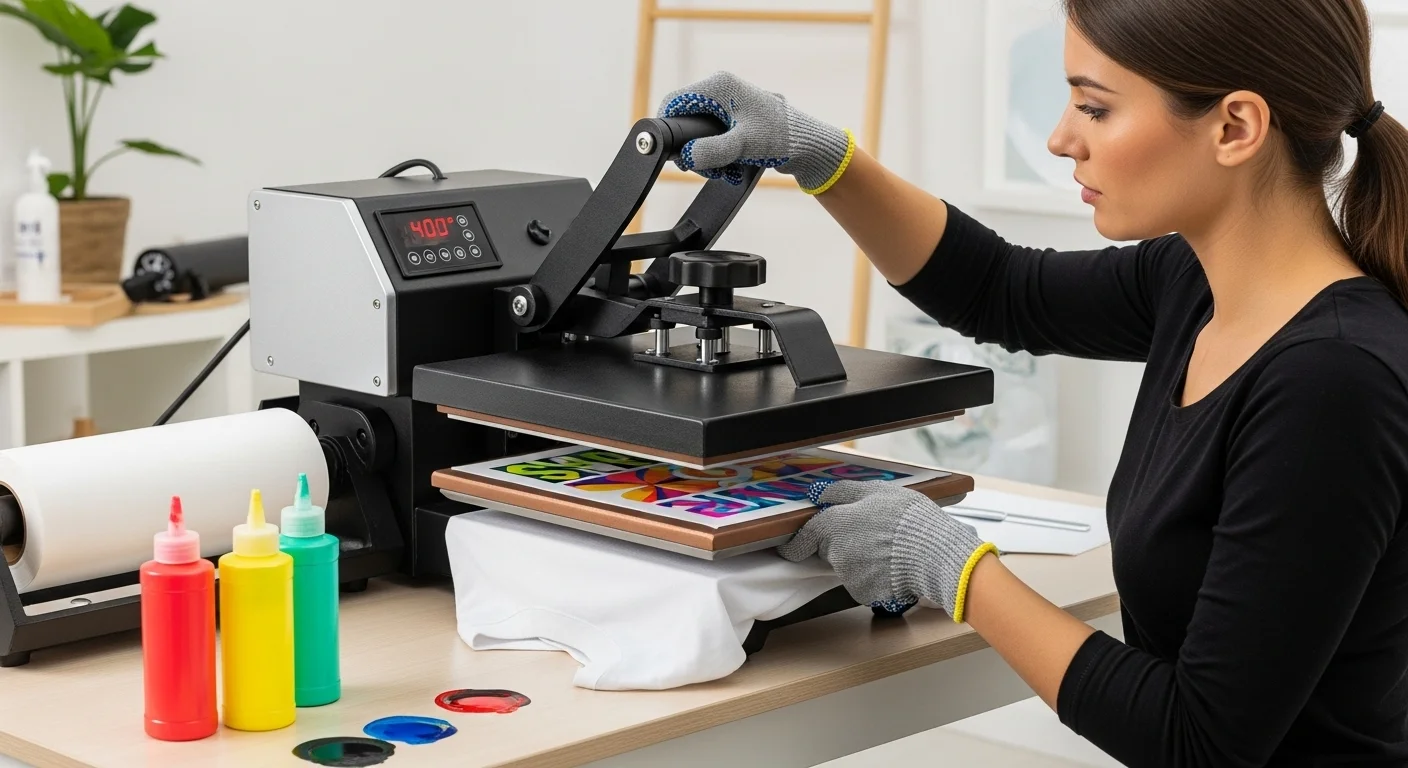
How to Set Up Heat Press for Sublimation (Pressure, Calibration & Setup Guide)

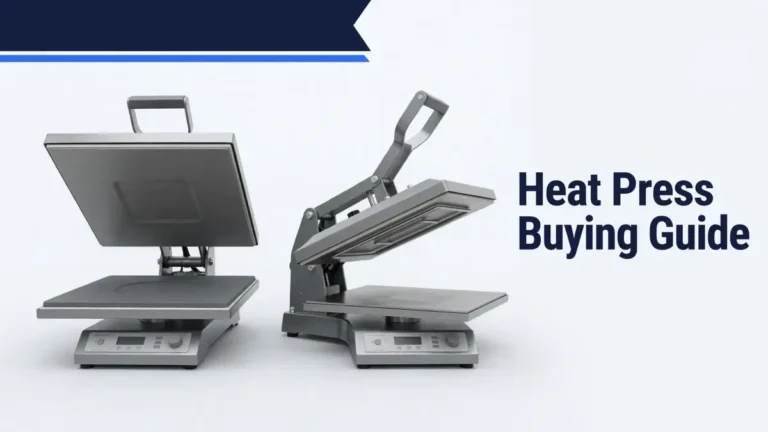
Before sublimation pressing, check that the platen makes even contact, the press reaches a stable temperature, and the settings match the blank maker’s instructions. If you are still choosing equipment, see our heat press buying guide.
This setup guide focuses on flat heat presses. Mug presses and shaped attachments have different contact and adjustment requirements. Uneven color can result from temperature, pressure, movement, moisture, or coating, so check the likely cause before changing settings.
For material-specific starting points, use the sublimation temperature chart and follow the instructions supplied with your particular blank.
How to Set Up Heat Press for Sublimation
Start with the press manual and blank manufacturer’s instructions. The controller reading, actual platen temperature, and pressure distribution are different checks.
Beginner Heat Press Setup Checklist
- Inspect the platen, lower pad, cord, and working area. Follow the manufacturer’s electrical, ventilation, and burn-safety instructions.
- Check the blank supplier’s time, temperature, pressure, orientation, and peel or cooling instructions.
- Bring the press to temperature and allow it to stabilize according to the press manufacturer, not just until the display first reaches the setting.
- Load a blank of the same thickness as the real item, then adjust the pressure using the press’s documented procedure.
- If previous prints were uneven, separately check platen contact and heat distribution with appropriate test materials.
- Secure the transfer, make a trial press on a compatible test blank, and write down the result.
Heat Press Pressure Guide for Sublimation
Use the blank supplier’s pressure instruction and the adjustment method provided by your press maker. There is no universal light, medium, or firm pressure setting that safely applies to all sublimation blanks.
| Blank or press type | Pressure check | Why it matters |
|---|---|---|
| Polyester fabric | Verify the fabric supplier’s instruction, seams, and thickness. | Excess pressure may leave marks, while raised seams can prevent contact. |
| Coated metal panels | Check the coating supplier’s instructions for that panel. | Coating and substrate requirements differ. |
| Ceramic mugs | Use the approved mug press, wrap, or curved attachment. | Flat-platen pressure labels do not transfer to curved items. |
| Acrylic or plastic blanks | Verify the manufacturer’s material and support guidance. | An incorrect combination can warp or damage the blank. |
| Phone cases | Use the compatible insert or jig and blank instructions. | An irregular shape can prevent uniform contact. |
| MDF or coated hard blanks | Follow the specific blank’s coating and film-removal directions. | Blank thickness and surface coating vary. |
If one corner looks faded, check both pressure contact and measured temperature before adjusting the knob.
Heat Press Setup for Sublimation
Before pressing your first sublimation transfer, configure the heat press correctly.
1. Check Platen Alignment
Check for a tilted upper platen, worn lower pad, raised seams, or a thick object that keeps one area from closing evenly.
Where the press manufacturer permits it, use a four-corner paper-contact check described below. Similar resistance is a screening check for even contact, not a calibrated pressure reading.
2. Adjust Pressure Correctly
Begin with the pressure specified by the blank supplier. Follow the adjustment instructions for your press, whether it has a manual knob or digital pressure readout.
- Test using a blank of the same thickness as production items.
- Do not force the handle closed or over-tighten the mechanism.
- Account for seams, zippers, and pressing pillows when checking contact.
- Handle resistance is only a rough cue; it does not verify the precise pressure or evenness across the platen.
3. Preheat the Press
Allow the press to reach and stabilize at its intended temperature according to its manual. The display first reaching the set point does not guarantee that the full platen is uniformly hot.
For its specific VersiFlex strip-testing method, Sawgrass recommends a warm-up period of at least 10 to 15 minutes. This is not a universal warm-up time for all presses.
How to Test Heat Distribution
The press display reports the controller’s reading, not necessarily the temperature across the entire platen. Pressing plain sublimation paper for 10 seconds and inspecting its color is not a reliable temperature test. Use temperature-indicating heat-press test strips or a suitable contact probe, following that product’s directions.
- Set the press to the temperature specified for your test and allow it to stabilize.
- Position suitable test strips at the four corners and center of the usable platen area. Follow the kit’s orientation and placement instructions.
- Run the test for the prescribed time and pressure. Keep hands away from hot surfaces.
- Record all five readings and compare corners, center, and the target setting.
- If a difference persists, follow the press maker’s troubleshooting instructions or contact service before attempting calibration or replacement.
Sawgrass documents a five-point temperature-strip test for its VersiFlex system. Its exact test time and temperature are specific to that procedure, not general settings for every press. See the manufacturer’s testing guidance.
An infrared thermometer can give misleading results on reflective metal if emissivity and reflected heat are not accounted for. Temperature and pressure must be checked separately.
How to Check and Adjust Heat Press Pressure
Turning a pressure knob until the handle feels right is not a precise force calibration. If the press has a pressure readout, use the manufacturer’s instructions. A four-corner contact test can reveal obvious uneven pressure on compatible flat presses:
- Follow the press manual and use a safe test setup. Place four similar pieces of paper at the corners of the lower platen, leaving accessible edges.
- Close the press using its normal contact setting.
- Compare the resistance as each piece is pulled gently. Paper that moves more freely in one corner may indicate uneven contact.
- Inspect the lower pad and alignment, make permitted adjustments, and repeat with the thickness used for real jobs.
STAHLS describes the four-corner paper check. It is a contact test, not a temperature test or precise pressure measurement. Do not reach beneath a hot platen or use a method that conflicts with your press manual.
Heat Press Problems Caused by Incorrect Pressure
| Symptom | Possible causes | First check |
|---|---|---|
| Faded corner | Poor contact, colder platen zone, seam, or coating | Test corner contact and heat separately. |
| Patchy center | Moisture, temperature, contact, paper, or coating | Check blank preparation, contact, and measured heat. |
| Rectangular press mark | Too much pressure, heat, or fabric sensitivity | Review material instructions and pressure. |
| Ghosted or doubled edges | Transfer shifts during opening or handling | Secure the transfer and lift without sliding. |
| One side consistently lighter | Alignment, uneven temperature, or thickness | Compare four-corner contact and heat readings. |
| Whole transfer faded | Wrong ink/paper, dwell time, temperature, or coating | Review the entire transfer workflow before changing pressure. |
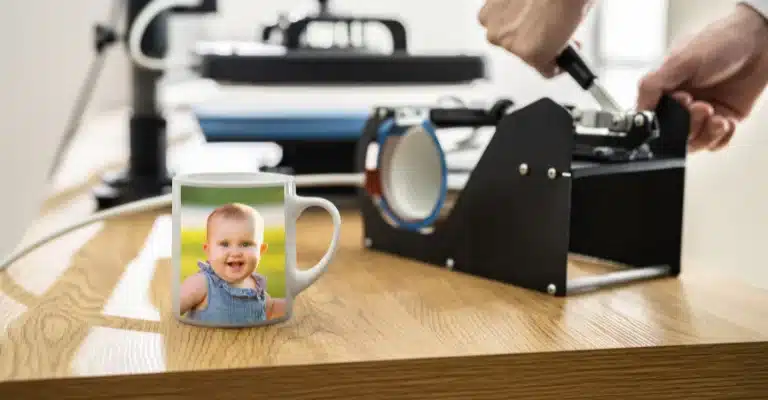
Again, always check the specific instructions for your heat press and materials, as these can vary.
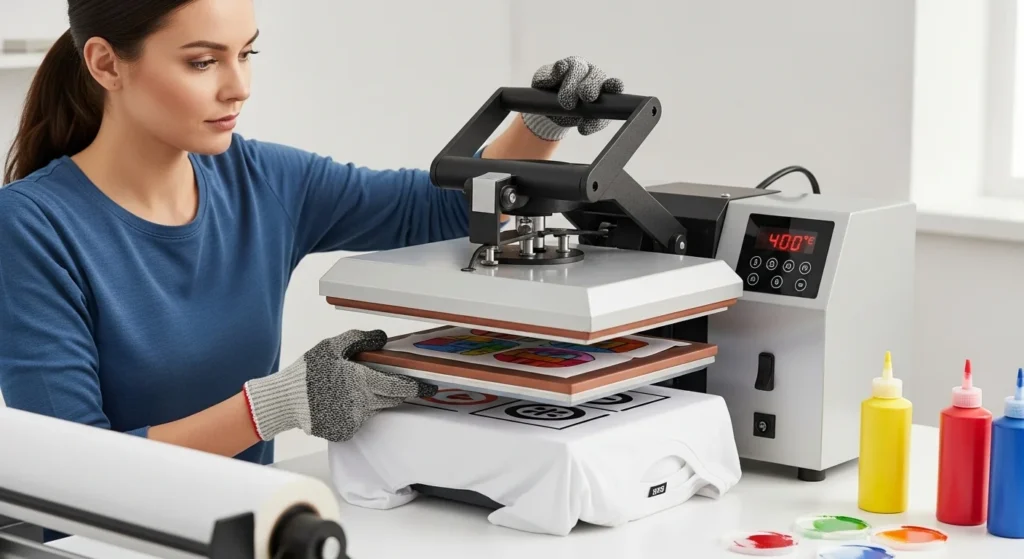
Check out Sublimation Heat Guide: Unlocking the Art of Printing
Regular maintenance, consistent settings, and expert tips can help you create stunning designs and ensure long-lasting project satisfaction.
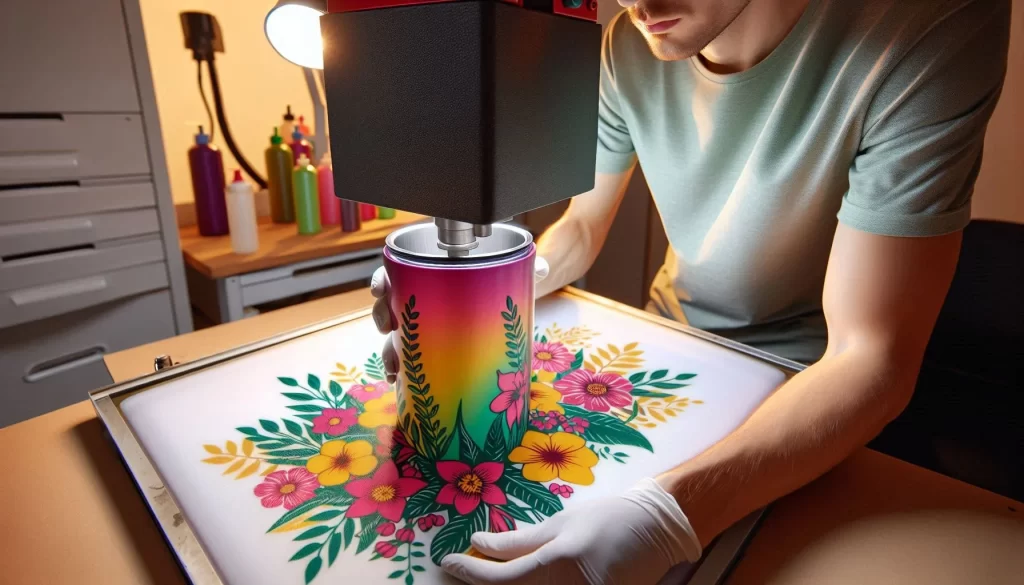
As you continue your sublimation journey with Subli Genius Print, remember that every mistake is an opportunity to learn and improve. With practice and patience, you’ll find what works best for you and achieve your desired professional results.
What challenges have you faced with sublimation heat press settings, and how did you overcome them? Feel free to share your experiences and tips!
How to Test and Lock In Your Settings
Use a compatible test blank, ideally the same material and coating as the production run. Record the press model, blank supplier, ink, paper, and each setting.
- Begin with documented instructions from the specific blank maker.
- Check platen temperature and contact independently before changing transfer settings.
- Make one trial transfer and note which part is uneven or faded.
- Change one relevant variable at a time, within the manufacturer’s allowed range. Do not automatically raise or lower every setting by 5 to 10 degrees or seconds.
- Record the confirmed combination, including pressing pillow or attachment and the blank’s thickness.
For a separate starting-point tool, see our heat press settings calculator. Follow the specific blank maker if its instructions differ.
The existing downloadable settings PDF is a reference, not a replacement for current blank-specific instructions.
FAQs:
How much pressure should a heat press use for sublimation?
There is no universal pressure setting for sublimation. Follow the specific blank supplier’s instructions and the press maker’s method of adjustment, then confirm even contact with a test blank.
How do I know if my heat press pressure is correct?
Use the pressure readout if your press provides one. Where the manufacturer permits it, a four-corner paper-contact check can identify uneven contact. Handle resistance alone does not measure an exact pressure.
Why are my sublimation prints uneven?
Uneven transfers can result from poor platen contact, temperature variation, moisture, transfer movement, or differences in the blank’s coating. Check heat and pressure separately before changing settings.
Should I preheat a heat press before sublimation?
Yes. Allow the platen to reach and stabilize at the target temperature for the time specified by the press manufacturer. The display reaching its set point is not proof the entire platen is evenly heated.


23 Comments