
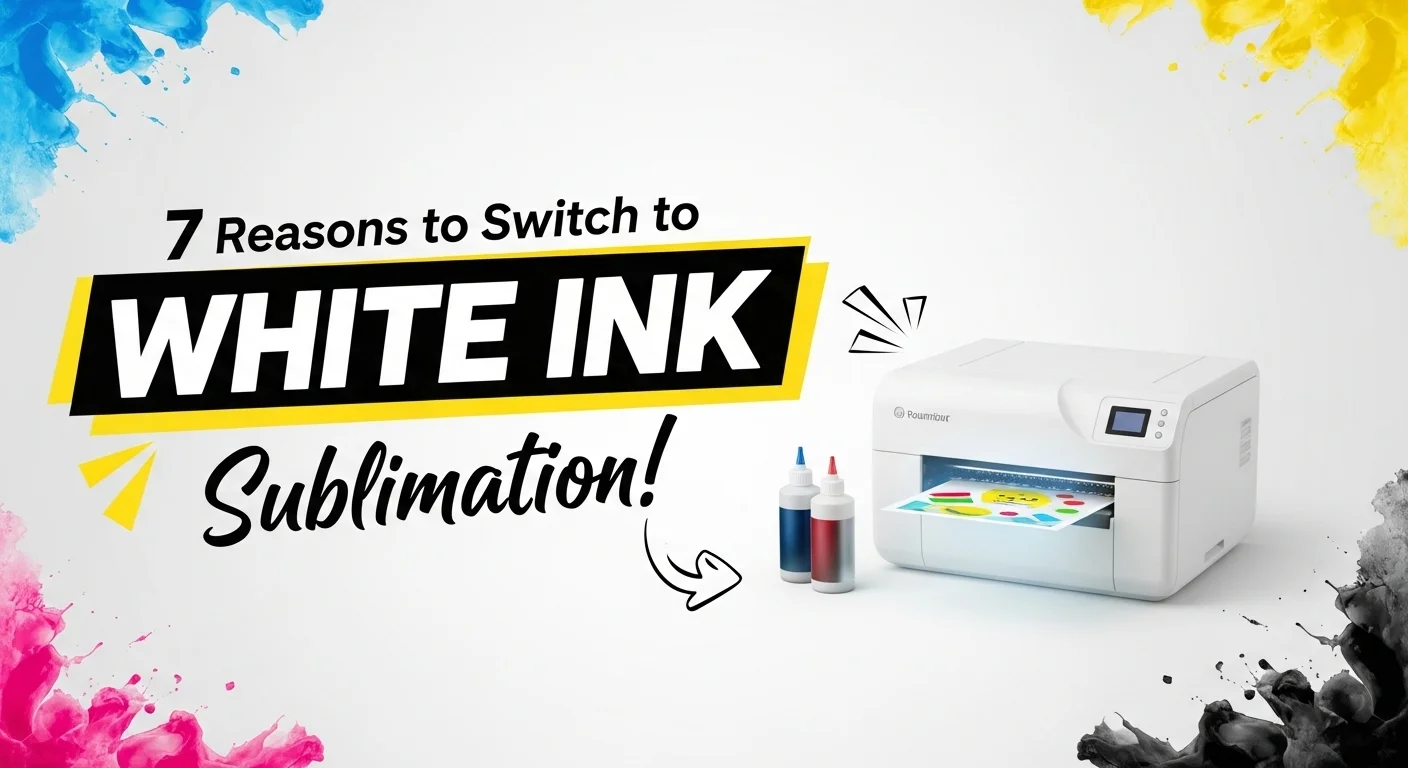
White Ink Sublimation Printer: 7 Things to Know Before You Buy

A true white ink sublimation printer does not exist. Standard dye-sublimation systems use transparent dye, so they cannot lay down an opaque white layer. If you want bright designs on black shirts, dark cotton, or colored products, the practical choices are DTF, white toner, or a white sublimation HTV layer.
The phrase white ink sublimation printer is still useful as a shopping query because it describes the result people want. The important part is buying the right printing technology instead of assuming every printer sold near sublimation equipment can print white.
What “White Ink Sublimation Printer” Actually Means
Traditional sublimation relies on transparent dye. White areas in the artwork are not printed. The white color normally comes from the shirt, mug coating, metal coating, or other light-colored substrate underneath the design.
If you only need the technical explanation, see our white sublimation printer explainer. This page focuses on the buying decision: which equipment can actually produce white or full-color graphics on dark materials.
| Method | Prints opaque white? | Dark cotton shirts? | What creates the white layer? | Best fit |
|---|---|---|---|---|
| Standard dye sublimation | No | No | Nothing. The substrate must supply the light background. | White or light polyester and poly-coated blanks |
| DTF | Yes | Yes | White pigment ink | Apparel businesses printing mixed fabrics and colors |
| White toner transfer | Yes | Yes, with compatible transfer media | White toner | Short runs, specialty transfers, paper and hard-surface applications |
| Sublimation HTV | Not from the printer | Yes, with a compatible white HTV layer | White vinyl base | Occasional dark-shirt work without buying another printer |
1. Standard Sublimation Printers Do Not Print White
Purpose-built dye-sublimation printers such as the Epson SureColor F170 and F570 use CMYK dye-sublimation inks. Epson specifically states that dye sublimation does not use white ink and recommends white or light-colored polyester for best results.
Sawgrass SG500 and SG1000 systems are also built around dye-based decorating workflows rather than an opaque white channel. Sawgrass currently says its VersiFlex system does not print with white ink, even though it expands those printers to more materials than traditional sublimation.
That distinction matters when shopping. A Sawgrass, Epson F-series printer, or converted EcoTank can be a strong sublimation setup, but it is not a white-ink printer.
For current dye-sublimation printer choices, compare models in our best sublimation printers guide.
2. Dark Shirts Need an Opaque White Layer
Dark fabric absorbs or hides transparent sublimation color. A white underbase changes that because it creates an opaque surface behind the CMYK artwork.
There are three practical ways to add that white base:
- DTF: prints CMYK plus white pigment ink onto film before adhesive powder, curing, and heat pressing.
- White toner: uses a laser-style toner system and compatible transfer media to place white under or over the color image.
- Sublimation HTV: adds a white vinyl layer first, then uses normal sublimation ink on top of that material.
These methods can solve the same customer problem, but the printer, media, maintenance, finished feel, and production workflow are different.
3. White Toner Is Not White Sublimation
White toner printers are often marketed near sublimation equipment because both use heat-transfer workflows. They are not the same printing process.
The UNINET IColor 560 is a useful example. In its standard configuration, it is a digital color and white toner transfer printer. Its white cartridge can be used as a spot color, white underprint, or white overprint with the correct RIP workflow and transfer media.
The same machine can also accept a separate dye-sublimation toner upgrade kit. UNINET’s current manual makes the key limitation clear: in dye-sublimation mode, only CMYK prints are possible and there is no white overprint. In other words, the printer can support both workflows, but that does not create “white sublimation.”
White toner makes sense when you want short-run transfers, white printing on dark or colored media, specialty paper applications, labels, stationery, or a wider variety of transfer products without running a liquid white-ink printhead.
4. DTF Is the Main Liquid White-Ink Option for Apparel
DTF is the closer match when someone specifically wants a printer that uses white ink for shirts. A DTF printer lays down color and white pigment ink onto film, then the printed transfer receives adhesive powder, curing, and a heat press.
The main advantage is material flexibility. DTF transfers can be used on cotton, polyester, blends, and dark garments because the white ink provides the opaque base that sublimation lacks.
The trade-off is maintenance. Liquid white pigment settles more readily than normal dye, so DTF equipment may require circulation, agitation, nozzle checks, cleaning, and regular use depending on the specific printer. Follow the maintenance schedule for the machine you own rather than using one generic routine for every white-ink printer.
If you are deciding between these production methods, our sublimation vs DTF comparison covers the larger workflow differences.
5. Sublimation HTV Is a Lower-Cost Workaround
You do not always need a new printer to put sublimation artwork on cotton or dark fabric. White sublimation HTV creates a printable white surface that accepts the sublimation design and then bonds to the garment.
This method is useful for occasional dark-shirt orders, testing a product idea, or working at a small scale. The finished design has a transfer layer you can feel, so it does not have the same no-hand finish as direct sublimation into polyester.
HTVRONT Sublimation HTV for Dark and Light Fabric
This is a practical option if you already own a sublimation printer but occasionally need to print on cotton or dark-colored shirts. The white HTV layer gives sublimation ink a printable surface instead of requiring a separate white-ink printer.
- Dark or colored cotton shirts
- Small-batch custom apparel
- Testing dark-shirt demand before buying another printer
- Existing sublimation setups that already include a heat press
Important: This is a heat-transfer vinyl layer, not white sublimation ink. The finished design sits on the garment rather than becoming part of the polyester fibers like traditional sublimation.
As an Amazon Associate, Subli Genius Print earns from qualifying purchases. Price and availability can change.
See our sublimation HTV guide for cotton and dark colors before choosing material and press settings.
6. Regular Sublimation Is Still Better for Light Polyester
If your products are white or light polyester shirts, coated mugs, coated metal, or other standard sublimation blanks, adding a white-print system usually adds cost and complexity without solving a real problem.
Regular sublimation has no separate transfer layer after pressing. The dye becomes part of the polyester or polymer coating, which keeps the finished surface smooth and avoids the film feel associated with many transfer methods.
Choose another method when your product mix requires dark garments, cotton, or an actual white printed element.
7. Choose by Material and Order Volume, Not the Word “White”
The right purchase depends on what you sell most often. Start with your substrate and production volume, then choose the technology.
| Your main work | Better starting point | Why |
|---|---|---|
| White/light polyester apparel and coated blanks | Dye sublimation | Simple workflow, no opaque white layer needed |
| Dark cotton shirts and mixed-color apparel | DTF | White ink supports dark garments and mixed fabrics |
| Short-run apparel plus specialty paper/transfer jobs | White toner | White under/overprint and broad transfer-media options |
| Occasional dark shirts with an existing sublimation printer | Sublimation HTV | Uses the equipment you already own |
Which Setup Should You Buy?
Stay with normal sublimation if most of your work is light polyester, mugs, tumblers, coated metal, or other poly-coated blanks.
Look at DTF if dark cotton shirts and mixed-fabric apparel make up a large share of your orders and you are prepared for liquid white-ink maintenance.
Look at white toner if you want white transfer capability plus specialty toner workflows and prefer a toner-based system rather than a liquid white-ink printhead.
Try sublimation HTV first if dark-shirt work is occasional and you want to test demand before buying another printer.
Common Buying Mistakes
- Buying a Sawgrass or Epson dye-sub printer expecting white ink. Standard sublimation ink is transparent.
- Confusing white toner with white sublimation. White toner is a transfer technology with different consumables and media.
- Assuming an iColor dye-sublimation conversion keeps the white channel. UNINET specifies CMYK only in its dye-sublimation toner mode.
- Ignoring transfer media requirements. White toner results depend on using media designed for the intended substrate and workflow.
- Using one heat setting for every transfer product. Follow the instructions for the specific film, paper, vinyl, adhesive, and substrate.
- Underestimating white-ink maintenance. Liquid white pigment systems such as DTF have different maintenance needs from toner printers.
Maintenance and Ink Tracker
The existing maintenance tracker is most useful for liquid white-ink systems such as DTF, where nozzle checks, cleaning cycles, and ink levels need regular attention. It does not describe toner-printer maintenance, because an iColor-style white toner system does not use liquid white ink or inkjet nozzles.
Use the tracker only for the maintenance items your printer manufacturer actually requires. White toner, DTF, and sublimation systems should not share one generic cleaning schedule.
Frequently Asked Questions
Does a white ink sublimation printer exist?
No. Standard dye sublimation uses transparent dye and has no opaque white channel. Products marketed around “white sublimation” are usually white toner, DTF, HTV-based workarounds, or another transfer technology.
Can a Sawgrass SG500 or SG1000 print white?
No. Sawgrass dye-sublimation workflows do not print opaque white. Sawgrass also states that its current VersiFlex system does not print with white ink, although it expands material compatibility beyond traditional sublimation.
Can the Epson F170 or F570 print white?
No. Epson lists the F170 and F570 dye-sublimation systems with CMYK ink, not white. Epson recommends white or light-colored polyester when using dye sublimation.
Can the iColor 560 print white and do sublimation?
It supports both workflows, but they are separate. The standard iColor 560 uses white toner for white underprint or overprint applications. Its optional dye-sublimation toner mode uses CMYK, and UNINET states that white overprint is not available in dye-sublimation mode.
What should I use for white designs on black cotton shirts?
DTF and white toner are direct equipment options because each can create an opaque white layer. Sublimation HTV is a lower-cost workaround if you already own a sublimation printer and only need dark-shirt capability occasionally.
Can I sublimate directly onto a black shirt?
No. Transparent sublimation dye will not show correctly on black fabric. Use DTF, white toner transfer, or a compatible sublimation HTV layer instead.
What to Do Before You Buy
Write down the five products you expect to sell most, including fabric type and color. If that list is mostly white polyester and coated blanks, stay with dye sublimation. If dark cotton apparel dominates the list, compare DTF and white toner instead. If dark-shirt work is only occasional, test sublimation HTV before adding another printer.
The equipment name matters less than the substrate, transfer method, maintenance load, and finished feel your customers actually need.





5 Comments