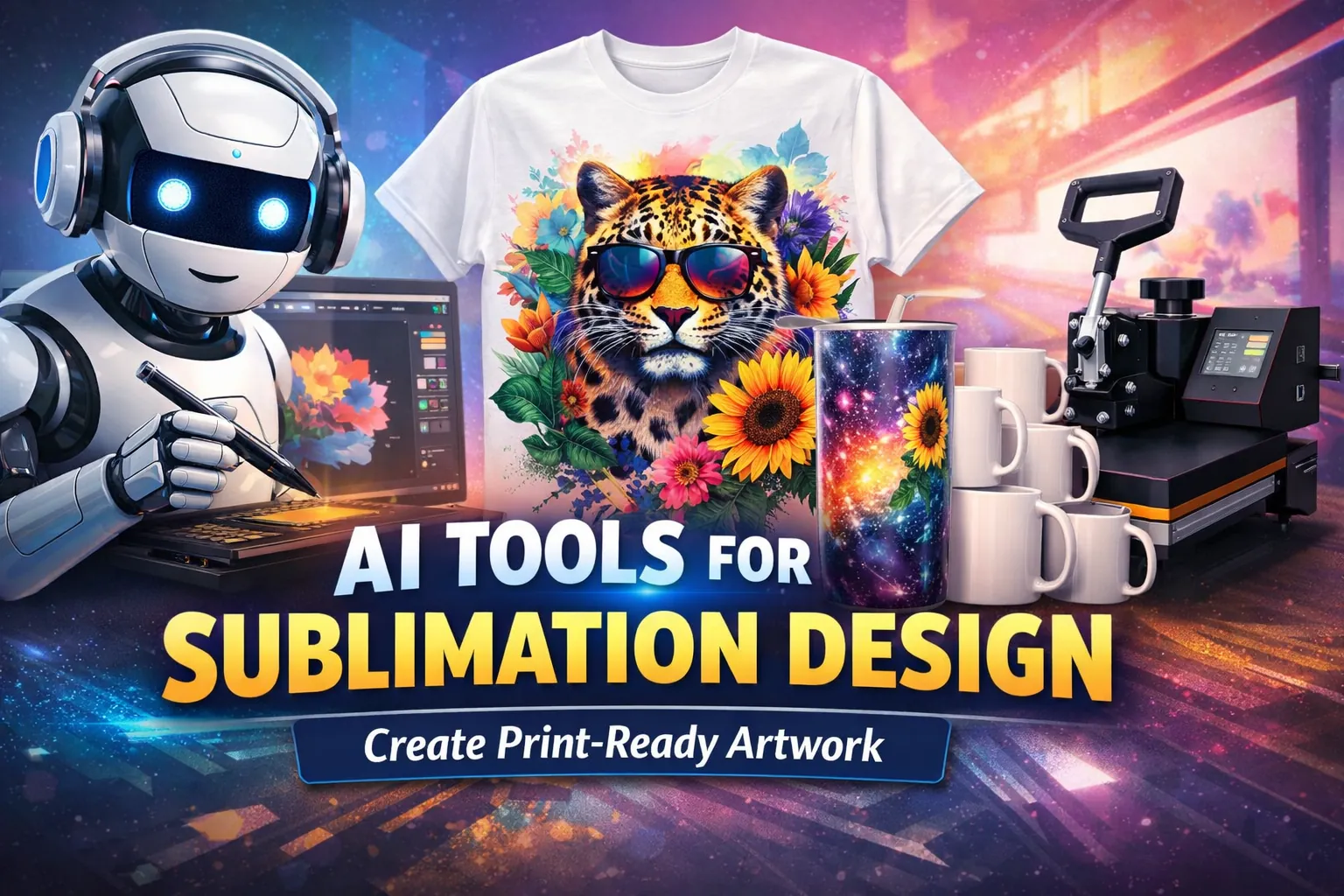
AI Tools for Sublimation Design (Create Print-Ready Artwork)

Creating sublimation designs used to require advanced graphic design skills and expensive software. Today, AI tools make it possible for beginners and experienced designers alike to generate high-quality artwork quickly using simple text prompts. If you are still choosing a printer, read our guide to beginner sublimation printer mistakes before buying.
With AI image generators, creators can produce graphics for t-shirts, mugs, tumblers, tote bags, and home décor products in minutes.
These tools help experiment with different styles, generate design ideas, and create print-ready graphics without spending hours designing from scratch.
If you’re looking for product inspiration for your AI-generated artwork, you can explore these creative sublimation ideas that work well for beginners and small businesses.
Why AI Tools Are Useful for Sublimation Design
AI design tools are becoming popular in the sublimation industry because they dramatically reduce the time needed to create artwork.
Instead of manually illustrating graphics, creators can generate designs using text prompts and refine them for printing.
Some of the main advantages include:
- Faster design creation
- Unique and original artwork styles
- No drawing experience required
- Easy customization for different niches
- Useful for beginners and small businesses
You should first understand how the printing method works before creating artwork with AI tools. This guide explains what sublimation printing is and how the technology works.
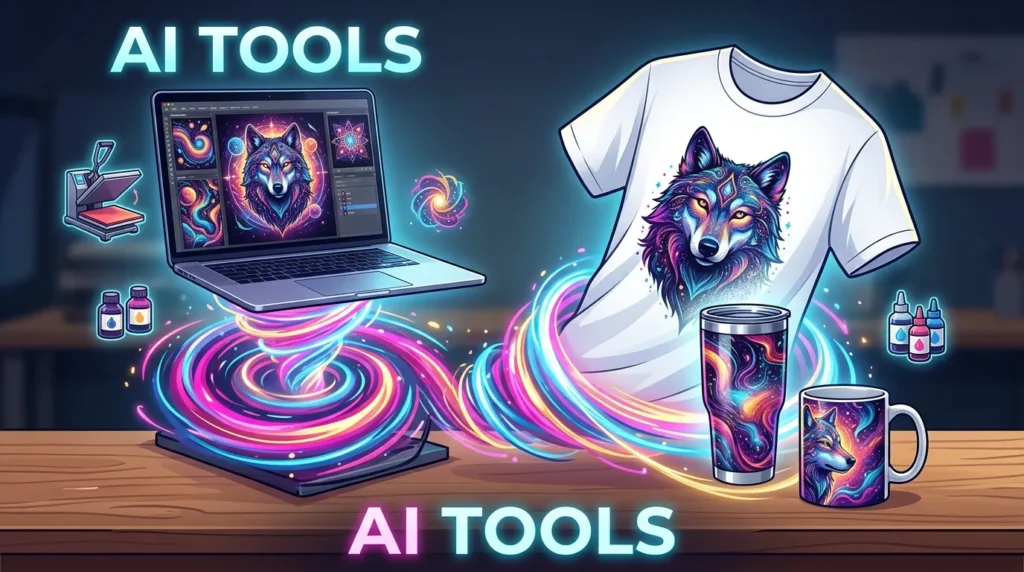
Best AI Tools by Use Case
| Use Case | Best Tool |
|---|---|
| Beginner-friendly | Google AI / Canva |
| Artistic designs | Midjourney |
| Simple graphics | DALL·E |
| Typography designs | Kittl |
| Commercial-safe work | Adobe Firefly |
Best AI Tools for Sublimation Design
Several AI platforms are commonly used by sublimation designers. Each tool offers different strengths depending on the type of artwork you want to create.
Google Flow (Labs FX)
Google Flow AI Tool is part of Google Labs’ experimental AI tools designed for generating structured visual content and creative assets.
It focuses on guided image creation, allowing users to refine outputs through iterative prompts and visual controls.
Google Flow works well for:
- structured design layouts
- repeatable design variations
- clean composition-based artwork
- product-ready visual concepts
Its strengths include:
- guided prompt refinement
- consistent layout generation
- fast iteration of multiple variations
It works best for creating:
- sublimation design sets (multiple variations)
- consistent product collections
- clean layout-based graphics
- repeatable print designs for shops
This tool is especially useful when you want consistency across multiple designs, which is important when building a cohesive sublimation product line.
Midjourney
Midjourney is known for producing highly artistic and detailed illustrations. It is widely used by creators who want unique designs that stand out in marketplaces like Etsy.
Midjourney works well for:
- fantasy-style illustrations
- retro artwork
- artistic tumbler wraps
- poster-style designs
These styles are especially useful when creating products for trending markets such as those discussed in trending sublimation niches.
DALL·E
DALL·E is a beginner-friendly AI image generator that creates images from simple text prompts.
Its strengths include:
- clear illustrations
- simple design generation
- fast results
It works well for creating:
- character graphics
- simple sublimation artwork
- icons and design elements
Canva AI
Canva combines AI image generation with an easy-to-use design editor. This makes it one of the most accessible platforms for beginners.
Creators can generate artwork and then refine it using Canva’s fonts, layouts, and templates.
Canva works especially well for:
- quote designs
- monograms
- simple typography graphics
- social media style artwork
Kittl
Kittl is a design platform that focuses heavily on typography and vintage design styles.
It’s particularly useful for:
- retro t-shirt graphics
- vintage badge designs
- logo-style artwork
- typography-focused sublimation designs
Adobe Firefly
Adobe Firefly is Adobe’s AI image generator designed with commercial use in mind.
Advantages include:
- high-quality image generation
- realistic textures
- commercial-safe AI training
This tool is commonly used for:
- photo-style artwork
- poster prints
- high-detail sublimation graphics
How to Choose the Right AI Tool for Sublimation
Choosing the right AI tool depends on your design style and experience level.
- Use Google AI or Canva if you’re a beginner
- Use DALL·E for simple graphics and icons
- Use Midjourney for artistic and detailed designs
- Use Kittl for typography and vintage styles
- Use Adobe Firefly for commercial-safe projects
If you’re creating products for sale, prioritize tools that allow commercial use and high-resolution outputs.
How to Create Sublimation Designs Using AI
Generating sublimation artwork with AI typically follows a simple process.
Step 1 — Choose a Niche
Start by choosing a specific audience or niche before generating artwork.
Examples include:
- pet lovers
- sports team supporters
- wedding gifts
- inspirational designs
When your AI design is ready, you can follow this step-by-step sublimation process guide to transfer the artwork onto products like shirts, mugs, or tumblers.
Step 2 — Write a Clear Prompt
AI tools generate images based on prompts, so detailed instructions produce better results.
A strong prompt usually includes:
- design style
- colors
- theme
- layout instructions
- transparent background
Example prompt:
Minimalist floral monogram design with pastel colors, elegant typography, centered layout, transparent background, print-ready sublimation artwork.
Step 3 — Generate the Artwork
After submitting your prompt, the AI tool will generate several design variations.
Many creators test multiple prompts until they find a design that fits their product idea.
Step 4 — Edit the Design
Once you generate the artwork, you may want to refine it using editing tools.
Common edits include:
- adjusting colors
- resizing the design
- adding text
- improving the layout
Tools like Canva or Photoshop can help finalize the design before printing.
Step 5 — Export Print-Ready Artwork
Sublimation printing requires high-quality image files.
Recommended export settings include:
- PNG format
- transparent background
- 300 DPI resolution
- large image dimensions (such as 4500 × 5400 pixels)
These settings help ensure the design prints clearly on products like shirts, mugs, and tumblers.
Best AI Prompt Tips for Sublimation Designs
The quality of AI-generated images depends heavily on the prompt.
Here are some useful prompt tips:
- specify the design style (retro, minimalist, vintage)
- request vector-style illustrations
- include “transparent background”
- specify “print-ready artwork”
- include high resolution like 300 DPI
Example prompt:
Retro sunset illustration with palm trees, vintage typography, centered layout, transparent background, print-ready sublimation design.
Why AI Designs Don’t Always Print Correctly
AI-generated images often look perfect on screen but fail during sublimation printing.
Common issues include:
- colors appearing dull after pressing
- incorrect sizing for products
- blurry edges due to low resolution
- complex backgrounds interfering with transfer
This happens because sublimation printing involves heat activation, ink vaporization, and material bonding.
To avoid this, always test designs and understand the full sublimation printing process before production.
AI Sublimation Design Checklist (Before Printing)
Before printing your design, check:
- image is 300 DPI
- background is transparent
- design size matches product dimensions
- colors are adjusted for sublimation ink
- layout is centered and spaced properly
Skipping these steps often leads to faded or misaligned prints.
Common Mistakes When Using AI for Sublimation Designs
Many beginners run into these problems:
- generating mockups instead of actual artwork
- using low-resolution images (causes blurry prints)
- adding complex backgrounds (causes ghosting)
- ignoring print dimensions (leads to stretching)
A common issue many beginners face is dull colors. This usually comes from incorrect color settings or missing profiles. Use this sublimation troubleshooting guide to fix print quality issues.
Best Types of Designs to Generate With AI
AI tools work particularly well for certain types of sublimation designs.
Popular examples include:
- retro graphics
- pet portraits
- affirmation quotes
- wedding monograms
- vintage badge designs
You can also test your AI-generated artwork on popular products listed in best-selling sublimation products
How to Turn AI Designs Into Sublimation Products
Once your design is ready, you can apply it to:
- t-shirts
- mugs
- tumblers
- tote bags
- home décor items
The key is choosing the right materials. Not all surfaces work with sublimation.
Before printing, review this sublimation materials guide to avoid failed transfers.
Can You Sell AI Generated Sublimation Designs?
Yes, many creators sell sublimation products that feature AI-generated artwork.
However, it’s important to check the licensing rules of the AI platform you use. Some marketplaces may require that designs are modified or combined with other elements to ensure originality.
When used correctly, AI tools allow creators to produce designs faster, experiment with different styles, and scale their sublimation product catalogs.
Frequently Asked Questions
Can AI create sublimation designs?
Yes. AI tools can generate artwork suitable for sublimation printing as long as the images are exported in high resolution with transparent backgrounds.
What resolution is best for sublimation designs?
Most sublimation artwork should be exported at 300 DPI with large dimensions, typically around 4500 × 5400 pixels.
Are AI designs good for tumbler wraps?
Yes. Many creators use AI tools to generate full-wrap tumbler designs and other large graphics.
Which AI tool is best for sublimation printing?
Popular options include Midjourney, DALL·E, Canva AI, Kittl, and Adobe Firefly.