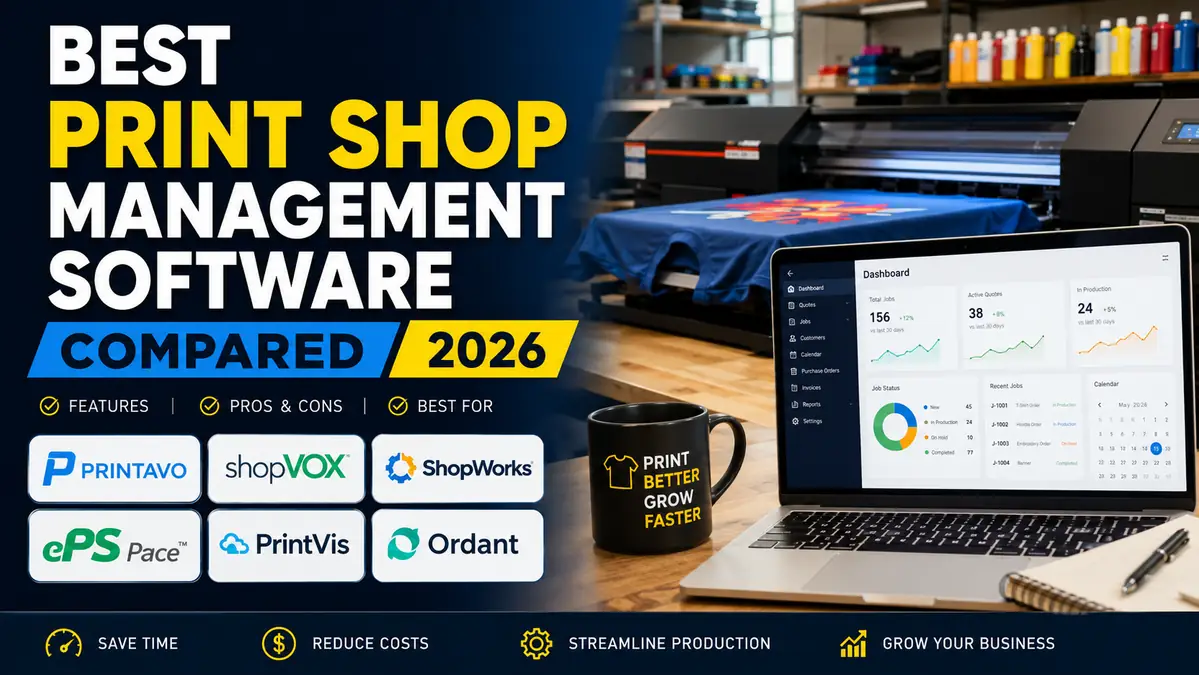
Best Print Shop Management Software Compared (2026)

The best print shop management software is the one that supports your workflow rather than forcing you to change it.
For smaller apparel decorators, Printavo offers one of the easiest ways to organize production, customer communication, and estimating. Businesses looking for greater automation may prefer shopVOX, while commercial printers with more complex operations should consider ShopWorks, ePS Pace, or PrintVis.
Before making a final decision, request a live demo, involve the employees who will use the software every day, and map your existing production process. A platform that fits your workflow today will continue delivering value as your business grows.
Selecting the right software is only one step toward improving efficiency. Consistent workflows, organized artwork, accurate quoting, and effective order tracking all contribute to a smoother production process and a better customer experience.
Why Invest in Print Shop Management Software?
As order volume increases, manual processes become harder to manage. Common signs you’ve outgrown your current workflow include:
- Quotes taking too long to prepare
- Artwork approvals getting lost
- Production schedules constantly changing
- Inventory shortages
- Customer information spread across multiple systems
- Limited visibility into job progress
The right software improves collaboration, reduces manual work, and gives your team a single place to manage every order from quote to delivery.
Planning your workflow before implementing new software can make the transition much smoother. If your current process has evolved over time, our guide to creating a print shop workflow shows how to identify bottlenecks before introducing automation.
What Does Print Shop Management Software Do?
Most platforms combine the operational side of your business into one system.
Common features include:
- Customer relationship management (CRM)
- Online estimating and quotations
- Artwork approval workflows
- Production scheduling
- Inventory management
- Purchase orders
- Invoicing
- Reporting and analytics
Not every business needs every feature. Choosing software that matches your workflow is usually more valuable than selecting the platform with the longest feature list.
Keeping artwork organized is equally important. Even the best software can’t prevent production errors if customer files and approvals are difficult to manage. If this is a challenge for your team, our guide to organizing customer artwork files shares a simple workflow that works alongside most print shop management systems.
How We Compared These Platforms
Rather than repeating vendor feature lists, we evaluated each platform using the criteria that matter most to print businesses.
- Ease of use
- Quote and estimate management
- Artwork approvals
- Production scheduling
- Inventory management
- Workflow automation
- Reporting
- Integrations
- Scalability
- Overall value
Quick Comparison
| Software | Best For | Cloud-Based | Business Size |
|---|---|---|---|
| Printavo | Apparel decorators | ✓ | Small to Medium |
| shopVOX | Growing print shops | ✓ | Medium |
| ShopWorks | Commercial printing | Hybrid | Medium to Large |
| ePS Pace | Enterprise manufacturers | ✓ | Large |
| PrintVis | Microsoft Business Central users | ✓ | Medium to Large |
| Ordant | Small and mid-sized print businesses | ✓ | Small to Medium |
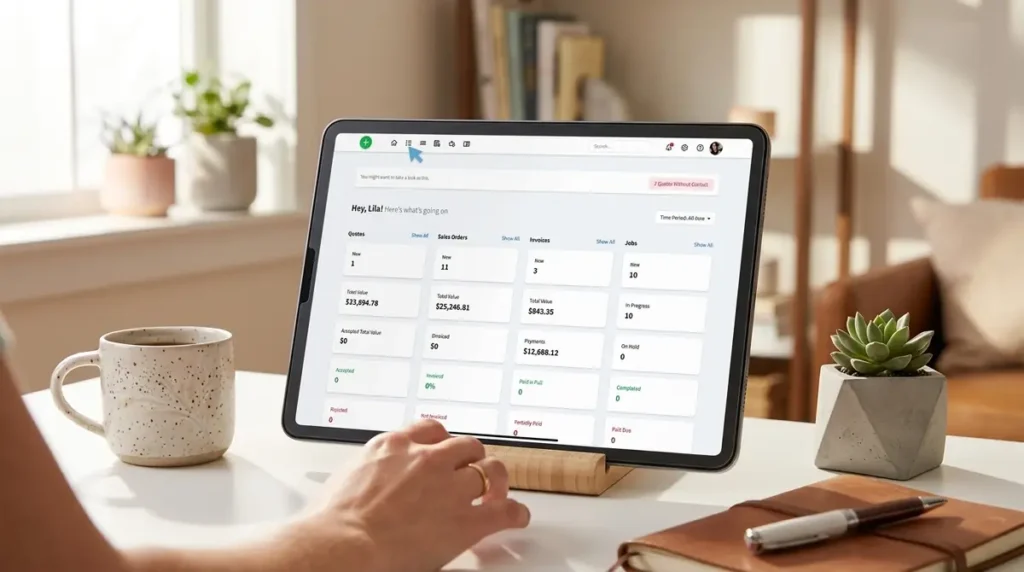
1. Printavo Review
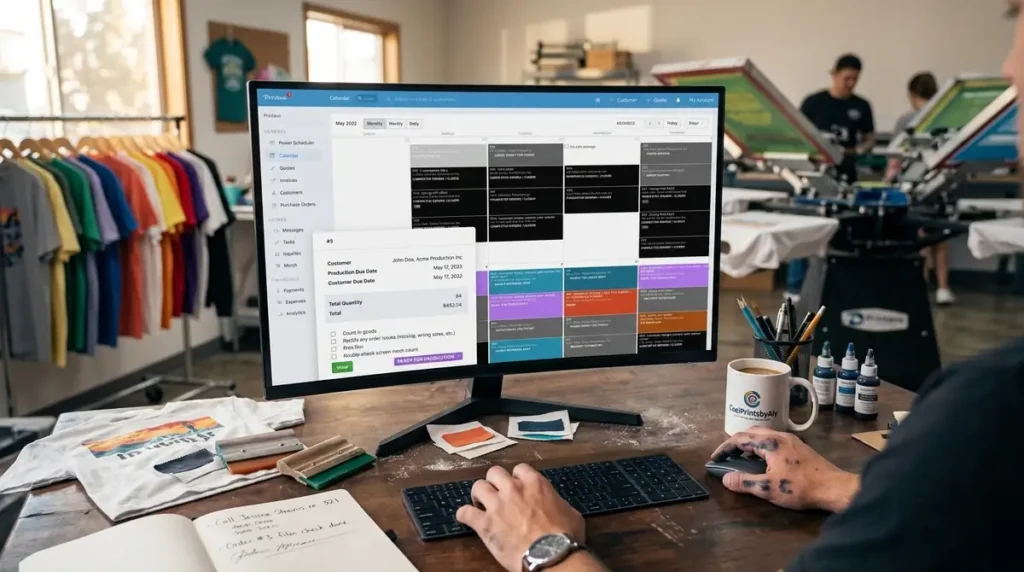
Printavo is one of the most popular print shop management platforms for screen printing, embroidery, DTF, and promotional product businesses. It combines estimating, production scheduling, artwork approvals, invoicing, and customer communication into an easy-to-use cloud platform.
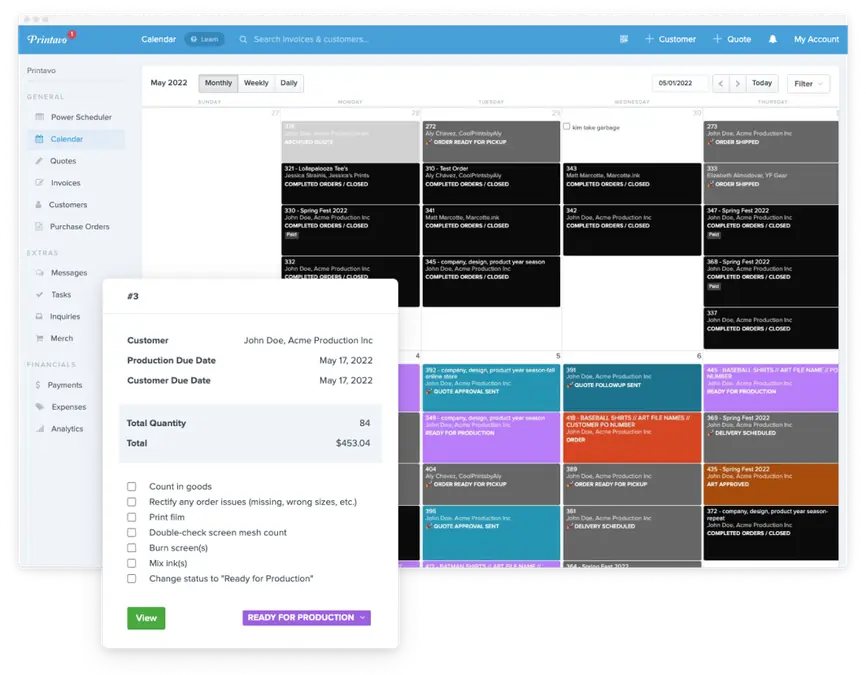
Its biggest strength is simplicity. Teams can manage orders from one dashboard without the complexity often associated with enterprise management systems.
Key Features
- Online estimating
- Production calendar
- Artwork approvals
- Customer management
- Reporting dashboard
- QuickBooks integration
Pros
- Easy to learn
- Clean interface
- Excellent production scheduling
- Strong customer communication
- Built for apparel decorators
Cons
- Limited advanced inventory management
- May not suit large enterprise print operations
Best For
Screen printing, embroidery, DTF, and promotional product businesses looking for an easy-to-use management platform.
Printavo and shopVOX are often compared because they target similar businesses. If you’re deciding between the two, our Printavo vs ShopVOX comparison explains the differences in workflow automation, pricing, integrations, and scalability.
2. shopVOX Review
shopVOX is a cloud-based print shop management platform built for growing print businesses that want to automate more of their day-to-day operations. It combines estimating, CRM, inventory management, production scheduling, customer communication, and reporting into one connected system.
Its biggest advantage is workflow automation. Tasks like customer approvals, job updates, and production tracking can be automated, helping busy print shops save time and reduce manual work.
Key Features
- Online estimating
- CRM
- Production scheduling
- Inventory management
- Customer portal
- Workflow automation
- Reporting dashboard
Pros
- Excellent workflow automation
- Strong CRM and customer portal
- Cloud-based platform
- Suitable for multiple print business types
Cons
- Longer setup than simpler platforms
- Higher learning curve
- Some advanced features require configuration
Best For
Growing screen printing, embroidery, sign, and promotional product businesses that need more automation.
Choosing between Printavo and shopVOX isn’t always straightforward because both platforms target similar businesses. If you’re comparing the two, our Printavo vs ShopVOX comparison breaks down their pricing, features, integrations, and long-term scalability.
3. ShopWorks Review
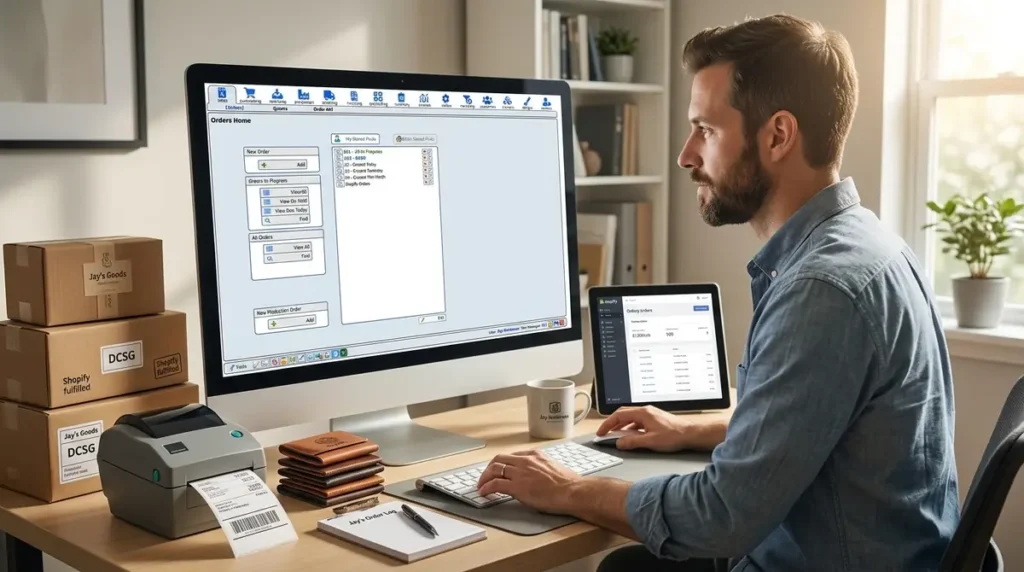
ShopWorks is designed for commercial print businesses that need detailed estimating, production planning, inventory management, and job costing. It’s a long-established solution that’s particularly well suited to shops with more complex production environments.
While its interface isn’t as modern as some cloud-based competitors, ShopWorks offers powerful operational tools that many commercial printers rely on every day.
Key Features
- Advanced estimating
- Production scheduling
- Inventory management
- Purchasing
- Job costing
- Reporting
Pros
- Strong estimating capabilities
- Detailed production planning
- Reliable inventory management
- Built for commercial printing
Cons
- Older interface
- Longer implementation
- Better suited to experienced users
Best For
Commercial print shops with multiple production departments and complex workflows.
Software is only part of improving production efficiency. Reviewing how work moves through your shop can uncover bottlenecks that no platform can fix on its own. Our guide to creating a print shop workflow shares practical ways to streamline production before and after implementing new software.
4. ePS Pace Review
ePS Pace is an enterprise-level Management Information System (MIS) built for medium and large commercial printing companies. It combines estimating, production management, purchasing, inventory, accounting, and reporting into one comprehensive business platform.
Its depth makes it ideal for organizations managing multiple departments, facilities, or complex manufacturing workflows.
Key Features
- Enterprise MIS
- Advanced estimating
- Production planning
- Purchasing
- Inventory management
- Financial reporting
- ERP capabilities
Pros
- Highly scalable
- Comprehensive business management
- Excellent reporting
- Strong ERP functionality
Cons
- Higher investment
- Longer implementation
- More complex than most SMBs require
Best For
Large commercial printers and enterprise print manufacturers.
5. PrintVis Review
PrintVis is built on Microsoft Dynamics 365 Business Central, making it a strong choice for businesses already using Microsoft’s business applications. It combines print-specific production management with the flexibility of a modern ERP platform.
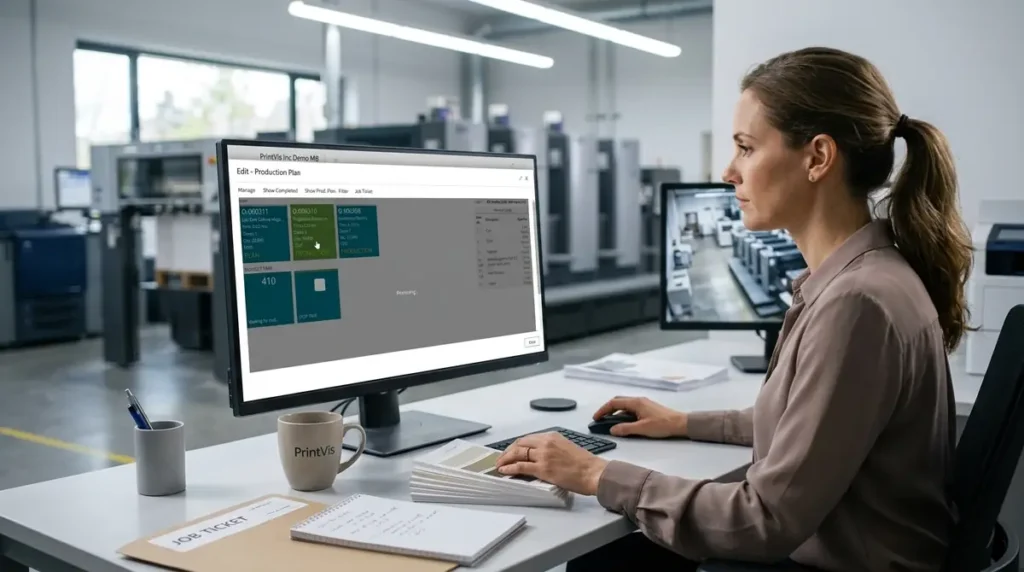
Rather than replacing your business software, PrintVis extends it with estimating, scheduling, inventory, purchasing, and print manufacturing tools.
Key Features
- Microsoft Business Central integration
- Estimating
- Production planning
- Inventory management
- Financial reporting
- CRM
Pros
- Excellent Microsoft integration
- Powerful ERP capabilities
- Scalable platform
- Strong financial reporting
Cons
- Requires Microsoft ecosystem
- Higher implementation costs
- Steeper learning curve
Best For
Print businesses already using Microsoft Business Central or planning an ERP implementation.
6. Ordant Review
Ordant is a cloud-based print management platform aimed at small and medium-sized print businesses. It offers a balance of estimating, CRM, production scheduling, inventory management, invoicing, and reporting without the complexity of enterprise software.
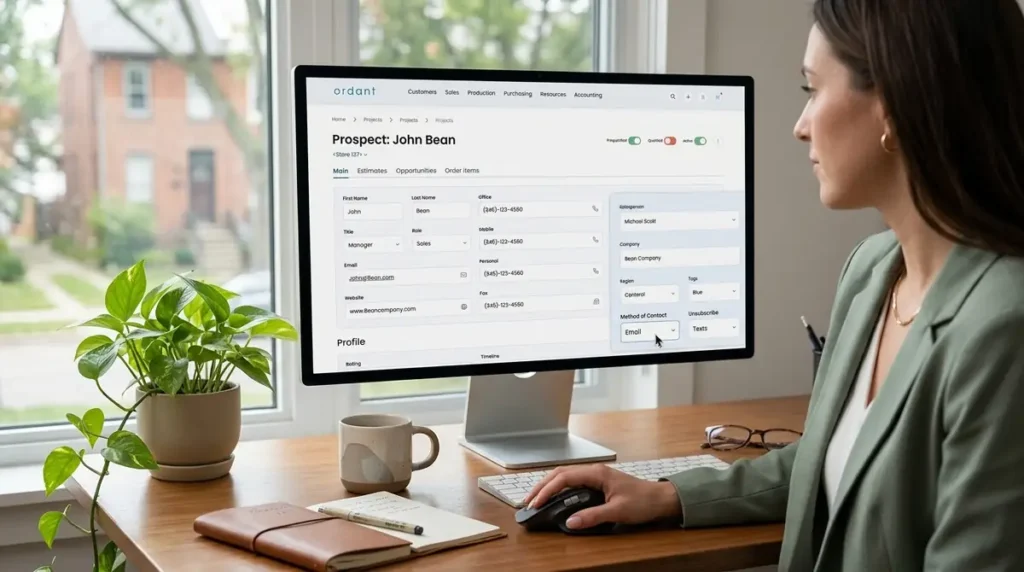
Its straightforward interface makes it a practical option for businesses upgrading from spreadsheets or disconnected systems.
Key Features
- Online estimating
- CRM
- Production scheduling
- Inventory management
- Invoicing
- Reporting
Pros
- Easy to use
- Cloud-based
- Affordable for growing businesses
- Good all-around feature set
Cons
- Fewer enterprise capabilities
- Smaller integration ecosystem
- Limited advanced manufacturing features
Best For
Small and medium-sized print shops looking for an affordable all-in-one management platform.
Even with the right software, keeping customer artwork organized remains essential for avoiding production mistakes. If revisions, approvals, or print-ready files are becoming difficult to manage, our guide to organizing customer artwork files explains a simple workflow that works alongside virtually any print shop management system.
Which Print Shop Management Software Is Right for You?
Choosing the best software depends on your business size, workflow, and long-term goals.
| If You Need… | Consider… |
|---|---|
| Simple, easy-to-use software for apparel decoration | Printavo |
| Workflow automation and customer portals | shopVOX |
| Advanced commercial print management | ShopWorks |
| Enterprise-level ERP functionality | ePS Pace |
| Microsoft Business Central integration | PrintVis |
| Affordable cloud-based management | Ordant |
The best platform is the one that fits your current workflow while giving your business room to grow. Focus on the features your team will use every day rather than the longest list of capabilities.
How to Choose the Right Print Shop Management Software
With so many platforms offering similar features, it’s easy to focus on feature lists instead of your actual business needs. The best software is the one that supports your workflow, improves efficiency, and can scale as your business grows.
Before making a decision, consider the following factors.
Business Size
Smaller print shops often benefit from software that’s easy to learn and quick to implement, while larger operations may require advanced scheduling, inventory control, and reporting.
- Small Shops: Printavo, Ordant
- Growing Businesses: shopVOX
- Enterprise Operations: ePS Pace, PrintVis
Type of Printing Business
Different print businesses have different operational requirements.
| Business Type | Recommended Software |
|---|---|
| Screen Printing | Printavo, shopVOX |
| Embroidery | Printavo, shopVOX |
| Promotional Products | Printavo, shopVOX |
| Commercial Printing | ShopWorks, ePS Pace |
| Large Manufacturing | ePS Pace, PrintVis |
Automation Requirements
If your team spends hours every day sending job updates, approving artwork, or manually moving jobs through production, prioritize software with workflow automation.
Look for features such as:
- Automated job status updates
- Customer approval portals
- Email notifications
- Production scheduling
- Task automation
Automation doesn’t replace your workflow, it strengthens it by reducing repetitive administrative work.
Integration with Existing Software
Most print shops already rely on accounting software, ecommerce platforms, shipping tools, or design applications.
Before choosing a platform, confirm it integrates with the tools you already use. Replacing one bottleneck with another can create unnecessary work for your team.
Businesses selling online should also consider how their management software fits into their ecommerce workflow. If you’re planning to expand online sales, our comparison of Shopify vs WooCommerce for sublimation products explains which platform offers the best foundation for managing custom print orders.
Common Mistakes to Avoid
Choosing management software is a long-term investment, so it’s worth avoiding a few common pitfalls.
Buying More Software Than You Need
Enterprise platforms include impressive feature lists, but many small businesses end up paying for functionality they’ll rarely use.
Start with software that solves today’s problems while leaving room to grow.
Ignoring Staff Adoption
Even the best platform won’t improve productivity if your team finds it difficult to use.
Look for software with an intuitive interface, good onboarding resources, and responsive customer support.
Focusing Only on Price
Monthly subscription costs are important, but they shouldn’t be the only deciding factor.
Consider the value of:
- Time saved preparing quotes
- Fewer production mistakes
- Improved customer communication
- Better reporting
- Reduced administrative work
A platform that saves several hours each week can easily justify a higher subscription cost.
Overlooking Order Management
Many businesses focus on quoting and production while overlooking what happens after an order is approved. Tracking every stage from production to delivery is equally important, especially as order volume increases.
If you’re looking to improve visibility after production begins, our guide to order tracking for sublimation print businesses explains practical ways to keep customers informed while reducing manual follow-ups.
Frequently Asked Questions
What is the best print shop management software?
There isn’t a single best platform for every business. Printavo is a popular choice for apparel decorators, shopVOX is ideal for growing print shops that need automation, while ePS Pace and PrintVis are better suited to larger commercial printing operations.
Is print shop management software worth it?
Yes. As order volume grows, management software helps reduce manual tasks, improve production visibility, and keep customer information, estimates, and scheduling organized in one place.
Can print shop management software integrate with QuickBooks?
Many leading platforms, including Printavo and shopVOX, offer QuickBooks integrations. Always confirm compatibility with your accounting software before purchasing.
What’s the difference between Print MIS and ERP software?
A Print MIS focuses on estimating, production management, scheduling, and job tracking. ERP software manages broader business functions such as finance, purchasing, inventory, and human resources. Some platforms combine both capabilities.
Which software is best for small print shops?
Printavo and Ordant are both strong options for small and medium-sized print businesses because they balance ease of use with the core operational features most shops need.