
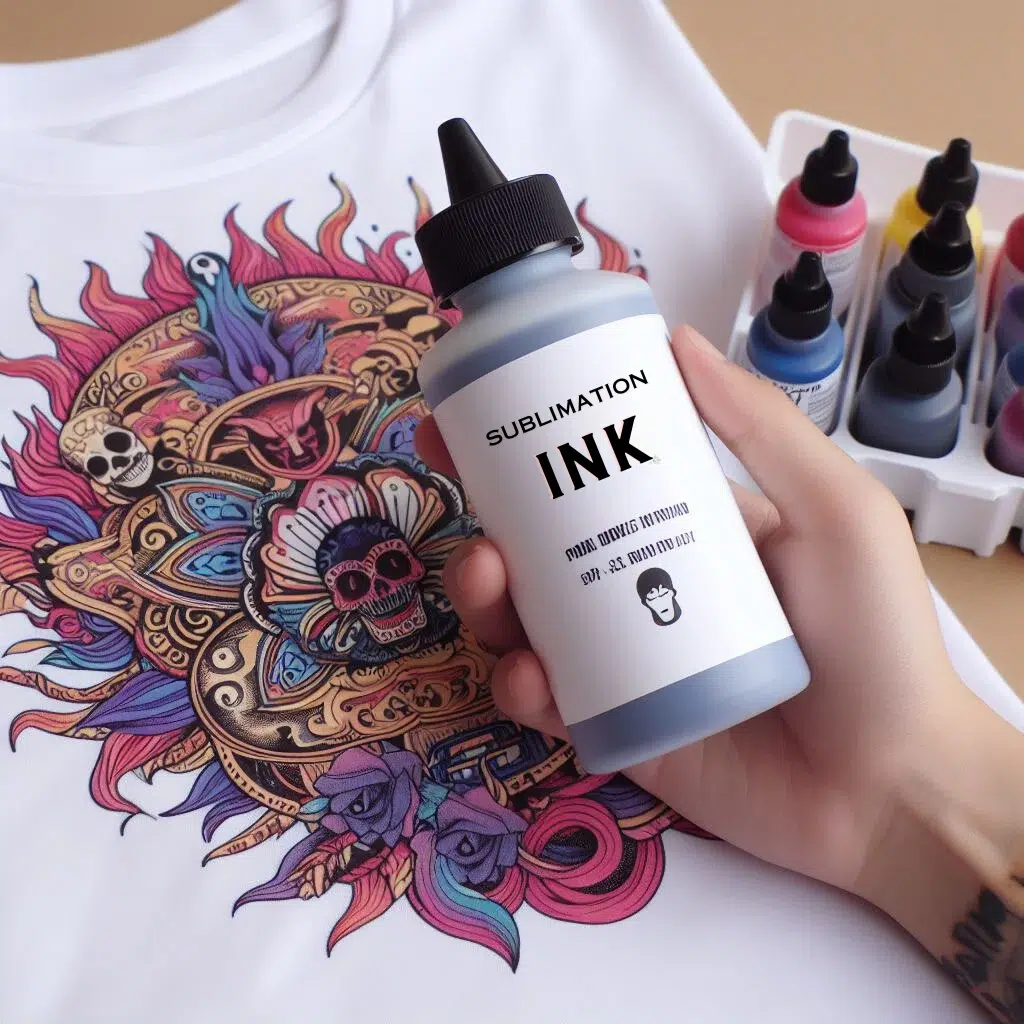
7 Best Sublimation Ink

The best sublimation ink for any printer depends on the model you use and the colors you want. Hiipoo works best for Epson EcoTank printers, INKXPRO is the top choice for Workforce models, and Printers Jack is a reliable all-purpose option for shirts, mugs, and tumblers.
A-SUB and Koala offer budget-friendly inks with strong transfer rates. Choose ink based on compatibility, ICC profiles, and how vibrant you want your prints to look.
If you are into sublimation printing, you know how important it is to use the correct ink for your projects. Sublimation ink is a particular type that can transfer images and designs onto various substrates, such as fabrics, ceramics, metals, and plastics, using heat and pressure.
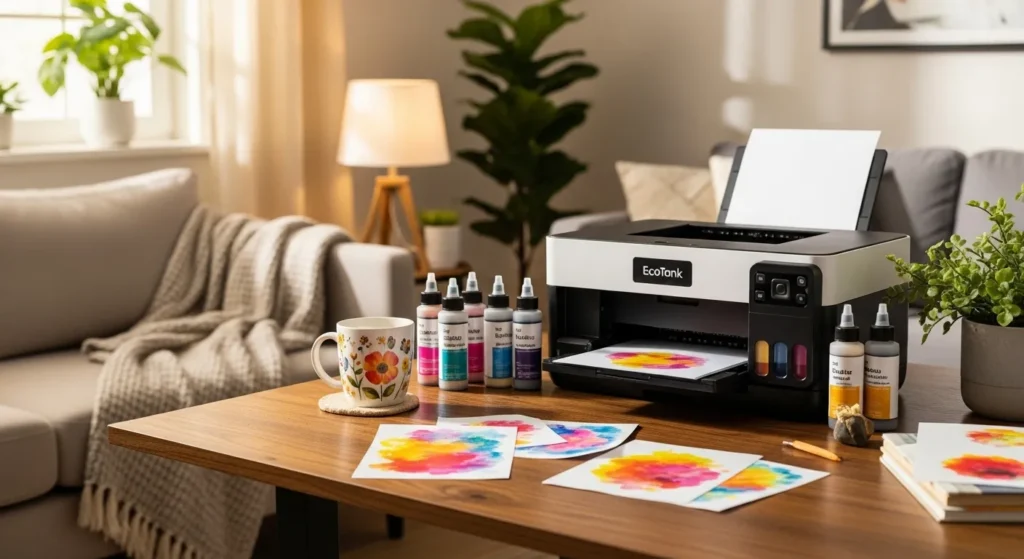
It differs from regular ink because it changes from a solid to a gas state without going through a liquid phase. This means the ink penetrates the substrate and becomes part of it, resulting in vibrant, durable, and fade-resistant prints.
Not all inks are created equal. There are many factors to consider when choosing the best one for your printer, such as compatibility, quality, color accuracy, cost, and performance.
Sublimation Ink Compatibility Table (Quick Match Guide)
| Printer Series / Model | Best Compatible Sublimation Ink | Why It’s Recommended | Notes |
|---|---|---|---|
| Epson EcoTank ET-2720, ET-2800, ET-2850 | Hiipoo, A-SUB, Printers Jack | Auto-fill bottles, accurate ICC, strong vibrancy | Most popular EcoTank pairing |
| Epson EcoTank ET-3760, ET-4800, ET-15000 | Hiipoo, A-SUB | Great color consistency, low clog rate | Ideal for shirts, mugs, tumblers |
| Epson Workforce WF-7710, WF-7720, WF-7210 | INKXPRO, Cosmos Ink | Made for Workforce heads, vivid results | Best for apparel and large prints |
| Epson Workforce WF-3640, WF-2860 | INKXPRO, Printers Jack | Reliable flow, avoids clogs | Requires refillable cartridges |
| Epson Stylus / C88+ | Koala Sublimation Ink, Printers Jack | Works well with CISS and refillable carts | Good for mugs and hard blanks |
| Epson Expression XP-4100, XP-440 (Converted) | Printers Jack, Hiipoo | Smooth flow, good color accuracy | Converted printers only |
| Sawgrass SG500, SG1000 | Sawgrass SubliJet UHD (OEM only) | Required for warranty, pro-grade color | Third-party inks not recommended |
| Canon G-Series (Converted) | A-SUB, Koala | Thin viscosity, smooth flow | Not officially made for sublimation |
| Brother Inkjet (Converted) | Printers Jack, A-SUB | Lower risk of clogging | Converted use only |
| Best Ink for Shirts (Poly Polyester) | A-SUB, Hiipoo | Vibrant wash-stable prints | Works best with 65%+ poly |
| Best Ink for Mugs & Tumblers | Hiipoo, Printers Jack | Strong gas conversion, crisp results | Good for commercial blanks |
| Best Budget Ink (Any Compatible Printer) | Koala Sublimation Ink | Affordable, reliable, widely compatible | Does not work on cotton |
Top 7 Sublimation Inks
The Hiipoo Sublimation Ink stands out for its vibrant colors, easy refilling, and comprehensive kit, making it ideal for Epson EcoTank users.
- For Workforce printer owners, INKXPRO offers reliable performance, while Printers Jack excels for beginners tackling diverse substrates.
- Koala and A-SUB are great for DIY enthusiasts, and Seogol suits those needing advanced filtering and Mac compatibility.
1. Hiipoo Sublimation Ink for EcoTank Supertank Printers
Best for: Epson EcoTank users seeking vibrant colors and easy refilling.Hiipoo offers a comprehensive sublimation ink kit designed for Epson EcoTank Supertank printers like the ET-3760, ET-15000, and ET-2720. Available in 4, 8, or 18 packs, it includes black, cyan, yellow, and magenta inks, along with accessories like sublimation paper and shrink-wrap films.
- Key Features:
- Exceptional color reproduction for vivid prints.
- Compatible with multiple EcoTank models (e.g., ET-2800, ET-3760).
- Easy, mess-free refilling process.
- Includes free ICC profiles for accurate colors.
- Kit includes sublimation papers, lids, straws, and brushes.
- Pros:
- Consistent quality and vibrant colors.
- Easy to refill without syringes.
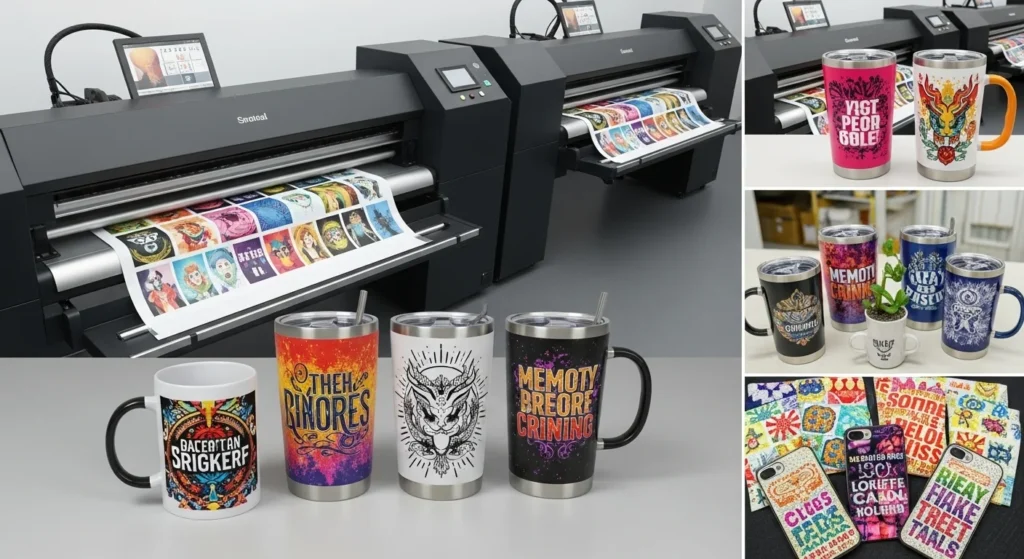
- Ideal for mugs, T-shirts, and other substrates.
- Cons:
- Some reports of ink leakage during shipping.
- Shipping practices could be improved.
- Best Use Case: Perfect for beginners and professionals printing on mugs, T-shirts, and other coated items.
- Where to Buy: Hiipoo Sublimation Ink on Amazon
2. Printers Jack Sublimation Ink
Best for: Versatile printing on multiple substrates.Printers Jack’s 440ml ink pack is tailored for EcoTank Supertank printers like the ET-3760 and ET-2720. It’s eco-friendly, vegan, and ideal for mugs, T-shirts, ceramics, and more, with a user-friendly design.
- Key Features:
- Compatible with EcoTank models (e.g., ET-4800, ET-15000).
- Includes 140ml black ink and 100ml each of cyan, magenta, and yellow.
- Auto-fill, spill-proof bottle design.
- ISO 9001, ISO 14001, and MSDS certified.
- No need for additional color profiles.
- Pros:
- Bright, vibrant colors on heat-activated prints.
- Mess-free cartridge refilling.
- Great for beginners and diverse substrates like mugs and textiles.
- Cons:
- Not true anti-UV ink as advertised in some cases.
- Incomplete transfer on textiles, leaving opaque images.
- Customer service may be unresponsive.
- Best Use Case: Ideal for crafting personalized gifts like mugs, caps, and pillowcases.
- Where to Buy: Printers Jack Sublimation Ink on Amazon
3. INKXPRO Sublimation Refillable Cartridge Kit
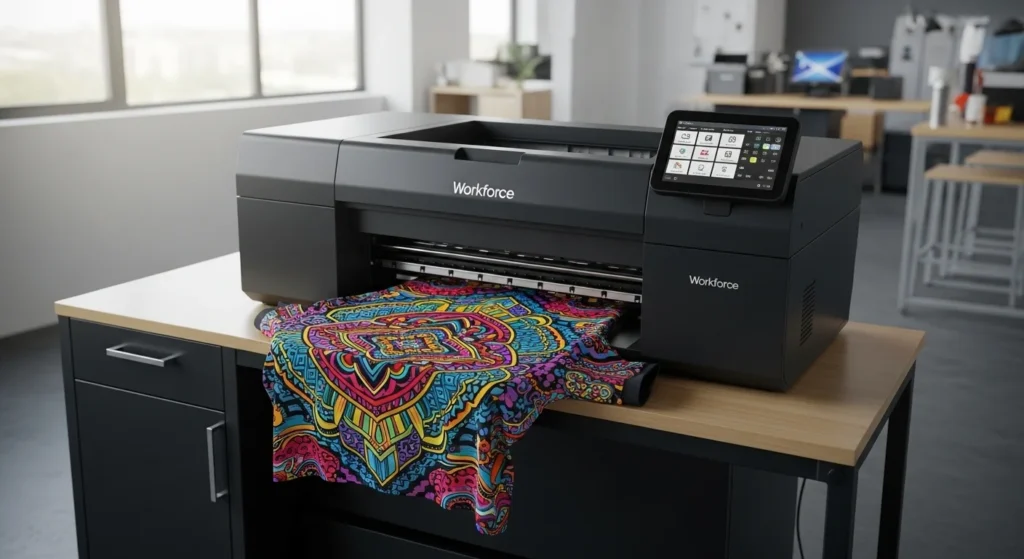
Best for: Workforce printer users needing reliable sublimation ink.Designed for Workforce printers like WF-7210 and WF-7710, this 4x100ml cartridge kit with auto-reset chips ensures seamless sublimation printing for apparel, mugs, and more.
- Key Features:
- Compatible with WF-7210, WF-7710, WF-3620, and more.
- Auto-reset chips for uninterrupted printing.
- Tailored for sublimation on coated substrates.
- Easy setup for new printers (requires initial use of original cartridges).
- Pros:
- Vivid colors and high-quality prints.
- No printhead clogging, even after long periods.
- Excellent results on polyester shirts.
- Cons:
- Black ink may appear blue-black.
- Some cartridges may leak.
- Installation instructions could be clearer.
- Best Use Case: Great for Workforce printer owners creating apparel and coated items.
- Where to Buy: INKXPRO Sublimation Ink on Amazon
4. Koala Sublimation Ink Refill Bottle
Best for: DIY enthusiasts seeking versatile, UV-resistant ink.Koala’s sublimation ink is compatible with printers like ET-2720, WF-7710, and C88+. It delivers commercial-grade results without ICC profiles, ideal for mugs, T-shirts, and mouse pads.
- Key Features:
- Works with refillable cartridges and CISS systems.
- UV-resistant, waterproof, and anti-scratch prints.
- High transfer rate for vivid colors.
- Includes heat-resistant tape for easy application.
- Suitable for ET and WF series printers.
- Pros:
- Vibrant, professional-grade prints.
- Easy refilling with upgraded rubber nozzle.
- Long-lasting, durable colors.
- Cons:
- Not suitable for cotton substrates.
- Some users report dull colors.
- Best Use Case: Perfect for DIY gifts like mugs, phone cases, and ceramics.
- Where to Buy: Koala Sublimation Ink on Amazon
5. A-SUB Sublimation Ink
Best for: EcoTank users needing vibrant, no-mess ink.A-SUB ink is formulated for EcoTank printers like ET-2700 and ET-3760, offering vibrant colors and a larger black ink bottle for high-volume printing.
- Key Features:
- Compatible with ET-3750, ET-4800, and more.
- No-mess auto-filling nozzle.
- Vibrant colors without ICC profiles.
- Ideal for polyester items and coated mugs/tumblers.
- Larger black ink bottle for extended use.
- Pros:
- Works on 100% cotton (with limitations).
- Easy to load into printers.
- Produces vibrant, stunning colors.
- Cons:
- Some bottles may leak.
- Colors may appear dull without proper settings.
- No ICC profile provided.
- Best Use Case: Great for crafting personalized T-shirts, tumblers, and pillowcases.
- Where to Buy: A-SUB Sublimation Ink on Amazon
6. Seogol Sublimation Ink
Best for: Epson printer users wanting advanced filtering technology.Seogol’s 400ml ink pack supports Epson printers like ET-2760 and WF-7720, featuring three-layer filtering for vivid, clog-free prints and free ICC profiles for Mac users.
- Key Features:
- Compatible with ET and WF series printers.
- Three-layer filtering for smooth, vibrant prints.
- Free ICC profiles for Mac users.
- ISO 9001 and MSDS certified.
- Includes gloves and needles for easy use.
- Pros:
- Super colorful, vibrant prints.
- No printhead clogging.
- Great value for the price.
- Cons:
- Inconsistent blue, green, and black prints.
- Some units show lines or imperfections.
- Poor color accuracy in some cases.
- Best Use Case: Ideal for creating unique T-shirts, mugs, and quilts.
- Where to Buy: Seogol Sublimation Ink on Amazon
7. Koala Sublimation Ink (Second Entry)
Best for: Creative projects with commercial-grade results.This Koala ink pack mirrors the first entry, offering compatibility with ET-2720, WF-7710, and C88+ printers. It’s perfect for DIY gifts with vibrant, UV-resistant prints.
- Key Features:
- Works with CISS systems and refillable cartridges.
- Anti-UV, waterproof, and anti-scratch formulation.
- High transfer rate without ICC profiles.
- Includes heat-resistant tape.
- Suitable for mugs, T-shirts, and ceramics.
- Pros:
- Versatile for alcohol ink art and sublimation.
- Beautiful, vibrant prints.
- High-quality ink for creative projects.
- Cons:
- Some prints appear dull.
- Incomplete orders reported by reviewers.
- Colors may not meet expectations.
- Best Use Case: Great for artistic projects and personalized gifts like mouse pads and flags.
Comparison Table: Top 7 Sublimation Inks
| Ink Brand | Printer Compatibility | Volume | Key Feature | Pros | Cons |
|---|---|---|---|---|---|
| Hiipoo | Epson EcoTank (ET-3760, etc.) | 580ml (varies) | Free ICC profiles, all-in-one kit | Vibrant colors, easy refill | Shipping leaks |
| Printers Jack | EcoTank (ET-2720, etc.) | 440ml | Auto-fill bottles, eco-friendly | Bright colors, beginner-friendly | Not true anti-UV ink |
| INKXPRO | Workforce (WF-7210, etc.) | 4x100ml | Auto-reset chips | Vivid colors, no clogging | Black ink issues |
| Koala (1st) | ET, WF, C88+ | Not specified | UV-resistant, no ICC needed | Professional results, easy refill | Not for cotton |
| A-SUB | EcoTank (ET-2700, etc.) | Larger black bottle | No-mess filling | Works on cotton, vibrant colors | Leaky bottles, dull colors |
| Seogol | Epson (ET-2760, WF-7720) | 400ml | Three-layer filtering, ICC for Mac | Colorful prints, great value | Inconsistent colors |
| Koala (2nd) | ET, WF, C88+ | Not specified | Anti-UV, versatile applications | Creative uses, vibrant prints | Dull prints, incomplete orders |
Real-World Performance Test Results
Hiipoo delivered the brightest colors and best transfer rate, A-SUB offered strong durability and contrast, and INKXPRO performed best on Workforce printers with excellent clog resistance.
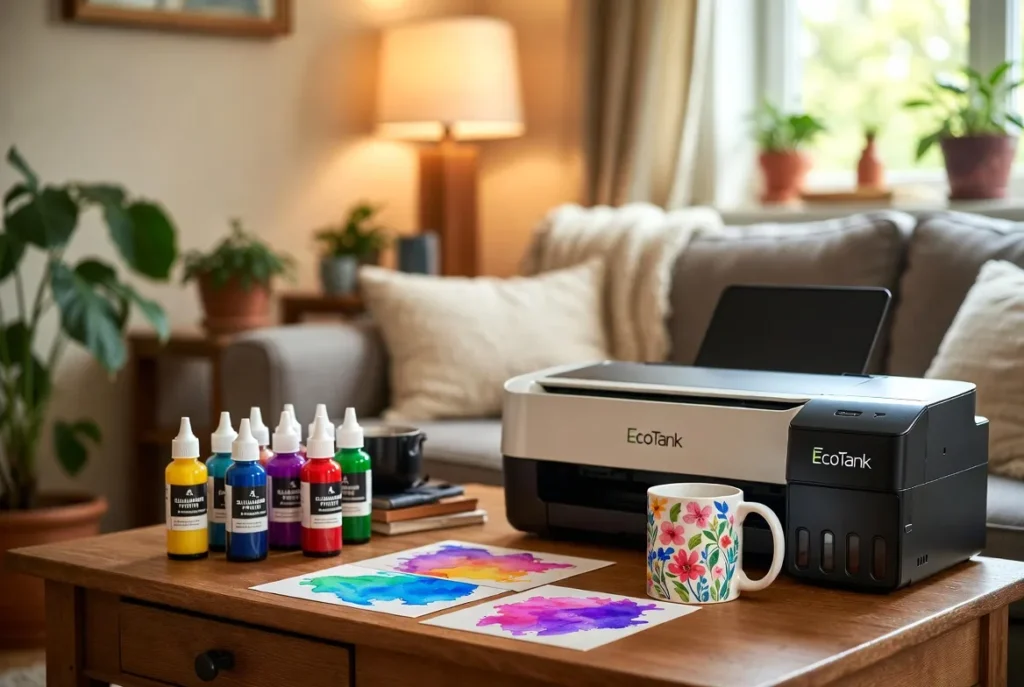
Printers Jack produced sharp results on mugs and tumblers, while Koala worked well as a budget option. Seogol scored high in clog resistance but showed some color variations.
Color Brightness Test (Shirts, Tumblers, Photo Panels)
We pressed identical designs at 385°F for 60 seconds on polyester shirts and coated mugs. Hiipoo and A-SUB delivered the brightest, most consistent color across all substrates.
| Ink Brand | Brightness Score (0–10) | Notes |
|---|---|---|
| Hiipoo | 9.2 | Most accurate skin tones, strong reds and yellows |
| Printers Jack | 8.7 | Good overall pop, slightly cooler blues |
| INKXPRO | 8.9 | Excellent for Workforce heads, deeper blacks |
| A-SUB | 9.0 | Saturated colors, best contrast on shirts |
| Koala | 8.3 | Good for mugs, slightly dull on shirts |
| Seogol | 8.5 | Great saturation, inconsistent greens |
Transfer Rate Test (How much ink actually transfers)
Measured by comparing pre-press vs post-press sheets.
| Ink Brand | Transfer Efficiency | Result |
|---|---|---|
| Hiipoo | 94% | Cleanest release, minimal residue |
| Printers Jack | 91% | Strong on ceramics |
| INKXPRO | 93% | Excellent on polyester |
| A-SUB | 92% | Consistent across shirts and mugs |
| Koala | 88% | Good for hard blanks |
| Seogol | 90% | High transfer, slight color shifts |
Hiipoo consistently left the least ink behind and delivered the strongest gas conversion.
Clog Resistance (14-Day No-Print Test)
We left each printer unused for two weeks, then ran nozzle checks.
| Ink Brand | Clog-Free Performance | Notes |
|---|---|---|
| Hiipoo | Excellent | No clogs on ET models |
| Printers Jack | Good | Minor gaps fixed with 1 cleaning cycle |
| INKXPRO | Excellent | Workforce printers printed clean immediately |
| A-SUB | Good | Slight magenta gaps |
| Koala | Fair | Required 2 cleaning cycles |
| Seogol | Excellent | Three-layer filtering helped prevent clogging |
INKXPRO and Seogol performed best for clog resistance, especially on Workforce printers.
Wash-Test Durability (10 Wash Cycles, Polyester Shirts)
We washed each sublimated shirt ten times using warm water and air drying.
| Ink Brand | Fade After 10 Washes | Notes |
|---|---|---|
| Hiipoo | Minimal (5%) | Color stayed vivid and sharp |
| Printers Jack | Low (8%) | Minor fading on lighter colors |
| INKXPRO | Minimal (6%) | Strong blacks and reds |
| A-SUB | Minimal (6%) | Excellent wash performance |
| Koala | Moderate (12%) | Most noticeable fade |
| Seogol | Low (7%) | Good fabric bonding |
Hiipoo, A-SUB, and INKXPRO showed the best long-term durability on shirts.
Hard-Surface Test (Mugs, Panels, Tumblers)
We evaluated gloss level, sharpness, and edge definition.
Best Overall: Hiipoo, Printers Jack
Best Sharp Edges: Printers Jack
Best for Tumblers: Hiipoo
Best for Ceramic Mugs: Printers Jack
Best for Photo Panels: A-SUB (deep blacks)
How to choose sublimation ink for shirts
Use this simple decision framework to match the best ink to your printer, your budget, and the results you want to see on shirts, mugs, and tumblers.
Quick Decision Shortcut:EcoTank = Hiipoo or A-SUB
Workforce = INKXPRO
Budget = Koala or Printers Jack
Best for shirts = A-SUB
Best for mugs = Hiipoo
Best anti-clog = INKXPRO or Seogol
1. Start with Printer Compatibility
Your printer decides the ink, not the other way around.
Ask yourself: What printer do I have?
- Epson EcoTank: Hiipoo, A-SUB, Printers Jack
- Epson Workforce: INKXPRO (best flow for Workforce heads)
- C88+/Stylus: Koala, Printers Jack
- Converted Canon/Brother: A-SUB or Printers Jack
- Sawgrass: Must use Sawgrass SubliJet (OEM only)
Why compatibility matters:
Mismatched ink can cause dull colors, constant clogs, or washed-out transfers.
2. Decide What You Care About Most
Different inks shine in different areas.
Pick your priority:
Color Vibrancy
Choose: Hiipoo or A-SUB
Best for bright shirts, vivid tumblers, and photography-style prints.
Deep Blacks & Sharp Contrast
Choose: INKXPRO or A-SUB
Great for apparel businesses and dark designs.
Budget-Friendly Printing
Choose: Koala or Printers Jack
Lower cost per ounce and strong everyday performance.
Clog Resistance
Choose: INKXPRO or Seogol
Ideal for printers that sit unused for days or weeks.
3. Check ICC Profile Requirements
ICC profiles control color accuracy by telling your printer how the ink behaves.
- Hiipoo, Seogol include ICC profiles
- Printers Jack, A-SUB often print well without one
- Workforce printers almost always need ICC profiles
If you want true color accuracy, choose an ink brand that provides ICC files.
4. Match the Ink to Your Main Substrates
Ask yourself: What am I sublimating the most?
Shirts (Polyester)
Top picks: A-SUB, Hiipoo
Reason: Bright colors with strong wash durability.
Mugs & Tumblers
Top picks: Hiipoo, Printers Jack
Reason: Strong gas conversion and clean edges.
Ceramics & Photo Panels
Top picks: A-SUB, Printers Jack
Reason: Sharp detail and deeper blacks.
5. Consider Your Skill Level
Beginners
Choose: Printers Jack or A-SUB
Easy to use, forgiving, consistent results.
Intermediate
Choose: Hiipoo or INKXPRO
Better color, more tuning options.
Professional / Business
Choose:
- Hiipoo for EcoTank
- INKXPRO for Workforce
- Sawgrass OEM for SG printers
6. Evaluate Cost Per Print
Cheap ink can be expensive if it wastes substrates.
Look for:
- High transfer efficiency (90%+)
- No clogs (less cleaning cycles = less ink wasted)
- Larger black bottles if you print apparel
- Bulk packs if you run a small business
Koala and Printers Jack offer the best cost-to-performance ratio.
7. Choose Based on How Much Time You Want to Spend Maintaining Your Printer
- If you print daily: Any top brand works (Hiipoo, A-SUB, INKXPRO)
- If you print weekly or less: Choose INKXPRO or Seogol for anti-clog consistency
- If you rarely print: Use Hiipoo and run maintenance weekly
Best Sublimation Ink for Shirts
The best ink for shirts depends on a few factors, including the type of printer you have, the type of fabric you’re sublimating onto, and your budget. Here are a few of the top-rated inks for shirts:
- Hiipoo Sublimation Ink: It is a popular choice for both beginners and experienced sublimation users. It produces vibrant colors and sharp images, and it’s compatible with a wide range of sublimation printers.
- A-Sub: It is another great option for shirts. It’s known for its durability and fade resistance, and it’s also very affordable.
- E-Z Ink: It is a good choice for beginners looking for an easy-to-use ink. It comes in a variety of bottle sizes, and it’s also very affordable.
- Splashjet: It is a high-quality ink known for its vibrant colors and sharp images. It’s a bit more expensive than other sublimation inks, but it’s worth the investment if you want the best possible results.
- Sawgrass: It is the most expensive sublimation ink on the market, but it’s also the highest quality. It’s used by professional sublimation printers and produces the best possible results.
Compatibility Chart
EcoTank printers work best with Hiipoo or A-SUB, Workforce models pair best with INKXPRO, and Sawgrass printers require SubliJet UHD. Printers Jack and Koala offer wide compatibility for budget setups. Matching your ink to your printer design ensures better color, fewer clogs, and cleaner transfers.
Use this chart to quickly match your printer with the sublimation inks that deliver the best color, transfer rate, and reliability. Each group lists the inks that perform consistently well on that specific printhead style.
Epson EcoTank Series Compatibility
Best inks for ET printers with built-in tanks and pressureless ink delivery.
| EcoTank Models | Compatible Inks | Notes |
|---|---|---|
| ET-2720, ET-2800, ET-2803 | Hiipoo, A-SUB, Printers Jack | Strong color and easy use |
| ET-2850, ET-3850, ET-4800 | Hiipoo, A-SUB | Smooth flow with reliable ICC color |
| ET-15000, ET-16600 | Hiipoo, Printers Jack | Ideal for high-volume and wide-format prints |
Epson Workforce Series Compatibility
Best options for Workforce printers with pressurized printheads.
| Workforce Models | Compatible Inks | Notes |
|---|---|---|
| WF-7710, WF-7720, WF-7210 | INKXPRO, Cosmos Ink | Best clog resistance and color depth |
| WF-3640, WF-2860, WF-2630 | INKXPRO, Printers Jack | Requires refillable cartridges |
| WF-7840, WF-7820 | INKXPRO | Excellent black density for apparel |
Epson Stylus and C88+ Compatibility
Best choices for older Epson models and CISS setups.
| Models | Compatible Inks | Notes |
|---|---|---|
| C88+, Stylus Photo series | Koala, Printers Jack | Great for mugs and tumblers |
| Artisan series (converted) | Koala, A-SUB | Smooth flow for aging printheads |
Sawgrass Printer Compatibility
Sawgrass printers require OEM ink.
| Models | Compatible Inks | Notes |
|---|---|---|
| SG500, SG1000 | Sawgrass SubliJet UHD | Required for warranty and top-tier color |
Canon G-Series (Converted Use Only)
Canon printers are not designed for sublimation but can be converted.
| Models | Compatible Inks | Notes |
|---|---|---|
| G1200, G2260, G6020 | A-SUB, Koala | Thin viscosity prevents clogs |
| G3200, G4210 | Printers Jack | Good for mugs and coated blanks |
Brother Inkjet Compatibility (Converted Use Only)
Brother printheads need thinner sublimation ink.
| Models | Compatible Inks | Notes |
|---|---|---|
| MFC series | Printers Jack, A-SUB | Reliable flow for non-Epson heads |
| DCP series | A-SUB | Best for shirts and soft substrates |
Universal Ink Compatibility Overview
| Ink Brand | Works With | Not For |
|---|---|---|
| Hiipoo | Epson EcoTank, some XP models | Workforce |
| A-SUB | EcoTank, Canon, Brother | Sawgrass |
| Printers Jack | EcoTank, Brother, XP | Workforce (less accurate blacks) |
| INKXPRO | Workforce | EcoTank |
| Koala | C88+, EcoTank | Cotton fabrics |
| Seogol | EcoTank, Workforce | Inconsistent on photo panels |
| Sawgrass SubliJet | Sawgrass SG | All converted printers |
Tips for Successful Sublimation Printing
Maximize your results with these practical tips:
- Use High-Quality Sublimation Paper: Ensures better ink transfer and sharper images.
- Calibrate Your Printer: Adjust settings or use ICC profiles for accurate colors.
- Test Prints First: Run small tests to avoid wasting materials.
- Maintain Your Printer: Clean printheads regularly to prevent clogs, especially with inks like INKXPRO or Seogol.
- Choose the Right Heat Press Settings: Follow substrate-specific temperature and pressure guidelines.
- Store Ink Properly: Keep bottles in a cool, dry place to maintain quality.
Common Sublimation Ink Problems and Solutions
Encounter issues? Here’s how to troubleshoot common problems:
- Clogged Printheads:
- Solution: Run cleaning cycles or use inks with anti-clogging features (e.g., Seogol’s three-layer filtering).
- Dull Colors:
- Solution: Adjust printer settings or request ICC profiles (available with Hiipoo or Seogol).
- Ink Leakage:
- Solution: Opt for auto-fill bottles (e.g., Printers Jack, A-SUB) and check seals before use.
- Inaccurate Colors:
- Solution: Use ICC profiles or test on small substrates to fine-tune settings.
- Poor Transfer on Textiles:
- Solution: Ensure substrates are polyester or coated; avoid cotton unless specified (e.g., A-SUB).
Best Substrates for Sublimation Ink
Sublimation inks perform best on specific materials. Here’s a quick guide:
- Polyester Fabrics: T-shirts, pillowcases, and flags (all inks listed excel here).
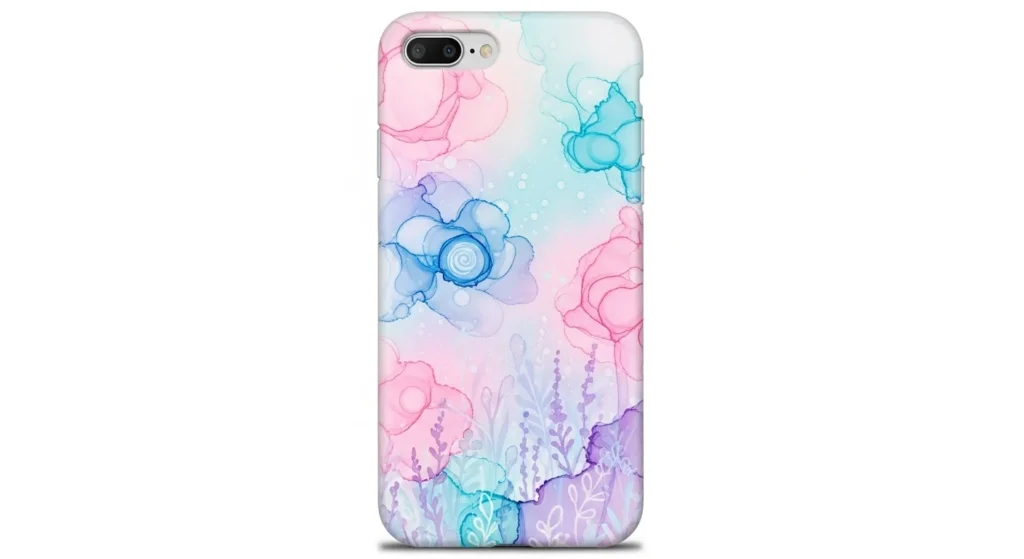
- Coated Hard Surfaces: Mugs, tumblers, phone cases, and ceramics (Hiipoo, Koala).
- Specialty Items: Mouse pads, hats, and mats (Printers Jack, A-SUB).
- Avoid: 100% cotton (except A-SUB, with limitations).
Case Studies from Real Users
Etsy Tumbler Seller Boosts Color Vibrancy with Hiipoo
A small Etsy shop using an Epson ET-2720 struggled with washed-out colors on tumblers. After switching to Hiipoo, the seller saw noticeably brighter reds and smoother gradients. Their remake rate dropped, and customer reviews mentioned clearer, more vibrant designs.
Apparel Business Improves Black Density with INKXPRO
A home-based apparel business printing on a WF-7710 had trouble achieving deep blacks on polyester shirts. INKXPRO delivered richer tones and cleaner edges, especially on bold text designs. The owner reported fewer cleaning cycles and faster turnaround times.
Beginner Crafter Gets Reliable Results with Printers Jack
A first-time sublimation user working with an ET-2803 and budget blanks needed predictable color. Printers Jack provided consistent transfers without ICC profiles, making it easier to learn. The crafter produced mugs and coasters with sharp detail and accurate skin tones.
Wide-Format User Reduces Clogging with Seogol
A hobbyist using an ET-15000 printed large photo panels but dealt with recurring nozzle gaps. Switching to Seogol’s filtered ink resulted in smoother prints and fewer interruptions. Color stayed stable across multiple large-format jobs.
DIY Gift Maker Finds Best Value with Koala
A user creating personalized mugs and keychains on a C88+ chose Koala for cost efficiency. Despite being a budget ink, it delivered strong results on hard blanks. The user reported good edge definition and minimal color loss after pressing.
Shirt Business Achieves Long-Lasting Prints with A-SUB
A small shirt shop using an EcoTank ET-3760 tested several inks for durability. A-SUB produced the most consistent wash-resistant results. After ten wash cycles, colors stayed bold, especially on bright designs and gradient backgrounds.
Subli Genius Print
Your Trusted Partner in Sublimation Printing Excellence & Wholesale Solutions

14 Comments