Tex Print Sublimation Paper Guide: R vs DT Heavy vs XPHR

Search for TexPrint paper and you will find listings titled things like “TexPrint DT Light, XPHR” and wonder whether that is one product or two. You will find TexPrint R sold alongside DT Heavy at the same weight. You will find guides comparing three papers as though they sit on a quality ladder.
None of that is you misreading the listings. The naming genuinely is a mess, and it is a mess because the product names changed while retailers kept selling under the old ones.
Once you know what Beaver Paper actually makes today, the choice takes about ten seconds, because it is not really a choice about paper at all.
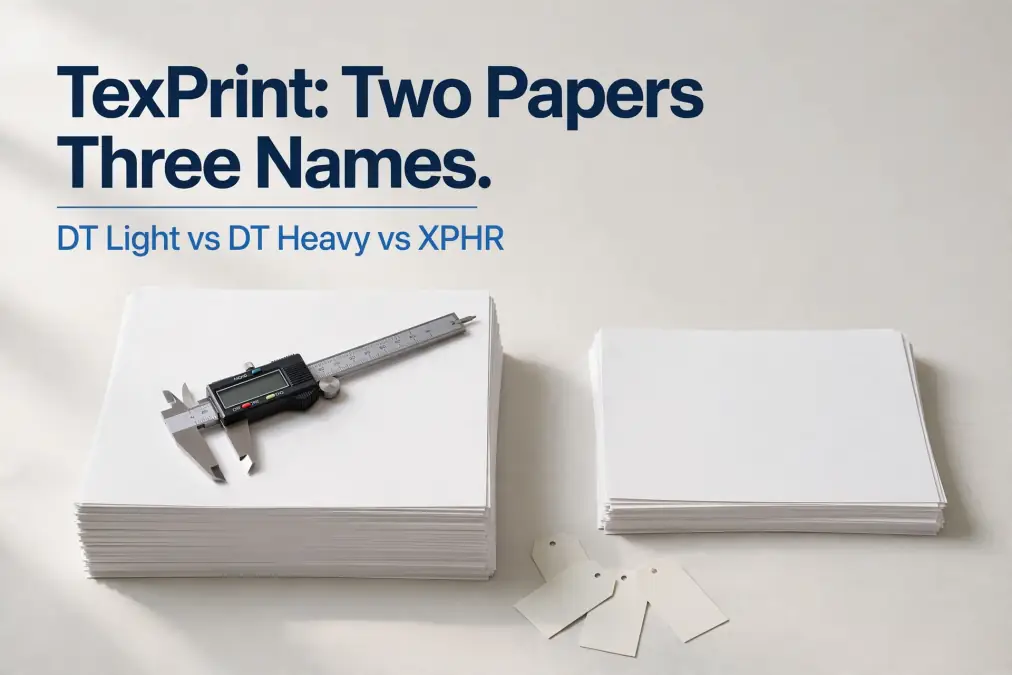
Quick answer: Beaver Paper’s current desktop range is two papers, not three. TexPrint DT Light at 105 gsm is coated for Epson desktop printers. TexPrint DT Heavy at 120 gsm is coated for Ricoh and Sawgrass Virtuoso printers.
XPHR and R are older names for the same two products. Your printer decides which you buy, not your project or your budget.
What Beaver Paper Actually Sells Today
Beaver Paper lists two desktop dye-sublimation papers, and publishes a single combined data sheet covering both. Everything else in the TexPrint family is large format or textile production paper.
| TexPrint DT Light | TexPrint DT Heavy | |
|---|---|---|
| Weight | 105 gsm | 120 gsm |
| Printers | Epson desktop sheet and roll | Ricoh and Virtuoso desktop |
| Substrates | Soft and hard | Soft and hard |
| Also sold as | XPHR, DT XP Light | DTR Heavy, TexPrint R |
TexPrint DT Light (105 gsm)
The lighter of the two, coated specifically for Epson piezo print heads. Beaver describes it as working on both hard and soft substrates, which is the point of the product: one paper and one profile rather than switching stock between a mug job and a shirt job.
This is the paper most home and small shop sublimation runs on, because most home and small shop sublimation runs on Epson hardware, whether that is a SureColor or a converted EcoTank.
TexPrint DT Heavy (120 gsm)
The heavier sheet, coated for Ricoh and Sawgrass Virtuoso desktop machines. Same substrate range, same hybrid approach, different coating chemistry to suit a different ink system.
The extra 15 gsm is not a quality upgrade. It is what the coating and the ink system require, which is a distinction worth holding onto if you are tempted to buy the heavier paper because heavier sounds better.
Where the R and XPHR Names Come From
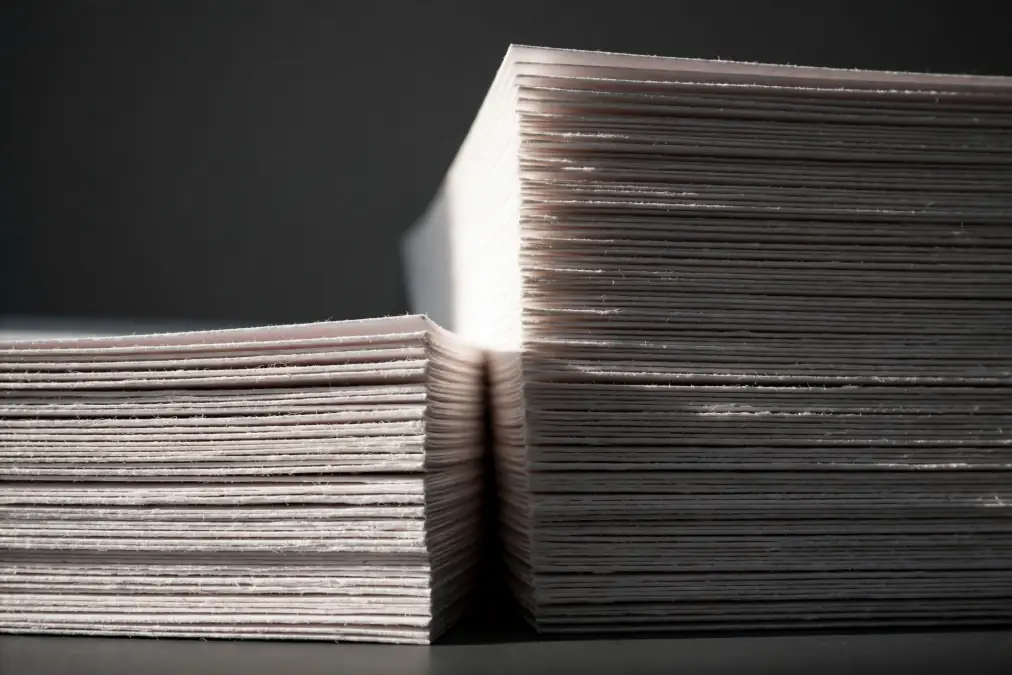
Both older names are still in wide circulation, and plenty of distributors have not updated their product titles.
XPHR maps to DT Light. You will see listings titled “TexPrintDT Light, Epson Sublimation Paper, TexPrint-XPHR” with a single 105 gsm product underneath. That is not two papers bundled together. It is one paper with its old name kept in the title so people searching the old term still find it.
R maps to DT Heavy. TexPrint R was sold as a special-purpose paper for Ricoh and Virtuoso systems at 120 gsm. The current DT Heavy is 120 gsm for Ricoh and Virtuoso, and Beaver’s own branding for it still carries the R designation.
Note: To be precise about what this is based on, the mapping above comes from matching published specifications, weights, and printer compatibility rather than from a formal renaming announcement. If you are buying for a production environment where the exact coating matters, confirm with your distributor rather than relying on the name alone.
The practical takeaway when shopping: ignore the name in the title and look at two numbers. The gsm and the listed printer compatibility tell you what you are actually buying. If a listing gives you neither, buy elsewhere.
Which One Does Your Printer Need?
This is the whole decision, and it is a short one.
Buy DT Light if you have: an Epson SureColor F170 or F570, an Epson EcoTank converted to sublimation ink, or any other Epson desktop machine running sublimation ink.
Buy DT Heavy if you have: a Sawgrass Virtuoso SG500 or SG1000, or a Ricoh desktop sublimation printer.
There is no scenario where you pick between them on price or on the type of blank you are pressing, because both are rated for hard and soft substrates. The printer is the only variable.
If you are still weighing which machine to buy in the first place, our comparison of EcoTank versus Sawgrass covers the cost picture, and the guide to what kind of printer sublimation needs covers the categories.
Does the Weight Difference Matter?
Between these two papers, less than you would expect, because you do not get to choose.
Paper weight in sublimation generally affects how much ink a sheet can hold before it cockles, how well it holds dimensional stability under a heavy ink load, and how it behaves in humid conditions. Heavier paper tends to handle saturated designs and damp workshops better.
Those trade-offs are real when you are choosing between brands at different weights. They are not a decision point here. DT Heavy is 120 gsm because that is what the Ricoh and Virtuoso coating needs, and putting it in an Epson does not give you a heavier-duty version of DT Light. It gives you a paper coated for an ink system you are not using.
If weight selection is what you actually came here for, our sublimation paper guide covers how to choose across the common range.
Free TexPrint Decoder
Bookmark this instead of memorising it. The Decoder puts DT Light and DT Heavy side by side with their legacy names, gsm, and printer compatibility, plus the two-question check reduced to something you can read in five seconds on a phone while you’re standing in front of a confusing listing.
Print it and keep it by your printer, or save it to your phone for next time you’re shopping.
TexPrint Sheet Sizes, Including Mug Paper
One of the practical reasons to buy TexPrint over a generic brand is the size range. Beaver offers a broad selection of desktop sheet sizes, including pre-cut mug sizes that most brands do not stock.
| Size | Typical use |
|---|---|
| 3.5 x 9 in | 11 oz mug wraps |
| 4 x 9.5 in | 15 oz mug wraps |
| 8.5 x 11 in | General purpose, tumbler wraps |
| 8.5 x 14 in | Tall wraps, longer designs |
| 11 x 17 in | Adult apparel, gang sheets |
| 13 x 19 in | Oversized prints |
| A3 | International equivalent |
Pre-cut mug paper saves trimming time and keeps your registration consistent across a batch. It costs more per square inch than cutting your own from letter sheets, so whether it is worth it depends on how many mugs you press.
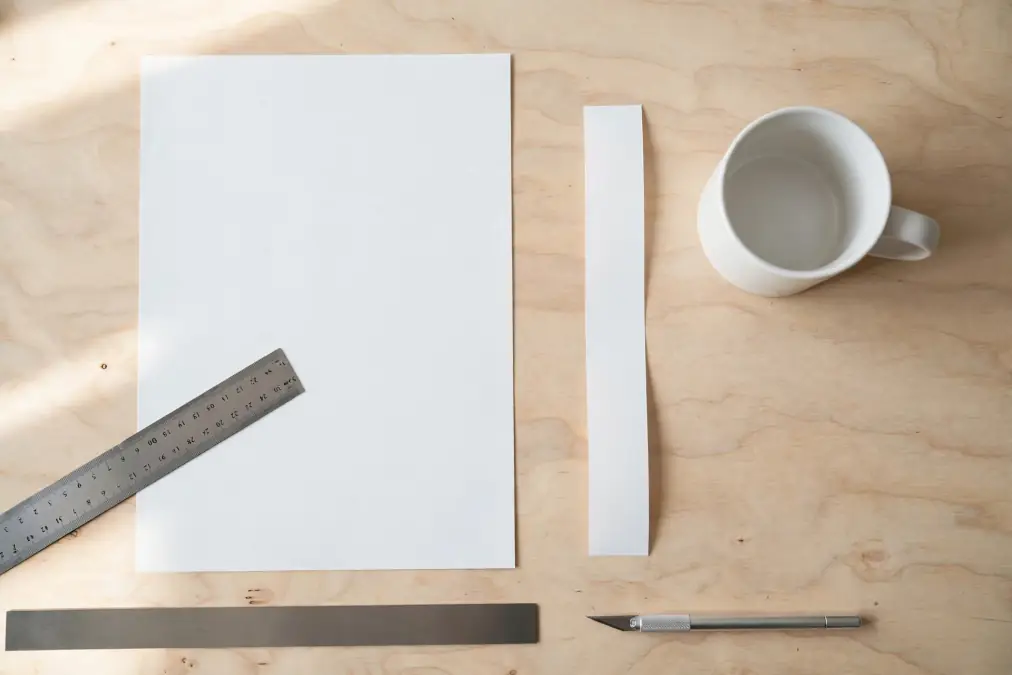
Tip: You do not need a cutting machine for sublimation paper. A straight edge and a craft knife, or a basic guillotine trimmer, will do everything a cutter would. Cutting machines matter for vinyl work, not for trimming transfers. Save the money for blanks.
Check your printer’s sheet capacity before buying the larger sizes, since a pack of 13 x 19 is useless in a machine that tops out at legal.
The Other TexPrint Lines
Search TexPrint and you will also run into XP, Sports, MP, and Moda. These are large format and textile production papers, sold in rolls from 24 inches up to well over three metres wide, for industrial dye-sublimation work.
XP is the original hybrid formulation and the one the desktop papers descend from. Sports is engineered for activewear fabrics that move during transfer. MP is built for high-speed multi-head printers, and Moda targets low ink usage in high-volume textile printing.
None of them are relevant to a desktop setup. If you find yourself comparing them, you have wandered into the industrial catalogue by accident.
Is TexPrint Worth the Premium?
TexPrint sits above the budget end of the market, and it is fair to ask what the difference buys.
What you get is consistency and range. A large manufacturer with published data sheets, coatings matched to specific ink systems, and a size selection that covers mug wraps through 13 x 19. If you sell what you press, a paper that behaves the same way in every pack is worth real money, because a formulation change means re-testing every press setting you rely on.
What you do not get is a transfer that looks obviously different from a well-chosen budget paper on an ordinary job. On a standard polyester shirt with a moderate ink load, the gap between a good mid-range paper and a premium one is narrow, and it narrows further if your press settings are not dialled in.
The honest position is that paper is rarely the limiting factor for a hobbyist. Press temperature, time, pressure, and colour management all move results more than paper choice does. If your transfers are disappointing, changing paper is one of the less likely fixes, and our guide to sublimation paper settings covers the ones worth checking first.
For a broader look at how the options compare, see our sublimation paper buying guide and the paper comparison guide.
Frequently Asked Questions
Can I use sublimation paper in a normal inkjet printer?
You can feed it through, but the result will not transfer. Sublimation depends on the ink, not the paper. Regular dye or pigment ink has nothing that turns to gas under heat, so pressing the print onto a blank does almost nothing.
Our explanation of what happens when you mix sublimation ink and regular printing covers the reverse case too.
Is TexPrint R discontinued?
It is still widely sold by distributors under that name. Beaver Paper’s current desktop lineup lists DT Heavy at the same 120 gsm weight for the same Ricoh and Virtuoso printers, so in practical terms you are buying the same category of product whichever name the listing uses.
Can I use DT Light in a Sawgrass printer?
It will feed and it will print. The coating is formulated for Epson ink systems rather than the Virtuoso one, so colour and transfer efficiency may not match what your ICC profiles expect. If you want to try it, test a small batch against a known result before switching a workflow.
What is the difference between TexPrint XP and XPHR?
XP is the original hybrid formulation, sold mainly as large format roll paper. XPHR is the desktop line, now branded DT Light, at 105 gsm for Epson desktop printers. If you are printing letter-size sheets at home, XPHR or DT Light is the one you want.
Does TexPrint work with third-party sublimation ink?
Generally yes, provided the ink matches the printer type the paper is coated for. The pairing that matters is paper coating to ink system, not paper brand to ink brand. Our guide to sublimation ink options covers which inks suit which machines.
Do I need a cutter for TexPrint mug paper?
No. Pre-cut mug sheets need no trimming at all, and letter sheets only need a straight edge and a knife or a basic trimmer. Cutting machines are for vinyl, not for transfer paper.
Buying TexPrint Without the Confusion
Ignore the product name and read the specification. Two numbers settle it: 105 gsm means Epson, 120 gsm means Ricoh or Virtuoso. Whichever legacy name a distributor has kept in the title, those two figures tell you whether the pack in front of you is the one your printer needs.
If you are buying at volume rather than a pack at a time, the supplier matters as much as the product, since the same paper sold through an unfamiliar reseller can arrive mislabelled or in the wrong size. Our walkthrough on vetting a sublimation transfer paper supplier covers the checks worth making before a large order.