
Sublimation Paper Hub: Types, Uses, and Helpful Guides

Sublimation paper is a coated transfer paper that holds dye-sublimation ink until heat moves the dye into polyester fibers or a polymer-coated surface. The paper you choose affects feeding, drying, release, and transfer consistency, but it is only one part of the full printing setup.
Use this page to understand the main paper categories and find the specialist guide that matches your next step.
Find the Right Sublimation Paper Guide
Choose the resource that matches the job you are trying to do.
| Need | Best resource |
|---|---|
| Choose a paper for your setup | Best Sublimation Paper |
| Compare paper brands or types | Sublimation Paper Comparison |
| Fix printer or paper settings | Sublimation Paper Settings |
| Compare two transfer methods | Sublimation Paper vs Heat Transfer Paper |
| Plan high-volume or wide-format work | 75 GSM Jumbo Rolls |
| Use printed transfers with Cricut | Cricut Sublimation Transfer Paper |
| Prepare oversized Cricut projects | Sublimation Paper for Large Images on Cricut |
| Make sublimation stickers | Sublimation Sticker Paper |
| Buy paper wholesale or in bulk | Vet a Sublimation Transfer Paper Supplier |
What Is Sublimation Paper?
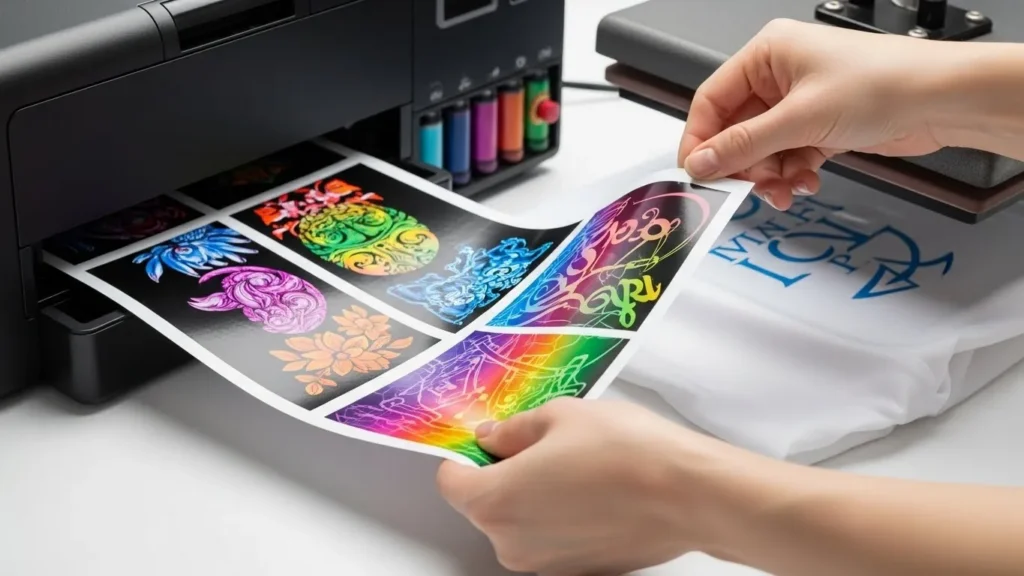
Sublimation paper has a release coating that keeps sublimation ink near the surface instead of letting it soak deeply into the sheet. During pressing, heat turns the dye into a gas so it can bond with compatible polyester or polymer-coated material.
What It Does
- Holds the printed image until transfer
- Releases dye when the correct heat, time, and pressure are applied
- Helps control bleeding, smudging, curling, and edge definition
- Acts as a temporary carrier; it does not become part of the finished item
The final result depends on the complete system: printer, ink, paper, color management, press, and blank. Changing paper can improve a transfer, but it cannot correct an incompatible ink or substrate.
Common Uses
Sublimation paper is commonly used for polyester apparel, coated mugs and tumblers, ornaments, coated metal panels, coasters, puzzles, and other blanks made or coated for sublimation. Check the blank manufacturer’s instructions before pressing.
How It Differs from Regular and Heat-Transfer Paper
Regular copy or inkjet paper does not have the same controlled-release coating. Heat-transfer paper uses a different process that leaves a transfer layer on the surface, while sublimation dye bonds within compatible polyester or polymer coating. For material compatibility and durability differences, see the full sublimation paper vs heat-transfer paper guide.

Main Types of Sublimation Paper
Lightweight Paper and Production Rolls
Lower-GSM paper can suit fast, high-volume equipment and lighter ink coverage, especially when the paper, ink, and printer are designed to work together. Wide-format users should confirm roll width, core size, coating side, printer compatibility, and recommended ink load. The 75 GSM jumbo-roll guide covers this category in more detail.
Medium- and Heavyweight Sheets
Medium- and heavier-weight sheets are common in desktop workflows because they can be easier to handle and may stay flatter with dense designs. A higher GSM number does not automatically mean better transfer quality. Coating, ink capacity, feed reliability, humidity, and printer compatibility also matter.
Adhesive or Tacky Paper
Tacky sublimation paper helps hold a transfer in place on fabric and other suitable projects where movement could cause ghosting. Adhesive strength and peel behavior vary, so follow the paper maker’s directions and test it on the actual blank.
Sublimation Sticker Media
Sticker media is a separate project category rather than a universal replacement for ordinary sublimation paper. It may involve a sublimation-compatible printable surface, laminate, adhesive layer, or vinyl system. Start with the sublimation sticker paper overview before choosing materials.
How to Choose the Right Paper Category
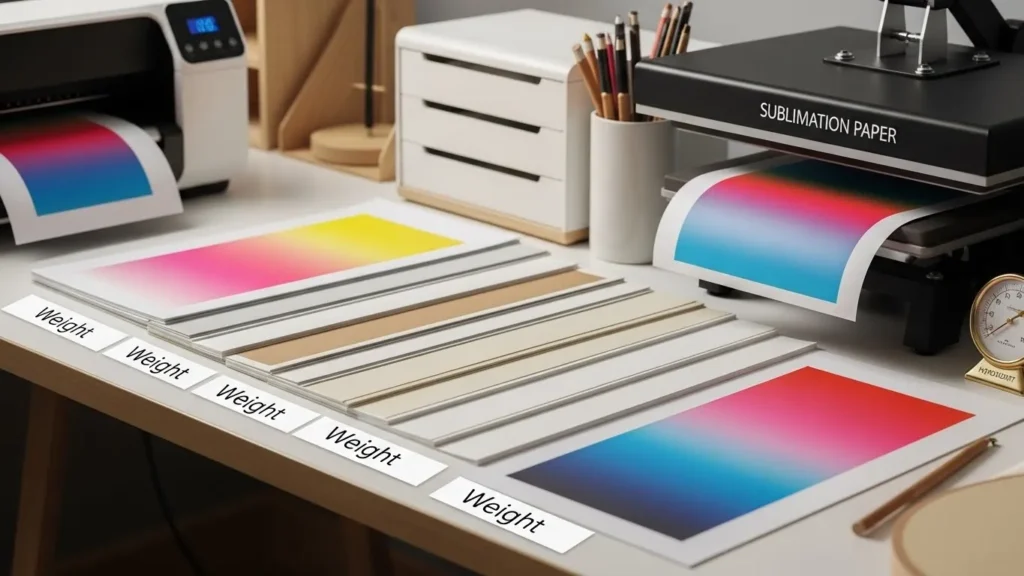
Choose by workflow first, then compare brands within that category.
- Printer and feed path: Confirm supported sheet or roll sizes, thickness, coating orientation, and any manufacturer restrictions.
- Ink coverage: Dense photos and large solid areas place more moisture on the sheet than small logos or light designs.
- Project format: Desktop sheets suit small blanks; rolls support continuous or oversized production.
- Handling needs: Consider curling, drying, tack, peel behavior, and how easily the transfer can be aligned.
- Environment: Humidity and storage can change how paper feeds and dries.
- Blank and press: Paper must work with the substrate coating and the press method used for that blank.
For product-level recommendations, use the best sublimation paper guide. To compare features across brands and paper types, use the paper comparison guide.
Printer, Color, and Heat Settings
Color Management Is Setup-Specific
Do not treat RGB or CMYK as a universal printer setting. The correct workflow depends on the printer, sublimation ink, ICC profile, operating system, design or print software, and the ICC provider’s instructions. Some workflows let the application manage color; others use a printer or RIP workflow. Avoid applying two color-management corrections at the same time unless the profile provider explicitly requires it.
If color is inaccurate, follow the instructions supplied with your ink and ICC profile, then review RGB vs CMYK and choosing the right ICC profile.
Heat Settings Depend on the Blank and Equipment
There is no single temperature and time that fixes paper residue, dull color, or tumbler problems. The correct combination depends on the blank or substrate, its coating, the heat press or tumbler press, the paper, pressure, and the manufacturers’ recommendations. Start with the blank and paper instructions, test one item, and change one variable at a time.
For paper-related print and transfer adjustments, use the sublimation paper settings guide. For press setup, see how to set up a heat press for sublimation.
Sheet Sizes, Rolls, and Bulk Paper
Desktop paper is commonly sold in letter, A4, legal, tabloid, and larger cut-sheet formats. Production paper is also sold in rolls. Choose a size that fits the printer without trimming inside the feed path and leaves enough margin to secure the transfer to the blank.
When Rolls Make Sense
Roll paper is useful when a compatible printer accepts continuous media or when production volume makes cut sheets inefficient. Check roll width, core diameter, winding direction, coating side, and take-up requirements before ordering.
Buying in Bulk
A low unit price does not help if the coating, width, or packaging is inconsistent. Request specifications and samples, test the same design across several sheets or roll sections, and confirm storage and replacement terms before placing a large order. Use the supplier-vetting checklist for wholesale purchases.
Cricut and Sticker Projects
A Cricut does not print sublimation ink. In a typical workflow, a sublimation printer prints the transfer and Cricut software or hardware helps with design preparation, cutting, alignment, or related materials.
- Start with Cricut sublimation transfer paper basics for the standard workflow.
- Use the large-image Cricut guide for oversized designs, tiling, and alignment.
- Use the sticker paper guide for compatible sticker systems and material choices.
Common Paper Problems: Where to Start
| Symptom | First checks |
|---|---|
| Curling or head strikes | Paper orientation, ink load, humidity, storage, and a paper type supported by the printer |
| Smudging | Correct print side, ink load, drying conditions, feed path, and paper coating |
| Dull or shifted color | Ink and blank compatibility, ICC workflow, press accuracy, and whether color management is being applied twice |
| Ghosting or blurred edges | Transfer movement, paper tack, pressure, alignment, and removal technique |
| Residue or sticking | Paper and blank compatibility, protective materials, pressure, peel instructions, and manufacturer settings |
A symptom can have more than one cause. Test on a spare blank and change one variable at a time. The settings guide provides the detailed troubleshooting steps without turning this hub into a full settings chart.
How to Store Sublimation Paper
- Keep unused paper in its original packaging or another sealed, clean container.
- Store sheets flat and protect rolls from crushed edges.
- Keep paper away from direct sunlight, liquid, dust, and large humidity swings.
- Allow cold paper to reach room conditions before opening the package if condensation is possible.
- Follow the paper manufacturer’s storage and shelf-life guidance instead of assuming one expiration period for every brand.
Printed transfers should stay flat, clean, and dry until pressing. If a stored transfer is important or has been exposed to changing conditions, test it before using an expensive blank.
Frequently Asked Questions
Do You Need Sublimation Ink for Sublimation Paper?
Yes. The paper is designed to carry dye-sublimation ink. Ordinary inkjet ink does not become sublimation dye during pressing.
Can You Use Regular Copy Paper for Sublimation?
Copy paper may carry some ink, but it is not designed for controlled dye release and is not a dependable substitute for coated sublimation paper.
Is Sublimation Paper the Same as Heat-Transfer Paper?
No. Sublimation transfers dye into compatible polyester or polymer coating. Heat-transfer paper places a transfer layer on the surface and can work with different fabrics, depending on the product.
Can a Normal Printer Print on Sublimation Paper?
Only a compatible inkjet printer using sublimation ink should be used for a standard sublimation workflow. A converted printer must remain dedicated to that ink, and standard laser toner is not sublimation ink.
Can You Use Sublimation Paper with a Cricut?
Yes, as part of a larger workflow. Print the transfer with a sublimation printer; use Cricut tools for supported design, cutting, or alignment tasks.
Can You Reuse Sublimation Paper After Pressing?
Do not reuse it for a finished transfer. The first press removes much of the dye, so later impressions are weak and unpredictable.
Choose a Guide and Test the Full Setup
Start with the paper category that fits your printer and project, then test the paper, ink, blank, color workflow, and press together. Use the guide table near the top of this page when you need detailed settings, brand comparisons, Cricut help, sticker media, or bulk-buying advice.



12 Comments